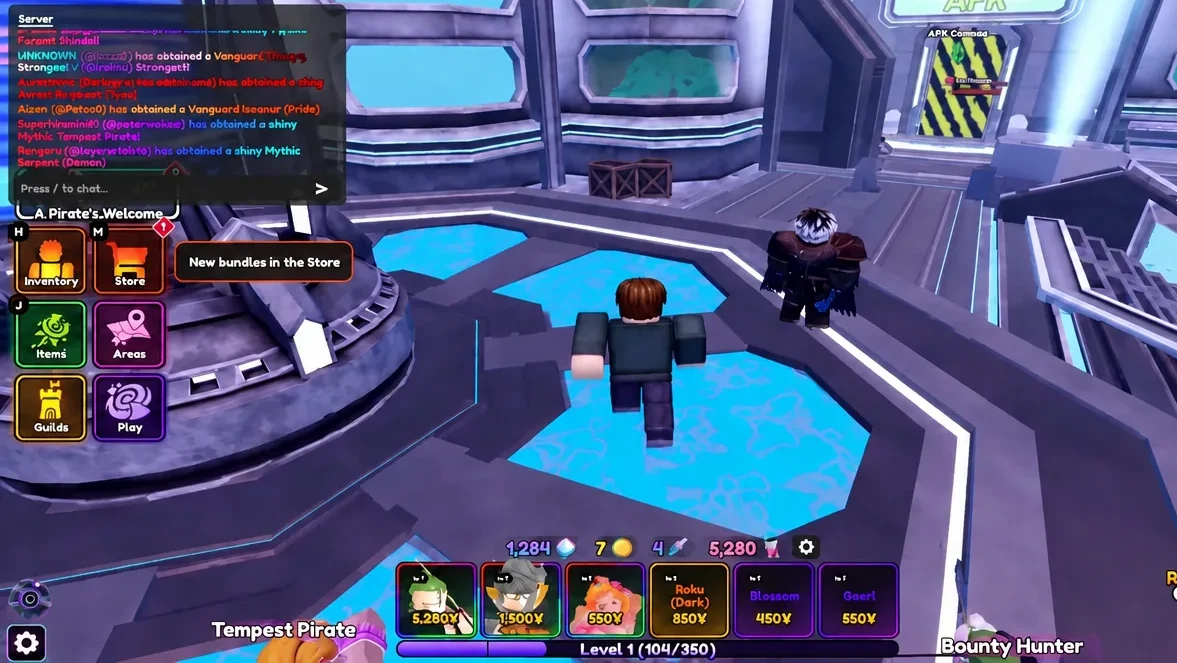
Units are the whole game in Anime Vanguards. They are the characters you drop onto the map to stop enemy waves, and almost every one of them comes out of a gacha banner rather than a shop. The catch is that pulling a unit and actually using it are two separate actions, and plenty of new players summon a Legendary, never equip it, and wonder why their team still looks the same.
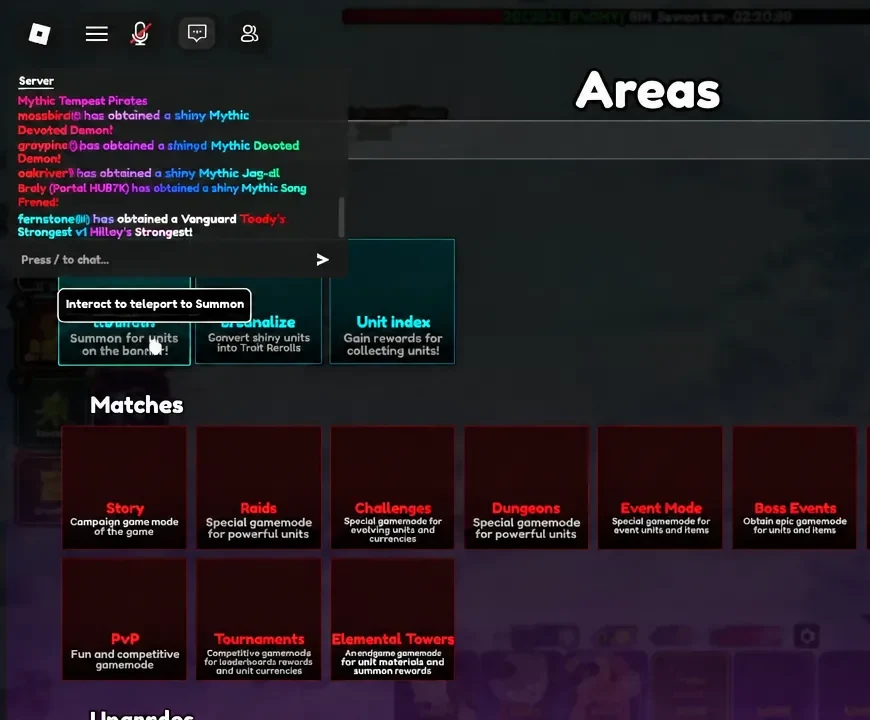
Quick answer: In the lobby, open Areas on the left menu and teleport to Summon, spend 50 Gems per roll (500 for a 10x) on a banner, then open Inventory, click the new unit in the grid, and press the green Equip button at the top of its stat card.
Gem costs and summon odds
Gems are the currency for the standard banners. You earn them by playing stages, clearing quests, talking to lobby NPCs for the first time, poking around the Evolve building desks, and redeeming codes. Before you start rolling, it helps to know what your Gems are buying.
| Roll | Cost |
|---|---|
| Single summon, Special Banner | 50 Gems (40 Gems with VIP) |
| 10x summon, Special Banner | 500 Gems |
| Event Banner summons | Event currency only; the VIP discount does not apply |
Rarity chances are fixed per summon, and they are steep at the top end. The three units shown on a banner also have their own weighting, with the middle slot at a 50 percent chance and each side slot at 20 percent. Special Banner units rotate every hour, so a unit you want may simply not be featured right now.
| Rarity | Chance per summon |
|---|---|
| Rare | 75.496% |
| Epic | 20% |
| Legendary | 4% |
| Mythic / Exclusive | 0.5% |
| Vanguard Memoria | 0.075% |
| Vanguard unit | 0.005% |
| Secret | 0.004% |
| Shiny (on eligible units) | 1.5%, or 3% with the Shiny Hunter gamepass |
How to summon units in the lobby
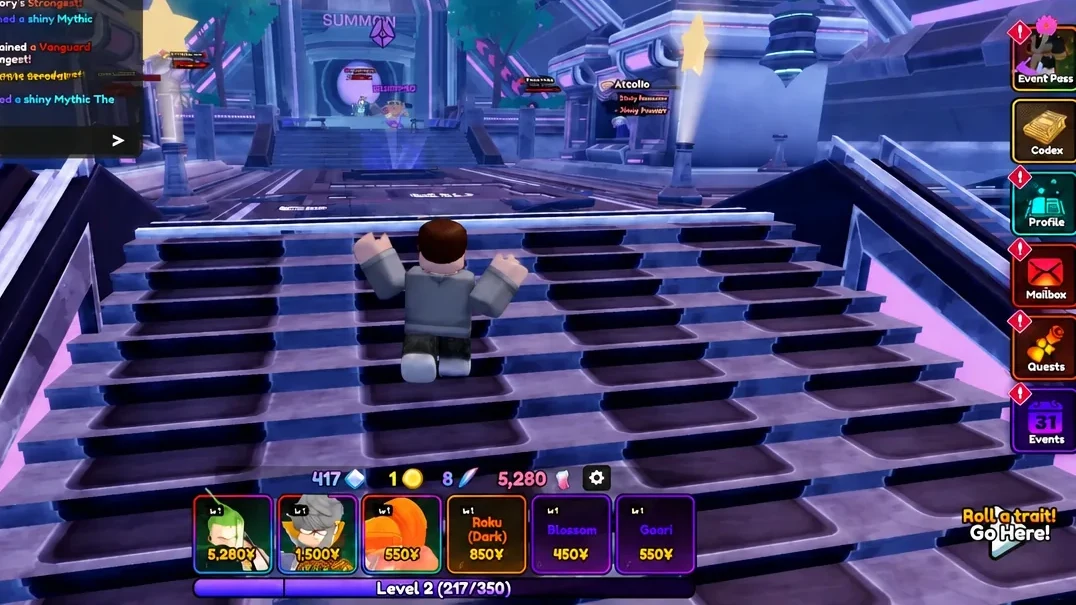
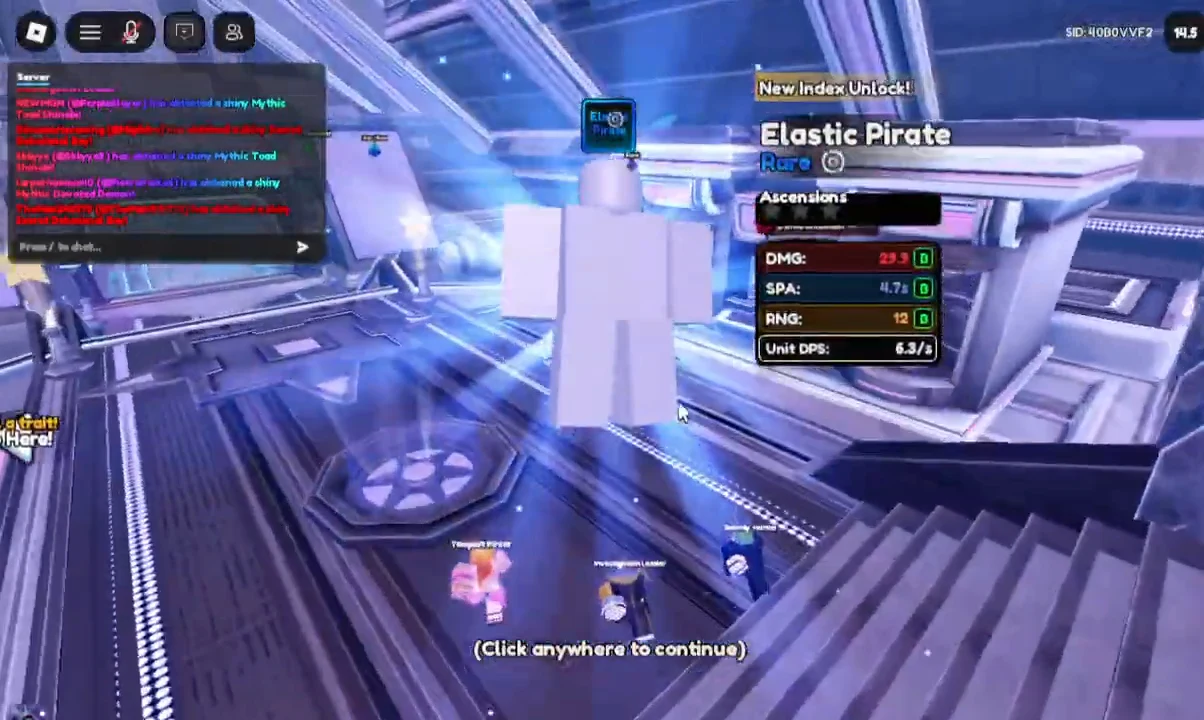
How to equip a unit from the Inventory menu
A summoned unit lands in your inventory and stays there doing nothing until you equip it. Only equipped units can be placed on the battlefield once a stage starts, so this is the step that turns a good pull into an actual upgrade.
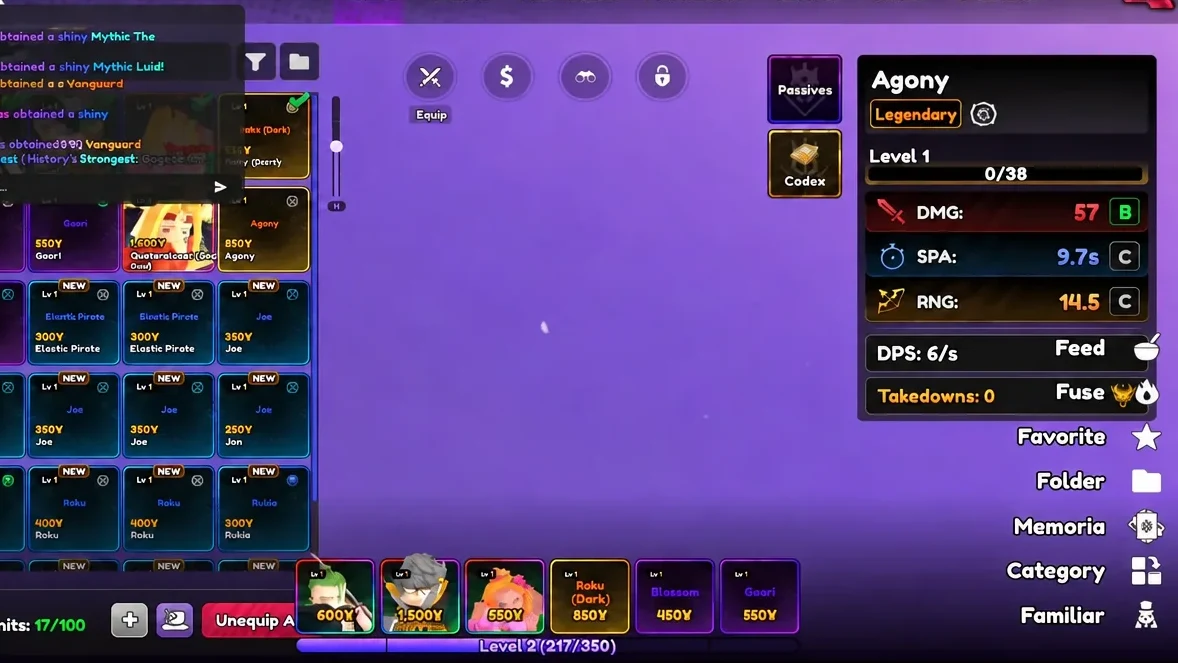
Pity thresholds on the Special and Selection banners
Pity tracks how many rolls you have made without seeing a given rarity, then guarantees that rarity on the next summon. The Special and Selection banners share a single pity count, so rolling across both still moves you toward the same guarantee. Legendary and Mythic counters reset once you hit them; the Vanguard counter does not reset.
| Rarity | Summons | Gems (no VIP) | Gems (VIP) |
|---|---|---|---|
| Legendary | 50 | 2,500 | 2,000 |
| Mythic | 400 | 20,000 | 16,000 |
| Vanguard | 25,000 | 1,250,000 | 1,000,000 |
The Special Memoria Banner uses the same 50 and 400 thresholds for Legendary and Mythic, with a 20,000 summon Vanguard threshold. Event Banners work differently again, with a one-time Vanguard unit pity at 20,000 summons and a one-time Vanguard Memoria pity at 15,000, both requiring account Level 10 or higher. Once a one-time Vanguard pity is used or you pull the unit early, it is marked as reached and will not come back on that banner.
Why Secret, Vanguard, and Shiny units never appear
If hundreds of rolls have produced nothing at the top of the rarity chart, there are only a few real reasons for it.
- You are below Level 10. Secret, Vanguard, and Shiny units are locked until your account reaches Level 10. The Shiny Hunter gamepass bypasses that requirement for Shinies only.
- You are relying on luck potions. Super Lucky and Ultra Lucky raise Legendary and Mythic chances for one hour and stack to a 62.5 percent boost, but they do not touch Secret, Vanguard, or Shiny rates, and they do not reduce pity. Super Lucky costs 99 Robux or can be crafted; Ultra Lucky costs 199 Robux.
- Auto sell is eating your pulls. Once toggled on, it sells the selected rarities from every summon after that point, including Legendary and Mythic. It skips Shiny units and units with traits, though you can opt into selling traited units under Settings, then Miscellaneous. Secret and Vanguard rarities have no auto sell option at all.
Units you cannot summon
Not every roster slot goes through a banner. Your first unit is a straight choice between Luffo, Narutu, and Ichiga when you start. Igros is tied to content instead of the gacha, dropping from Legend stage three in the Double Dungeon at roughly a 0.75 percent rate, and Legend stages only open after you finish the story. Other units exist purely as evolutions, built by feeding the game specific base units and materials at the upgrades room in the hub, which is the purple area on the bottom right of the plaza and also houses stat rerolling, ascension, corruption, and a crafting bench.
Note: Because Special Banner slots rotate hourly and the Selection Banner middle slot is yours to choose once a day, the cheapest way to chase a specific Mythic is to set it in the Selection slot and bank Gems until you can burn through pity in one sitting rather than rolling in dribs and drabs.
The loop settles quickly once you have done it a couple of times. Earn Gems in stages and quests, teleport to Summon, roll in tens so you can see the index unlocks in one sweep, then go straight to Inventory and equip anything better than what you are currently fielding. Everything after that is upgrade and evolution work, and none of it helps if the unit is still sitting unequipped in the grid.