Once your Outpost is unlocked in ARC Raiders, it starts as a single base room. Expanding it adds new rooms to the structure and raises the level your Research Station can reach, which is what eventually opens the door to amplified weapons. The process runs entirely through the Outpost menu, so you never leave Speranza to do it.
Quick answer: Open the OUTPOST tab, click the + EXPAND OUTPOST slot, pick a room, choose a slot with Z or E, then spend 3 Steel Cable, 20 SheetMetal, and 3 Cable Strippers and press INSTALL.
What you need before expanding the Outpost
You can expand only once the Outpost has been established. At Raider Level 18, begin the three-stage Sheltered Retreat Project from the Outpost tab at the menu’s top. Its objectives are to photograph a farmland house near the Ruined Homestead on The Blue Gate, turn in building materials, and damage flying ARC and a Bully.
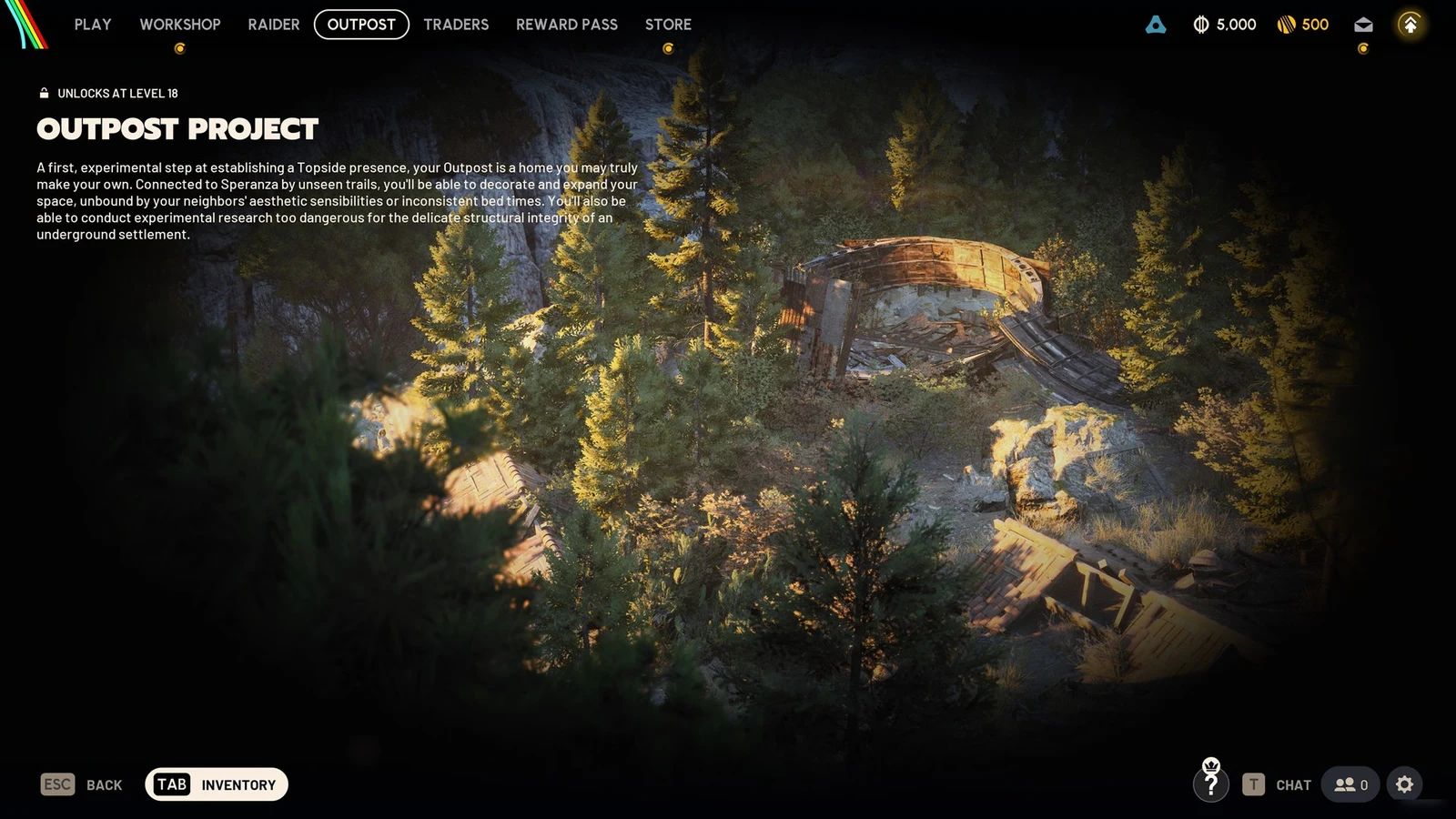
With the Outpost built, each new room for the first expansion step costs the same three items regardless of which design you pick.
- 3 Steel Cable — a raw, recyclable item also used to craft the Zipline.
- 20 SheetMetal — a common basic crafting material.
- 3 Cable Stripper — an uncommon Outpost material found in Mechanical and Industrial loot.
If you are short on any of them, use TRACK RESOURCES in the expansion screen to flag them so the game highlights them while you raid. The INSTALL button stays greyed out and reads NOT ENOUGH RESOURCES until all three stacks are filled.
How to expand your Outpost
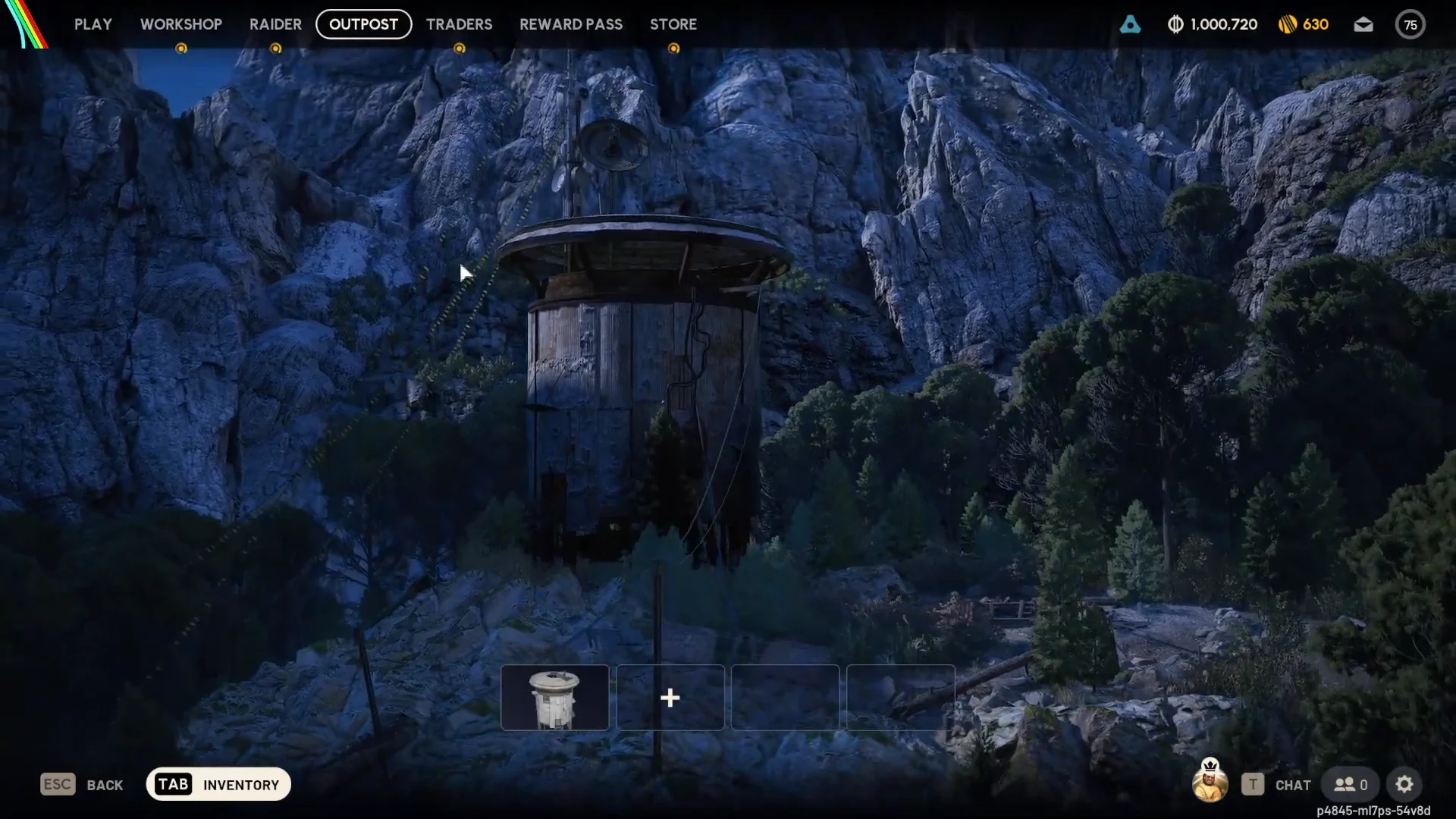
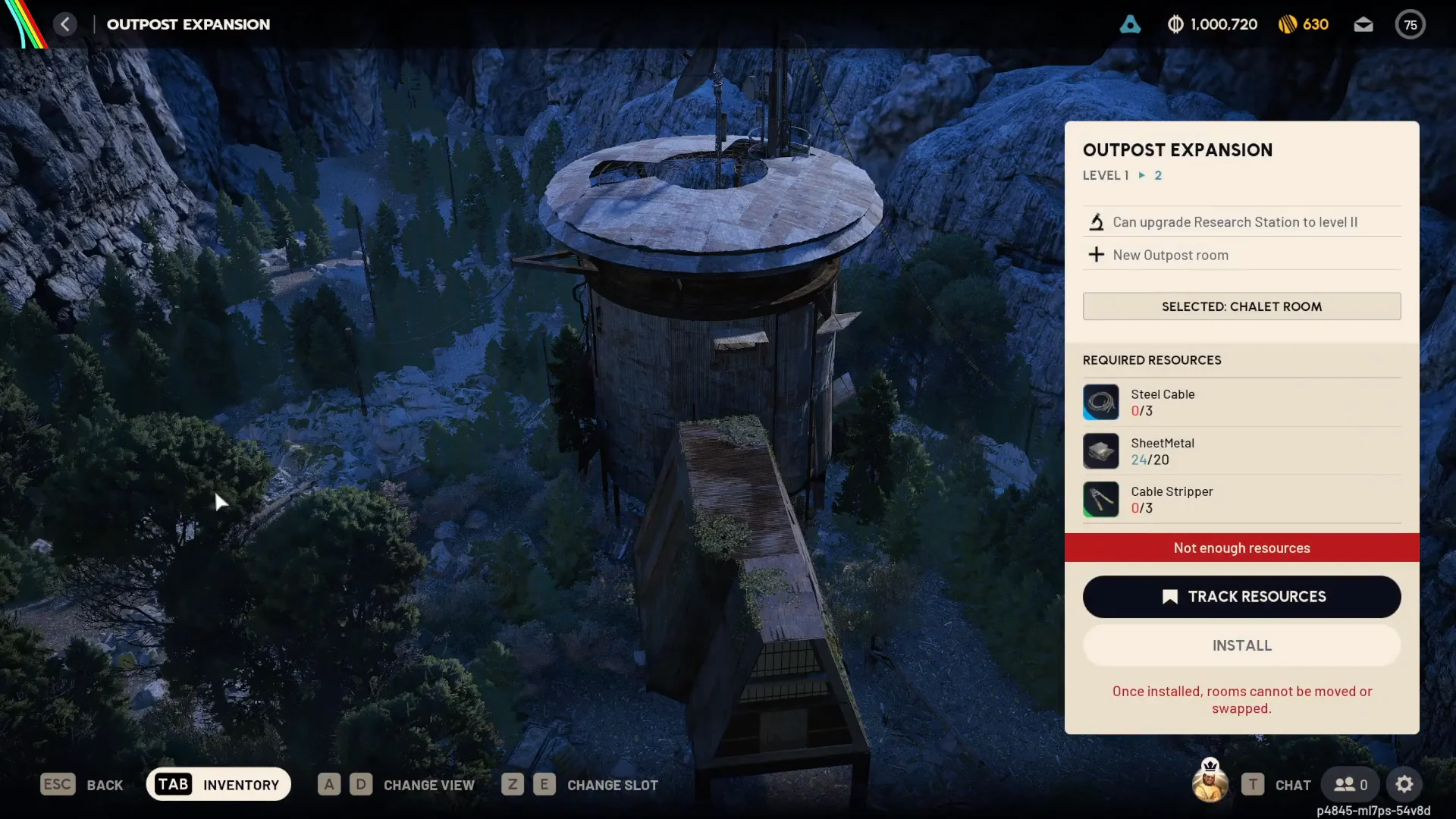
Installed rooms are permanent in their slots: you can neither relocate nor exchange them. Choose both the slot and design carefully before confirming.
Outpost room options
Count your base as room one. You may add as many as three rooms, choosing from four designs, for a maximum of four rooms altogether. Each addition’s material price is set by its position in the sequence—second, third, or fourth—so your design choice affects only layout and decoration.
| Room | Type | Notes |
|---|---|---|
 Base Room Base Room | Starting room | Unlocks with the Outpost at Level 18 |
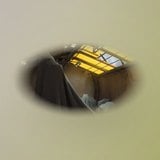 Panoramic Room Panoramic Room | Optional module | Available at first expansion |
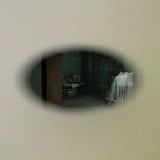 Timeless Room Timeless Room | Optional module | Available at first expansion |
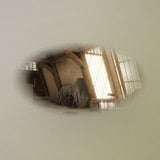 Chalet Room Chalet Room | Optional module | Available at first expansion |
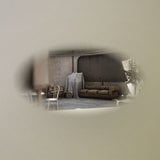 Studious Room Studious Room | Optional module | Added with the Frozen Trail update |
How rooms raise your Research Station level
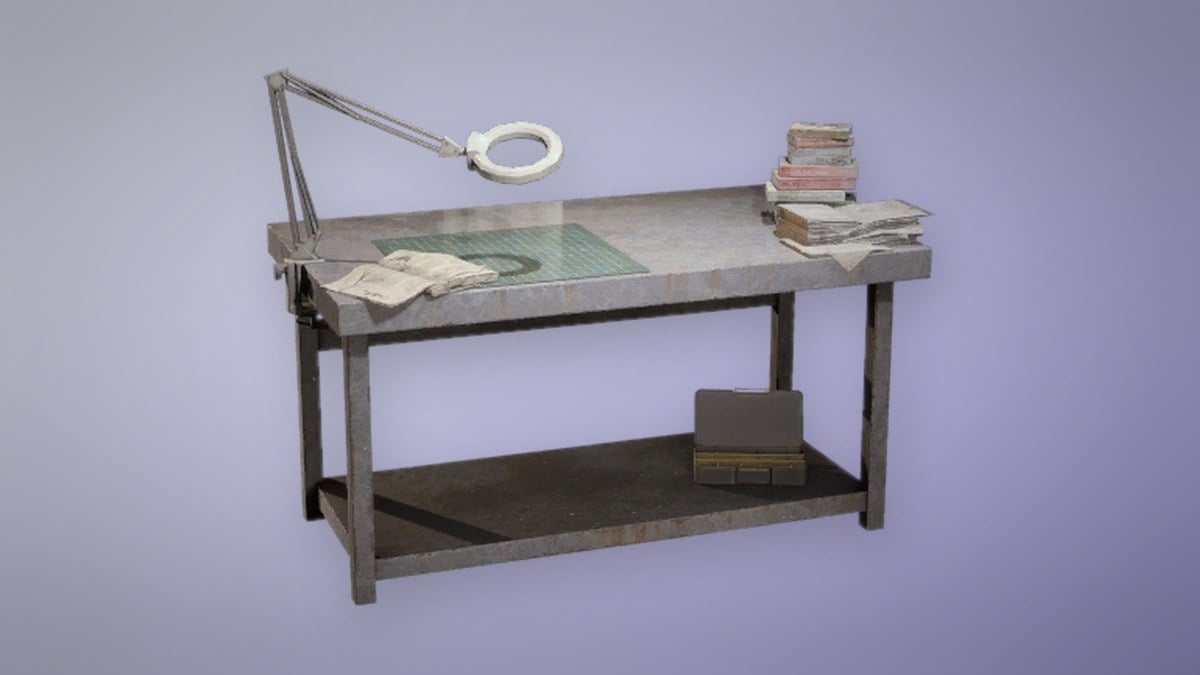
Each room installed lifts the ceiling on your Research Station, and reaching the fourth room is what lets you take the Gunsmith to Level 4 for amplified weapons. Installing a room raises the cap only. It does not pay for the Research Station upgrade itself, which needs its own materials.
| Total rooms | Research Station access |
|---|---|
| 1 (Base Room) | Level 1 |
| 2 rooms | Level 2 |
| 3 rooms | Level 3 |
| 4 rooms | Level 4 and Gunsmith Level 4 |
The upgrade materials get steadily rarer as the station climbs. These are the costs for each Research Station level once the matching room count is in place.
| Level | Upgrade materials |
|---|---|
| 1 | 3 Mini Pumps, 35 Planks, 5 Battered Paperbacks |
| 2 | 3 Calculators, 3 Raider Logbooks, 5 Skulker Targeters |
| 3 | 3 Differential Microphones, 3 Exodus Technical Handbooks, 6 Bully Fragmenters |
| 4 | 3 Thermal Shakers, 3 ARC Data Modules, 1 Frigate Inductor |
Workshop station install costs
A bigger Outpost gives you more room for the crafting stations that live in the Workshop. If you are planning what to build alongside your new rooms, these are the one-time install costs for each station.
| Station | Install cost | What it makes |
|---|---|---|
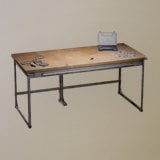 Gunsmith Gunsmith | 20 Metal Parts, 30 Rubber Parts | Weapon upgrades |
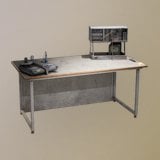 Gear Bench Gear Bench | 25 Plastic Parts, 30 Fabric | Shields and Augments |
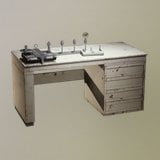 Medical Lab Medical Lab | 50 Fabric, 6 ARC Alloy | Stimulants |
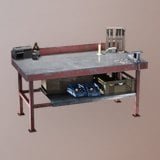 Explosives Station Explosives Station | 50 Chemicals, 6 ARC Alloy | Grenades and mines |
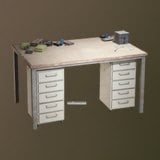 Utility Station Utility Station | 50 Plastic Parts, 6 ARC Alloy | Lures, grenades, barricades |
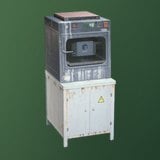 Refiner Refiner | 60 Metal Parts, 5 ARC Powercell | Custom parts |
You can confirm the expansion worked by returning to the Outpost view after you press INSTALL. The new room appears on the tower in the slot you chose, the LEVEL 1 > 2 stage clears, and the Research Station becomes eligible for its Level II upgrade in the Workshop. From there, the next plus slot opens the way to your third and fourth rooms.