

Shivam Malani
-
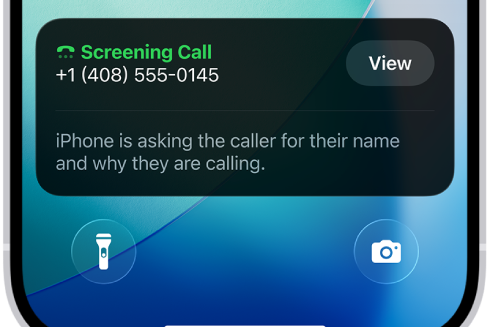
How to Turn on Call Screening on iPhone (iOS 26)
Enable screening, silencing, and filtering for unknown or spam callers, plus fixes if the option is missing.
-

Marvel Rivals Angela Guide — Abilities, Tips, Counters
Master Angela’s dual‑stance flow with practical steps for flight control, dives, ult timing, team synergies, and counterplay.
-
NYT Strands hints and answers (Sept 17, 2025) — We beg to differ
Paired antonyms dominate today’s grid; the vertical spangram reads OPPOSITES ATTRACT.
-
NYT Connections today (Sep 17) — Hints, categories, and answers (#829)
Solve Connections #829 with graded clues, the category reveal, and the full solution.
-
Wordle today — hints and answer for #1551 (Sep 17, 2025)
Get a gentle nudge or the full solution, plus quick tips to handle repeated letters.
-
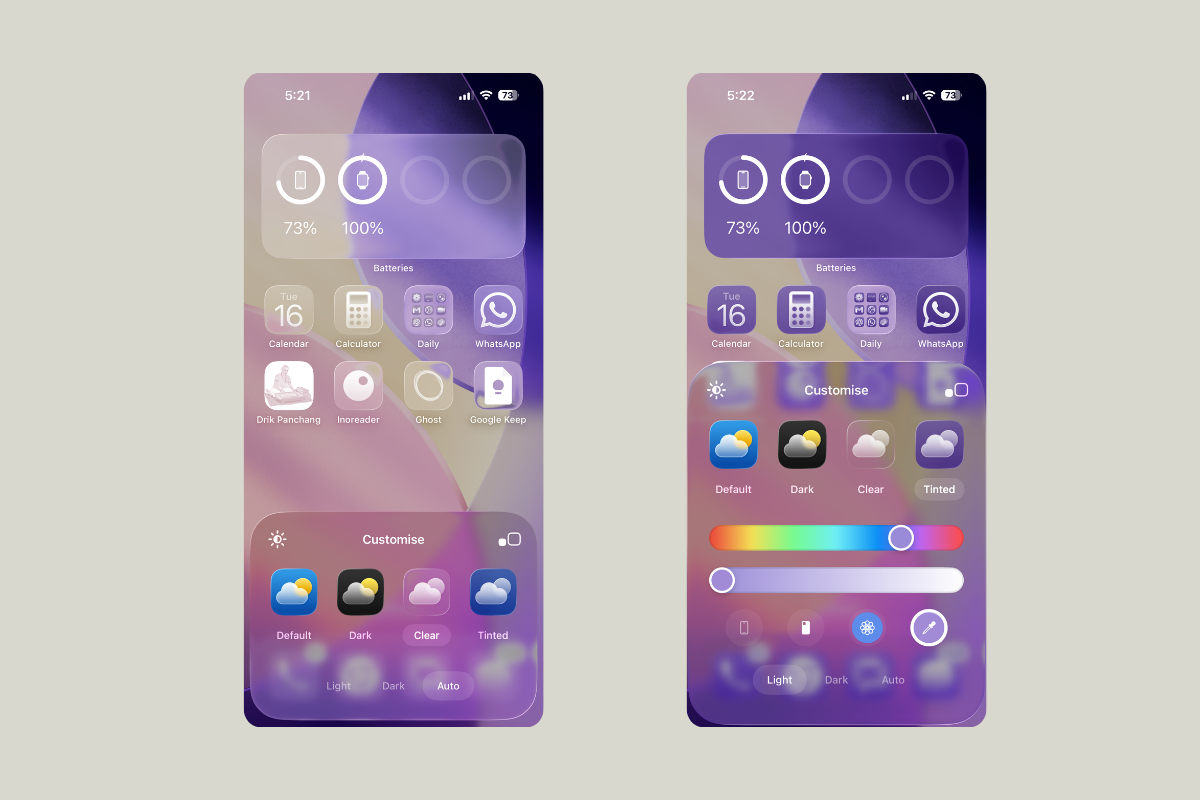
How to make iPhone app icons clear in iOS 26
Turn on Liquid Glass Clear icons and widgets, choose Light/Dark/Auto, and resolve common visibility issues.
-
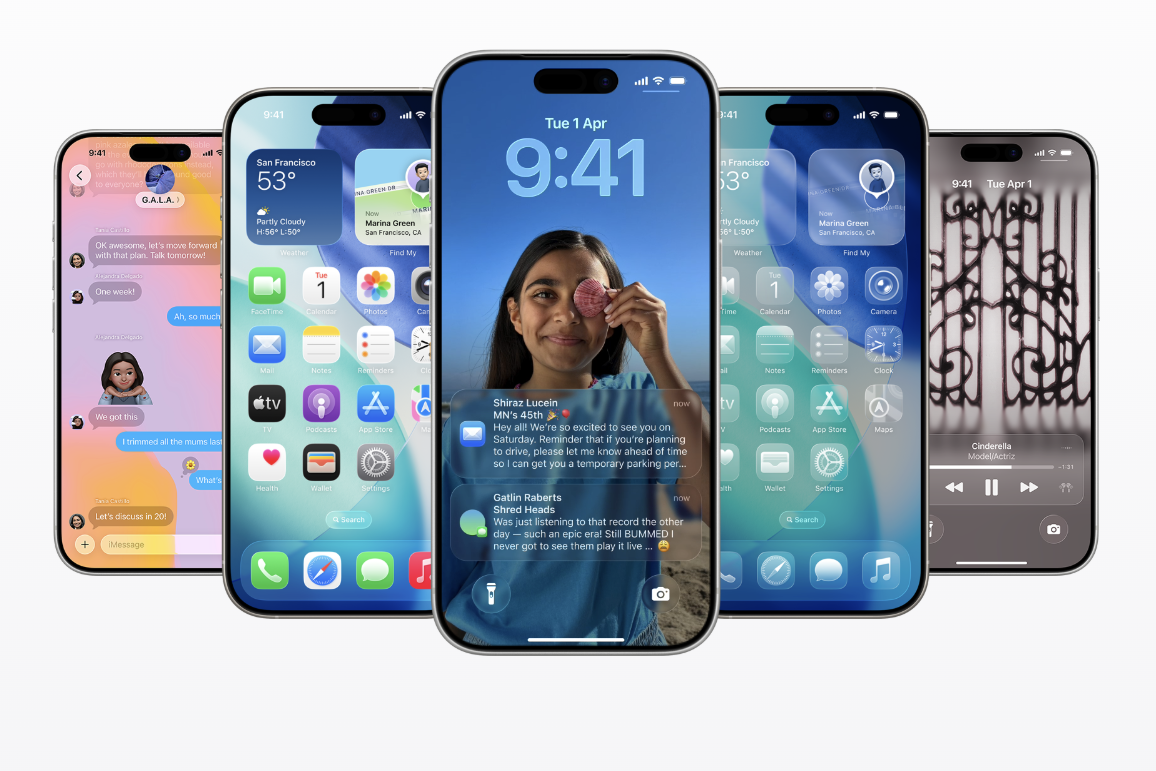
iOS 26 Features That Won’t Work Everywhere (or for Everyone)
A complete breakdown of which iOS 26 features are device-locked, region-limited, or delayed.
-
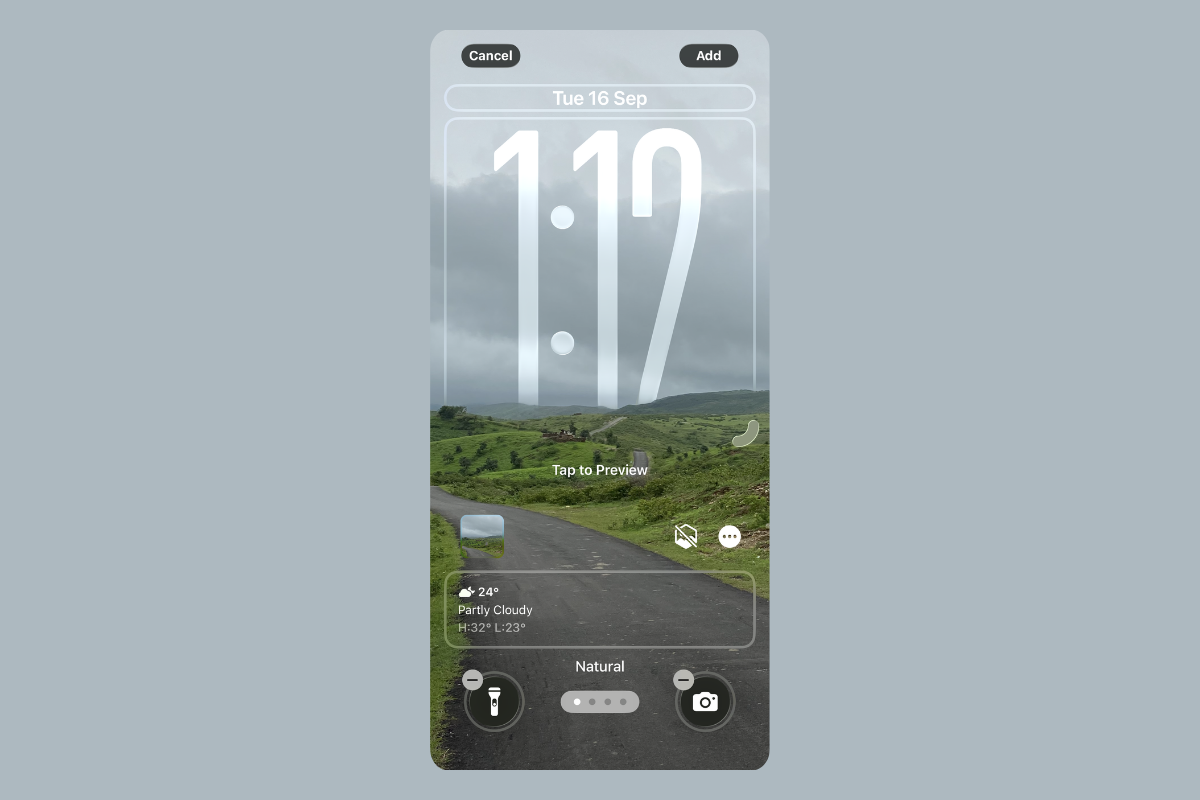
iOS 26 Liquid Glass review — Why it feels odd at first and then clicks
My quick take for skeptics with tips, trade-offs, and settings to make it work.
-
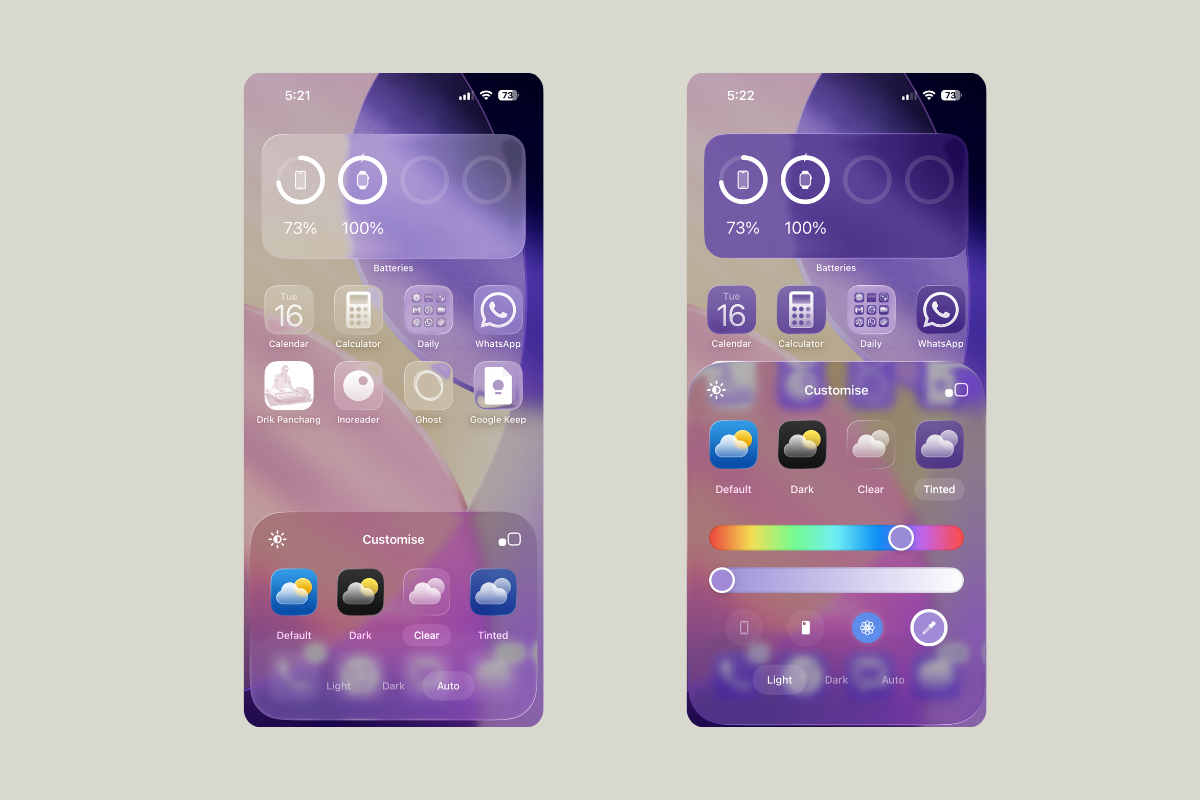
Change app icons on iPhone (iOS 26): clear, tint, size
Use iOS 26’s built-in Home Screen controls to set clear, tinted, light/dark icons and adjust icon size.
-
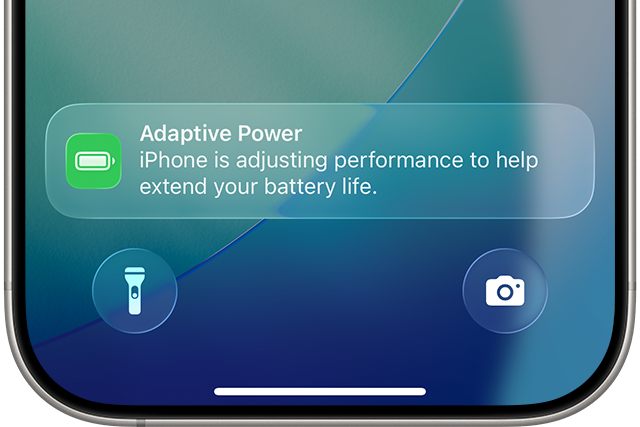
How to Enable “Adaptive Power” in iOS 26 on supported iPhone models
Apple’s new power mode predicts heavy days and trims small costs to stretch battery life.
