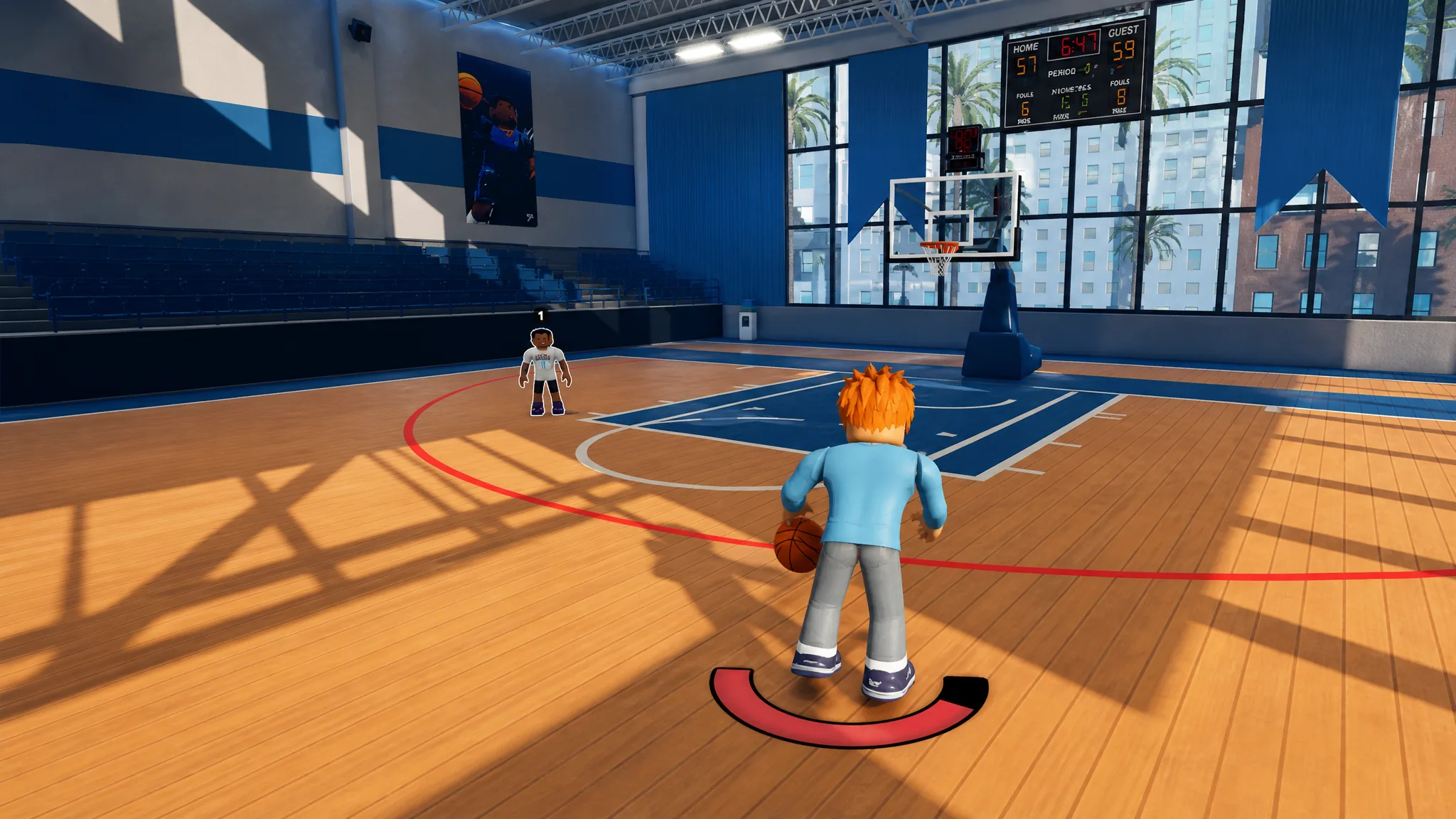
Practical Basketball runs on one of the deepest input systems on Roblox, mixing basic shooting and passing with layered dribble packages, gathers, self-lobs, and a full post game. The keys and buttons differ a lot between keyboard and controller, so the fastest way to improve is to learn the exact inputs for your platform and drill the handful you will use most.
Quick answer: Hold E on PC or Hold X/Square on controller to shoot. Dribble moves live on Z, C, X, and V on keyboard, and on the D-pad or right stick on controller. Post play starts with G on PC and LT/L2 on controller.
PC shooting, passing, and finishing
Shooting is a timing check, not a dice roll. Hold E and release near the top of the meter for a jump shot, and tap E to pump fake. Passing runs off the number keys, where each number matches a teammate marker shown in game.
| Action | PC input |
|---|---|
| Shoot | Hold E |
| Pumpfake | Tap E |
| Pumpfake (alt) | Hold E briefly, then release |
| Self lob | F |
| Alley oop to teammate | T + number |
| Screen | Hold T |
| Overhead pass | 1, 2, 3, or 4 |
| Chest pass | Shift + 1, 2, 3, or 4 |
| Bounce pass | Double tap 1, 2, 3, or 4 |
| Flashy pass | Shift + double tap 1, 2, 3, or 4 |
| Fake pass | Hold Q + 1, 2, 3, or 4 |
| Swing pass [R / L] | Hold D + number / Hold A + number |
| Bounce swing pass [R / L] | Hold D + double tap number / Hold A + double tap number |
Finishing and gather moves combine a movement key with Shift and E. Layups and dunks still need momentum and a clean angle, so a jelly or double clutch works best when a defender has already committed.
| Action | PC input |
|---|---|
| Moving shot [R / L] | Shift + D + Hold E / Shift + A + Hold E |
| Fadeaway | Shift + S + Hold E |
| Off dribble [R / L] | D + Hold E / A + Hold E |
| Shot hesi | Shift + Tap E |
| Hesi pull | Tap E while moving |
| Layup | Hold E while driving to the rim |
| Floater | Shift + double tap E while driving |
| Jelly layup / dunk | Q after timing the finish |
| Double clutch layup / dunk | F after timing the finish |
| Driving dunk | Shift + Spacebar while driving |
| Standing dunk | Hold Spacebar |
| Euro step | Shift + double tap E while driving |
| Hop step | Shift + Tap E while driving |
| Spin gather | Double tap E while driving |
| Side step [R / L] | Shift + D + Tap E / Shift + A + Tap E |
| Hop step back | Shift + S + Tap E + move backwards |
| Behind the back gather [R to L] | Shift + Tap E + move left (ball in right hand) |
| Behind the back gather [L to R] | Shift + Tap E + move right (ball in left hand) |
PC dribble packages
Stationary dribbles map to Z, C, X, and V. Combining them creates the longer chains, so a spin is a three-key sequence and a double move repeats the same key. Learn two moves per hand before stacking flashy chains.
| Move | PC input |
|---|---|
| Hesi [R / L] | C / Z |
| Crossover [R to L / L to R] | Z / C |
| Double crossover [R / L] | CC / ZZ |
| Stepback | X |
| Snatchback | XX |
| Behind the back [R to L / L to R] | CX / ZX |
| Double behind the back [R / L] | XZ / XC |
| Tween [R to L / L to R] | ZZ / CC |
| Double tween [R / L] | VC / VZ |
| Behind the back between the legs [R / L] | VZ / VC |
| Half spin | V |
| Spin [R to L / L to R] | CXZ / ZXC |
| Shammgod | VV |
Escape and explosive versions add Shift plus a movement key, which is how you break out of pressure or attack a defender’s stance. Hold sprint in short bursts rather than through the whole possession.
| Move | PC input |
|---|---|
| Crossover [R to L / L to R] | Shift + A + Z / Shift + D + C |
| Push crossover [R to L / L to R] | Shift + W + Z / Shift + W + C |
| Escape crossover [R to L / L to R] | Shift + Z / Shift + C |
| Double crossover [R / L] | Shift + CC / Shift + ZZ |
| Diagonal stepback [R / L] | Shift + D + X / Shift + A + X |
| Forward between the legs [R to L / L to R] | Shift + W + ZZ / Shift + W + CC |
| Regular tween [R to L / L to R] | Shift + ZZ / Shift + CC |
| Double tween [R / L] | Shift + VC / Shift + VZ |
| Behind the back [R to L / L to R] | Shift + CX / Shift + ZX |
| Double behind the back [R / L] | Shift + XZ / Shift + XC |
| Forward behind the back [R to L / L to R] | Shift + W + CX / Shift + W + ZX |
| Backwards behind the back [R to L / L to R] | Shift + S + CX / Shift + S + ZX |
| Misdirection [R / L] | Shift + D + Z / Shift + A + C |
| Lateral glide [R / L] | Shift + C / Shift + Z |
| Backwards lateral glide [R / L] | Shift + S + C / Shift + S + Z |
| Drive [R / L] | Shift + W + C / Shift + W + Z |
PC jab steps and post moves
Jab steps only fire from a triple threat stance, using the same C, Z, and X keys with Shift for the exit versions.
| Action | PC input |
|---|---|
| Jab [R / L] | C / Z |
| Jab [turn around] | X |
| Jab step exit [R / L] | Shift + C / Shift + Z |
| Jab step exit [turned around] | Shift + X |
Post scoring begins by holding G with your back to the defender. Release G to leave the stance, or add a direction and E to spin, hook, fade, or fake.
| Action | PC input |
|---|---|
| Post up | Hold G |
| Post exit | Release G |
| Post spin [R to L / L to R] | Release G + Hold A / Release G + Hold D |
| Post spin (gather) [R to L / L to R] | Hold G + A + Tap E / Hold G + D + Tap E |
| Dropstep | Hold G + W/A/S/D + double tap E |
| Post hopstep | Hold G + W/A/D + Tap E |
| Post hook [R / L] | Hold G + D + Hold E / Hold G + A + Hold E |
| Spin post hook [R to L / L to R] | Hold G + A + Hold E / Hold G + D + Hold E |
| Post fade [R / L] | Hold G + Shift + D + Hold E / Hold G + Shift + A + Hold E |
| Post fade [backwards] | Hold G + Shift + S + Hold E |
| Spin post fade [R to L / L to R] | Hold G + Shift + A + Hold E / Hold G + Shift + D + Hold E |
| Post fake into a hook [R to L / L to R] | Hold G + A + double tap E / Hold G + D + double tap E |
| Post fake into a fade [R to L / L to R] | Hold G + Shift + A + tap then Hold E / Hold G + Shift + D + tap then Hold E |
PS5 and Xbox basics and finishing
On controller, each input lists the Xbox button first and the PlayStation button second. Shooting sits on X/Square, passing uses RB/R1 with a face button, and the finishing package leans on RT/R2.
| Action | Xbox / PlayStation |
|---|---|
| Shoot | Hold X / Square |
| Pumpfake | Tap X / Square |
| Self lob | Hold LB/L1 + Press R3/RS |
| Alley oop | Hold LB/L1 + RB/R1 + teammate icon |
| Screen | Hold B / O |
| Fake pass | Hold L3/LS + face button |
| Overhead pass | Hold RB/R1 + face button |
| Chest pass | Hold RB/R1 + RT/R2 + face button |
| Bounce pass | Hold RB/R1 + double tap face button |
| Flashy pass | Hold RB/R1 + RT/R2 + double tap face button |
| Swing pass [R / L] | Hold RB/R1 + LS right/left + face button |
| Moving shot / Fadeaway | Hold RT/R2 + X / Square |
| Off dribble [R / L] | Hold X / Square |
| Layup | Hold X / Square while driving |
| Floater | Hold RT/R2 + double tap X / Square |
| Spin layup | Y / Triangle |
| Double clutch / jelly | B/Circle or X/Square after timing |
| Driving dunk | Hold RT/R2 + Y / Triangle |
| Standing dunk | Hold Y / Triangle |
| Euro step | Hold RT/R2 + double tap X / Square |
| Hop step / Shot hesi | Hold RT/R2 + Tap X / Square |
| Spin gather | Double tap X / Square |
| Hesi pull | Tap X / Square |
Jab steps run off the D-pad, with RT/R2 added for the exit versions.
| Action | Controller input |
|---|---|
| Jab [R / L] | D-pad right / D-pad left |
| Jab [turn around] | D-pad down |
| Jab step exit [R / L] | RT/R2 + D-pad right / left |
| Jab step exit [turned around] | RT/R2 + D-pad down |
Controller dribble moves (D-pad and right stick)
Stationary dribbles use D-pad sequences on the player camera. In Wire and POV camera modes you can drive the same moves with the right stick, which follows the same directions. These console inputs are simpler than the keyboard chains, so it pays to lean on them.
| Move | D-pad | Right stick |
|---|---|---|
| Hesi [R / L] | Right / Left | Right / Left |
| Crossover [R to L / L to R] | Left / Right | Left / Right |
| Double crossover [R / L] | Right / Left | Right ×2 / Left ×2 |
| Stepback | Down | Down |
| Snatchback | Down ×2 | Down ×2 |
| Behind the back [R to L / L to R] | Right + Down / Left + Down | Right + Down / Left + Down |
| Double behind the back [R / L] | Down + Left / Down + Right | Down + Left / Down + Right |
| Tween [R to L / L to R] | Left ×2 / Right ×2 | Left ×2 / Right ×2 |
| Double tween [R / L] | Up + Right / Up + Left | Up + Right / Up + Left |
| Behind the back between legs [R / L] | Up + Left / Up + Right | Up-Left / Up-Right |
| Half spin | Up | Flick up |
| Spin [R to L] | Right + Down + Left | Rotate clockwise |
| Spin [L to R] | Left + Down + Right | Rotate counter-clockwise |
| Shammgod | Up ×2 | Up ×2 |
Holding RT/R2 switches to the escape and explosive versions of these moves. Adding a stick direction chooses whether you push forward, glide back, or drive into the lane. The right stick can replace the D-pad directions in the camera modes that support it.
| Move | Input (D-pad, RT/R2 held) |
|---|---|
| Crossover [R to L / L to R] | Move left + left / move right + right |
| Escape crossover [R to L / L to R] | Left / Right |
| Double crossover [R / L] | Right ×2 / Left ×2 |
| Push crossover [R to L / L to R] | Move forward + left / move forward + right |
| Diagonal stepback [R / L] | Move right + down / move left + down |
| Forward tween [R to L / L to R] | Move forward + left ×2 / move forward + right ×2 |
| Regular tween [R to L / L to R] | Left ×2 / Right ×2 |
| Double tween [R / L] | Up + right / Up + left |
| Behind the back [R to L / L to R] | Right + down / Left + down |
| Double behind the back [R / L] | Down + left / Down + right |
| Forward behind the back [R to L / L to R] | Move forward + right + down / move forward + left + down |
| Backwards behind the back [R to L / L to R] | Move backwards + right + down / move backwards + left + down |
| Misdirection [R / L] | Move right + left / move left + right |
| Lateral glide [R / L] | Right / Left |
| Backwards lateral glide [R / L] | Move backwards + right / move backwards + left |
| Drive [R / L] | Move forward + right / move forward + left |
Controller post moves
Post scoring on controller holds LT/L2 to enter the stance and releases it to exit. Move the left stick and press X/Square to spin, hook, drop step, or fade, and add RT/R2 for the fade variants.
| Action | Controller input |
|---|---|
| Post up | Hold LT/L2 |
| Post exit | Release LT/L2 |
| Post spin [R to L / L to R] | Release LT/L2 + LS left / LS right |
| Post spin (gather) [R to L / L to R] | Hold LT/L2 + LS left + Tap X/Square / LS right + Tap X/Square |
| Dropstep | Hold LT/L2 + LS up/left/down/right + double tap X/Square |
| Post hopstep | Hold LT/L2 + LS up/left/right + Tap X/Square |
| Post hook [R / L] | Hold LT/L2 + LS right + Hold X/Square / LS left + Hold X/Square |
| Spin post hook [R to L / L to R] | Hold LT/L2 + LS left + Hold X/Square / LS right + Hold X/Square |
| Post fade [R / L] | Hold LT/L2 + RT/R2 + LS right + Hold X/Square / LS left + Hold X/Square |
| Post fade [backwards] | Hold LT/L2 + RT/R2 + LS down + Hold X/Square |
| Spin post fade [R to L / L to R] | Hold LT/L2 + RT/R2 + LS left + Hold X/Square / LS right + Hold X/Square |
| Post fake into a hook [R to L / L to R] | Hold LT/L2 + LS left + double tap X/Square / LS right + double tap X/Square |
| Post fake into a fade [R to L / L to R] | Hold LT/L2 + RT/R2 + LS left + tap then Hold X/Square / LS right + tap then Hold X/Square |
Where to drill the inputs
The learning curve is steep, but every input can be rehearsed in the game’s Tutorials. Open the Learn PB menu, pick a shooting or dribbling drill, and repeat it until the tap-versus-hold difference on E or X/Square becomes muscle memory. Run the finishing and post drills a few times each before queueing a live match. You can jump straight into a session from the Practical Basketball page on Roblox.
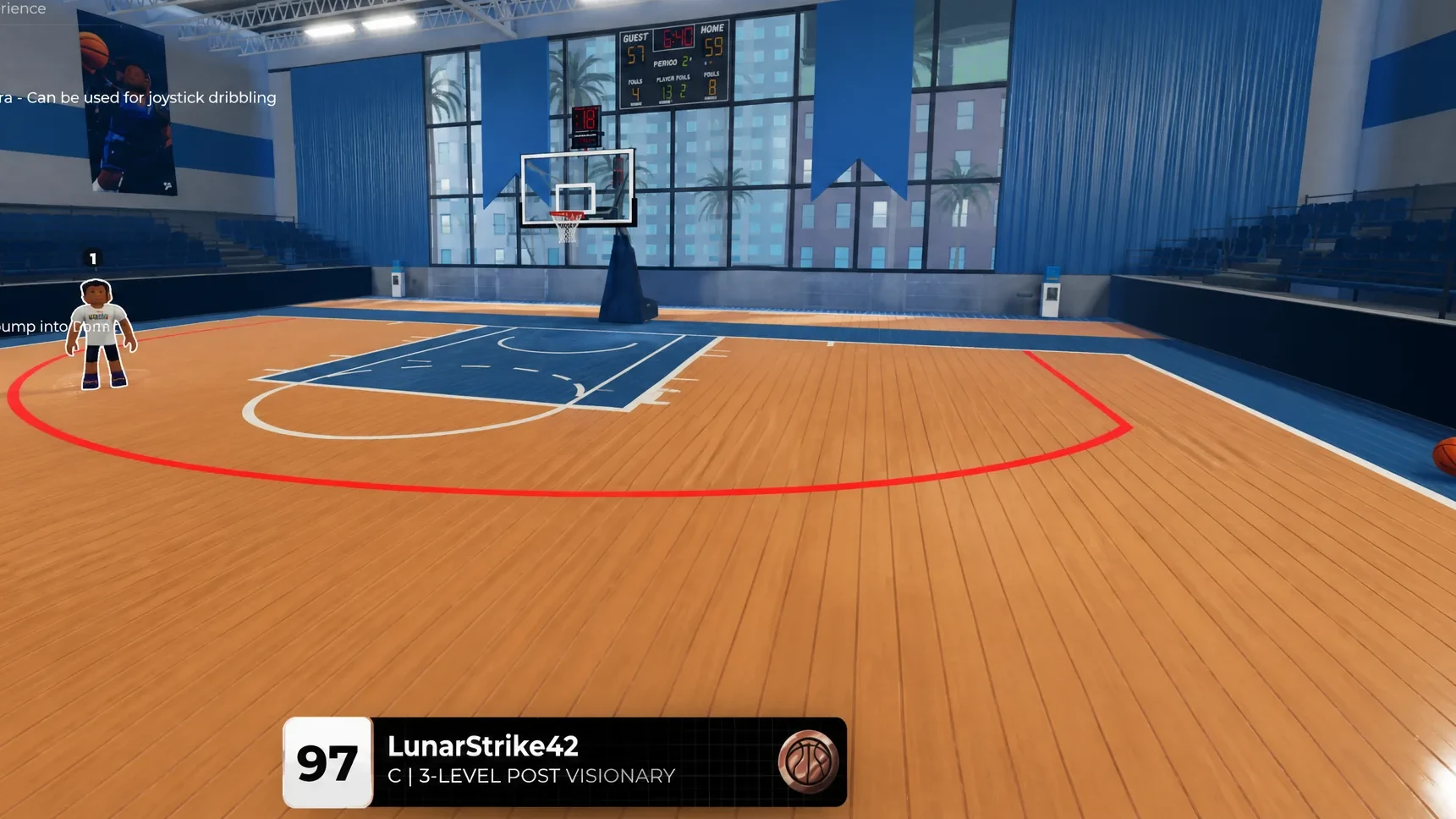
Start with the two moves per hand you will actually use, then layer in gathers and post finishes once the basics feel automatic. Controller offers the smoother overall experience for most players, but the choice between keyboard and pad comes down to which layout you can execute under pressure. Lock in shot timing first, and the rest of the packages fall into place from there.