Star Wars Zero Company ships with a tight set of rules about who can carry a lightsaber, who gets a jetpack, and how many operators you can drop into a mission. The PC modding community has spent the weeks since launch tearing those restrictions out one by one, and the results are already stable enough to build a full campaign around. The headline changes are custom Padawans and Mandalorians, squads of six instead of four, and access to gear the game normally reserves for story characters.
Quick answer: Install SmexyXey’s Full Customization Mod (ZCUnlocked) to turn any human recruit into a Padawan or Mandalorian, then add the squad-size and armory mods on top for six-operator deployments and Clone Commando gear.
Full Customization Mod (ZCUnlocked): playable Padawans and Mandalorians
In the unmodified game, the Mandalorian and Padawan kits belong to specific story characters. SmexyXey’s Full Customization Mod removes that lock. Any human character you create can inherit Tel-Rea’s class, spec, talent, and lightsaber to become a Padawan, or take Cly’s class, Warrior spec, jetpack talent, and blaster loadout to become a Mandalorian. The Man001, Man002, and Cly armor sets also stop being character-exclusive and become normal wardrobe pieces with color customization.
The mod goes further than cosmetics. It enables free talent and specialization swapping for every character, Hawk included, so you are no longer stuck with the build the game assigned. On the wardrobe side there are 28 Jedi and Padawan robes and outfits to choose from, multiple lightsaber options, and voice modulation that kicks in when a Mandalorian wears a helmet. The class-unlock work is credited to SpringBudContent and itsnotm3, with the armor unlocks built on top.
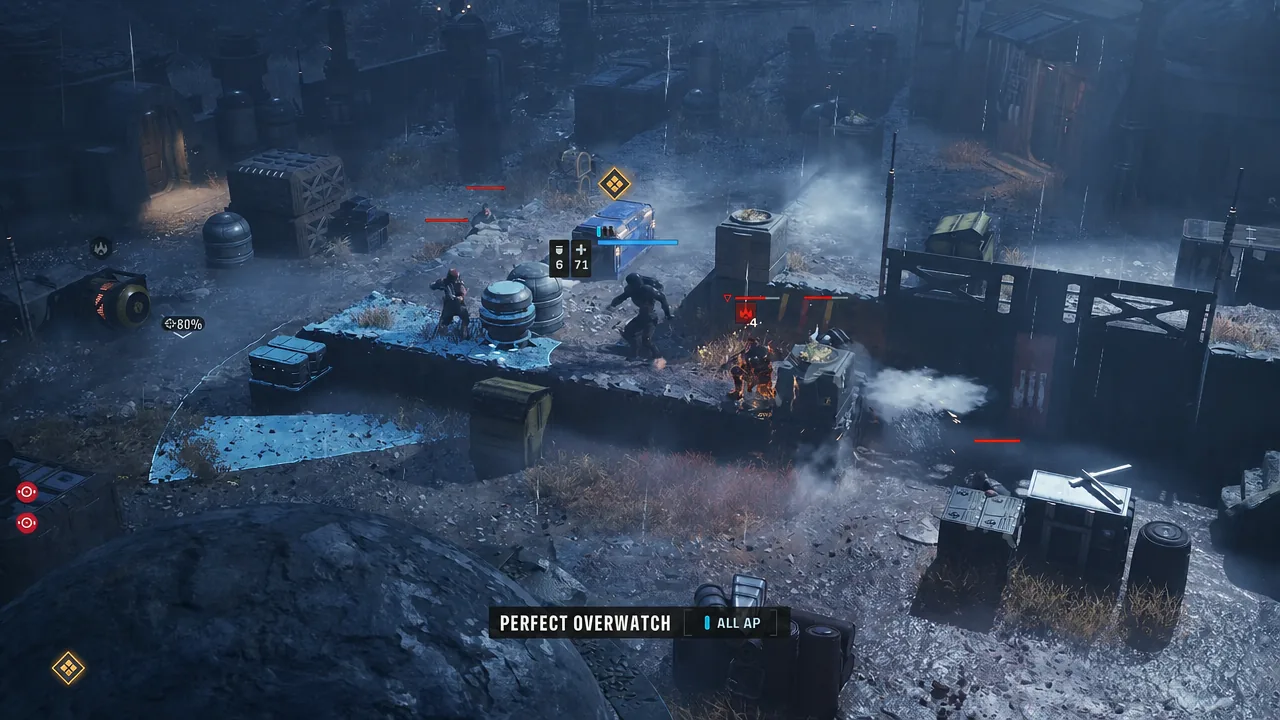
In combat, a custom Padawan behaves like the real thing rather than a reskin. Force abilities such as Push, Pull, Shockwave, and Lightsaber Throw are all available, and a modded Mandalorian keeps the jetpack talent for Combat Jump repositioning. Status effects, overwatch, and the rest of the turn-based rules apply exactly as they do to story characters.
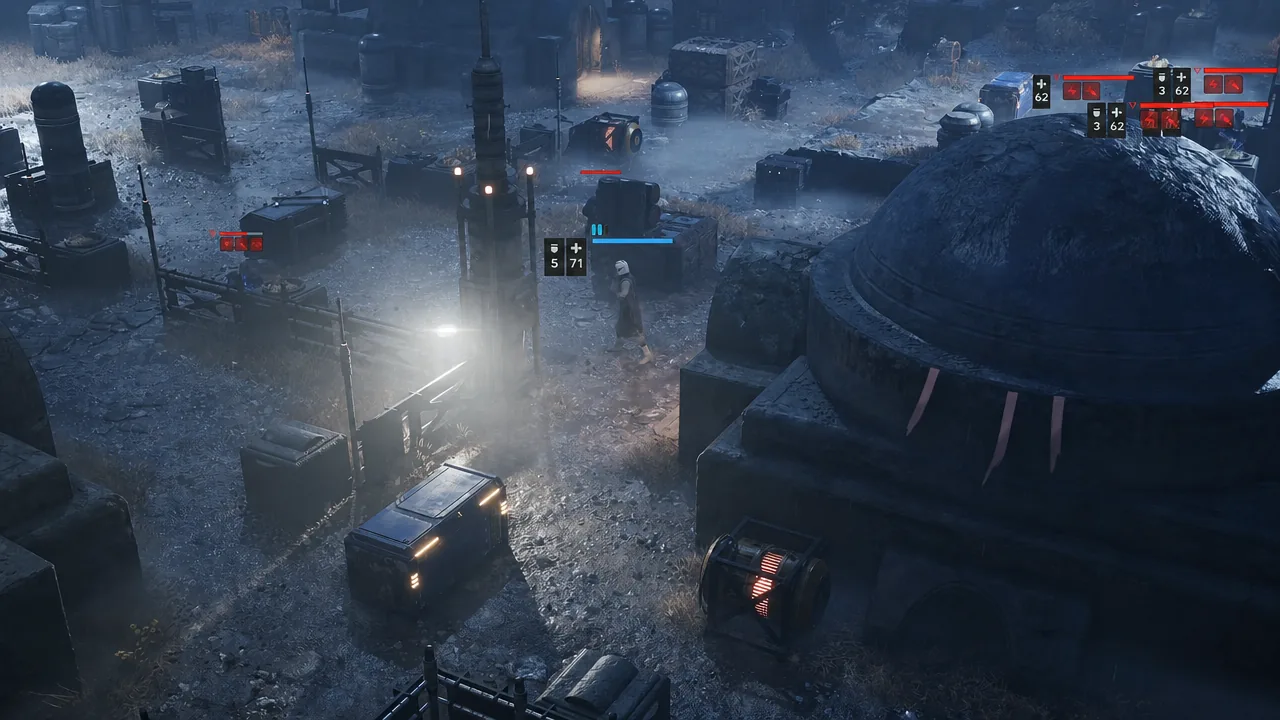
The current stable release is version 1.3.5.1, updated on 4 September 2026 after an initial upload on 29 August 2026. That build rebuilt the mod’s foundation for efficiency, resized the talent UI so every talent fits on screen without cycling with A and D, and added three unlock slots each for meditations and utility items.
Squad 6 mod: deploying six operators instead of four
The base deployment cap is four operators. The Squad 6 mod raises that ceiling to six and adjusts the deployment screen and in-mission UI so the extra portraits actually fit. Nothing else about the mission structure changes, which means the difficulty curve shifts noticeably in your favor.
Two extra bodies change how a turn plays out more than the raw numbers suggest. You get two more actions per round, which is enough to hold an overwatch line while a flanking pair moves, or to keep a dedicated support character parked on objectives without giving up damage output. Encounters balanced around four operators become considerably easier, so treat this as a comfort mod rather than a difficulty-neutral one.
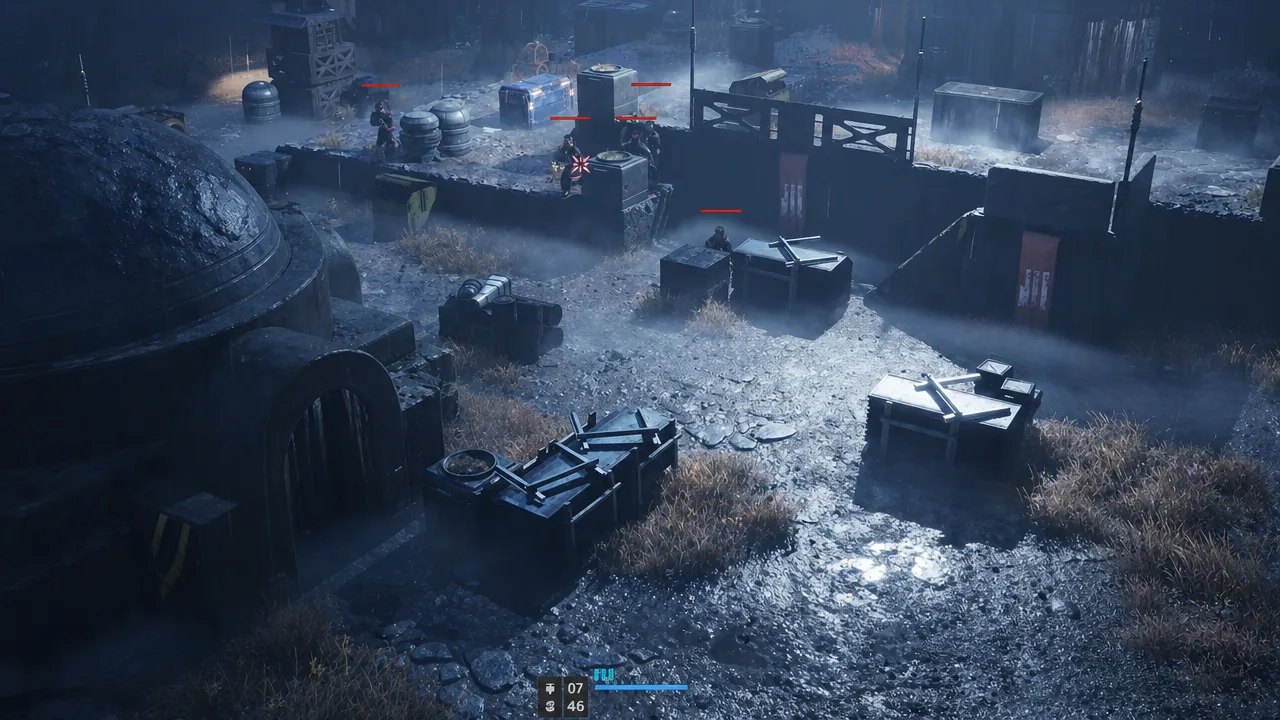
Mission objectives behave normally with a larger squad. Timed and marked objectives, including the ones that ask you to reach and interact with a device on the map, still resolve the same way, so you can send a spare operator to handle them while the main group fights.
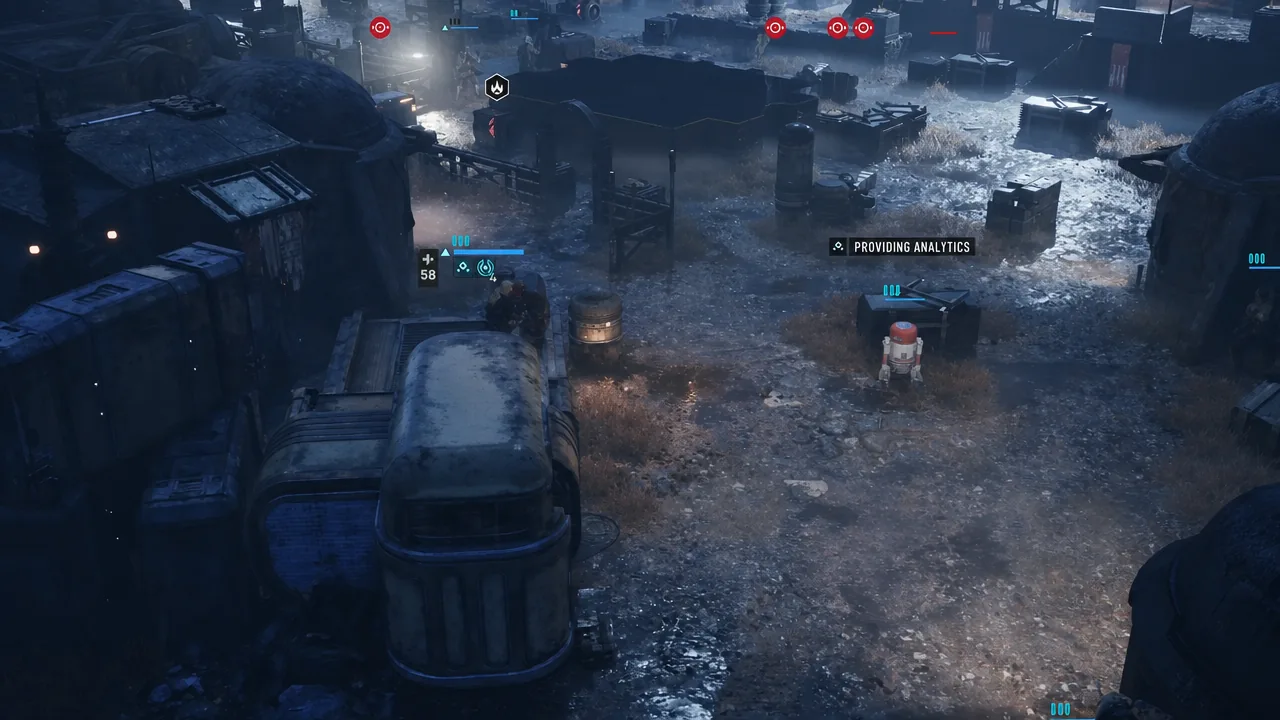
Expanded Armory: Clone Commando armor and dual DC-17 pistols
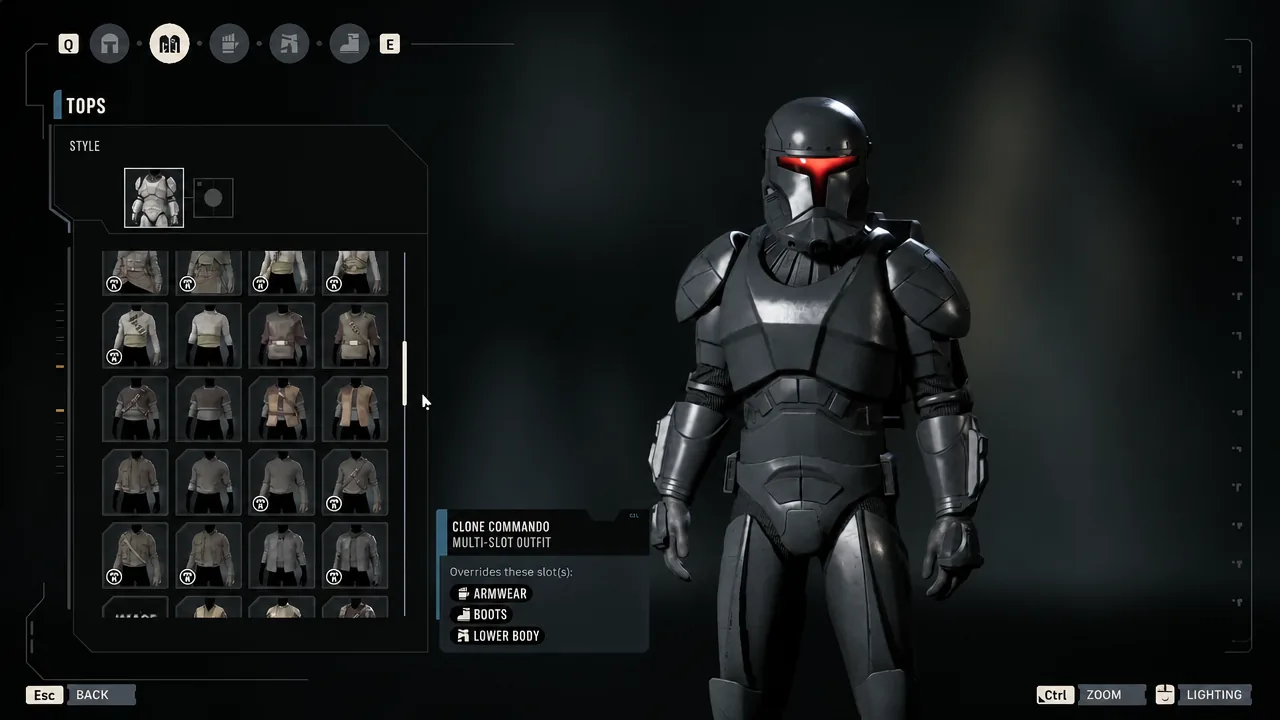
Expanded Armory opens up the gear the game keeps off-limits to created characters. Clone Commando armor becomes a wearable set, and the weapon list grows to include the DC-17M weapon system and Captain Rex’s paired DC-17 blaster pistols.
The dual pistols are not a cosmetic swap. They come with their own dual-wield animations and their own combat abilities, including Dual Fire and Quick Draw, so an operator carrying them plays differently from one holding a standard sidearm.
Version 1.4: mod consolidation and what it folds in
Running the customization, squad-size, and armory mods side by side has caused conflicts, and version 1.4 of the Full Customization Mod is being built around consolidation rather than new standalone releases. Part one, currently in preview testing through the mod’s Discord, unlocks all armor and clothing and adds the DC-17M and Rex’s pistols, listed for now under blaster pistol. Part two is planned to bring squad size changes and scaling difficulty into the same package.
A separate 1.3.6 preview adds color customization for both the single and double lightsaber, per-character blaster bolt colors, and four Anakin-style saber animations with reworked sound and effects. It also makes the dual saber use default character models, which fixes characters appearing shrunken when equipped.
Note: Preview builds are test branches, not stable releases. If you want reliability over new features, stay on the stable version.
Economy and quality-of-life mods worth installing
Not every worthwhile mod changes combat. A handful of smaller files cut down on base-management busywork and startup time, and they install in seconds.
| Mod (creator) | What it changes | Options |
|---|---|---|
| Upgrade Discounts and Durations (HazeMP) | Credit cost and build time for Facilities, Crew, and Weapons upgrades at your base | Twelve variants: cost at 75%, 50%, 25%, or free, paired with vanilla timers, a one-cycle cap, or instant completion |
| Black Market Discounts (HazeMP) | Buy prices for everything in the Black Market, including utility items and weapon mods | Four versions: 75%, 50%, 25%, or free. Install only one |
| No-Intro-Splash (Gamestism) | Removes the opening intro videos and splash image so the game boots straight to the menu | Single version |
| Force PS5 Controller Icons (thezephyr) | Forces PlayStation 5 button prompts regardless of which controller is connected | Single version, aimed at Steam Input users on non-Sony pads |
The two discount mods come from the same author and work together, but each one must be installed as a single variant. Stacking two cost tiers of the same mod is the most common reason the pricing does not change the way you expect. Both are hosted alongside the rest of the game’s files on Nexus Mods.
Installing Zero Company mods and confirming they loaded
Confirmation is straightforward. If the customization mod loaded, human recruits will offer the Padawan and Mandalorian class options and the previously locked armor sets will show up as color-customizable wardrobe entries. If the squad-size mod loaded, the deployment screen will show six slots instead of four.
The pace here is the notable part. A tactical game that launched with hard class restrictions now supports custom Jedi, jetpack-equipped Mandalorians, six-operator drops, and Clone Commando loadouts, all within weeks of release. Expect the individual mods to keep merging into fewer, larger packages as compatibility work continues.