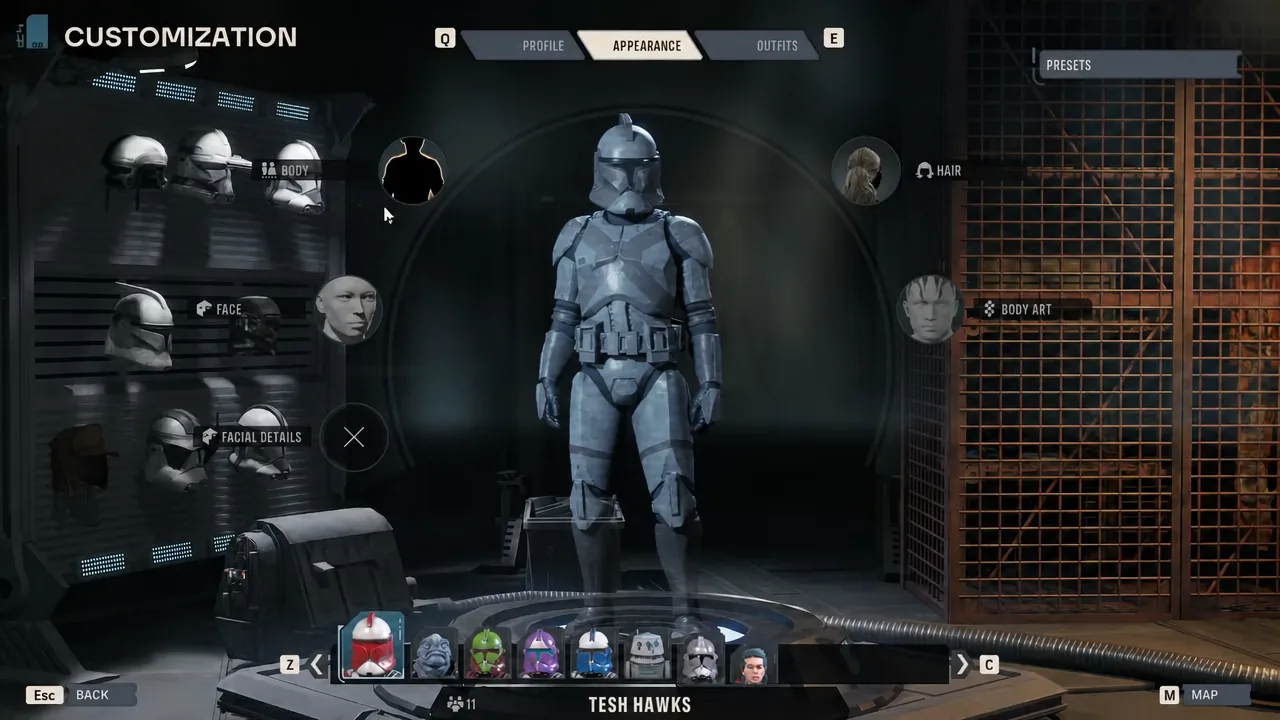
Star Wars Zero Company ships with several Mandalorian armor sets, but the wardrobe keeps them fenced off. Unless you are looking at the squad’s authored Mandalorian, the helmets, chest plates, and armwear never appear in the customization menu for Hawks or any custom operator. There is no in-game unlock, no side objective, and no late-campaign reward that opens them up. The only way to wear beskar on your own character is to mod the PC version.
Quick answer: On the Windows PC release, install UE4SS for Star Wars Zero Company into SWZeroCompany\Binaries\Win64, then add a Mandalorian wardrobe mod on top of it. The armor pieces then appear as normal colorable options under HEADWEAR, TOPS, ARMWEAR, and LOWER BODY at the customization terminal in the Den.
What you need before you start
Every route to Mandalorian armor runs through the same dependency. UE4SS has to be installed first, because the wardrobe mods are loaded by it rather than by the game. Grab the game-specific build from the UE4SS for Star Wars Zero Company page before anything else.
| Requirement | Detail |
|---|---|
| Platform | Windows PC only. PS5 and Xbox Series X|S cannot load these mods. |
| Loader | UE4SS for Star Wars Zero Company v1.0, extracted into the game’s Win64 folder |
| Install folder | ...\Star Wars Zero Company\SWZeroCompany\Binaries\Win64 |
| Game state | Fully closed during install, update, or removal |
| Build sensitivity | Native mods are pinned to a specific Steam build and refuse unrecognized executables |
To find the folder, right-click Star Wars Zero Company in Steam, choose Manage → Browse local files, then open SWZeroCompany, Binaries, Win64. When UE4SS is correctly extracted, that folder contains ue4ss\UE4SS.dll.
Method 1: Install the customization mod through Vortex
The fastest path uses Nexus Mods’ own mod manager, which handles the archives and launches the game with everything enabled. This route pairs the UE4SS compatibility package with the “Full Customization Mod-Mandalorian Padawan and more” release, which also unlocks Jedi outfits and extra color schemes alongside the beskar.
ZCUnlocked archive and the required UE4SS For Star Wars Zero Company package.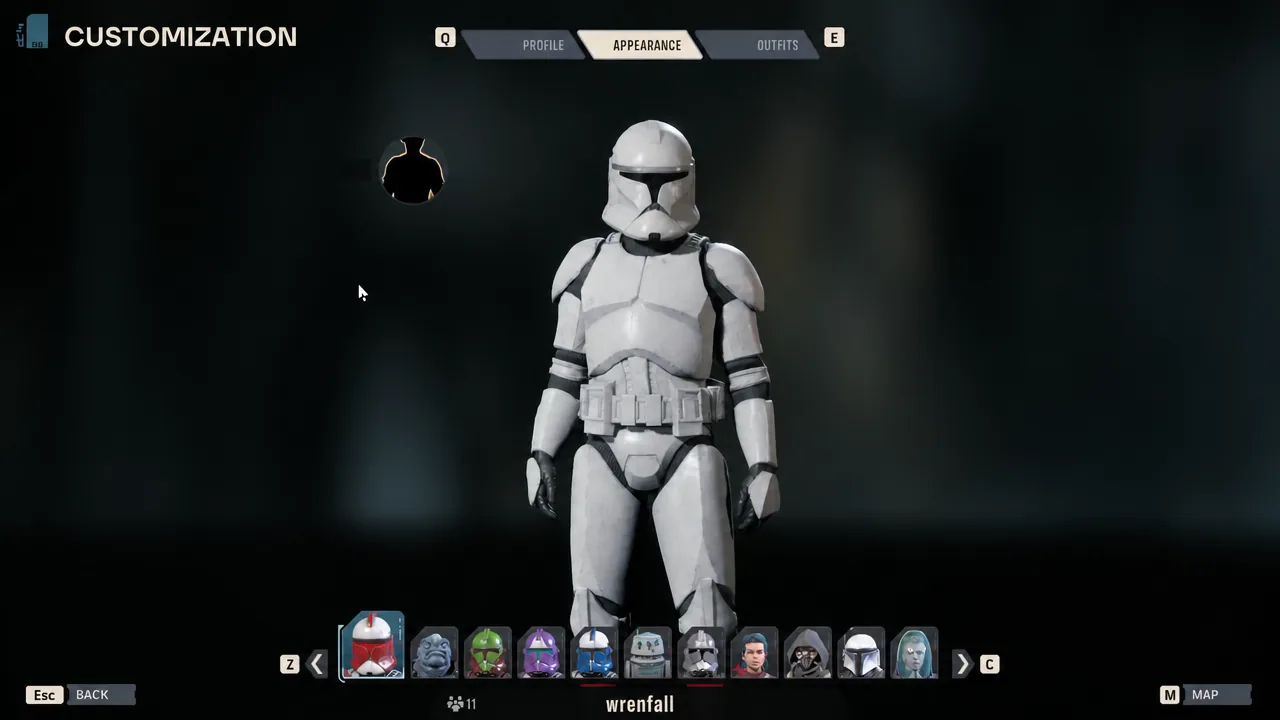
MANDALORIAN 1, MANDALORIAN 2, CLY'S ARMOR, and CLY'S ARMOR 1 are the ones you are looking for.Method 2: Install the Mandalorian wardrobe mod manually
If you would rather not run a mod manager, the ZeroCompanyMandoWardrobe project does the same job with a self-contained installer script. It adds the Man001, Man002, and Cly armor sets that already ship with the game to the standard colorable wardrobe for human characters, and it keeps the authored backpacks attached to their armor instead of leaving broken standalone tiles behind.
Win64 folder as described above. The wardrobe package does not bundle it.Install-Wardrobe.cmd and leave the window open until it prints INSTALL COMPLETE. The installer locates the game through Steam’s library list, verifies the executable and DLL hashes, makes a recoverable backup, and enables the mod..cmd launcher is blocked by your system, open PowerShell in that same extracted folder and run the script directly.powershell -NoProfile -ExecutionPolicy Bypass -File ".\Install-Wardrobe.ps1"Doing it entirely by hand also works. Copy the ZeroCompanyMandoWardrobe folder from the download’s payload\ue4ss\Mods directory into the game’s Win64\ue4ss\Mods folder, so the DLL ends up at ue4ss\Mods\ZeroCompanyMandoWardrobe\dlls\main.dll with no second nested folder. Then open ue4ss\Mods\mods.txt in Notepad and add the line ZeroCompanyMandoWardrobe : 1. Add that single line rather than replacing the file, since it may list other mods.
What the wardrobe mod actually unlocks
Sixteen new wardrobe entries land across the standard slots, and each one uses the game’s normal per-slot color controls, so a blue-and-silver custom paint job behaves exactly like it would on stock clothing.
| Item | Behavior |
|---|---|
| Man001 and Man002 sets | Full armor across headwear, tops, armwear, lower body, and boots |
| Cly helmet variants | Both versions available as separate headwear options |
| Backpacks | Stay linked to their parent armor rather than appearing as separate broken tiles |
| Helmet audio | Conversations use the game’s authored helmet voice filter |
| Species gating | Restricted to the game’s Human species tag; other species are not force-unlocked |
Helmet fitting on Man001 and Man002 happens at runtime around the animated head pivot, which removes the face clipping those helmets otherwise show without hiding the character’s face. A freshly created helmet can flash at its authored size for a moment before the fitting kicks in.
How to confirm the mod loaded
The clearest confirmation is the wardrobe itself. Open the customization terminal in the Den and check HEADWEAR and TOPS for the Mandalorian entries. If they are there and the color sliders respond, the mod is active.
For a definitive check, look at ue4ss\UE4SS.log after launching. The wardrobe DLL writes either a READY line on success or a REFUSED line with the reason it shut itself down. That log is also what the mod’s own diagnostic script collects if you need to report a problem.
Why the armor does not show up
| Cause | What to do |
|---|---|
| UE4SS is missing or in the wrong folder | Confirm ue4ss\UE4SS.dll sits inside Win64, not one level up or down |
| Game updated to a newer build | Native mods are pinned to a verified Steam build and refuse to run on an unrecognized executable; wait for an updated release |
| Nested folder after manual copy | Remove the duplicate ZeroCompanyMandoWardrobe folder so the DLL path matches exactly |
Mod not enabled in mods.txt | Add or correct the ZeroCompanyMandoWardrobe : 1 line |
| Non-human character | The wardrobe mod is gated to the Human species tag |
| Installed while the game was running | Close the game fully and reinstall; do not hot-reload the native DLL |
Removing the mod without breaking a save
Before you disable or delete anything, put your character back into a stock outfit and save. Loading a save that still references mod-enabled Mandalorian parts while the mod is gone is untested territory, and it is the one step worth not skipping.
The wardrobe package includes scripts for both halves of the job. Set-WardrobeEnabled.ps1 -State Disabled switches the mod off while leaving the DLL in place, and Uninstall-Wardrobe.ps1 disables the entry and keeps a recoverable copy. Adding -RemoveFiles -StockOutfitConfirmed moves the installed folder into the backup location once you have saved in normal clothing.
No achievement-blocking code or in-game mod gate has turned up in Zero Company, so achievements are expected to keep working with the wardrobe installed. That has not been confirmed by an earned achievement on this exact setup, so treat it as likely rather than guaranteed.
None of this transfers to console. Zero Company launched on PC, PlayStation 5, and Xbox Series X|S, but the loader these mods depend on only exists on the Windows build, and there is no equivalent path on PS5 or Xbox. If you are playing on a console, the Mandalorian sets stay locked to the character they were authored for, and Hawks keeps wearing standard-issue gear.