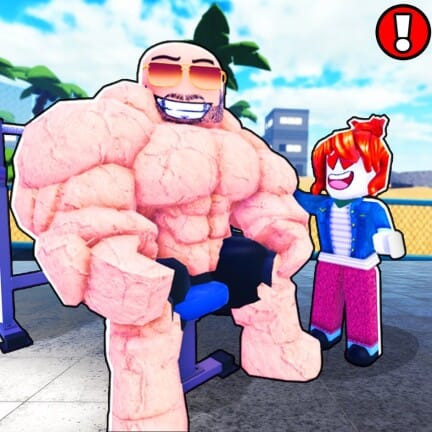
Build A Gym is a management tycoon on Roblox where you start with a small room, a handful of machines, and limited starting money. Codes drop free cash that shortcuts the early grind, letting you buy more equipment, expand floor space, and hire staff sooner. The working list below is kept current, and expired entries are moved down so you can tell at a glance what still pays out.
Working Build A Gym codes
Enter each code exactly as shown. Roblox codes are case-sensitive, so capital letters and numbers must match. Copy and paste is the safest way to avoid typos.
1mvisits— Free cash5klikes— Free cash1klikes— Free cash100LIKES— 500 cash25KVISITS— 1,000 cashRELEASE— 250 cash
If a code stops paying out when you enter it, it has likely rotated to the expired list. We remove codes from this section as soon as they stop working.
How to redeem codes in Build A Gym
Redemption happens inside the live experience, not on any external site. Launch Build A Gym on Roblox and load into a server before following the steps below.
CODES button on the left side of your screen. It sits with the other side-panel buttons and opens the redemption window when clicked.Enter Your Code field. Match the spelling and capitalization shown in the list above.Expired codes
These codes no longer grant rewards. They’re kept here for reference so you don’t waste time retyping them.
— No confirmed expired codes at this time
Where new codes come from
New codes are typically tied to milestones such as visit counts, like thresholds, game updates, and special events. The pattern of past drops (release, like counts, and visit counters) suggests the next wave will follow the same triggers, so watch for announcements around those moments and return here for the updated list.