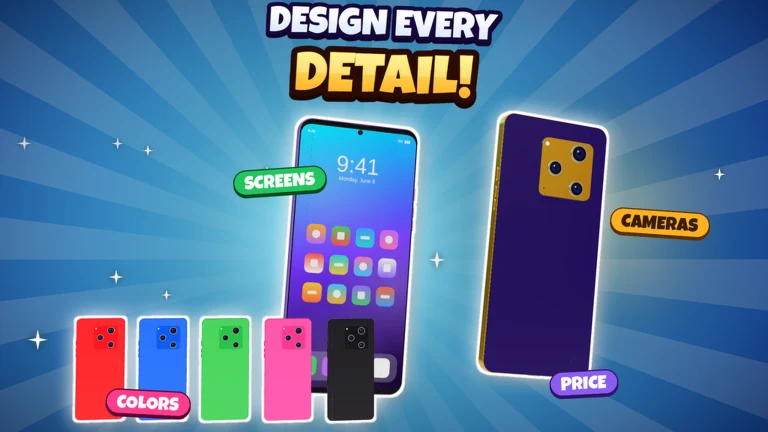
Build a Phone Empire drops you into an empty 2007 garage with a small cash balance and one job: design phones, sell them, and grow into a global brand. The fastest way to build a cushion in the first few minutes is to collect every free reward before you spend anything, then put a cheap, profitable phone on the market. The tycoon runs by DEVTEC STUDIOS and you can start it from the Build a Phone Empire Roblox page.
Quick answer: Redeem the active codes, join the DEVTEC STUDIOS group for $75,000 and 90 research points, then design a cheap phone and sell it at roughly a 70% profit margin.
Redeem Build a Phone Empire codes
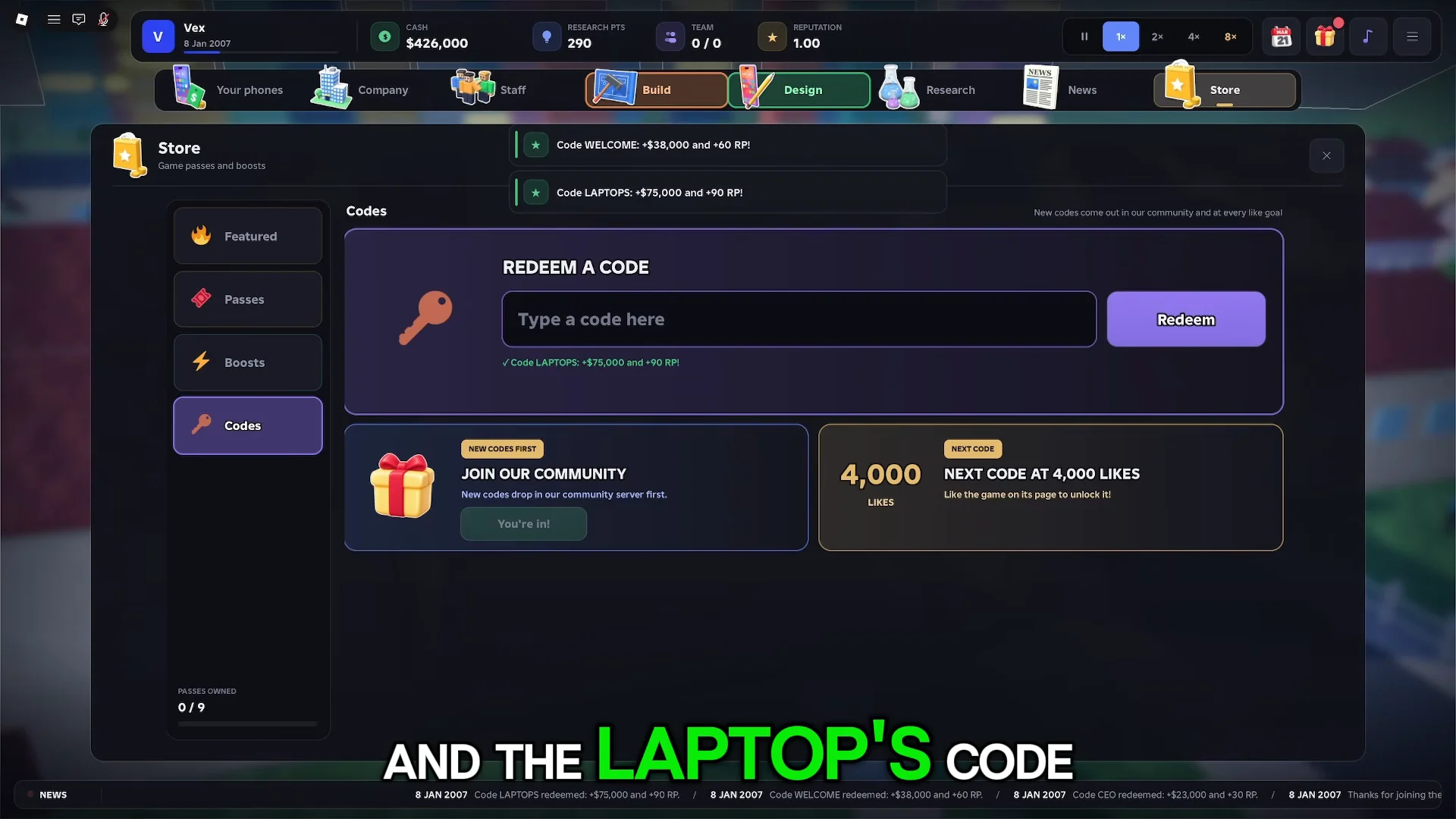
Codes hand you free Cash and research points (RP), which cover the cost of your first launch without waiting on slow early sales. The working codes grant the following rewards.
| Code | Reward |
|---|---|
CEO | $21,000 + 30 RP |
WELCOME | $18,000 + 60 RP |
LAPTOPS | $75,000 + 50 RP |
To enter them, open the Store menu inside the game, then select the Codes option. Type or paste a code exactly as written and confirm to add the Cash and RP to your balance. A fresh code goal appears on the interface as the game hits like milestones, so new strings unlock over time.
Codes expire and rotate, so redeem them as soon as you start a new run rather than saving them for later.
Claim the group reward and daily gift
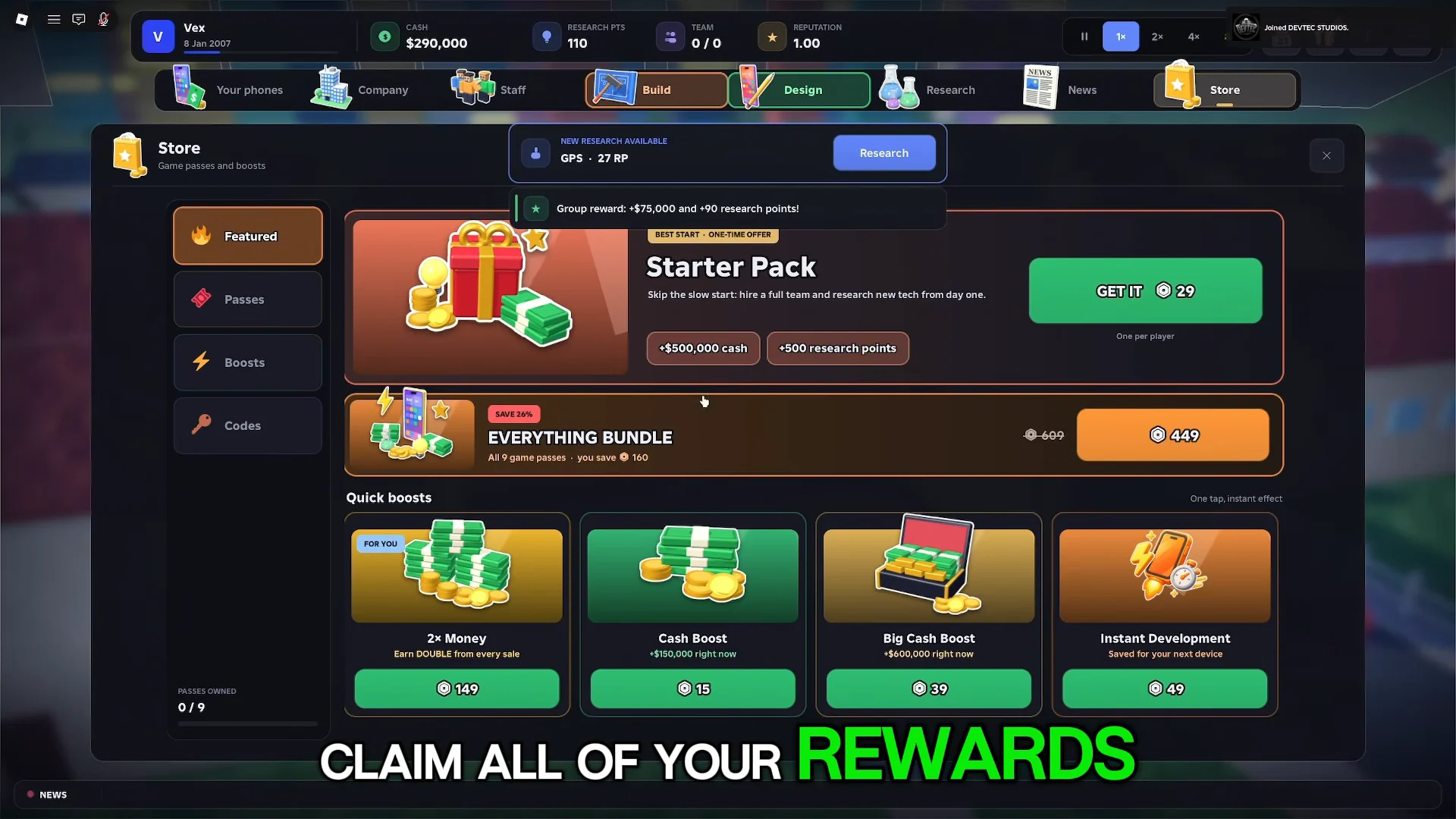
Joining the DEVTEC STUDIOS Roblox group pays a one-time bonus of $75,000 and 90 research points. That is the single largest free boost available at the start, so collect it before you design anything. The daily gift sits in the same Store menu and resets each day for additional Cash and RP.
Start your company
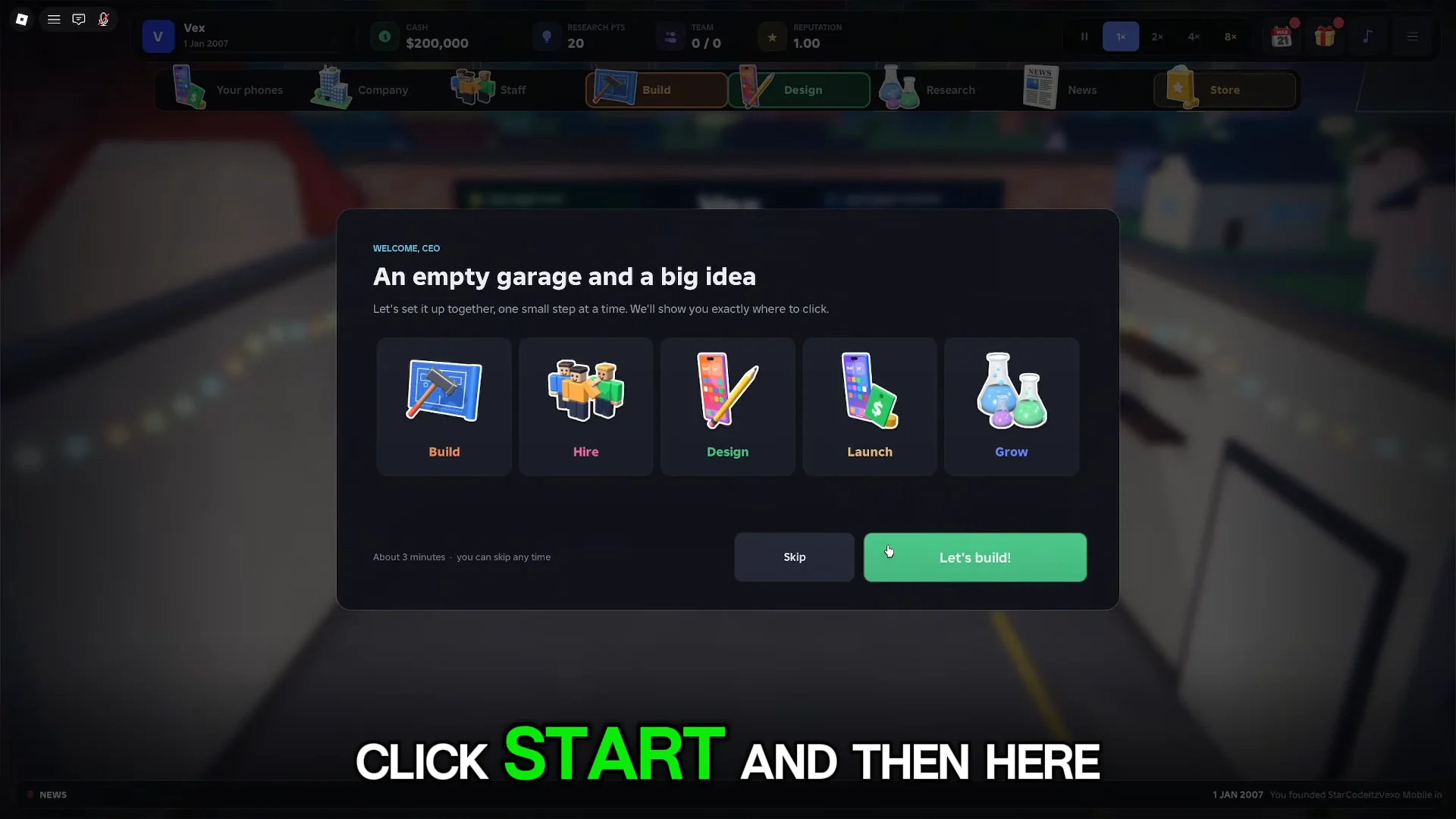
When you first spawn, you name your company and begin the garage tutorial with a starting balance of $200,000 and the calendar set to 2007. Pick any name, confirm the welcome screen, and you land inside the garage workspace with a stats board on the wall.
Design a cheap first phone that sells
In Design, switch to the Phone category. Keep the specs restrained at first. A bigger display raises unit production costs but has no negative effect on review scores, so choose one if your budget can cover it. Rounded corners give the device a softer look; sharper ones make it less rounded.
A dependable starter build can have a 6.1″ display running at 320p, a small selfie camera, a basic rear camera, rounded corners, side buttons, a Micro USB socket for charging, 4 GB of storage, 128 MB of RAM, a single-core 400 MHz CPU, a 1000 mAh battery, 2G connectivity, and RoboOS after you research it.
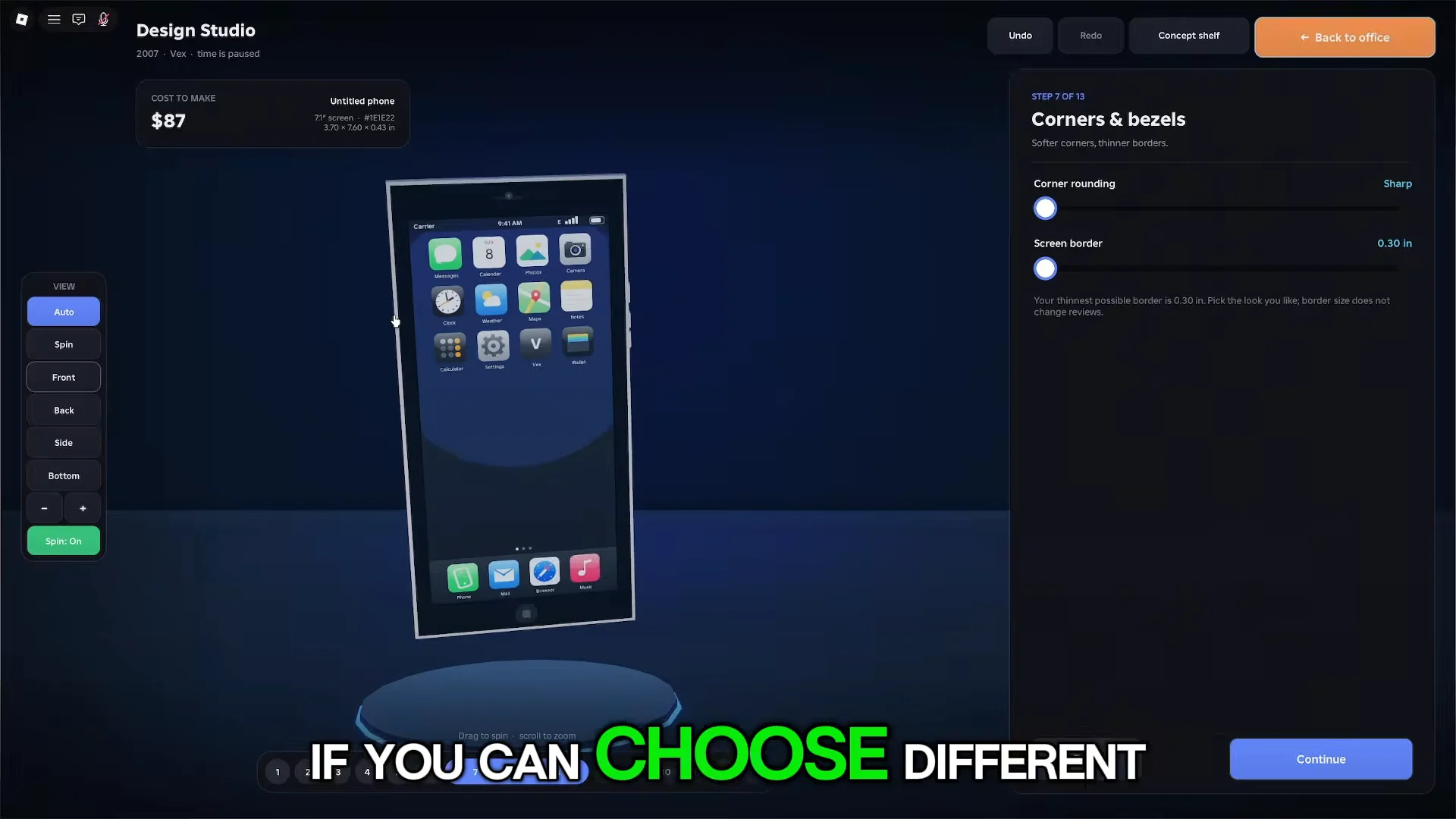
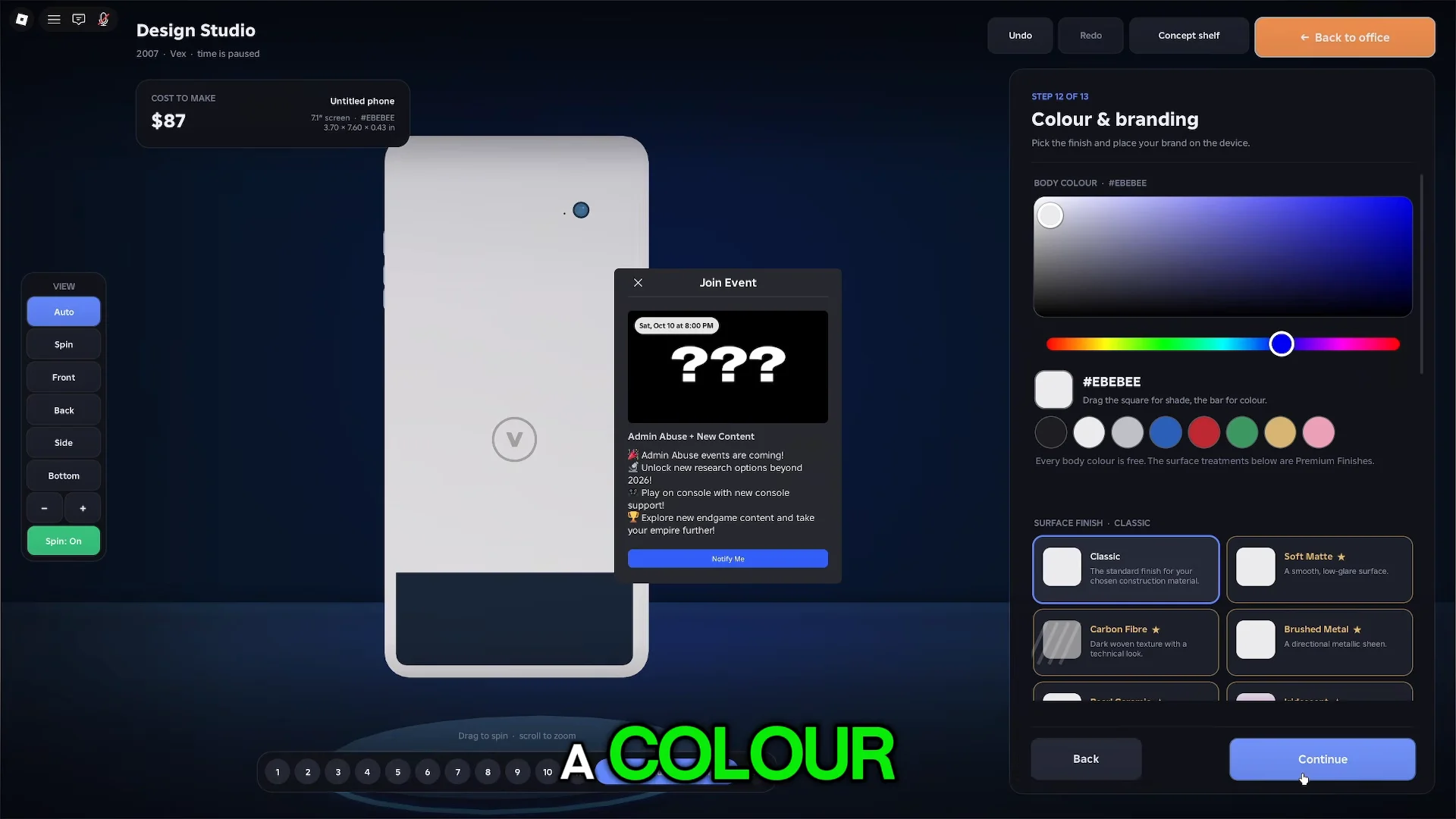
After the hardware, pick a body material such as plastic or polycarbonate, choose an accent color, and add a rear logo. The appearance does not drive sales on its own, so do not overspend here while your cash reserve is thin.
Set the price for a steady profit
The final review screen shows your component costs and the build cost per day. Set your unit price to a profit margin of around 70%. That markup keeps units moving without pricing out customers. If sales stall after launch, lower the price to pull in more buyers, but keep it above the cost per unit so every sale still earns money.
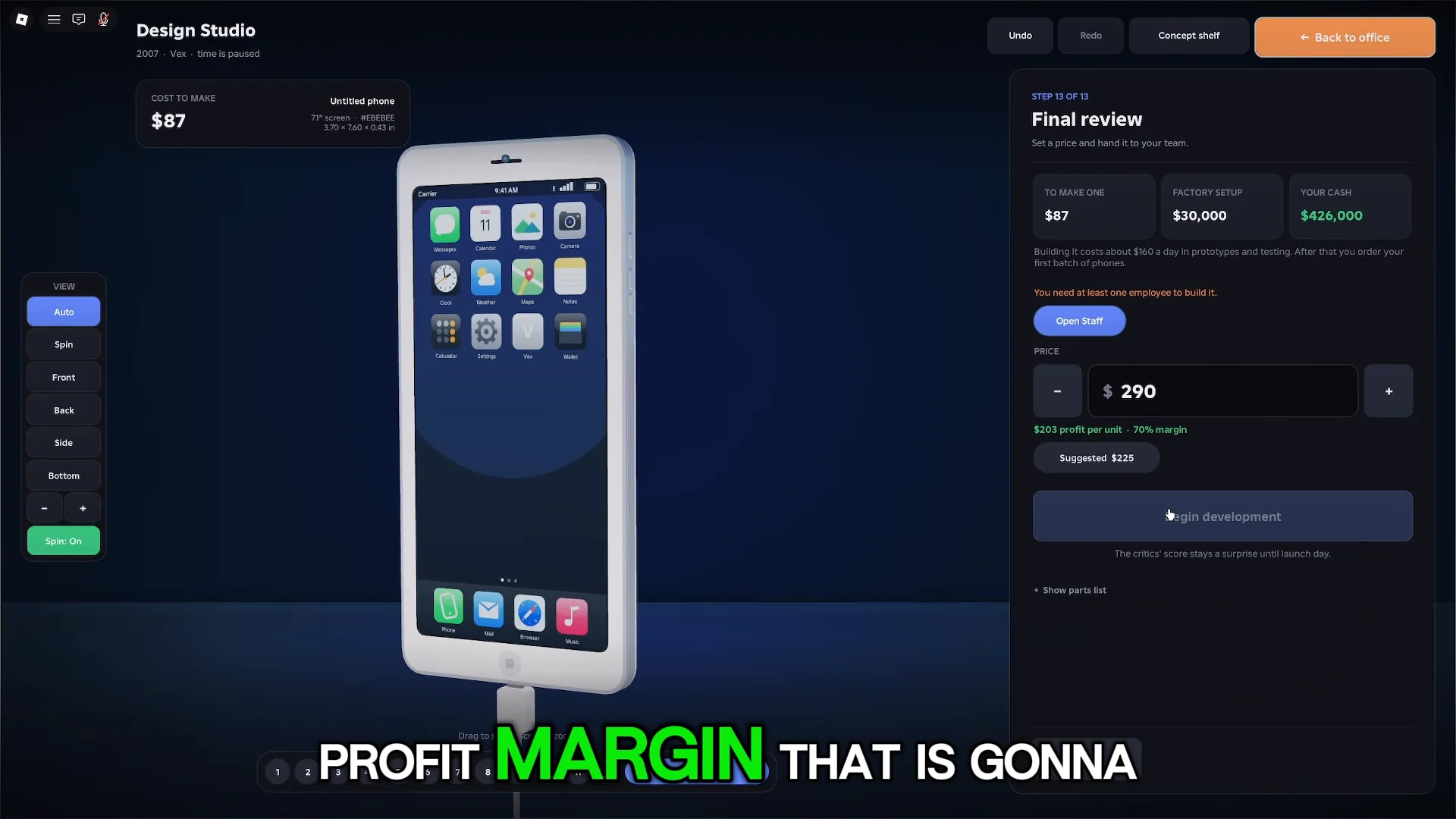
Name the device, then press Begin development. The phone enters assembly in the garage.
Hire staff and set up the office
Staff only work when they have a workstation, so a phone will not finish or sell itself. Place a desk, then open the Staff tab to hire workers. Two roles matter at the start.
- Researchers generate research points automatically while seated at a desk.
- Bug fixers clear the software bugs that appear during development.
Hire the cheapest researcher and bug fixer first. Higher-power workers finish tasks faster but cost more per month, so only upgrade staff once your sales can cover their wages. Better furniture also helps: dual monitors, ergonomic chairs, plants, and lights raise work speed and comfort stats. When you hit a placement limit, replace weaker gear rather than cramming in extra items that do nothing.
Clear bugs, then launch with advertising
Set the game speed to 4x to move through development and bug fixing quickly. Wait until every bug is cleared before you launch. If a stubborn bug remains, you can spend research points to resolve it. Once the device is ready, the Launch screen offers advertising tiers that boost early demand.
| Campaign | Cost | Early demand |
|---|---|---|
| No marketing | Free | Baseline |
| Online ads | $40,000 | +45% |
| TV campaign | $400,000 | +80% |
| Global launch event | $1,300,000 | +160% |
For a first phone on a tight budget, a free launch tests your pricing safely, while Online ads give a solid demand bump if you can spare the Cash. After you press Launch, the showcase animation plays and the critics post a review score. Sales and weekly profit then begin rolling in on the phone’s dashboard.
Spend research points on your next phone only
Starting in 2007, the research tree presents technologies in a grid, with newer components becoming available each year. You can run just one project at a time, and every node takes RP and several in-game days to complete. Keep research underway continuously; leaving the lab idle means losing progress. GPS, Micro USB, and RoboOS are useful early choices for a better first device.
Avoid unlocking every option right away. Hold your points for components needed by your upcoming phone. Check the in-game news as well: its reports can point to lower-cost parts, reducing phone production expenses. Releasing multiple phones with almost the same technology is also unwise, since repeating tech cuts sales of the newer model.
Expand from the garage to a bigger office
The garage holds room for two desks. Moving into the Small Office costs $150,000 and raises capacity to six desks. More desks mean more workers, which means faster research and quicker launches. Buy the upgrade once your cash flow comfortably covers it and you have more staff than seats.
The Company menu also tracks rival brands, lets you buy out competitors, and lists achievements that pay out cash as you grow. Milestone goals on the left of the screen point you toward useful upgrades, so following them early keeps your money climbing.
How to know your setup worked
A redeemed code works when the confirmation shows on the Codes screen and your Cash and RP totals jump. A launched phone works when the review score appears in the showcase and the weekly sales report starts adding profit to your balance. A healthy first run often clears well over $200,000 in profit on a cheap starter device, which is enough to fund your next phone, better staff, and the move into a Small Office.