Build a Tower puts players in charge of stacking rare blocks into towering structures while managing upgrades that keep cash flowing even when the game is closed. Codes for the game hand out small boosts tied to specific milestones, giving builders a head start on stacking higher and earning faster.
Working Build a Tower codes
Enter these codes exactly as shown to claim their rewards before they expire.
WHISPERCLIMB— Milestone reward tied to the game’s 100K visits celebrationT5UPDATE— 20,000 CashT4UPDATE— 18,000 CashTower— 18,000 Cash
How to redeem codes in Build a Tower
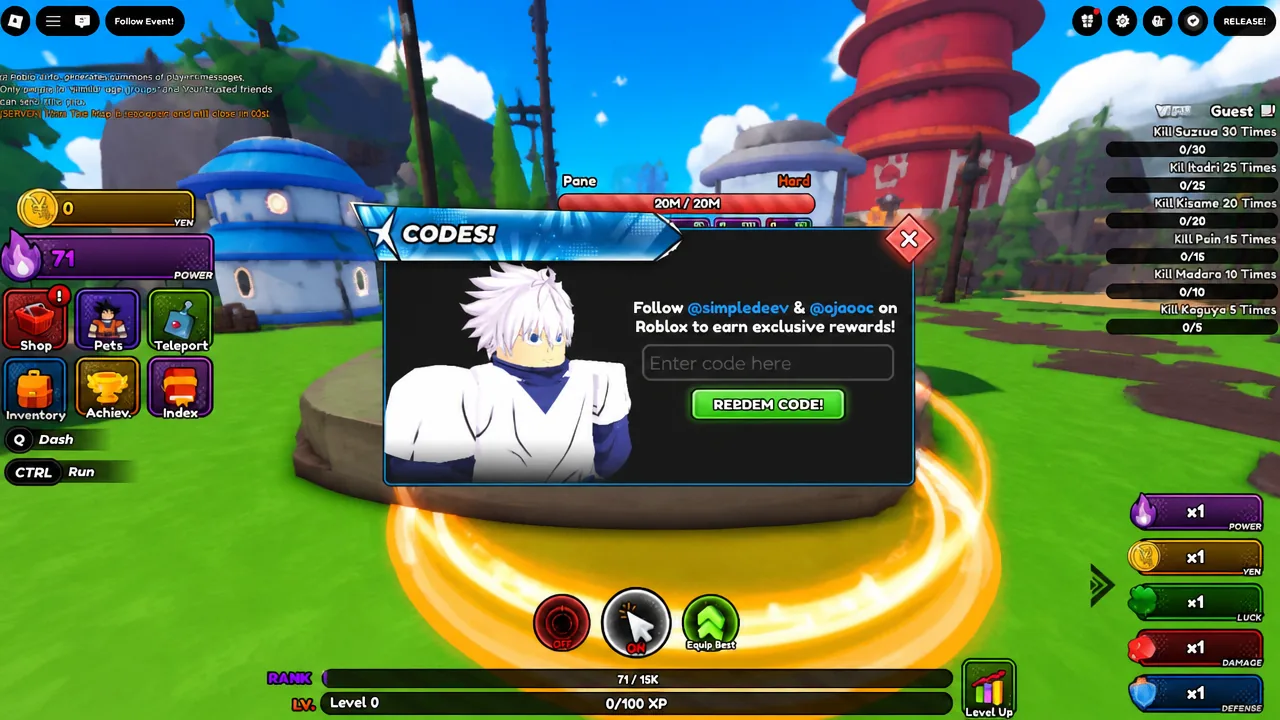
What Build a Tower rewards look like
Progress in Build a Tower centers on buying blocks, stacking them into the tallest structure possible, and upgrading stage limits, item caps, and cash multipliers. The tower keeps generating money even while you’re offline, and everything saves automatically, so a code redeemed today still benefits a build you return to later.
New codes tend to arrive around visit milestones and content updates, so it’s worth checking back on this page regularly to catch rewards before they expire.