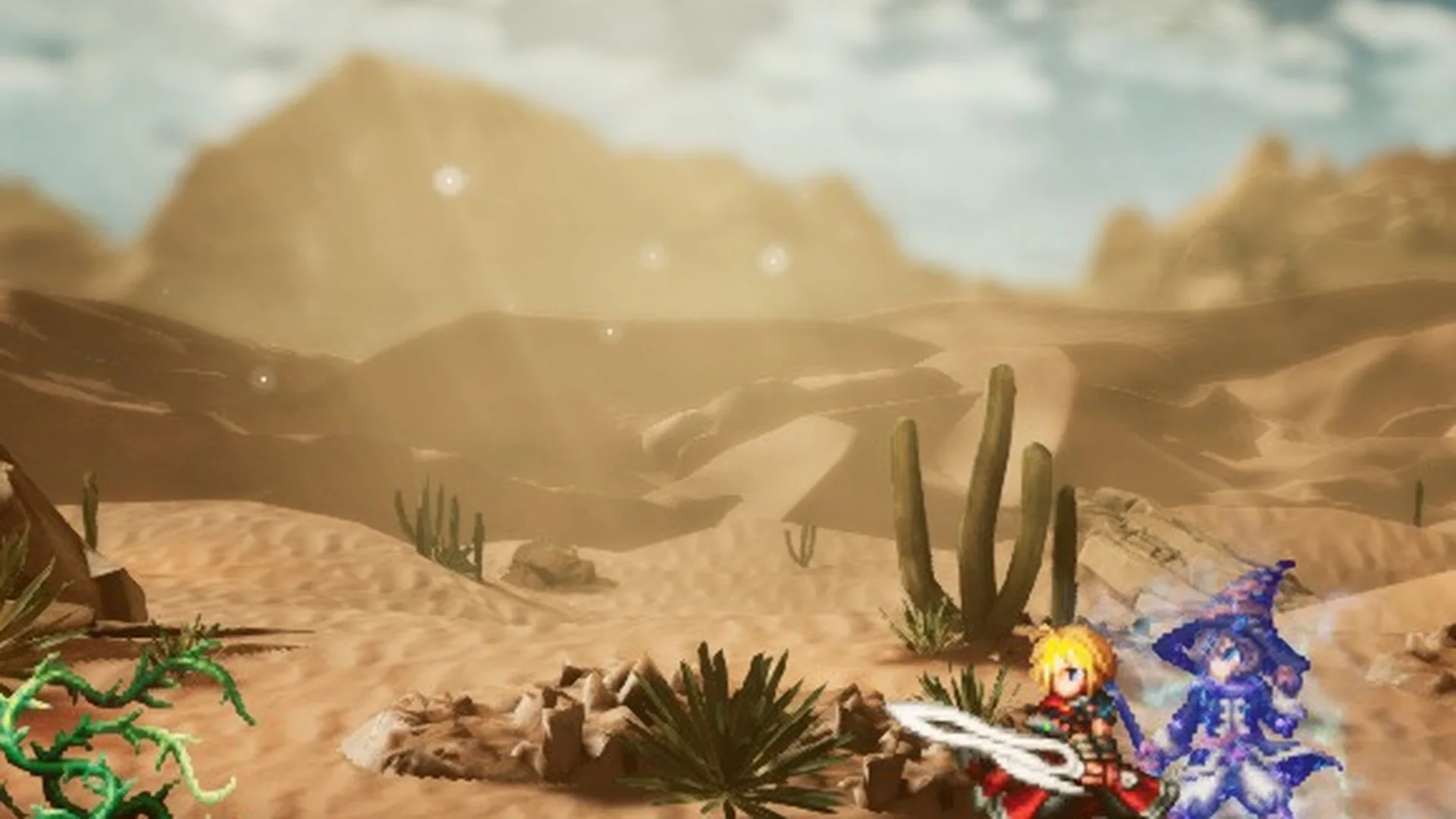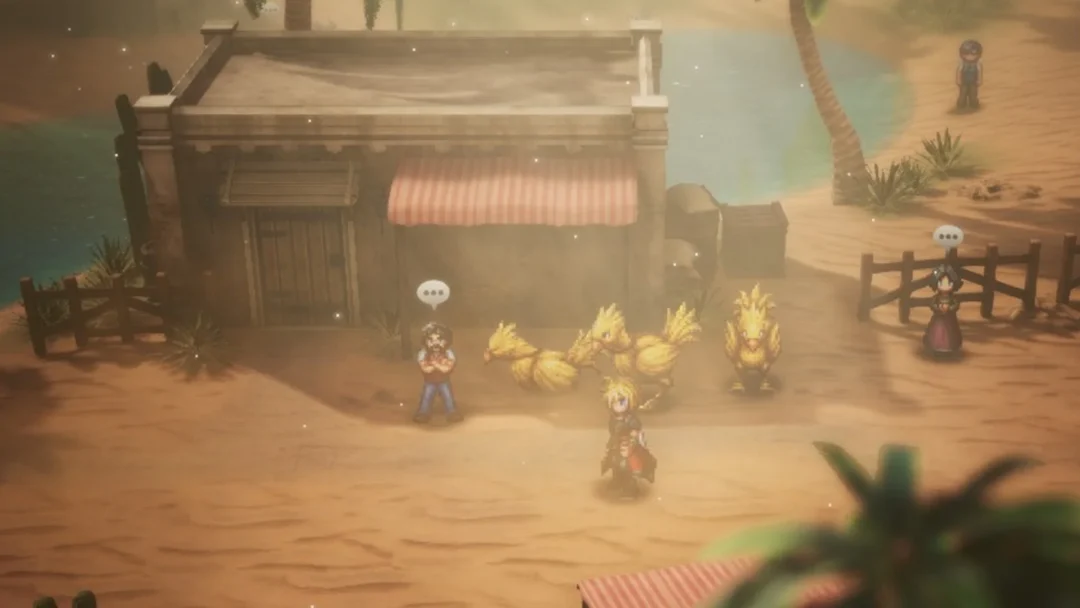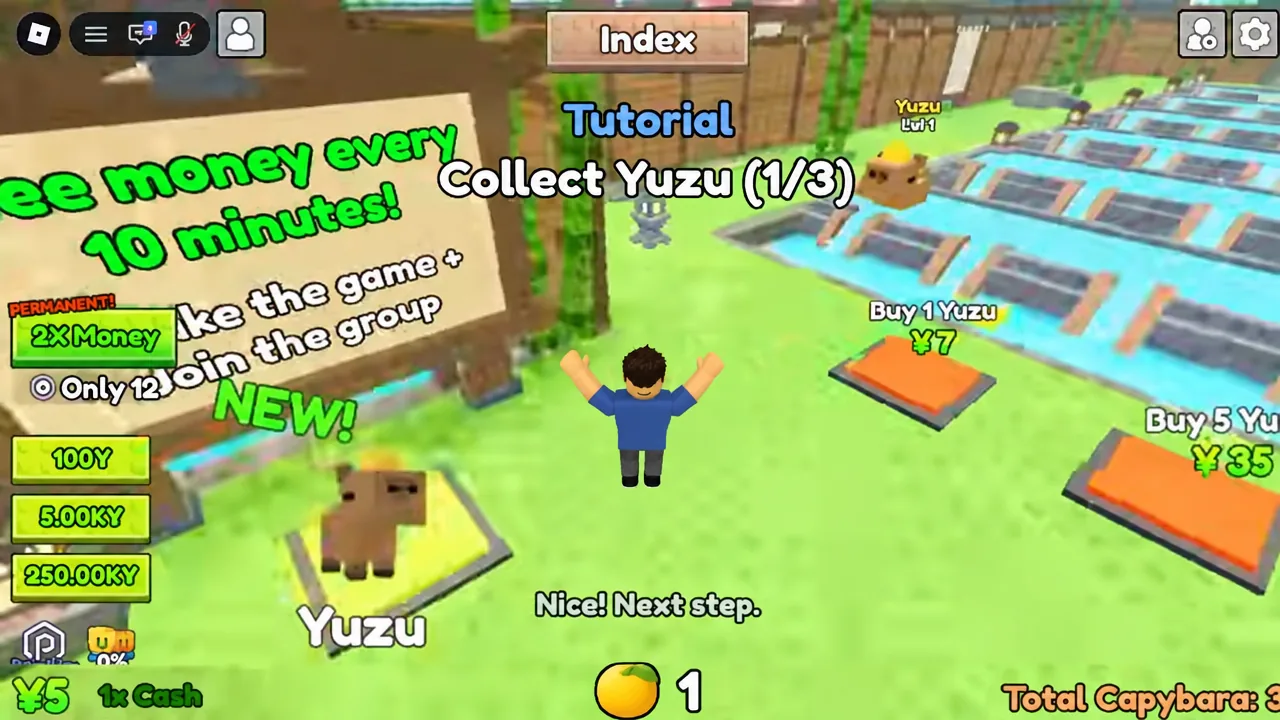
Capybara Onsen is a simulation tycoon on Roblox built around one repeating chain: capybaras sitting in a hot spring drop Yuzu fruit, you gather that fruit from the water lanes, and a deposit pad turns it into cash. Everything else in the game — merges, upgrade pads, Lucky Boxes, a wider bath — hangs off that chain. The tutorial teaches it in under two minutes, and the rest of your playtime is the same loop at a larger scale.
Quick answer: Buy a capybara, sweep the water lanes for Yuzu, step on the Deposit Yuzu pad, collect the cash, then merge two matching capybaras. Repeat that loop; upgrades and Lucky Boxes follow from it.
What Capybara Onsen is and what you need to start
The experience is made by Dojo Empire and runs on small servers, so nothing about progression depends on other players. Your onsen is personal: you buy, deposit, and merge on your own plot, and you can finish the whole tutorial in an empty server. You can jump in from the official Capybara Onsen experience page.
| Detail | Value |
|---|---|
| Creator | Dojo Empire |
| Genre | Simulation / Tycoon |
| Players per server | 6 |
| Last updated | September 4, 2026 |
| Voice chat / camera | Not supported |
The place description spells out the intended order of play, and the in-game tutorial follows it exactly. Buy capybaras, let them drop Yuzu, deposit the Yuzu for money, buy more capybaras, merge for higher tiers, open the Lucky Boxes your capybaras find, and expand the onsen as your roster grows.
If a server kicks everyone out, that usually means a patch is going live — the description states that a shutdown equals an update. Rejoin and check the HUD before assuming a button is missing.
Clearing the tutorial: every pad in order
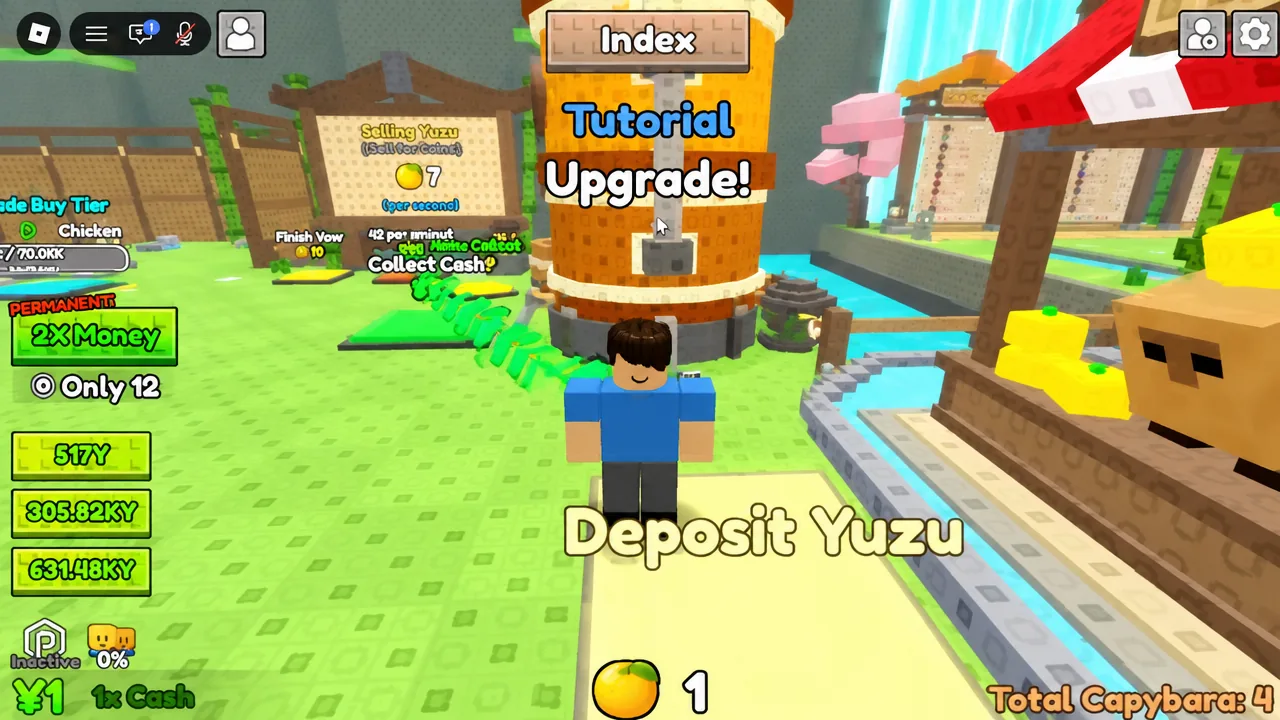
The tutorial drives you with an on-screen objective plus green arrows painted on the ground pointing at the next pad. Almost every action in the game is a pad you stand on rather than a button you click, so walk onto the highlighted tile and wait a beat.
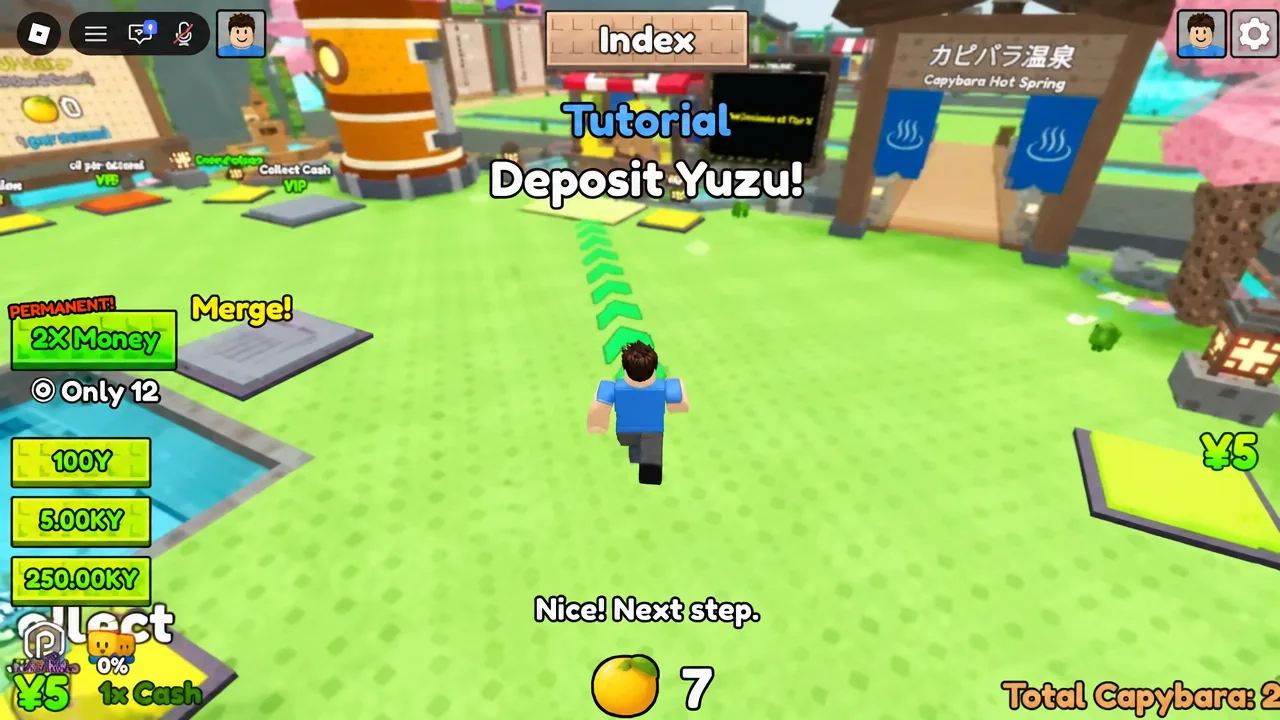
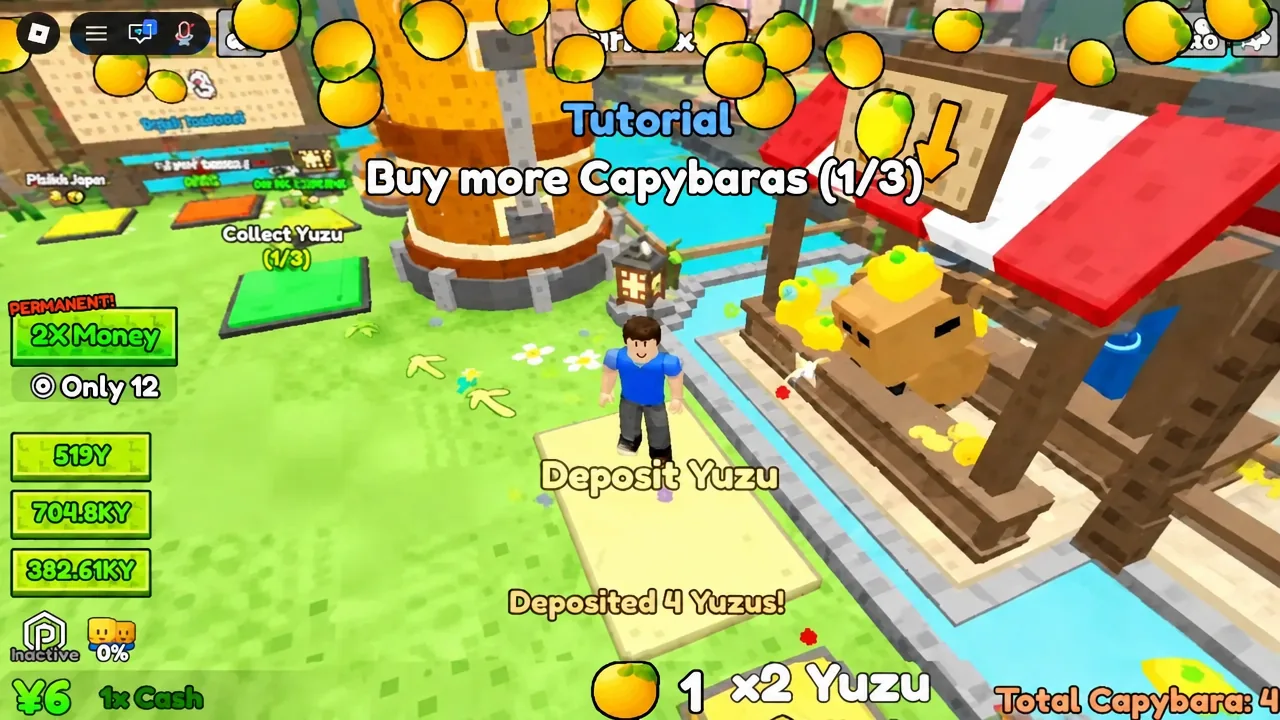
If you hit the buy pad with an empty wallet, the purchase simply fails. That is the signal to run a lane, deposit, and touch the cash pad again before returning.
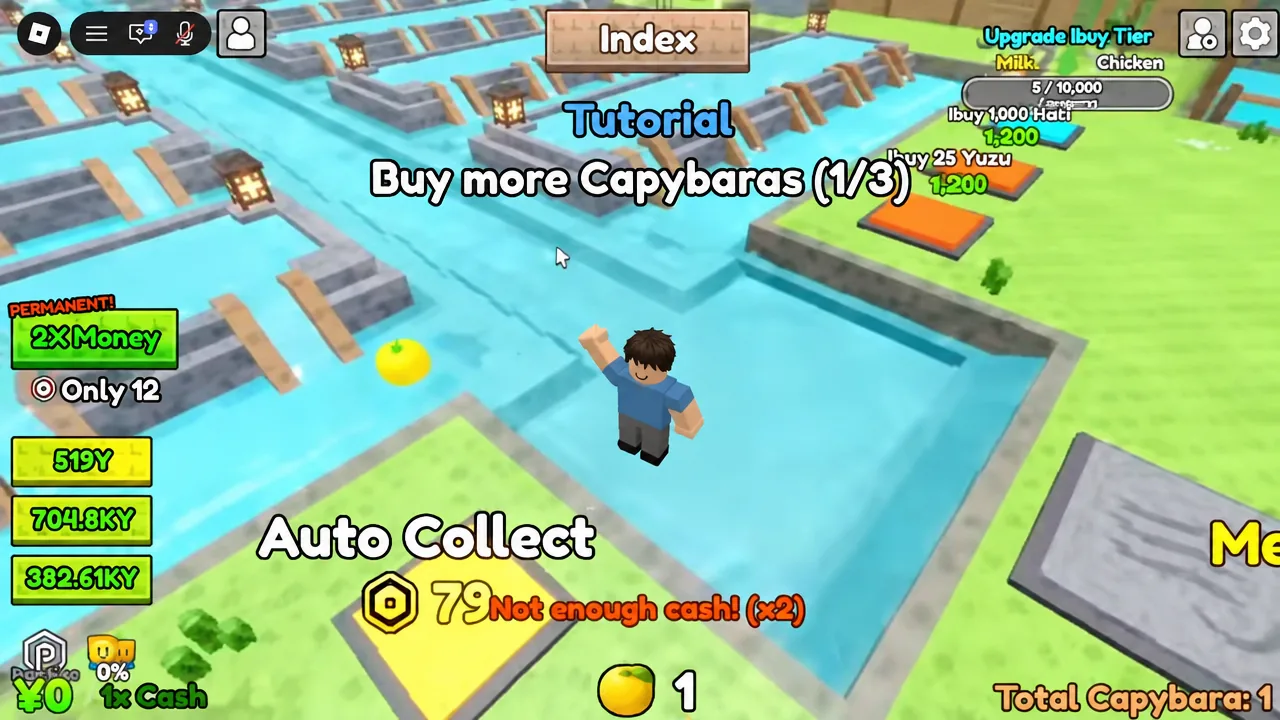
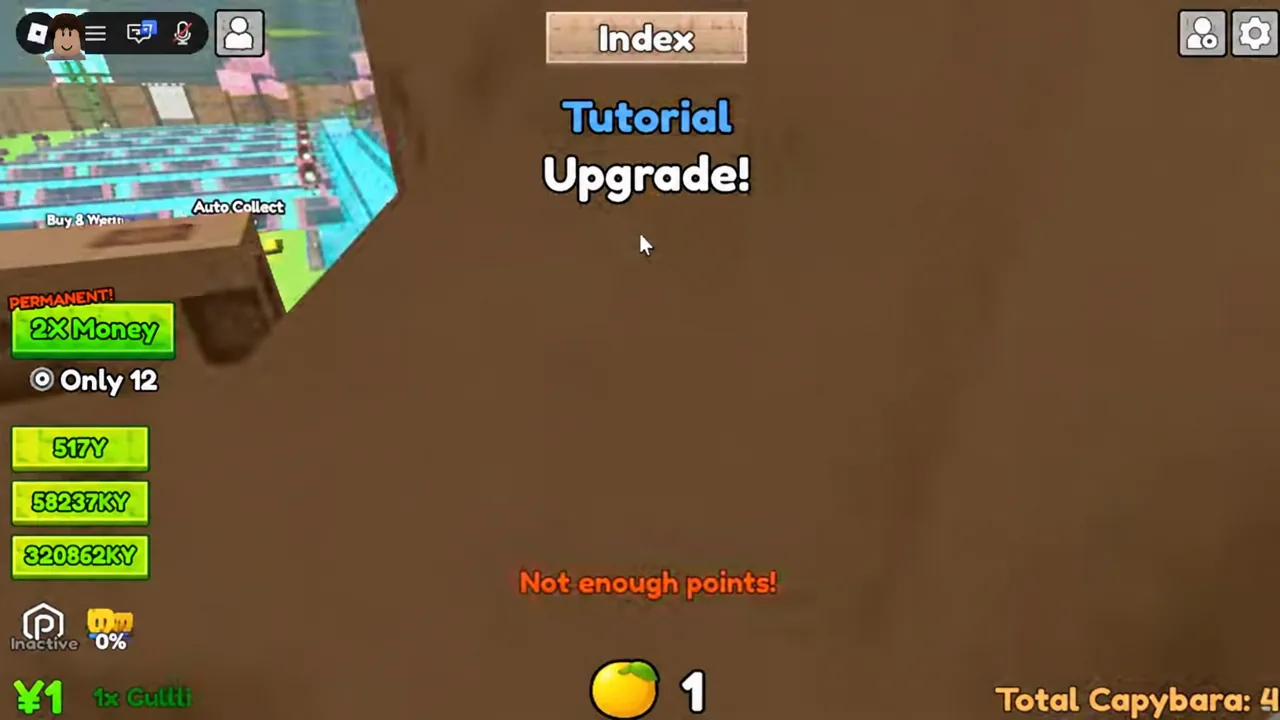
Upgrade pads read your banked cash, so stepping on one with nothing saved throws a “Not enough points!” message instead of applying the boost.
How merging unlocks higher capybara tiers
Merging is the only route to new species. Two identical capybaras placed on the merge pad disappear and return as a single higher-tier unit, which then produces on its own. The discovery popup that appears with a new tier can be closed straight away; the capybara stays.
| Tier | Capybara | How to get it |
|---|---|---|
| 1 | Yuzu | Buy pad (from 5 Yen) |
| 2 | Chicken | Merge two Tier 1 units |
| 3 | Ramen | Merge on the merge pad |
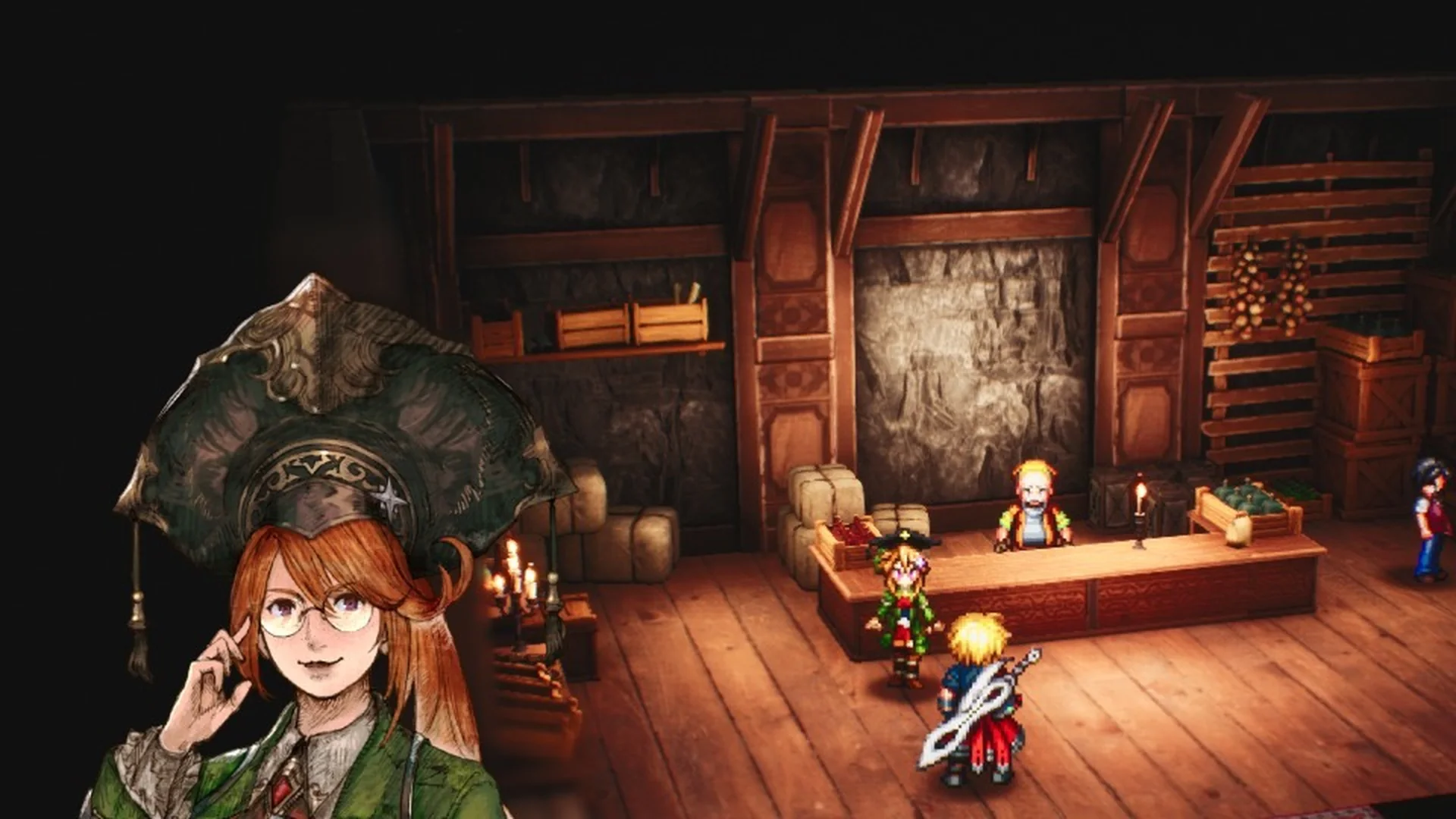
Tier 3 matters for more than the collection: the Yuzu Market is locked behind it, with the stall itself stating that it opens at Tier 3. That makes the first two merges a higher priority than padding your plot with extra Tier 1 units.
There is no undo on a merge. Two capybaras go in and one comes out, so only step on the pad when you are happy to lose the pair.
Buy tiers, bulk purchases, and selling speed
Once the tutorial ends, the buy pad is no longer limited to single purchases. Bulk options scale up as your income grows, and the Upgrade Buy Tier pad raises what the pad produces per press. The Total Capybara counter on screen tracks how many units you own, starting at 0 and climbing as you buy, merge, and open boxes.
- Buy 1 Yuzu — the starter purchase, 5 Yen.
- Buy 5 Yuzu — first bulk step for filling lanes quickly.
- Buy 25 Yuzu — mid-game batch buying.
- Buy 100 Yuzu — large-scale expansion.
- Upgrade Buy Tier — raises the tier the pad produces, lifting income rates.
Selling speed upgrades work alongside those purchases. The +4 per second pad from the tutorial shortens the time a deposited stack takes to clear, which matters once you are sweeping both water lanes and dumping large batches at the stall in one trip.
Lucky Boxes and automation toggles
Capybaras find Lucky Boxes on their own as they work. Opening one grants extra capybaras, which makes boxes a free source of merge partners — open them as they appear rather than letting them sit on the plot.
The settings menu carries the four switches that change how much running around a session requires:
- Auto Yuzu Collect — gathers fruit without lane sweeps.
- Auto Cash Collect — banks earnings without touching the cash pad.
- Background Music — toggles the theme.
- Sound Effects — toggles drop and pad cues.
Auto Collect appears in the interface alongside these options, and with both automation toggles on, the loop narrows to depositing, merging, and choosing upgrades.
What to skip in your first session
No working codes have been confirmed for Capybara Onsen, and there is no public Trello board for the game, so hunting for a redemption box is wasted time. Codes from other capybara games on Roblox do not carry over, since each experience runs its own shop.
Expanding the onsen is also worth delaying. Extra space earns nothing until you have capybaras to fill it, so grow the bath after a merge or after a Lucky Box hands you a unit with nowhere to go. Keep some cash in reserve as well — merge pads and upgrade pads both want a balance, and an empty wallet stalls both.
Once the deposit habit is automatic, the game is essentially a scaling exercise. Buy in larger batches, sweep both lanes in one pass, push the merge chain toward Tier 3 to unlock the Yuzu Market, and let the auto-collect toggles handle the busywork while your roster grows.