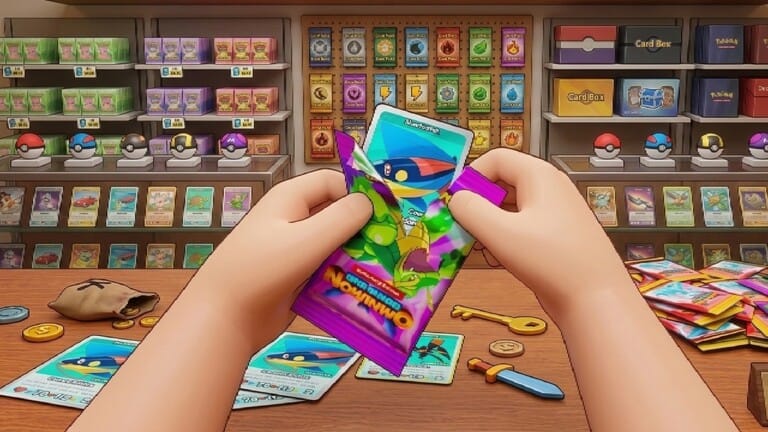
Card Shop Friends puts you in charge of a trading card store, and codes are the fastest way to pad your starting cash and boost your sales. Redeeming them takes less than a minute and stacks extra cash, luck, and star boosts on top of whatever you’re already earning in your shop.
Working Card Shop Friends codes
These codes are currently redeemable and each one only works once per account.
update— 300 free cash NEWshop— A 2x cash boost for 10 minutes NEWtcg— A 2x luck boosthire— A 2x star boostadmin— 300 free cashabuse— A 2x cash boostpotion— A 2x cash boostWELCOME— A 2x cash boost
Codes are case-sensitive, so type them exactly as shown above or copy them directly to avoid a “Code Invalid” message.
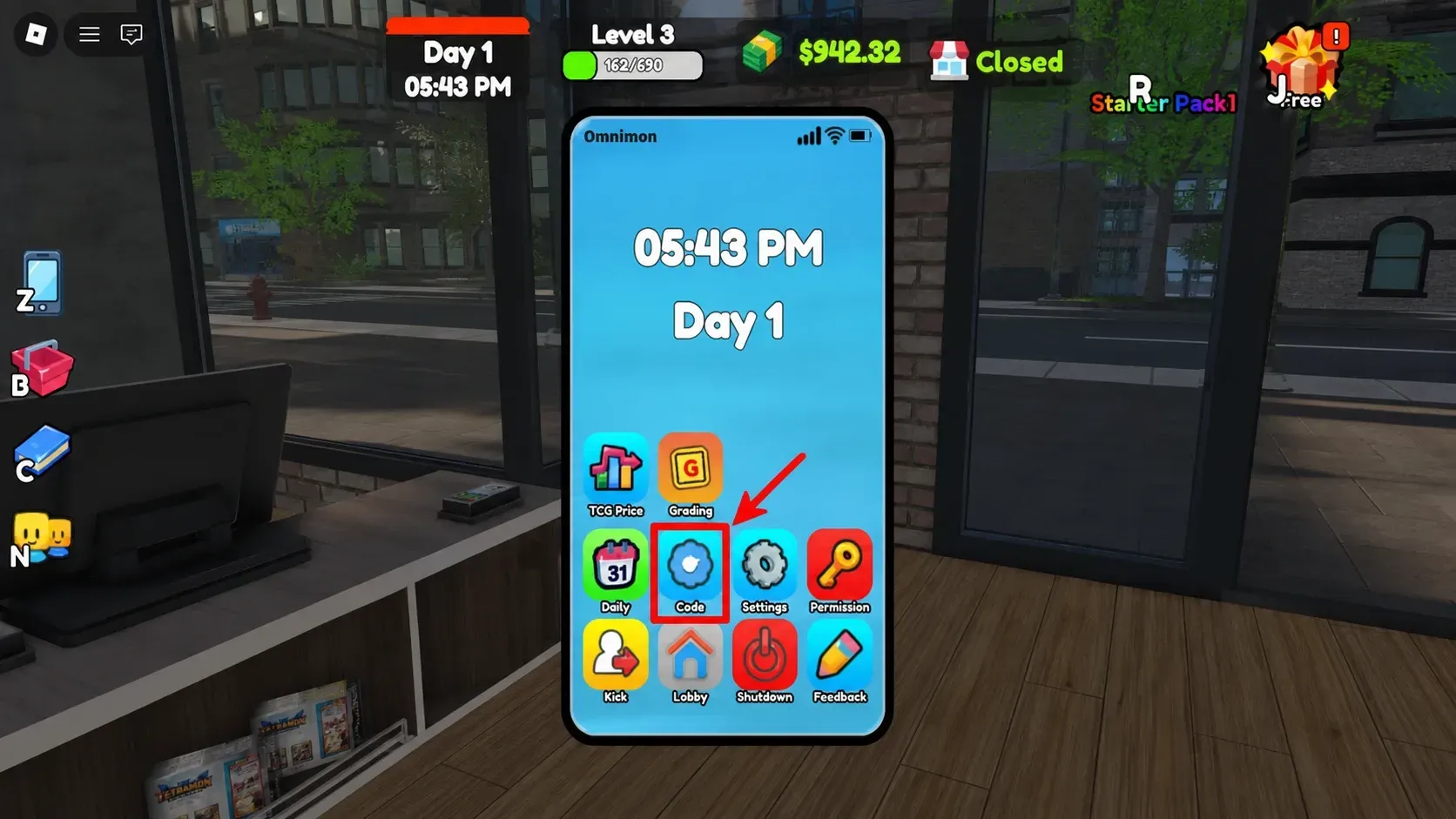
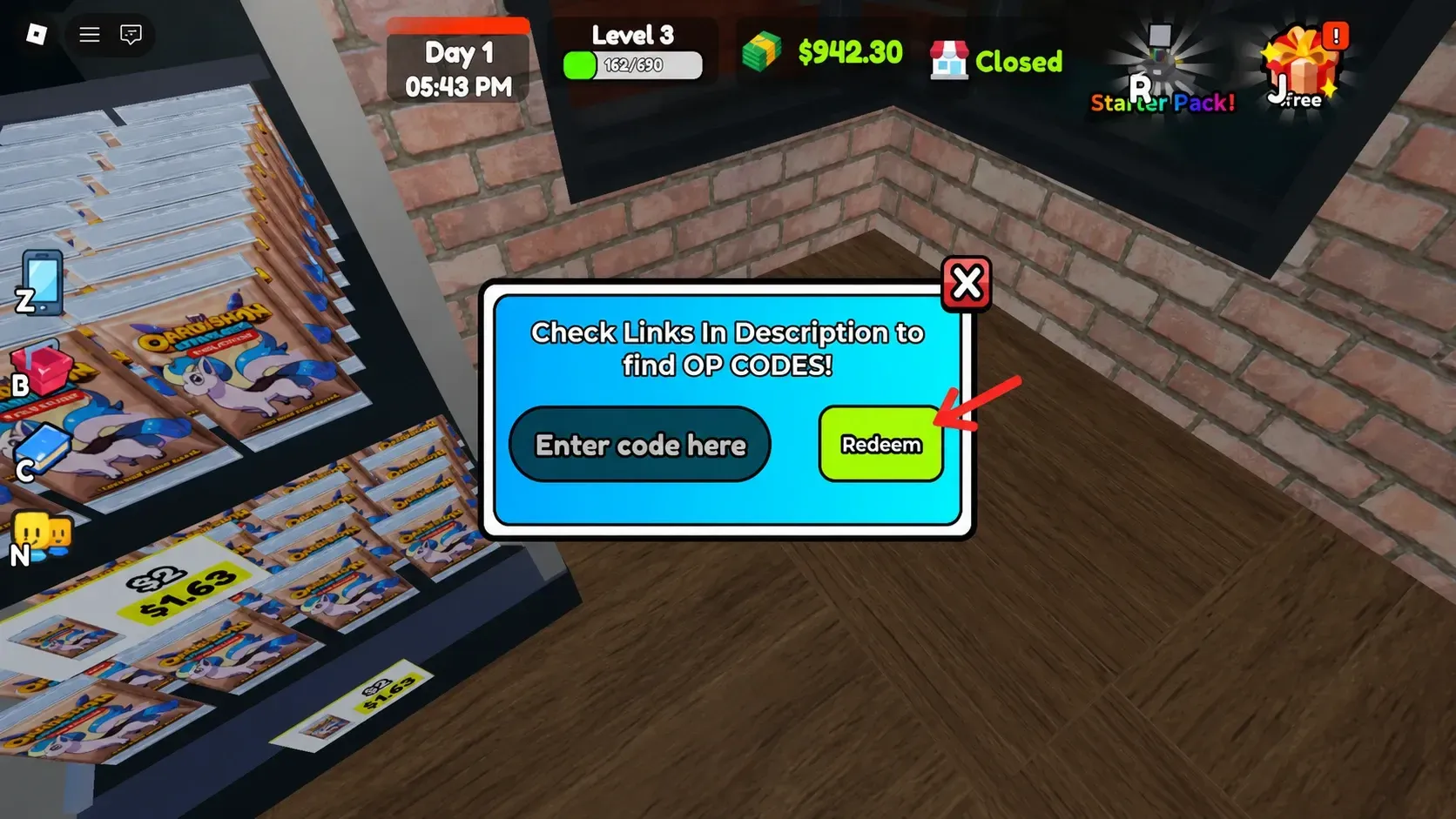
How to redeem codes in Card Shop Friends
Expired Card Shop Friends codes
These codes no longer redeem any rewards.
1MVISITS— Previously gave a 2x cash boost5KLIKES— Previously gave a 2x cash boost
Where to find new codes
New codes usually go out alongside game updates or when the shop hits a visit or like milestone. The developers post them in the TCG Card Shop Simulator Discord server, inside the dedicated codes channel, so joining that server is the quickest way to catch a fresh code as soon as it drops.
Bookmarking this page works too, since the working list above gets refreshed as codes go live or expire.