
Category
Communication
-
How to Fix Outlook Asking for Password Even After Entering It
Resolve Outlook’s repeated password prompts and restore uninterrupted email access with these proven solutions for Windows 11 users.
-

How to Fix Microsoft Teams Not Detecting Camera or Microphone
Restore full video and audio functionality in Microsoft Teams by following these detailed troubleshooting steps for Windows 11, Mac, and web browsers.
-
How to Fix Gmail Not Sending or Receiving Messages
Detailed steps to resolve Gmail issues that prevent emails from being sent or received, covering storage, filters, account settings, and connectivity.
-
Fix Microsoft Teams Error CAA301F7 on Windows 11
Resolve Microsoft Teams login failures on Windows 11 by clearing credentials, removing cached data, adjusting firewall settings, and applying advanced troubleshooting steps.
-
WhatsApp Debuts on iPad: Native App Brings Multitasking, Bigger Calls, and Full Sync at Last
After years of anticipation, WhatsApp’s dedicated iPad app unlocks true multitasking, group calls up to 32, and seamless syncing—transforming how users message on Apple’s…
-
Fix Error 0x800ccc17 in Outlook on Windows 11
Resolve Outlook send/receive failures caused by error 0x800ccc17 on Windows 11 by verifying network, account, and client settings.
-
Fix Error 0x800CCC1A in Outlook on Windows 11
Resolve Outlook error 0x800CCC1A on Windows 11 by correcting encryption settings, adjusting firewall or antivirus configurations, and repairing your Outlook profile for reliable email…
-
Google Meet’s Real-Time Speech Translation Lets You Converse Across Languages—With Your Own Voice
Google Meet introduces AI-powered voice translation that preserves tone and expression, enabling seamless multilingual conversations for users and businesses.
-

Implement Workaround for Google SMTP Relay After “Less Secure Apps” Have Been Disabled
Set up secure and reliable email sending through Google SMTP Relay without relying on “Less Secure Apps” access.
-
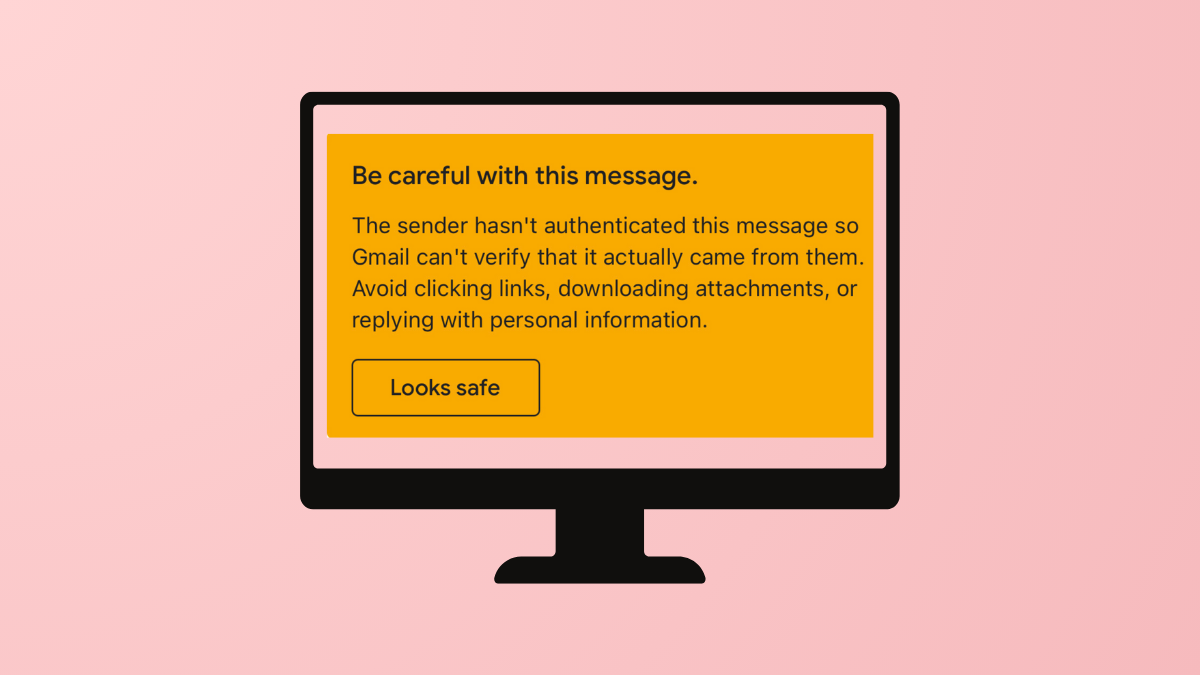
Prevent “Be Careful With This Message. The Sender Hasn’t Authenticated This Message So Gmail Can’t Verify” Warning in Gmail
Stop Gmail from displaying sender authentication warnings by properly configuring email authentication protocols for your domain.