
Category
Apps
Productivity tools, Microsoft Office, communication apps, and browsers.
-
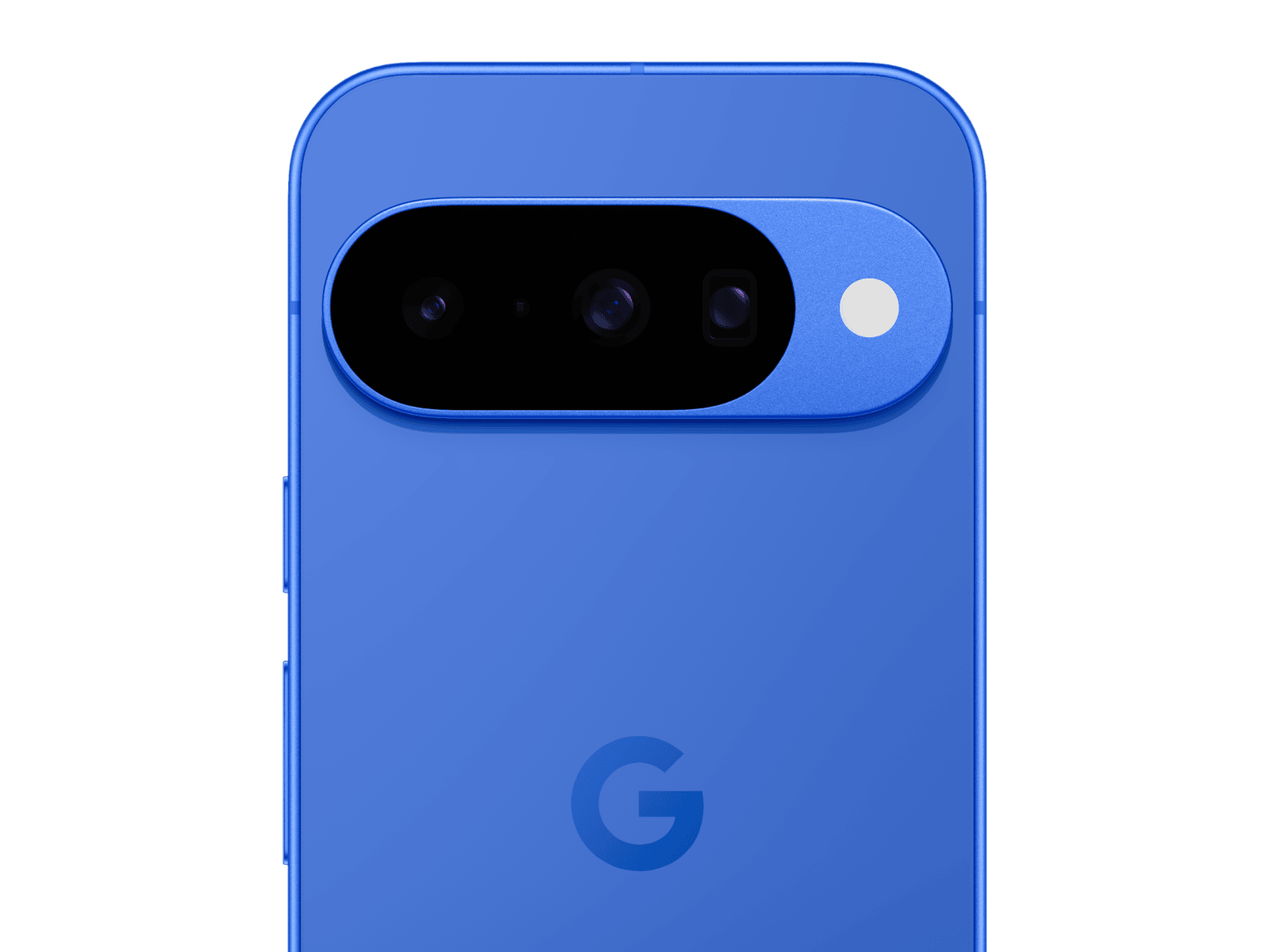
Pixel 10 vs Pixel 10 Pro: Camera Differences Explained
We break down sensors, zoom, video, and selfie hardware across Pixel 10, 10 Pro, and 10 Pro XL to help you pick the right…
-
How to Enable and Use Read Mode in Microsoft Word
Switching to Read Mode in Word creates a distraction-free, full-screen reading environment with options to comment, highlight, translate, and adjust page layout for easier…
-
How to Move a Shared Folder in Google Drive to Another Account
Transferring a shared folder from one Google Drive account to another requires specific steps to maintain folder structure, ownership, and file access across accounts.
-
How to Fix “We Ran Into a Problem Completing Your Request” Error in Excel Online
Resolve the recurring Excel Online error message and restore full access to your shared spreadsheets using proven troubleshooting steps.
-
How to Fix Excel Cannot Create or Add New Cells Error
Learn practical solutions to resolve the “Excel cannot create or add new cells” error and restore full editing capability to your worksheets.
-
How to Disable Access to Profiles in Firefox
Prevent users from creating or switching Firefox profiles by applying system-level restrictions and configuration changes.
-
How to Fix Outlook Error 0x8007007a
Resolve Outlook’s 0x8007007a error to restore reliable email sending, especially when attachments fail to upload or send.
-
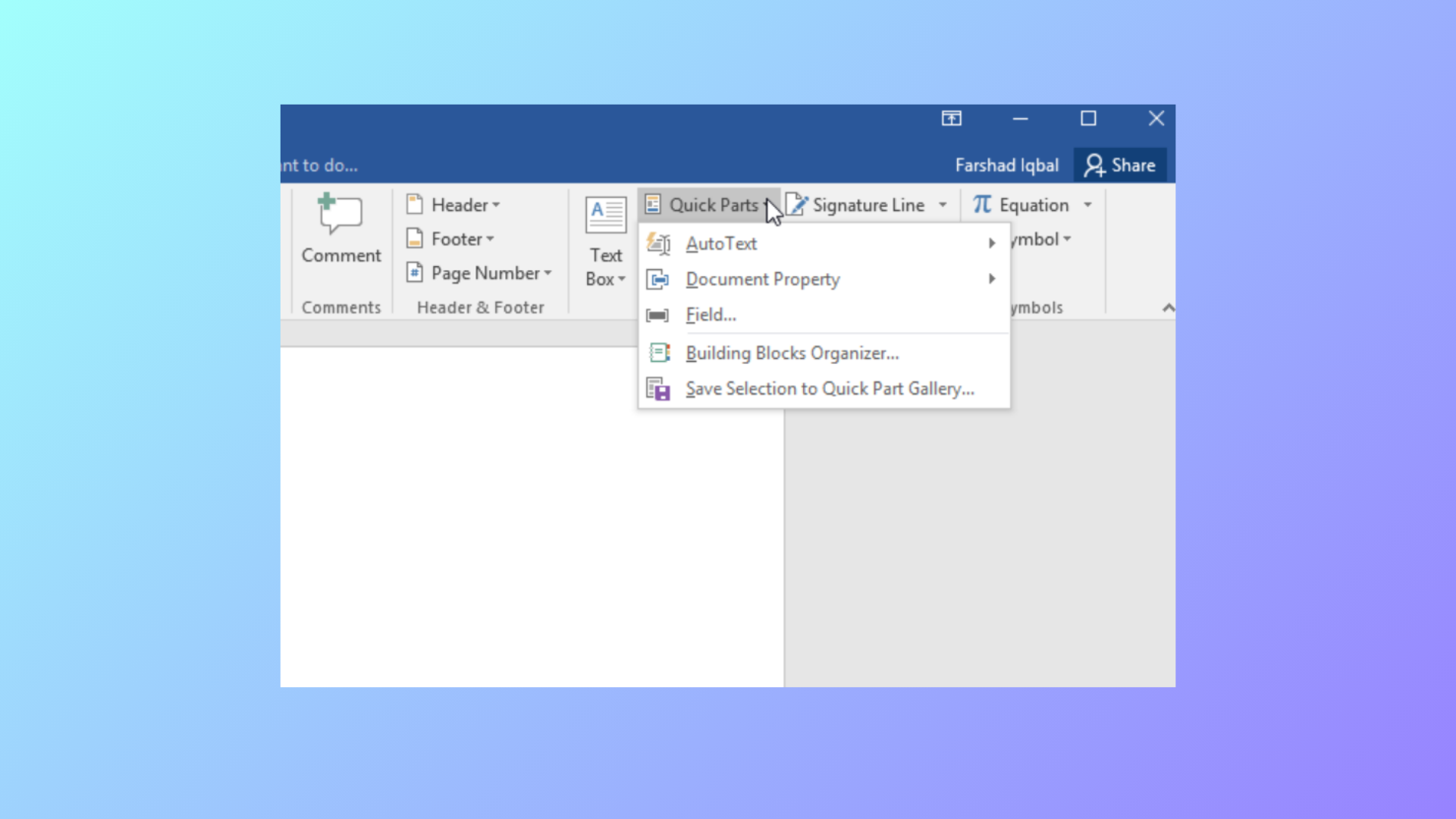
How to Use Document Property Quick Parts in Microsoft Word
Learn how to insert, manage, and update document property Quick Parts in Word to automate repeated information and streamline document editing.
-
How to Fix PowerPoint Can’t Open This Type of File Error
Effective solutions to resolve the “PowerPoint can’t open this type of file” error and regain access to your presentations.
-
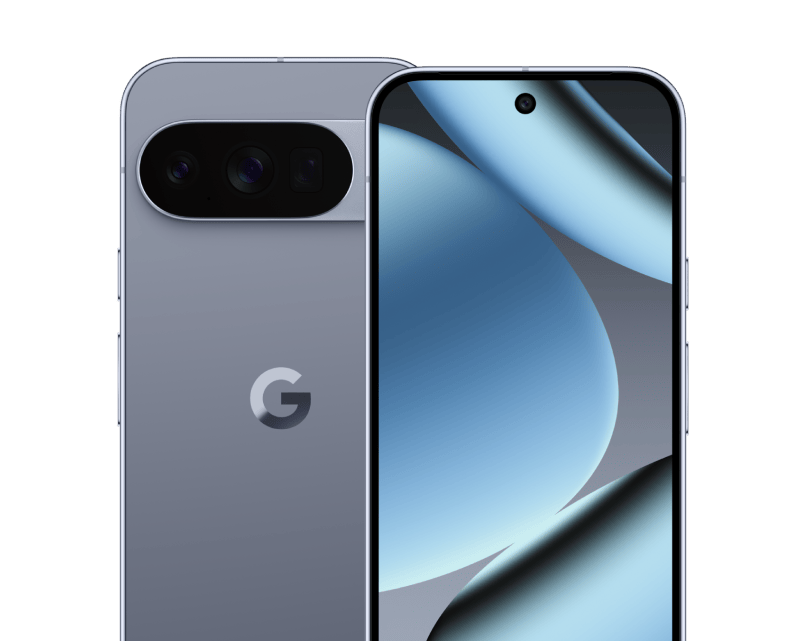
Top 5 Alternatives to Pixel 10 Pro for Clean Android and Great Cameras (2025)
These Android picks cost less than Pixel 10 Pro but deliver fast performance, strong cameras, long support windows, and minimal bloat.