
Category
Apps
Productivity tools, Microsoft Office, communication apps, and browsers.
-

How to Save Webpage as PDF in Microsoft Edge
Convert any webpage to a PDF file in Microsoft Edge using built-in features and browser extensions for streamlined offline access or sharing.
-
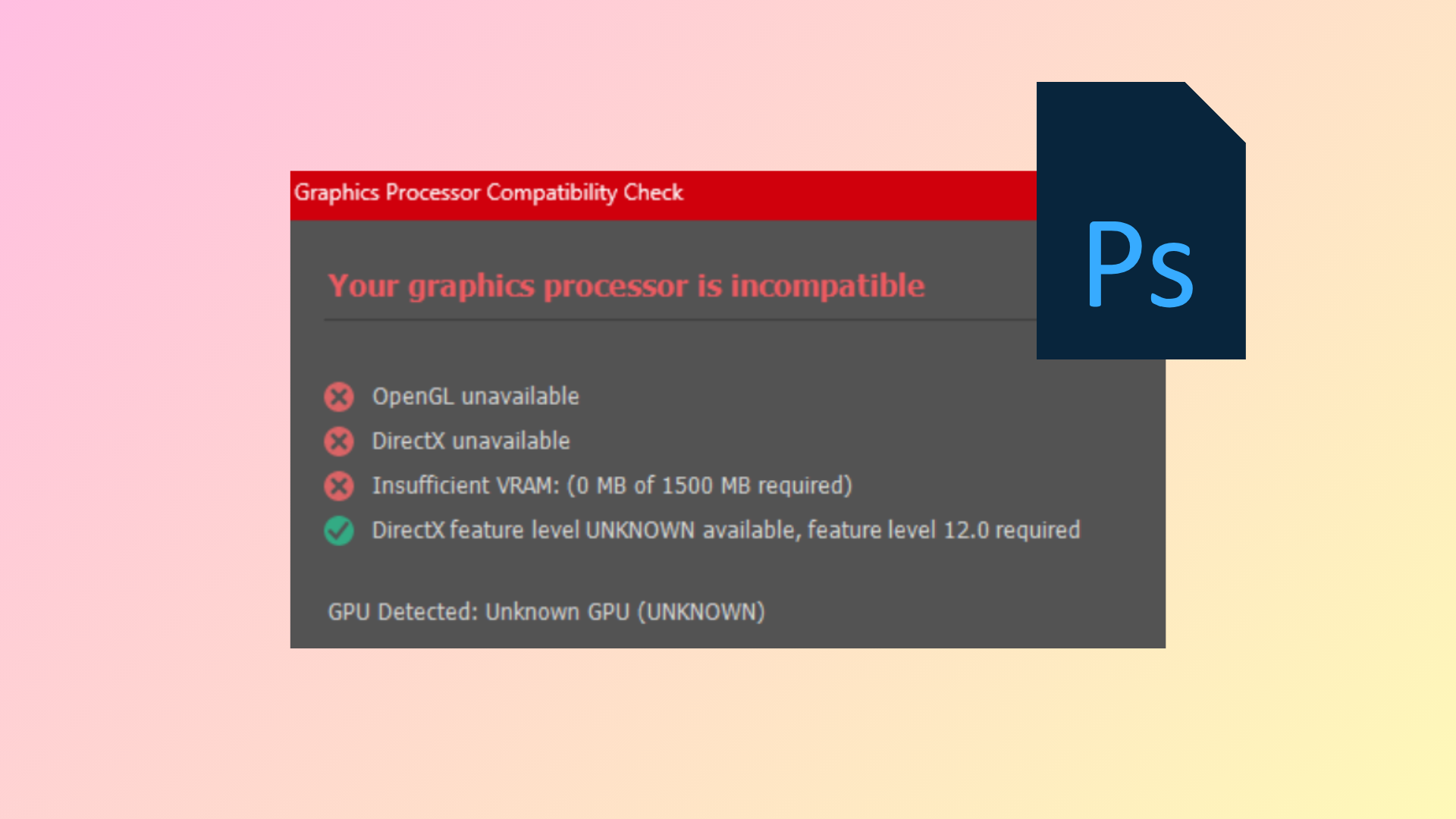
How to Fix GPU Not Supported Error in Photoshop
Resolve the “Your graphics processor is incompatible” message in Photoshop by updating drivers, adjusting system settings, and troubleshooting hardware conflicts.
-
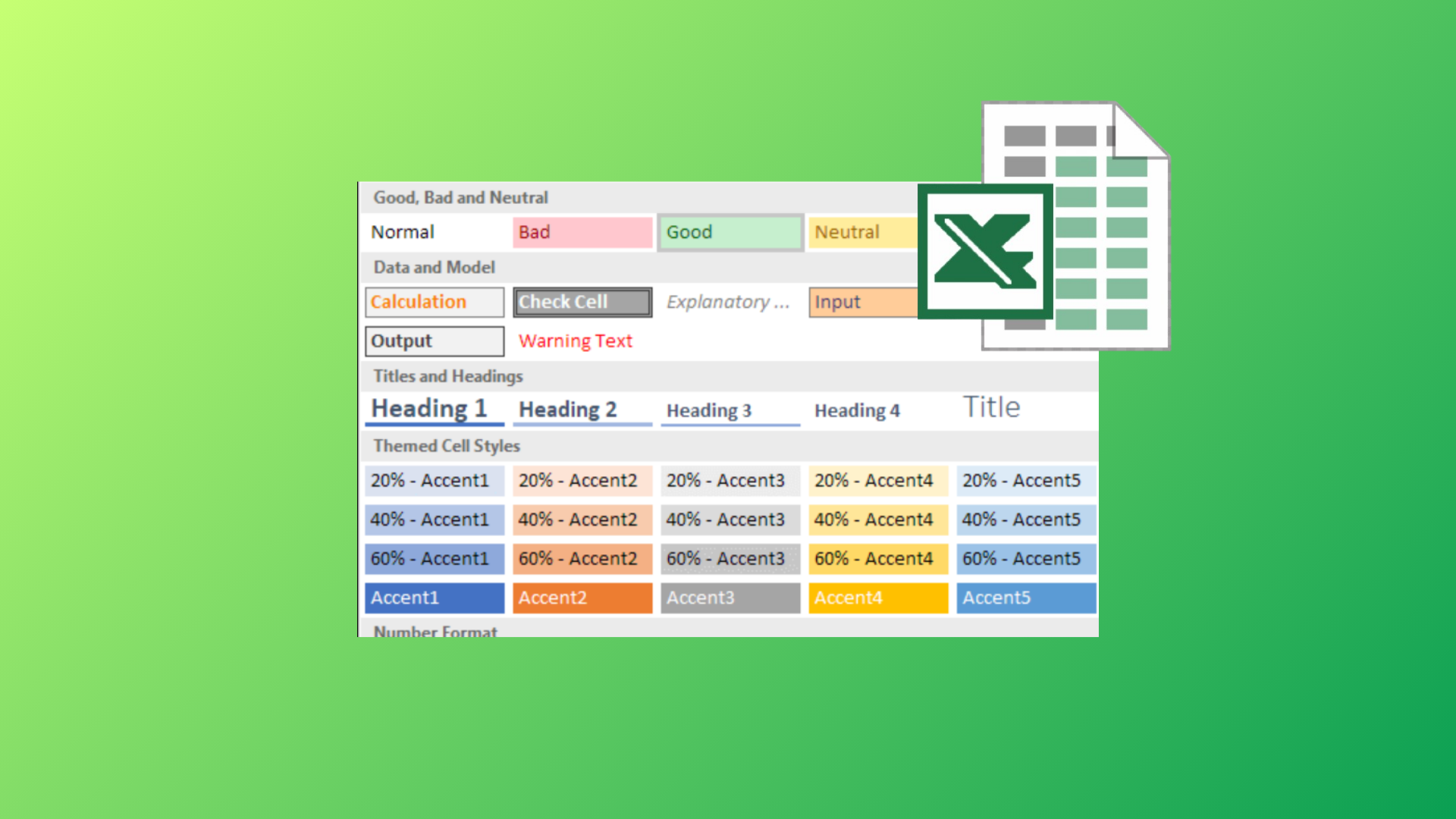
How to Use the Cell Style Feature in Microsoft Excel
Apply, customize, and manage cell styles in Excel to streamline formatting, maintain consistency, and save time across your spreadsheets.
-

How to Choose Between the Pixel 10 Pro and Pixel 9 Pro
Use simple, practical checks to decide which Google flagship fits your needs, budget, and daily habits.
-
How to Create a Custom Fillable Form in Microsoft Word
Build interactive, fillable forms in Word to streamline data collection, restrict editing, and control user input with comprehensive instructions.
-

How to Fix the Source and Destination File Names Are the Same OneDrive Error
Resolve the “The source and destination file names are the same” error in OneDrive by addressing path length, sync issues, and file naming conflicts…
-
How to Stop Word from Automatically Creating Horizontal Lines
Prevent Microsoft Word from inserting automatic horizontal lines when typing dashes, underscores, or similar characters, and remove existing lines with precise formatting adjustments.
-
How to Insert a PDF Into a PowerPoint Presentation
Detailed methods for embedding PDF content, linking files, or converting PDFs for seamless use in your PowerPoint slides.
-

How to Create a Silhouette in PowerPoint
Transform any photo or object into a striking silhouette using PowerPoint’s built-in tools and simple steps.
-

How to Disable Safe Browsing in Google Chrome
Proven instructions for turning off Safe Browsing in Chrome on desktop and mobile, plus troubleshooting when settings seem locked.