
Category
Apps
Productivity tools, Microsoft Office, communication apps, and browsers.
-
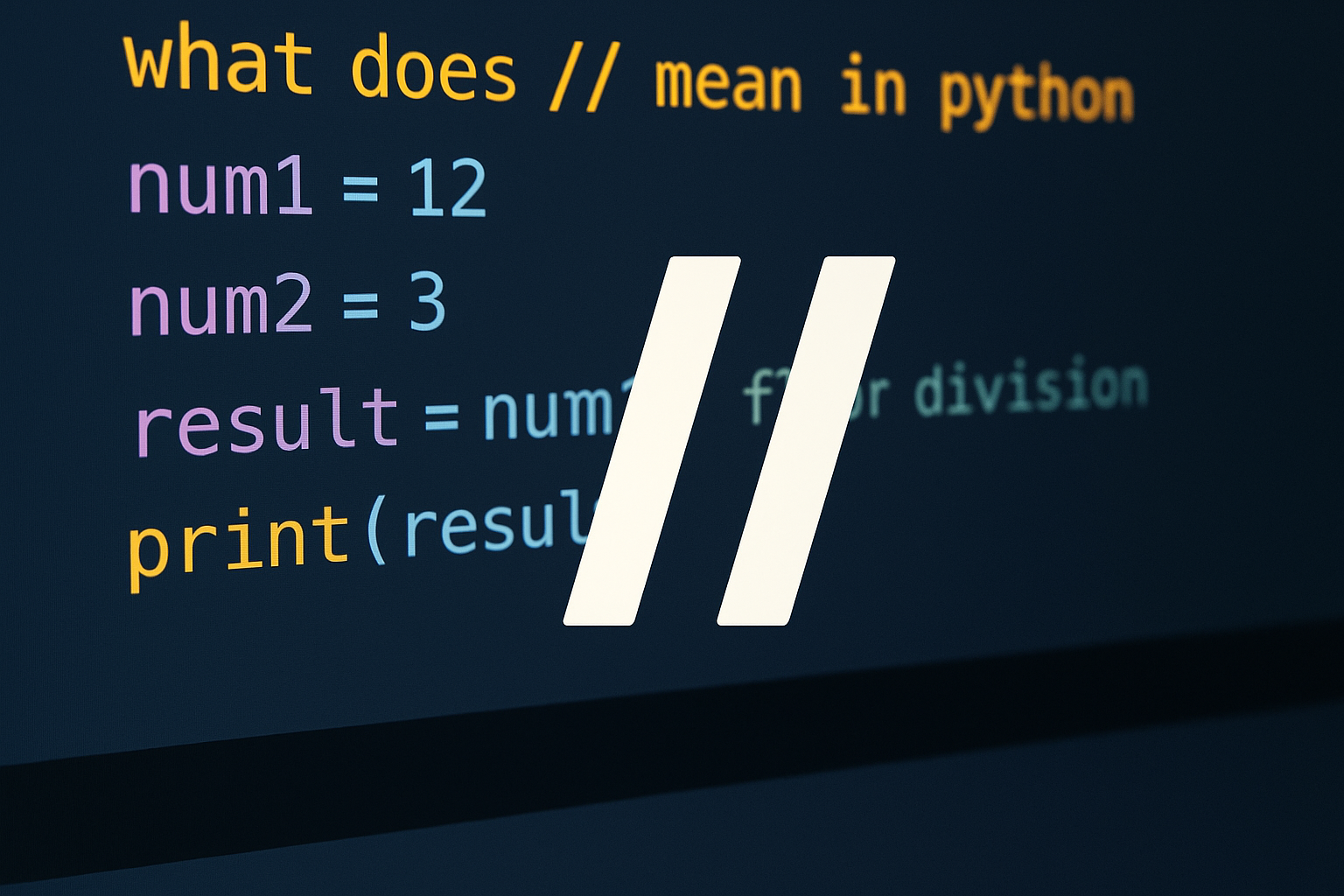
How to Use // in Python for Floor Division
Learn what // does, how it differs from /, and when to use it with ints, floats, and negatives.
-
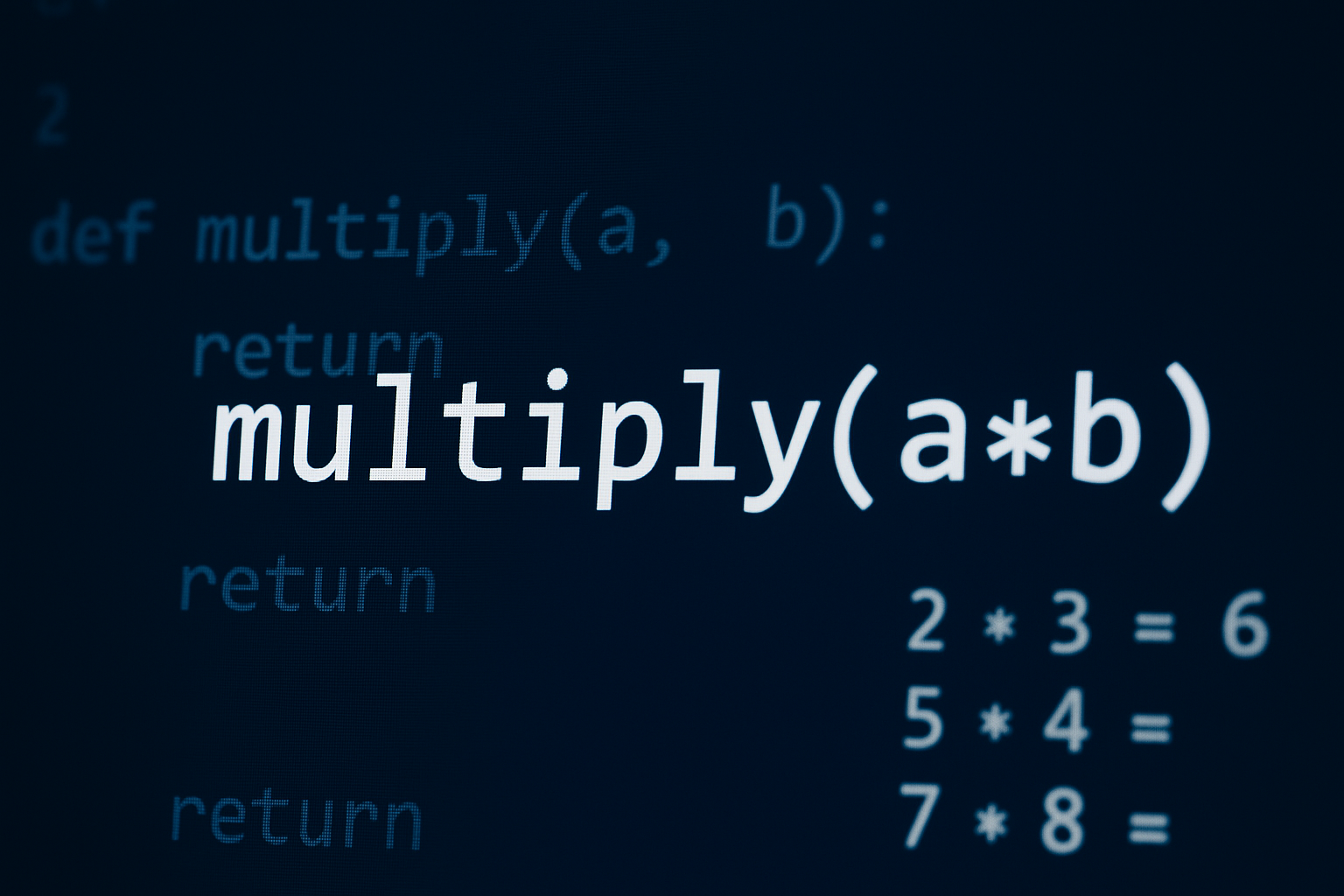
How to Multiply in Python
Use the * operator for numbers and sequences, cast user input to numbers, and apply NumPy for array and matrix operations.
-
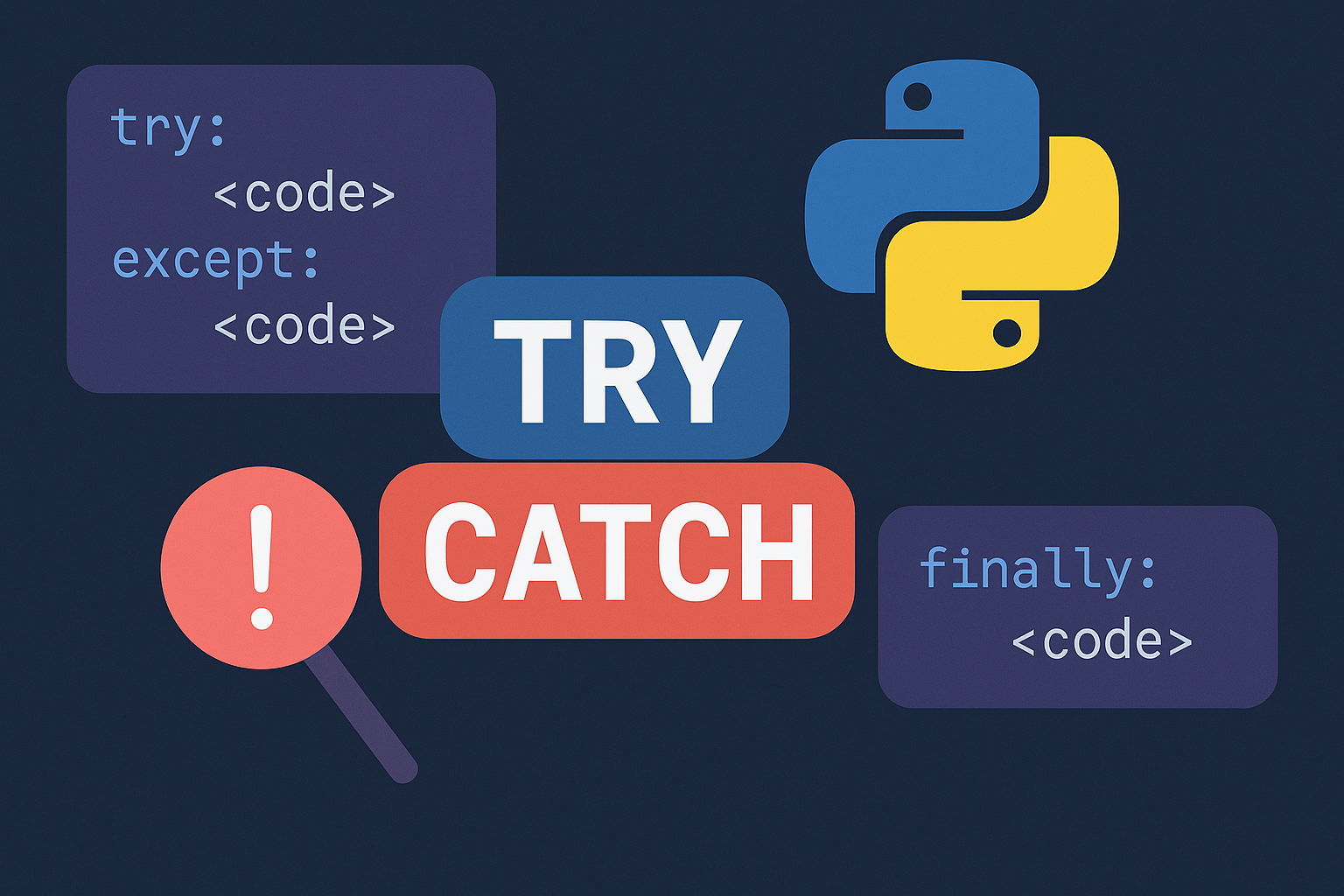
Catch Exceptions with Try Except in Python
Use targeted try/except, else, finally, and raise to prevent crashes, clean up safely, and report clear errors.
-
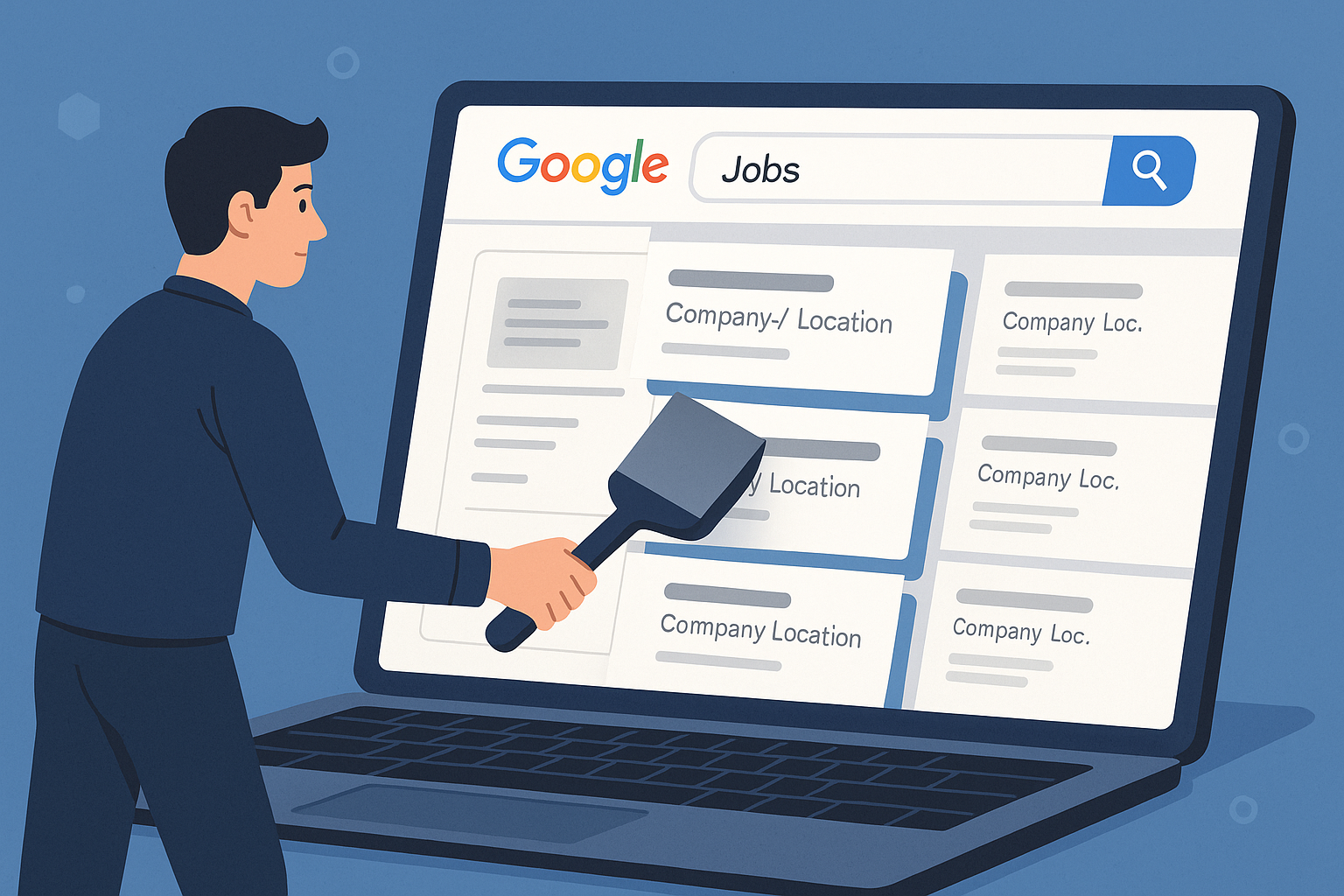
How to Scrape Google Jobs With Python and APIs
Collect structured job listings across queries and locations using Oxylabs or SerpApi, plus a free Selenium fallback for small runs.
-
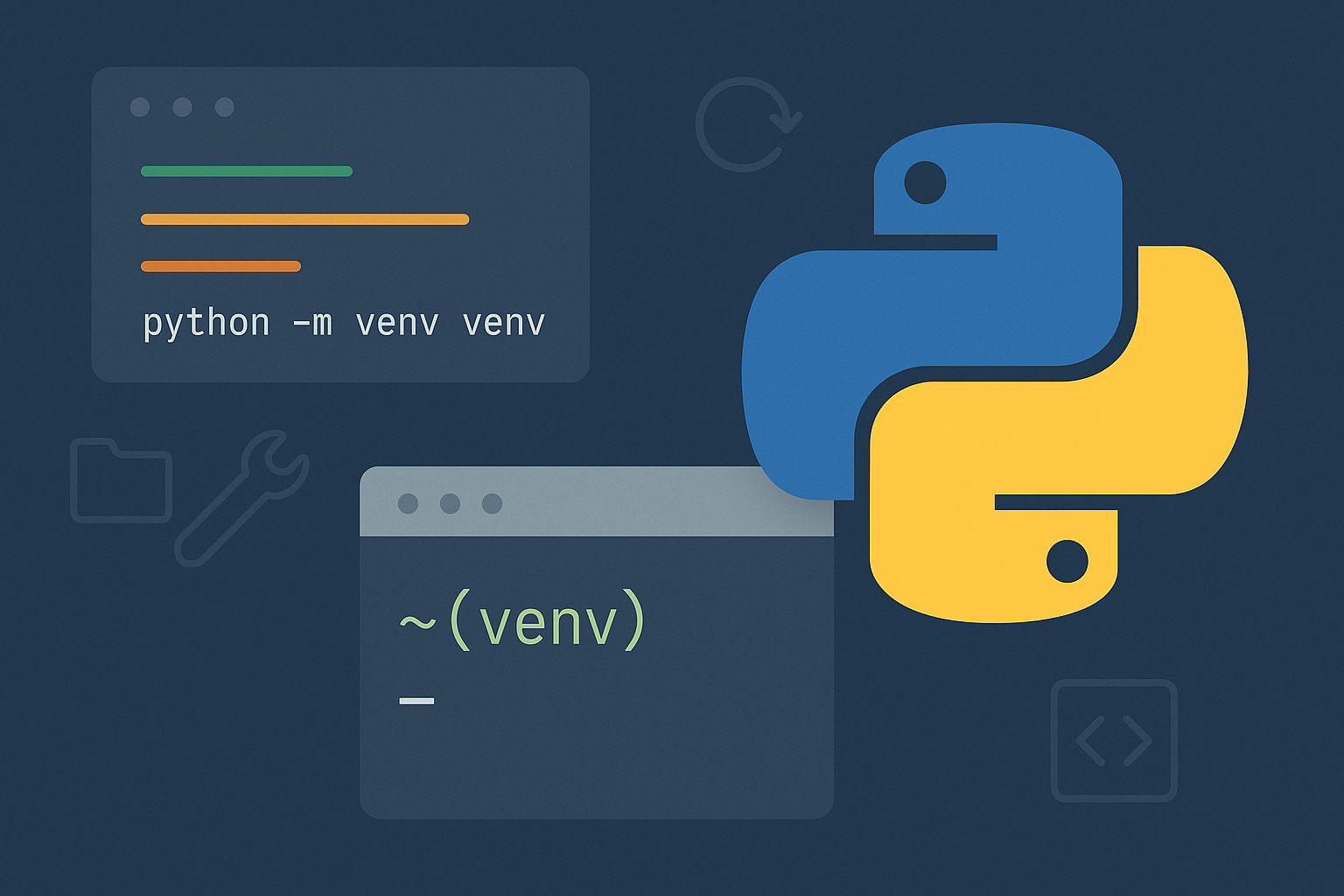
How to Create a venv in Python
Use Python’s built‑in venv to isolate project dependencies on Windows, macOS, and Linux.
-

Use Python for Data Analysis: Build a Reproducible Workflow
Create a repeatable pandas pipeline in Jupyter to load, clean, analyze, and visualize data from databases or files.
-

How to Change Document Theme Colors in Microsoft Office Apps
Update and customize theme colors in Word, Excel, PowerPoint, and other Office apps to create visually consistent and branded documents.
-
How to Make a Flowchart in Microsoft PowerPoint
Learn multiple methods for building clear, effective flowcharts in PowerPoint using SmartArt and manual shapes, plus tips for customization and exporting.
-
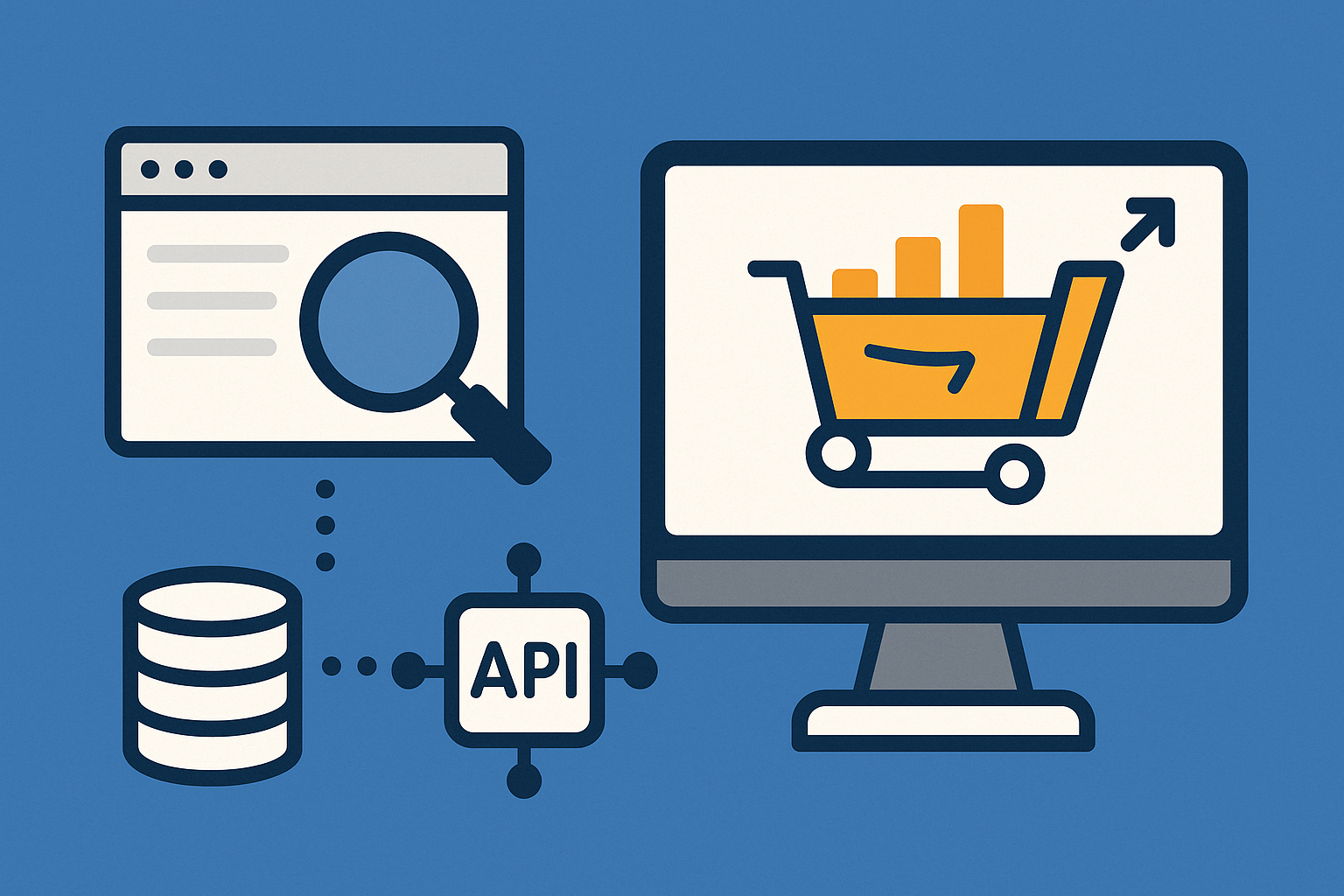
How to Scrape Amazon Data with an Amazon Scraping API
Extract structured product, search, offer, and review data to JSON with geotargeting, scheduling, and anti-bot handling.
-
How to Fix Outlook Crashing When Sending Emails
Proven solutions to resolve Outlook crashes triggered by sending emails, including recent update issues, profile corruption, and delivery location errors.