
Category
Apps
Productivity tools, Microsoft Office, communication apps, and browsers.
-
How to Fix Google Chrome Running Slow
Follow these proven solutions to resolve slow performance in Google Chrome and restore fast browsing on your computer.
-
How to Fix Word Cannot Open the Existing File Normal.dotm Error
Resolve the “Word cannot open the existing file Normal.dotm” error in Microsoft Word by following clear steps to repair or replace the Normal.dotm template…
-
How to Fix Word Not Printing or Print Preview Not Working
Resolve issues where Microsoft Word documents fail to print or appear incorrectly in Print Preview by adjusting settings, updating drivers, and repairing Office components.
-
How to Protect an Excel Worksheet With a Password
Learn various methods to restrict editing or viewing of your Excel worksheets using password protection and related security features.
-

How to Fix OneDrive Sync Paused Issue
Resolve OneDrive sync paused problems and restore real-time file synchronization with these proven solutions.
-
How to Fix Fonts Not Displaying Properly in PowerPoint
Font issues in PowerPoint often cause text to appear incorrectly or not at all—these steps will help restore proper font display and prevent compatibility…
-

How to Fix Disconnected Error in Microsoft Teams
Resolve Microsoft Teams disconnection issues with detailed troubleshooting steps for Windows, Mac, and Teams Rooms devices.
-
How to Fix Firefox High Memory Usage
Detailed solutions to identify and resolve excessive memory consumption in Firefox, improving browser speed and system stability.
-
How to Fix #VALUE!, #DIV/0!, and Other Excel Errors
Resolve common Excel errors like #VALUE! and #DIV/0! using practical formula adjustments and error-handling functions for reliable calculations.
-
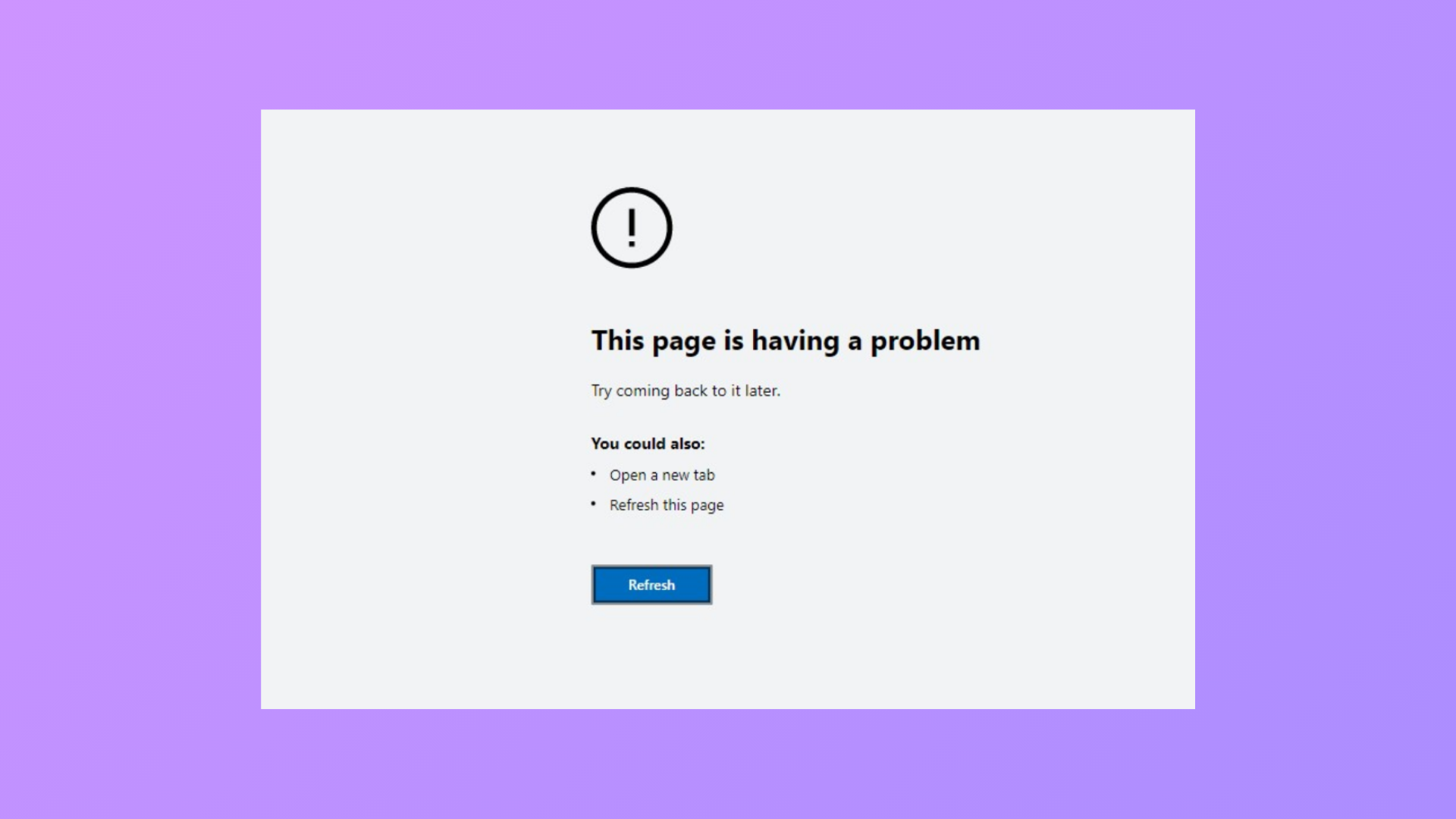
How to Fix “This Page Is Having a Problem” Error in Microsoft Edge
Practical solutions to resolve the persistent “This page is having a problem” error in Microsoft Edge on Windows.