
Category
Apps
Productivity tools, Microsoft Office, communication apps, and browsers.
-
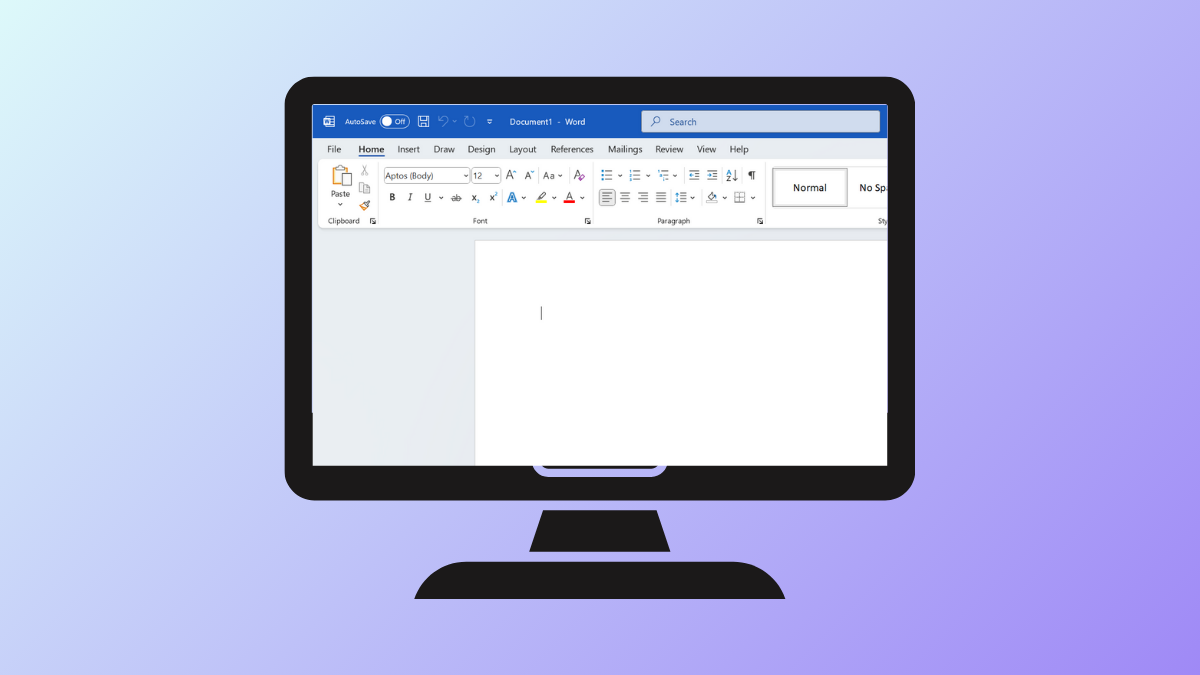
Remove Personal Info from a Word Document
Learn different methods to delete personal information and hidden metadata from your Microsoft Word documents before sharing.
-
Set Up TPM-Based Full Disk Encryption in Ubuntu
Configure TPM-backed full disk encryption in Ubuntu to secure your data with hardware-based protection and streamline the boot process.
-

Android 16’s Advanced Protection Mode: How Google Is Locking Down Mobile Security for High-Risk Users
Google’s new Advanced Protection mode in Android 16 unifies powerful security features—like theft protection, intrusion logging, network lockdowns, and scam prevention—under a single, user-friendly…
-
Fix “Unable to Locate Package” Errors After Upgrading to Ubuntu 24.04
Resolve package installation failures and restore apt functionality on Ubuntu 24.04 by addressing repository issues, cache updates, and package availability.
-

Gemini AI Is Rolling Out to Android Auto: Smarter, More Natural In-Car Voice Controls Are Almost Here
Google’s Gemini AI assistant is coming to Android Auto, promising streamlined voice commands, smarter messaging, and a more conversational driving experience across millions of…
-

Material 3 Expressive Is About to Make Android Look—and Feel—Radically Different
Google’s next evolution in Android design, Material 3 Expressive, brings bolder visuals, smarter layouts, and research-driven UI tweaks rolling out first to Pixel devices.
-
Google’s Android Show: I/O Edition Signals a New Era for Android Updates, AI, and XR
Google splits Android announcements into a standalone showcase ahead of I/O 2025, spotlighting Android 16, AI-driven features, and the future of mixed reality.
-
Troubleshoot Broken Packages in Ubuntu
Resolve package errors, dependency conflicts, and incomplete installations on Ubuntu systems using proven command-line and graphical methods.
-
Switch Between X11 and Wayland Display Servers in Ubuntu
Learn the most reliable ways to change your Ubuntu session between X11 (Xorg) and Wayland display servers for better application compatibility, performance, or troubleshooting.
-
Manage Snap Packages in Ubuntu Efficiently
Streamline software installation, updates, and removal on Ubuntu by mastering Snap package management using both command-line tools and graphical interfaces.