
Category
Apps
Productivity tools, Microsoft Office, communication apps, and browsers.
-

How to Use Copilot in Outlook
Draft emails and catch up on them with Copilot in Outlook!
-

How to Change Search Engine in Arc Search Browser
Easily change your default search engine in the Arc Search browser for a customized browsing experience.
-

How to Use “Browse for Me” in Arc Search
Experience the future of web browsing with Arc Search today!
-
How to Set Arc Search as Default Browser on iPhone
Learn how to easily set Arc Search as your default browser on your iPhone to take advantage of its innovative AI search.
-
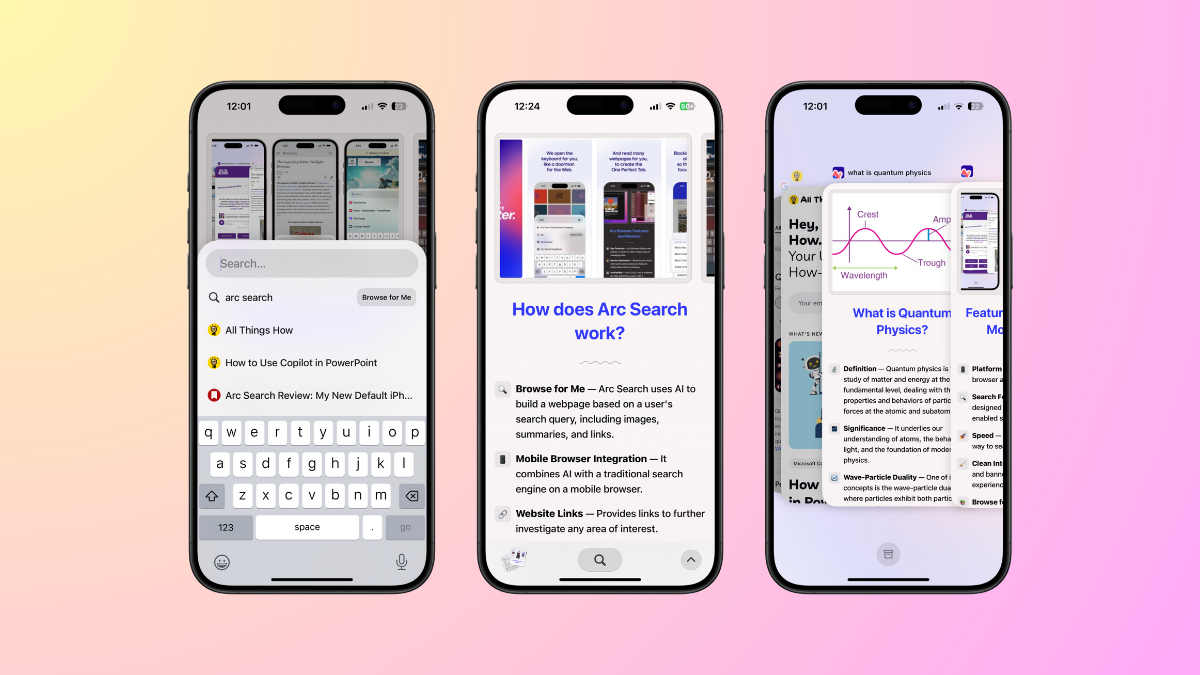
What is Arc Search and How Does it Work
Explore Arc Search, a new mobile browser from The Browser Company, that’s set to revolutionize how we search on the Internet.
-

How to Use Copilot in PowerPoint
Create beautiful presentations with a simple prompt with Copilot!
-

How to Turn Off Instagram Algorithm
See posts only from people and pages you follow on Instagram.
-

How to Set Arc Browser as Default on Windows 11
Learn how to set Arc Browser as your default browser on Windows 11.
-

How to Enable Chrome AI Features
Learn all about the experimental AI features that Google is adding to Chrome to enhance the browsing experience.
-

How to Use Copilot in Word
Supercharge your writing experience in Microsoft Word with Copilot Pro.