
Category
Gaming
Roblox codes, game guides, reviews, and everything happening in the games we play.
-
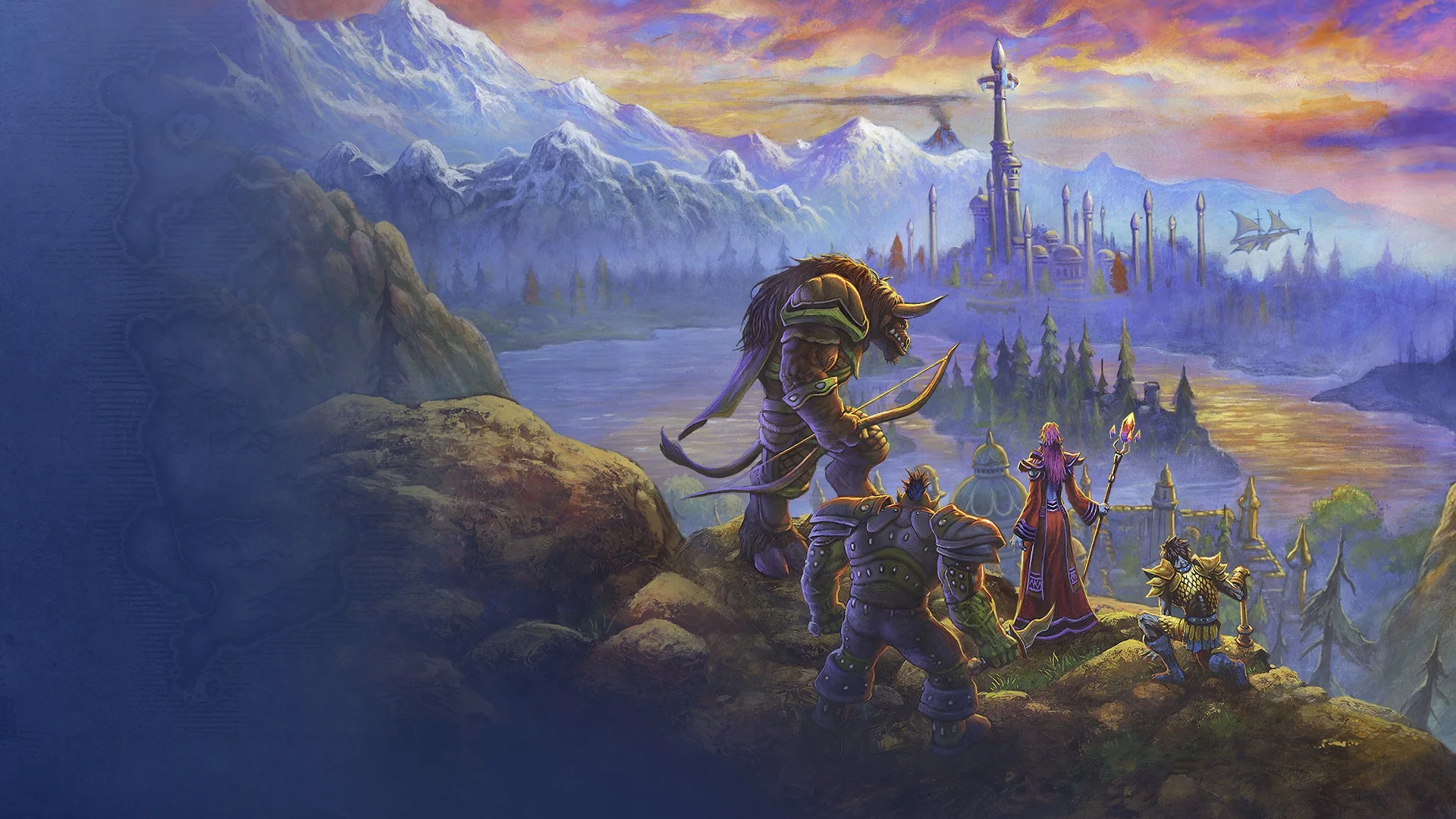
What Is the Level Cap in WoW Forever? Max Level and What to Do at 60
Level 60 is the permanent ceiling, with new dungeons, three raids, Legacy Challenges and PvP ranks to work on once you reach it.
-
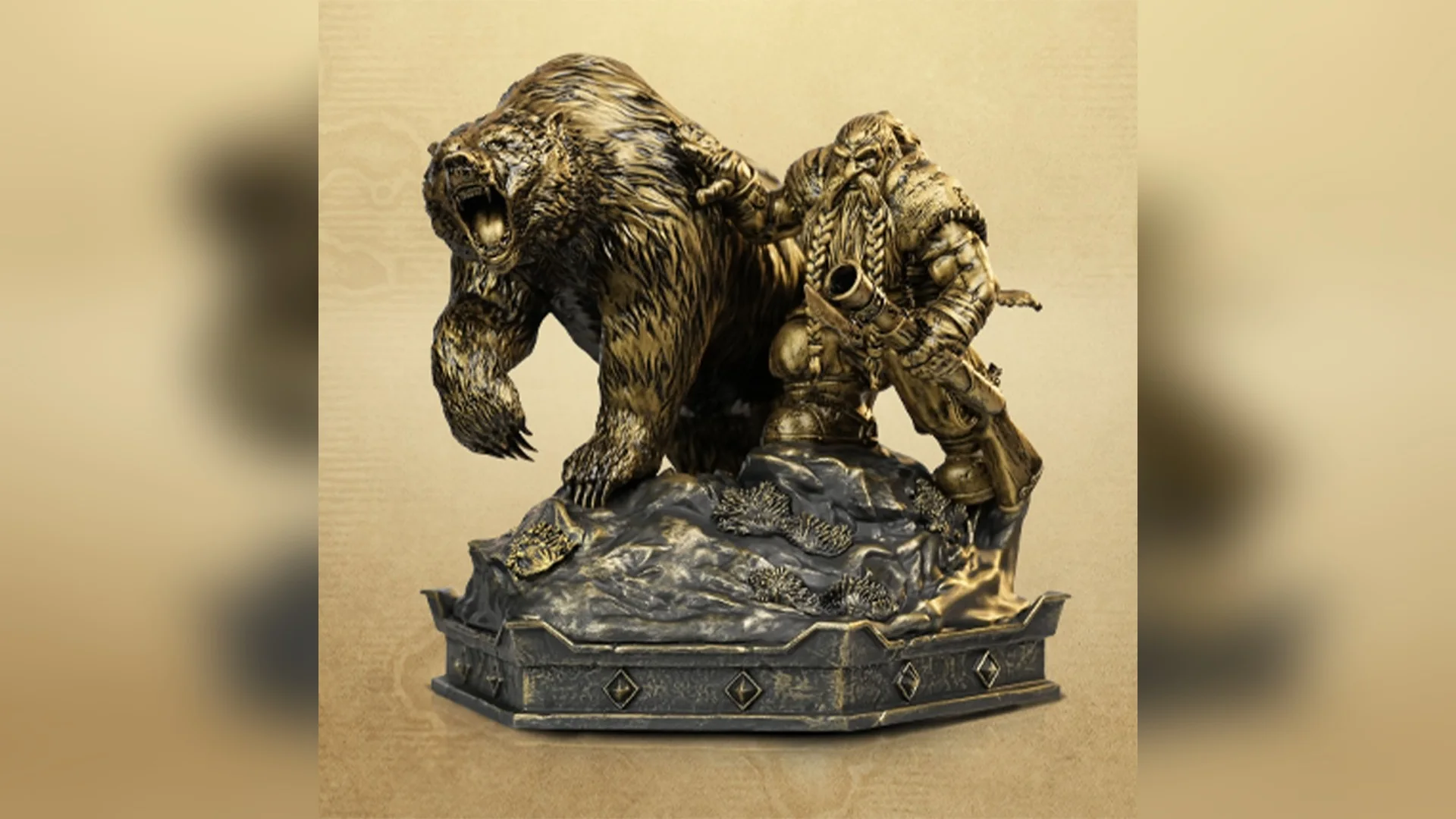
WoW Forever Collector’s Edition: What’s Inside, Price and How the Codes Arrive
Contents, the US$150.00 Gear Store price, household limits, and where to find your Invite-A-Friend and beta codes.
-
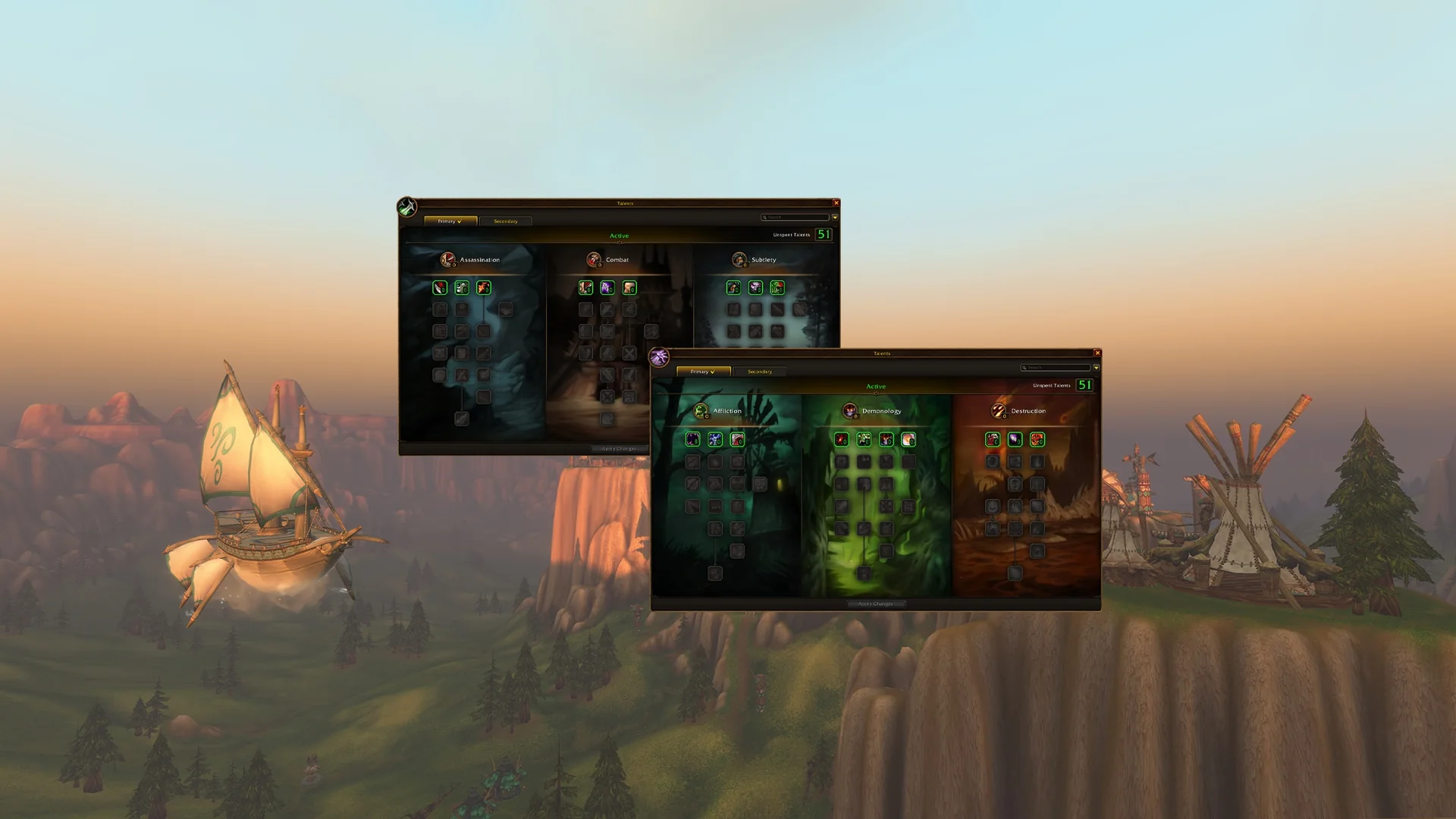
WoW Forever Class Tuning on 10 November: Every Change for Hunter Pets, Warlock Pets, Affliction and Enhancement
Hunter pets drop to 115% health, Warlock demons gain about 15% health, Wrack speeds up Affliction DoTs, and Stormstrike and Maelstrom Weapon move Enhancement…
-
All 9 New Dungeons in WoW Forever: Levels, Locations and Bosses
The nine new five-player dungeons in WoW Forever, from Hall of Thanes at level 13 to Shaper’s Terrace at 60: locations, access and bosses.
-
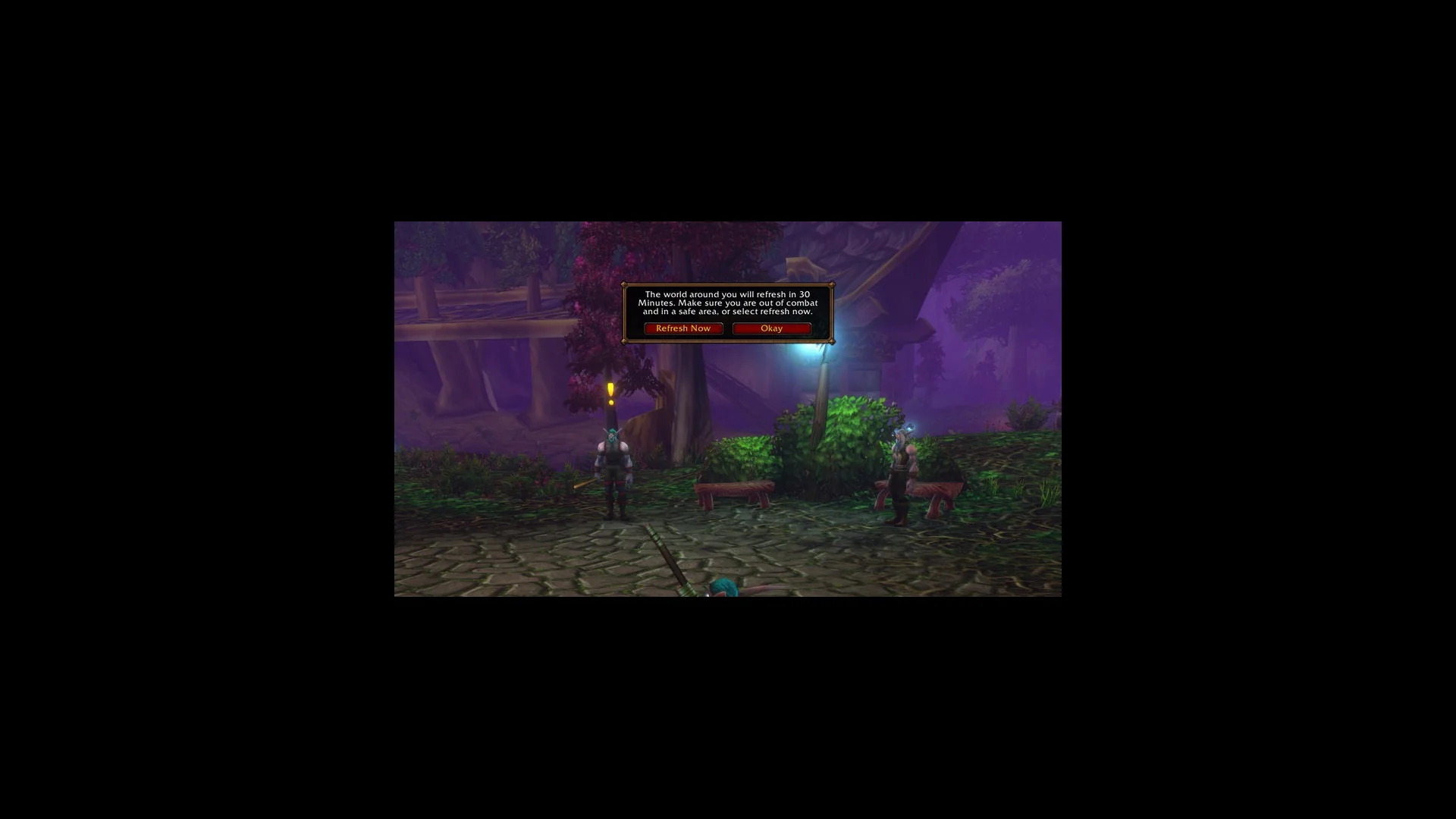
WoW Forever: How to Join Your Friend’s Layer With Refresh Now
The world refresh notice moves you into your party’s copy of the world right away instead of after 30 minutes.
-
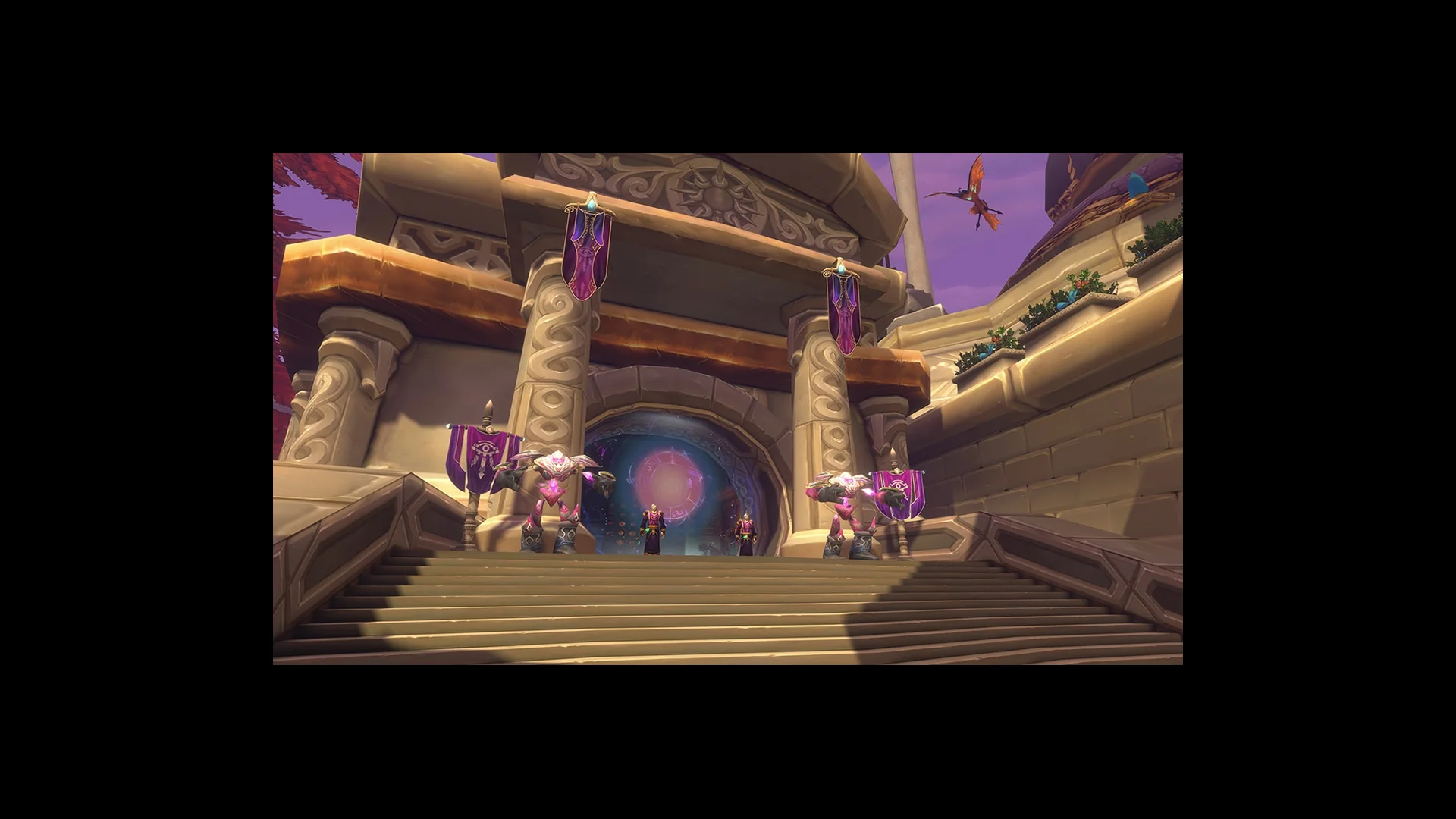
How to Start Playing WoW Forever: First Login, Ruleset, Character and First Steps
Access, Experience Presets, Rulesets, character creation and the basics you need for your first hours.
-
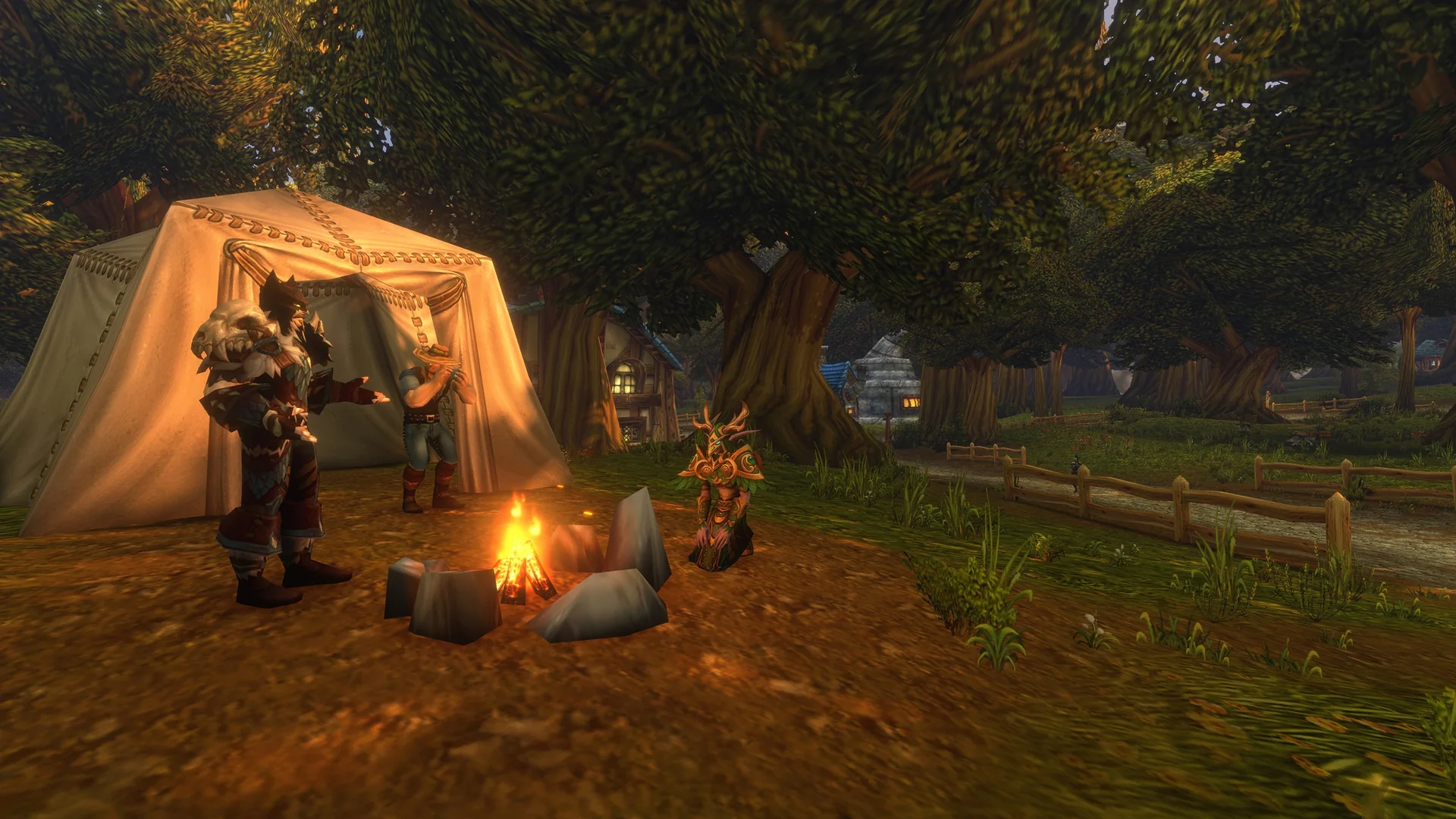
WoW Forever Classic vs Enhanced Experience Preset: Which to Pick and What Changes
The first-login preset changes six starting settings, from character models to UI layout, and none of them are permanent.
-
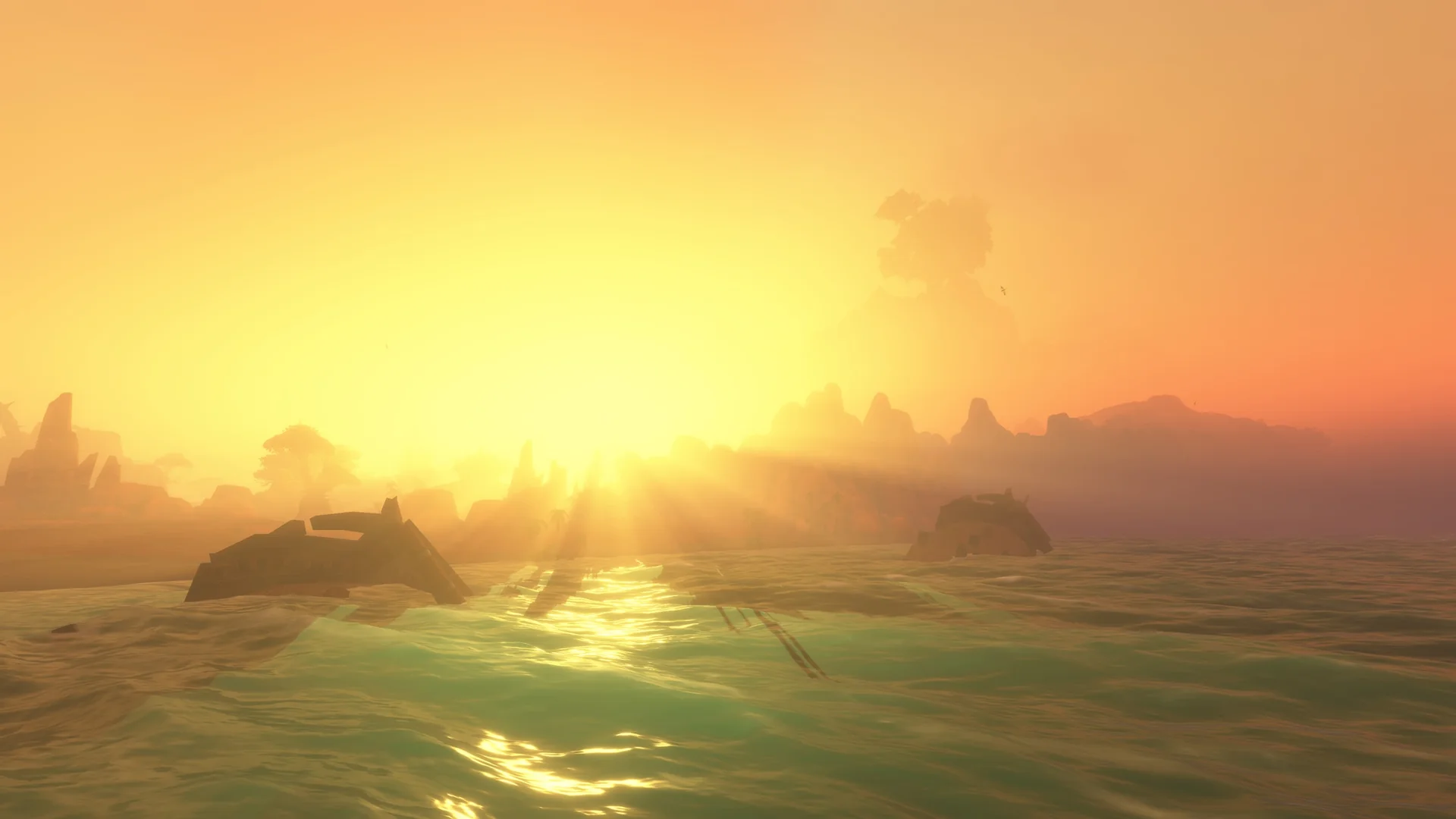
How to Use the Temporary Portals for WoW Forever Boats and Zeppelins
Blizzard placed portals near most docks and inside zeppelin towers so players can still cross between continents while transports go missing.
-
Auction House Not Working in WoW Forever: 9 Steps for Listings and Searches
Simple checks to run in order when an auction listing or item search in World of Warcraft: Forever returns an error.
-
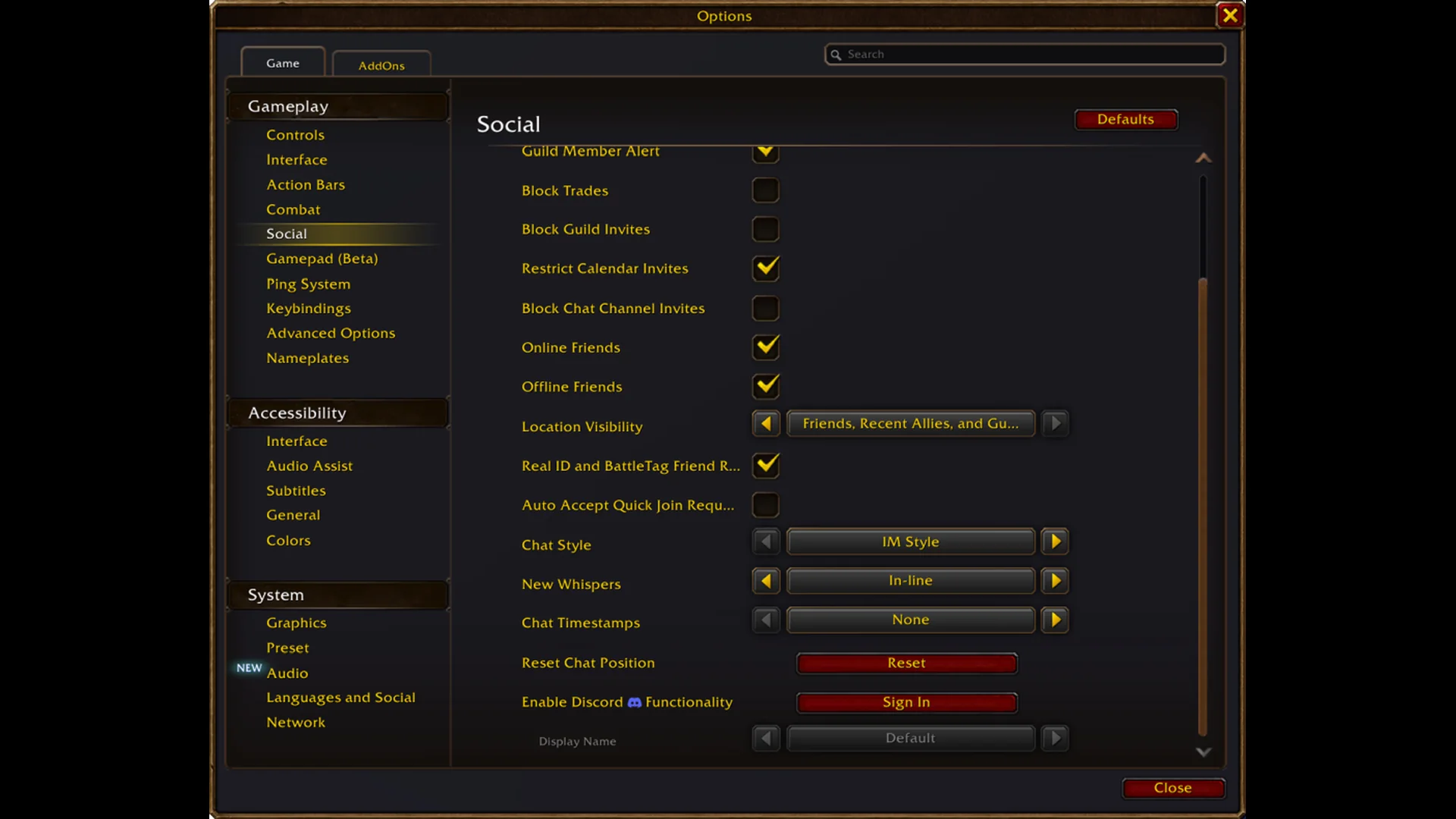
WoW Forever: How to Link Discord and Connect Guild Chat to a Discord Channel
Connect your Battle.net account to Discord, then mirror guild chat into a server channel from Guild Control.