Quick answer: Pick Enhanced if you’re unsure. Neither choice locks you in, because every setting can be changed later in Game Menu > Options.
When the WoW Forever Experience Preset screen appears
World of Warcraft: Forever shows the Choose Your Experience Preset screen only on your first login. It comes before you select a Ruleset. You get two options, Classic and Enhanced.
The preset controls how the game looks and how much help the interface gives you. It does not affect which Ruleset you play on. Think of it as a bundle of starting settings, not a mode you’re stuck with.
Classic vs Enhanced: Starting settings compared
| Setting | Classic | Enhanced |
|---|---|---|
| Character models | Standard Definition | High Definition |
| Quest points of interest and objective blobs | Off | On |
| One-bag | Off | On |
| Transmog | Off | On |
| Default keyboard binds | Camera turning | Strafe movement |
| Screen UI layout | Classic | Centralized |
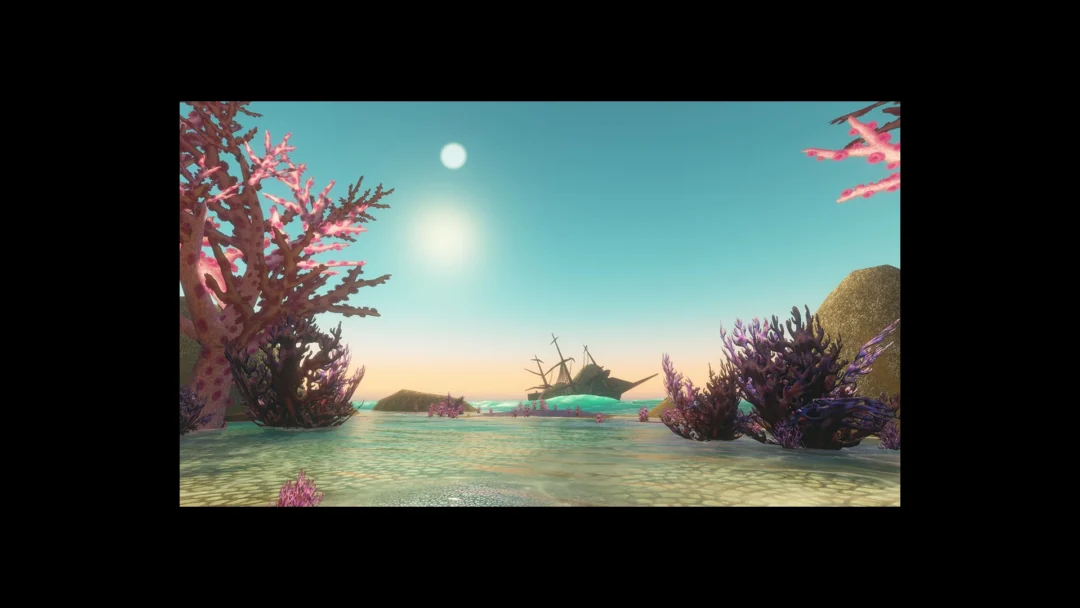
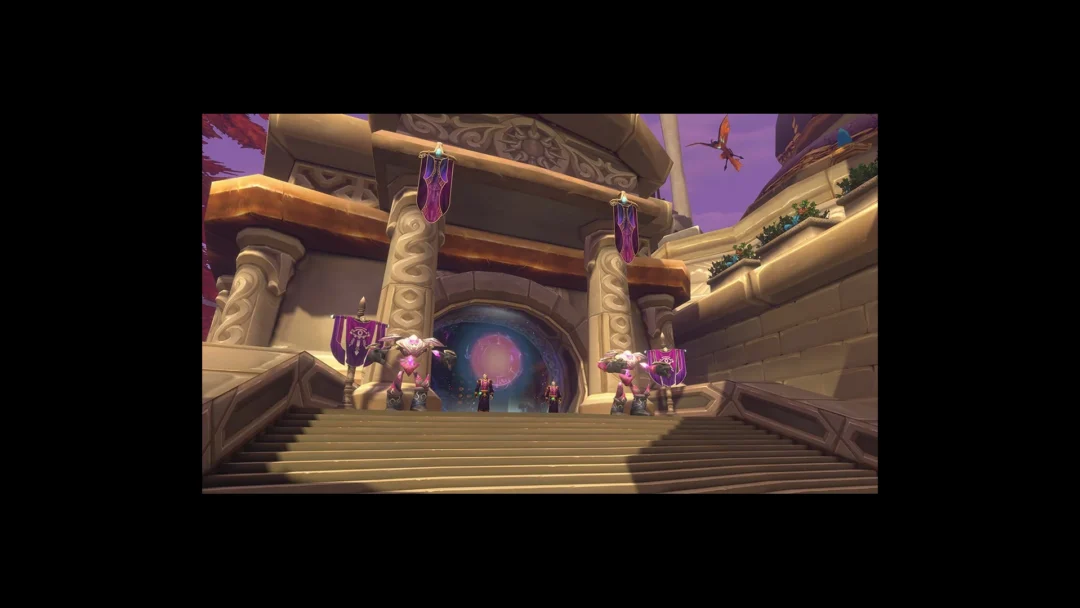
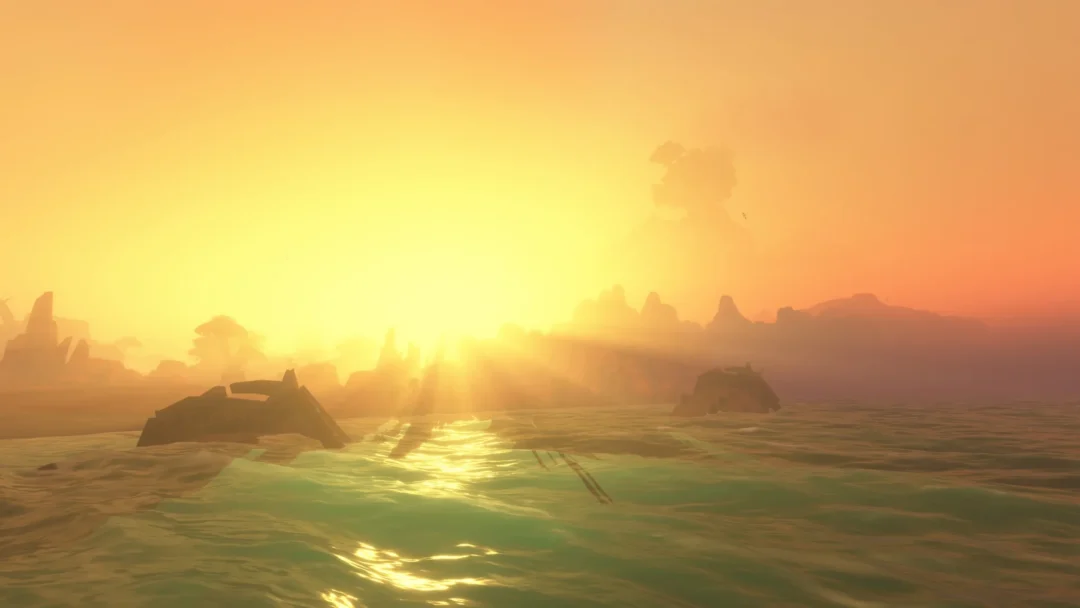
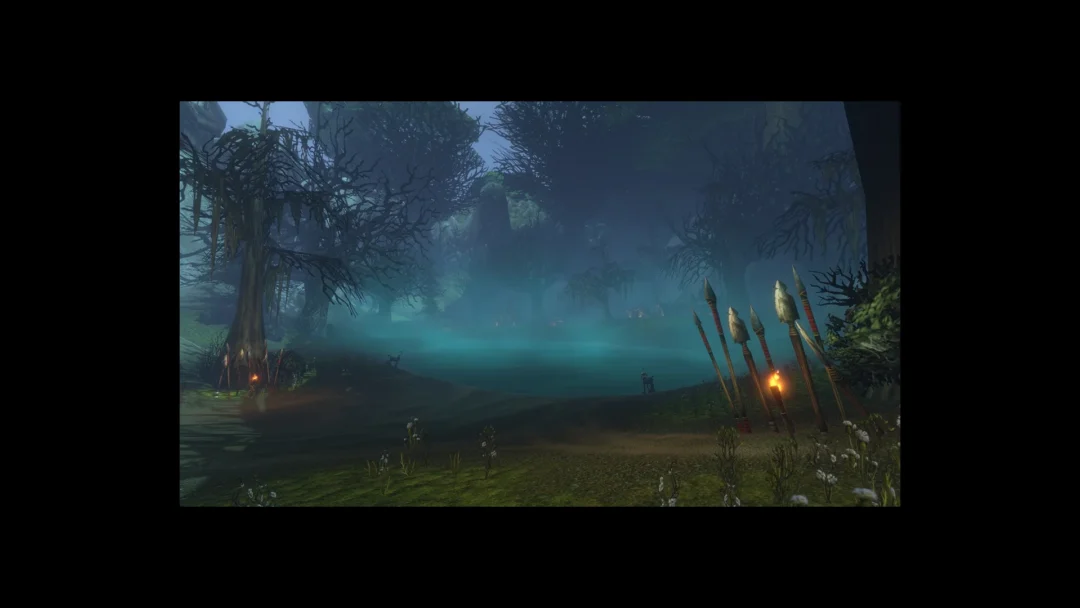
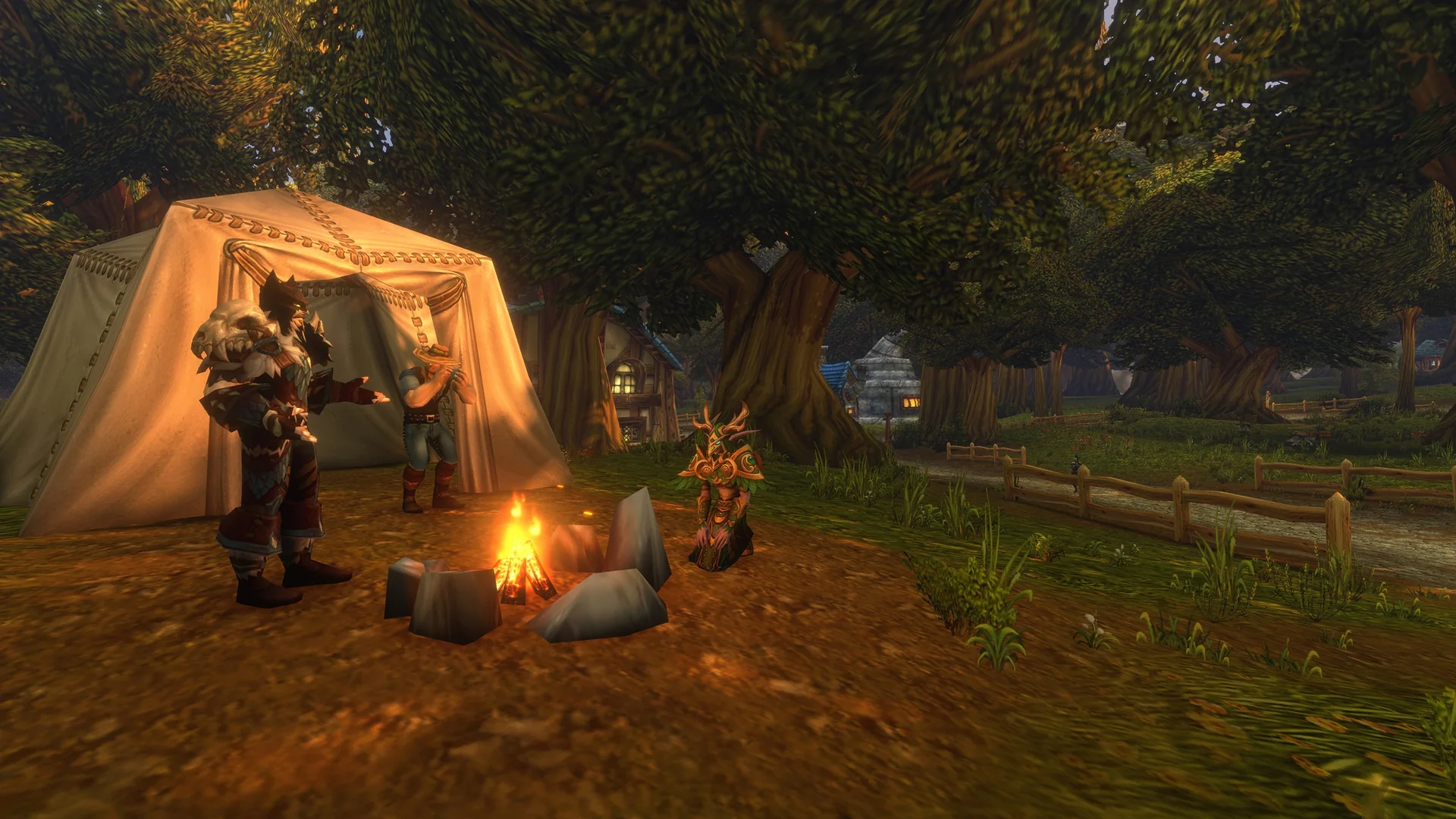
Classic gives you a more traditional presentation. The visuals are simpler, fewer modern interface features are switched on, and the game does less to point you around. Enhanced goes the other way, with higher visual fidelity and more interface features enabled from the start.
Two of those Enhanced defaults change how you play day to day. Quest points of interest and objective blobs mark where to go next and which areas hold your objectives. One-bag shows your whole inventory together instead of making you open each bag on its own.
Which preset to pick in WoW Forever
- Enhanced fits players coming from modern WoW, plus new players who want quest guidance on screen.
- Classic is ideal for players after a look closer to the original and fewer automatic prompts.
- If you can’t decide, Blizzard recommends starting with Enhanced.
The names describe defaults, not difficulty. Picking Classic doesn’t make you a veteran, and picking Enhanced doesn’t mark you as a beginner. It only decides which settings are switched on when you first enter the game.
How to change Experience Preset settings later
The preset screen doesn’t come back, but you don’t need it to. Every setting it touches can be adjusted on its own.
You can also mix and match. If you started on Classic but want quest guidance, turn that one setting on and leave everything else alone.
HD vs SD character models in WoW Forever
Character models get their own choice too, and you make it every time you create a character. You pick High Definition (HD) or Standard Definition (SD) models and animations. HD brings higher-detail models and updated visuals. SD keeps the original look.
The choice is purely cosmetic. It has no effect on abilities or progression. If you change your mind, switch it in the Options menu or visit a Barbershop in the game.