Quick answer: Access to World of Warcraft: Forever comes with either Game Time or a World of Warcraft Subscription. Choose it from Battle.net, select Enhanced and Normal if you’re unsure, create a character, then follow quest givers bearing an exclamation point.
WoW Forever does not need a separate purchase. Your first session asks you to make two decisions before you see a character screen, and one of them decides who you can play with. Here is the order.
How to get into WoW Forever
| Setting | Classic | Enhanced |
|---|---|---|
| Character models | Standard Definition | High Definition |
| Quest points of interest and objective blobs | Off | On |
| One-bag | Off | On |
| Transmog | Off | On |
| Movement keys | Camera-turning keys | Strafe keys |
| Interface layout | Classic layout | Centralized layout |
| Ruleset | What it means |
|---|---|
| Normal | PvP at your discretion |
| PvP | Risk of attack in much of the open world |
| Roleplay | Naming and behavior rules |
| Roleplay-PvP | Roleplay rules plus PvP |
If you intend to play with friends, settle on a Ruleset first. Grouping, guild membership, dungeon runs and raids are limited to players who match on both Ruleset and faction. Make sure everyone agrees on those choices before creating characters.
WoW Forever first quests and the quest log
Quest givers display an exclamation point above their heads. Accepting one of their quests adds it to your Quest Log, with the objectives shown on screen. A question mark indicates a quest you can turn in.
| Key | Opens |
|---|---|
| L | Complete Quest Log: track quests, stop tracking them, or abandon them |
| M | World map displaying quest indicators and objective zones |
The minimap also points toward nearby objectives. Read the quest text, because it often holds clues about where to go. When you step off the road, check enemy levels before you approach.
Combat basics: abilities, trainers and food
Your abilities sit on the action bar. Read each tooltip so you know what an ability does. Press P to open the Spellbook, then drag abilities onto the action bar. You can change key bindings under Game Menu > Options > Keybindings.
As you gain levels, see your class trainer to pick up new abilities. Keep food and drink with you; innkeepers sell both and can bind your Hearthstone to their inn. While you’re learning, engage enemies one at a time.
Death and resurrection in WoW Forever
Releasing your spirit after death places you at a nearby graveyard. From there, you can return in either of two ways.
- To get back to your body, follow its corpse marker on the minimap or the map (M), then choose Resurrect.
- Use the Spirit Healer at the graveyard. This damages your equipment durability and may apply Resurrection Sickness.
If you choose the Spirit Healer, repair your gear soon afterward.
Gear, bags and vendors
Hover over an item to compare it with what you have equipped. Higher quality is not always better, so check the armor type and whether the attributes help your class. Right-click an item to equip it. Press C to open the Character panel.
Right-click a vendor to buy and sell. Gray items can be sold. If you sell something by mistake, the Buyback tab undoes the sale. Vendors with an anvil icon can repair your gear.
WoW Forever professions
You can train two primary professions and all three secondary professions on each character. Press K to bring up Professions.
| Type | Professions |
|---|---|
| Gathering (primary) | Herbalism, Mining, Skinning |
| Crafting (primary) | Alchemy, Blacksmithing, Enchanting, Engineering, Leatherworking, Tailoring |
| Secondary | Cooking, Fishing, First Aid |
Profession trainers are found in starting areas and major cities. If you cannot find one, ask a city guard for directions.
Playing with others: parties, guilds and dungeons
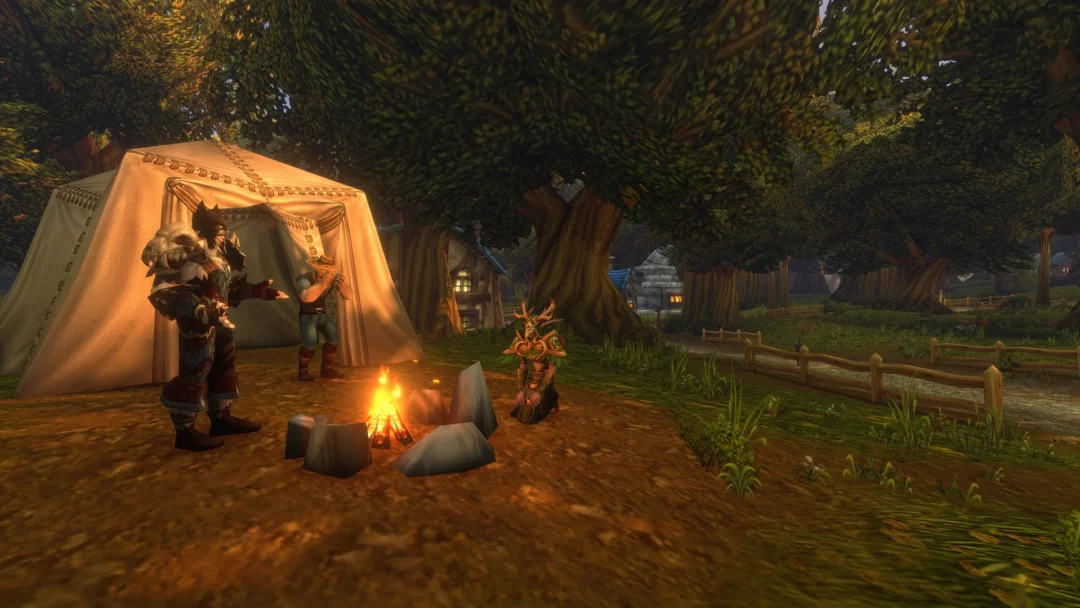
For group play, invite people to a party, join a guild, or request assistance in chat. A typical dungeon group has five players: one tank, one healer and damage dealers. At campsites, players can rest together and share benefits created through professions.
Emotes are a quick way to communicate. Try /wave, /cheer, /dance or /thank. You can also type /emote followed by your own text.
Five habits for your first WoW Forever adventure
These five habits make your first hours in WoW Forever go more smoothly.
- Read ability tooltips and quest text.
- Keep your Hearthstone, and learn flight paths at flight masters.
- Repair your gear, sell junk, and save coin for training, bags and travel.
- Ask other players for help on hard quests.
- Try another class if your first one does not feel right.