
Category
Windows
Windows 11, Windows 10, troubleshooting, and tips for power users.
-
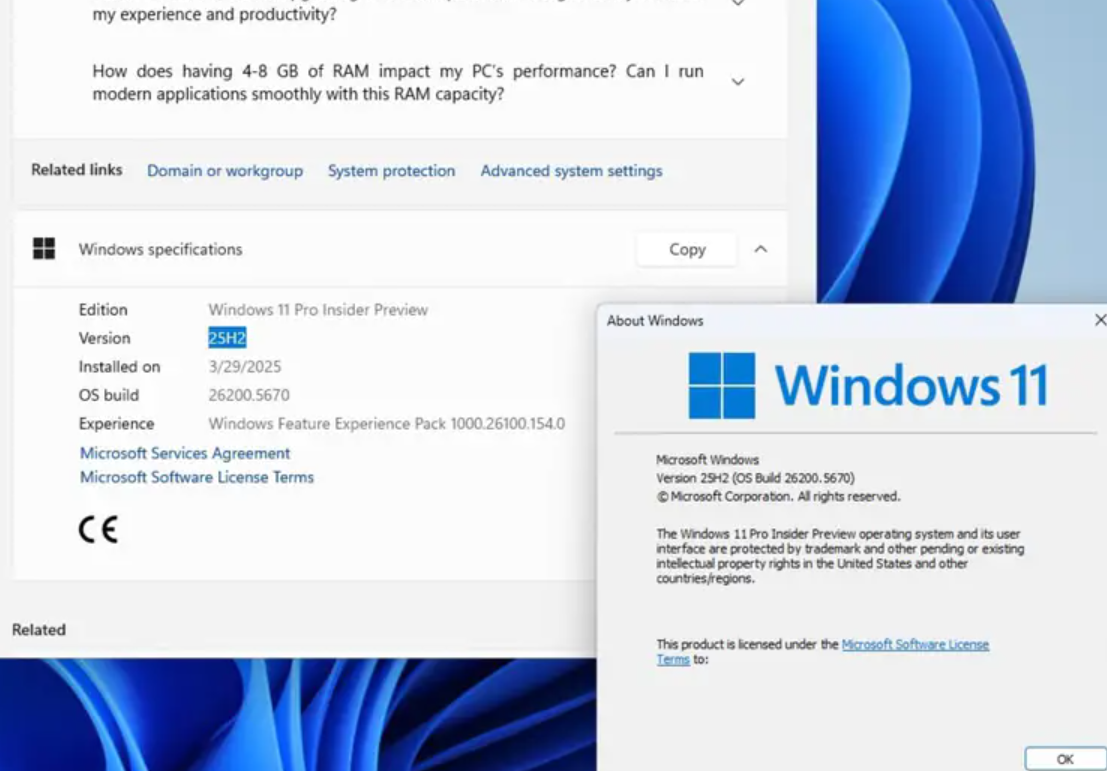
Is Windows 11 25H2 stable? What to expect before you update
A look at the rollout, known issues, and when it makes sense to install the Windows 11 2025 Update.
-
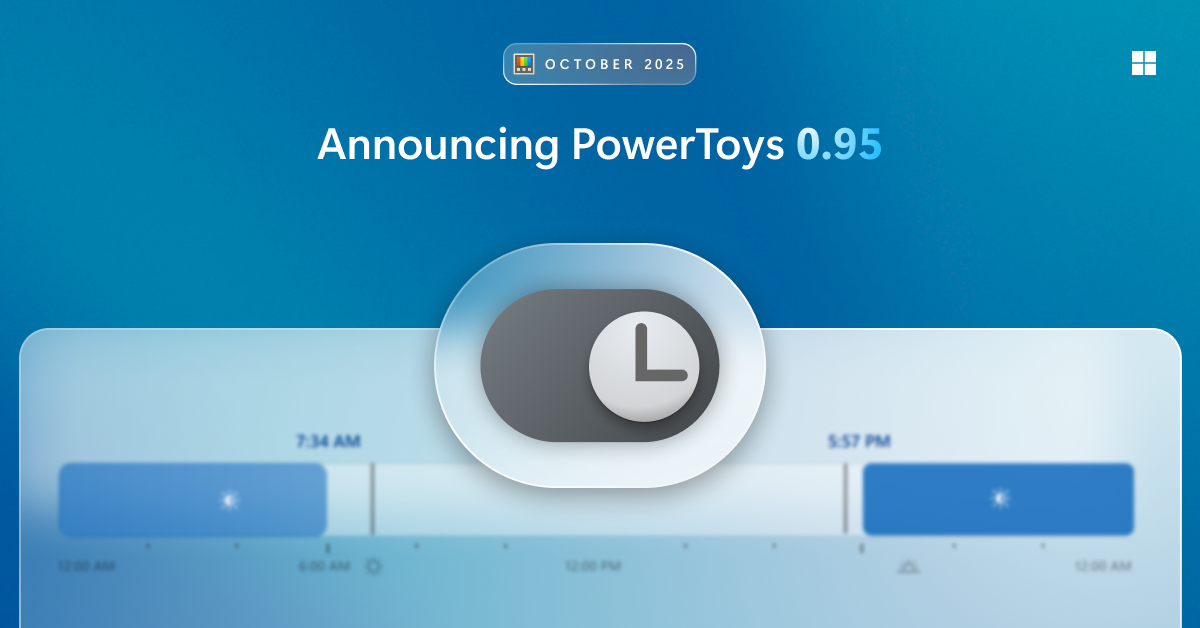
PowerToys Light Switch for Windows — Automatic theme scheduling
Set Windows to switch between light and dark modes by time, sunrise/sunset, or a manual shortcut.
-
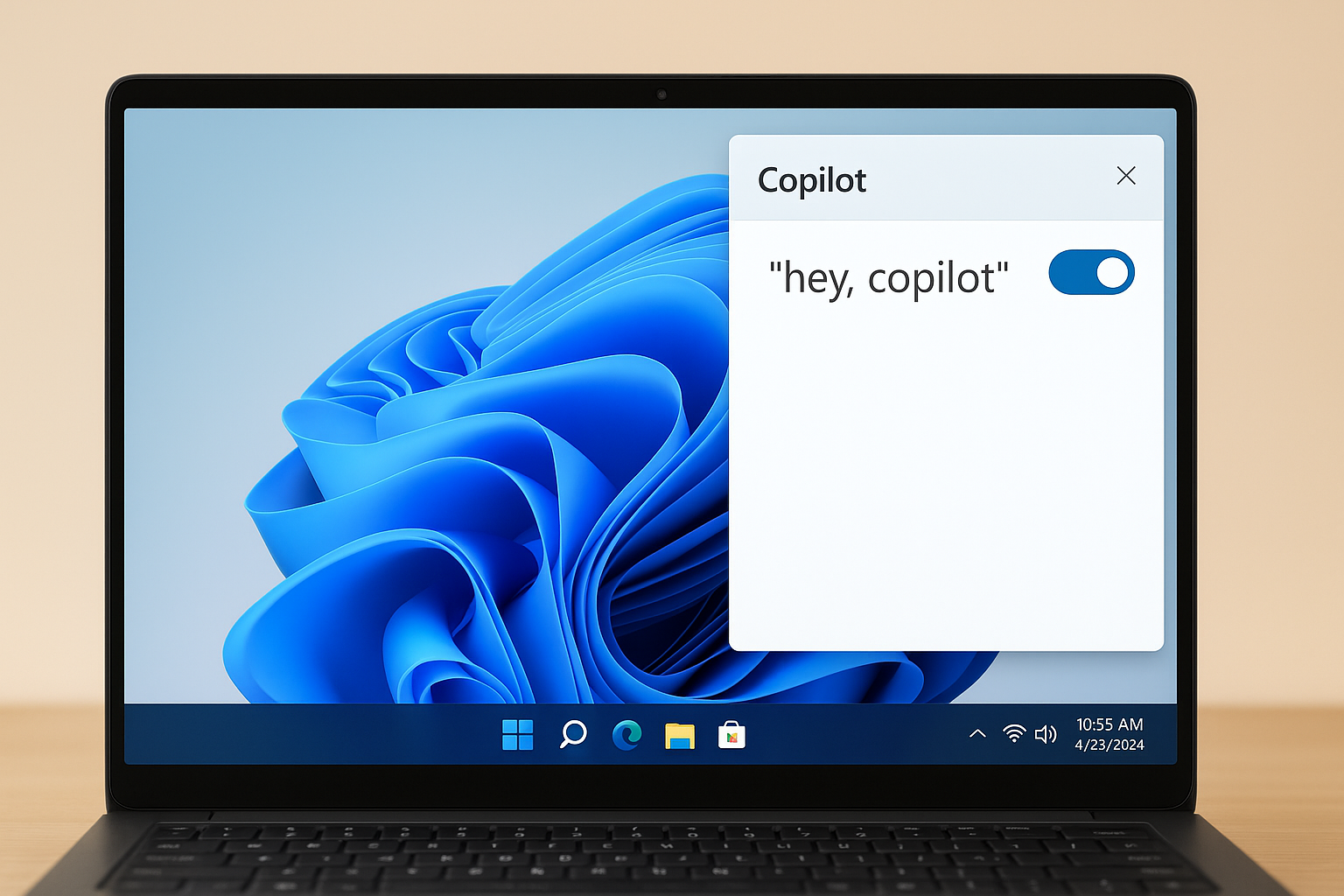
How to Enable “Hey, Copilot” on Windows 11 — Setup, voice use, and fixes
Turn on the wake word in the Copilot app, start hands‑free voice, and fix common issues with clear steps.
-

PowerToys Light Switch on Windows 11 keeps undoing manual toggles
A bug in version 0.95.0 forces the scheduled theme back after hotkey switches.
-

Windows 11 is becoming an agentic OS you can talk to
Copilot Voice, Vision, and Actions aim to let your PC understand context and carry out tasks on your behalf.
-

Microsoft puts agentic Copilot at the center of Windows 11
New updates push voice-first control and task‑doing AI across settings and apps.
-
Windows 11 KB5066835 (Oct 2025): what’s fixed, what might change, and how to install
Microsoft’s October cumulative update bumps 24H2/25H2 to 26100.6899/26200.6899 with security fixes, reliability updates, and a few removals.
-

Connect Copilot to Gmail, OneDrive, and more on Windows 11
Link Microsoft and Google accounts to search emails, files, and contacts directly from Copilot.
-
Windows 11 Dev build 26220.6780 (KB5067103) adds a dark Run box
The latest Dev Channel update also restores Administrator Protection and fixes Taskbar, Start menu, and File Explorer bugs.
-
Copilot on Windows now connects to Gmail and Google Drive (Insiders build)
Account connectors and one-click document export start rolling out via a Microsoft Store update.

