
Category
Windows
Windows 11, Windows 10, troubleshooting, and tips for power users.
-
Remove Windows 11 bloatware using the built‑in policy (24H2/25H2)
Configure Group Policy or the Registry to strip default Store apps for new accounts.
-
Windows 11 KB5065426 (24H2) — what’s new, what’s fixed, and how to install
September’s update brings security fixes, SMB auditing, input repairs, and AI component updates for Copilot+ PCs.
-
Remove Copilot in tiny11 (Windows 11 25H2) — build a clean ISO
Use tiny11builder to strip Copilot from a 25H2 image and reduce reinstalls.
-
How to Link Your Game Pass and Riot Games Accounts (2025)
Connect your Xbox Game Pass subscription to your Riot Games account to unlock exclusive in-game rewards and premium content across League of Legends, Valorant,…
-
How to Get Rewards by Playing Games on Game Pass
Earn Microsoft Rewards points, exclusive perks, and in-game benefits simply by playing titles from the Game Pass catalog on your Xbox, PC, or mobile…
-

Top 8 Skills to Unlock First in Lost Soul Aside
A ranked, early-game priority list to boost survivability, damage, and combat flow as soon as your skill tree opens.
-

How to Redeem Genshin Impact September 2025 Codes for Free Primogems and Rewards
Unlock the latest Genshin Impact codes for September 2025 to claim Primogems, Mora, and valuable items—plus learn the fastest ways to redeem them and…
-
How to Fix Gears of War: Reloaded Performance Issues
Effective solutions to resolve lag, stuttering, and frame drops in Gears of War: Reloaded on PC.
-
How to Fix Metal Gear Solid Delta: Snake Eater Lagging and Crashing
Resolve persistent lag, crashes, and performance issues in Metal Gear Solid Delta: Snake Eater on PC using targeted troubleshooting steps and recent patch updates.
-
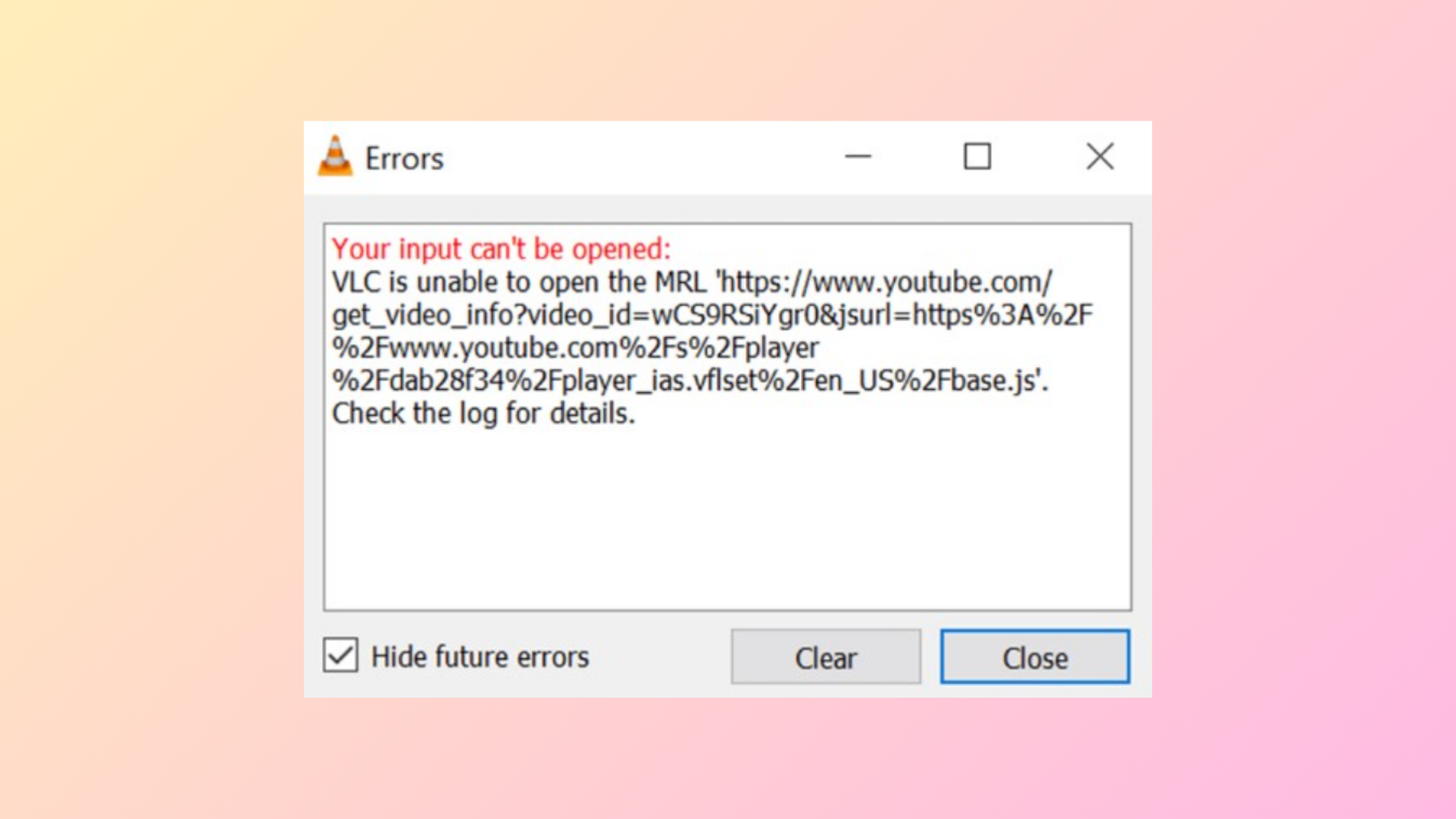
How to Fix “Your Input Can’t Be Opened: VLC Is Unable to Open the MRL” Error
Resolve VLC’s “unable to open the MRL” error with proven solutions for local files, network streams, YouTube links, and DVDs, including clear instructions for…