
Category
Windows
Windows 11, Windows 10, troubleshooting, and tips for power users.
-
Windows 11 support end dates — Home, Pro, Enterprise, and more
There’s no single cutoff; support depends on your edition and the specific Windows 11 version you’re running.
-
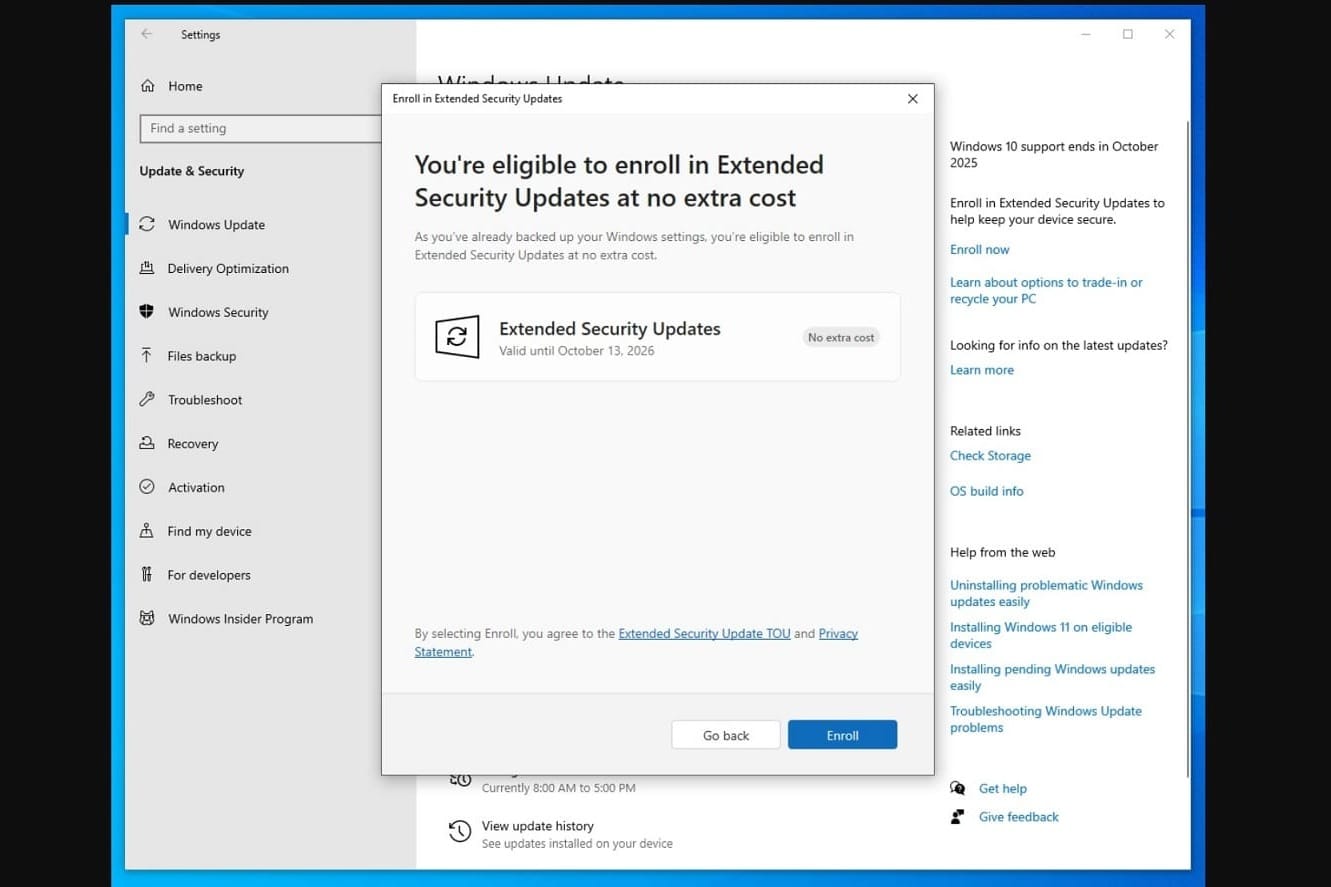
Windows 10 ESU or Windows 11: How to choose before support ends
Security updates continue for a year via ESU, but upgrading to Windows 11 is the longer-term fix.
-
Set your Windows 11 user folder name during OOBE (Insider builds)
A hidden command lets you pick C:\Users folder name during setup, with a few limits and caveats.
-
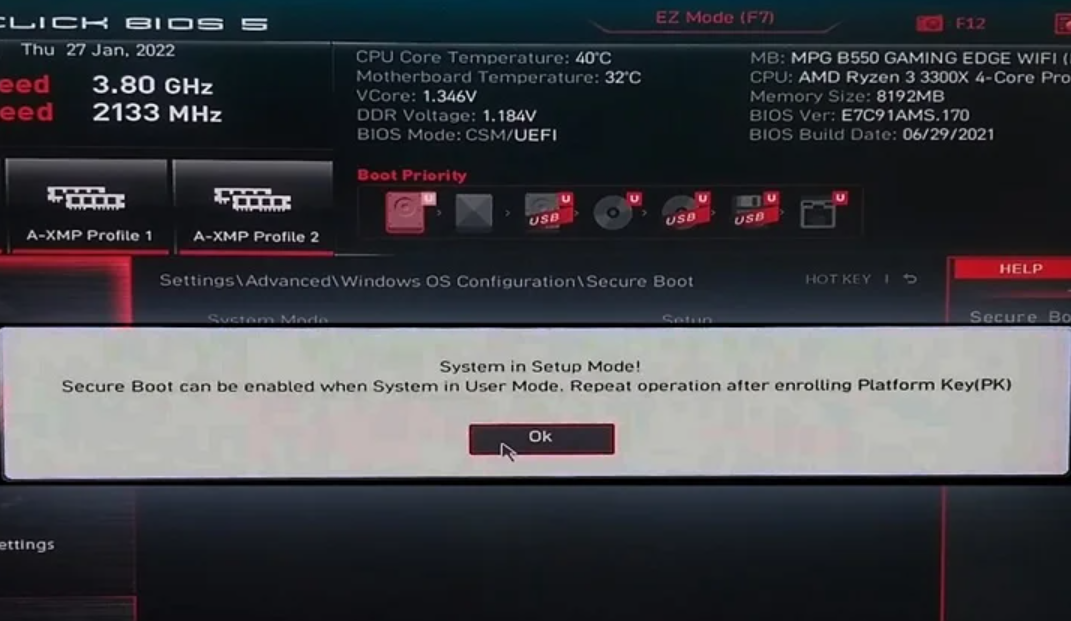
Fix “Secure Boot can be enabled when system in User Mode”
What the message means, and the exact steps to enroll the Platform Key and turn it on.
-
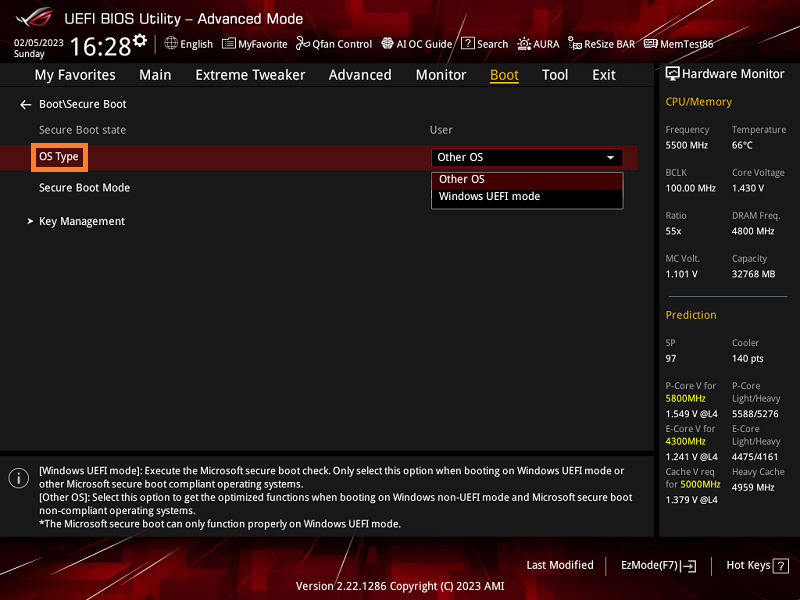
Enable Secure Boot on ASUS motherboards and laptops (UEFI)
Turn on Secure Boot in BIOS, verify it in Windows, and resolve greyed‑out options.
-
Windows 11 25H2 ISO (64‑bit) — how to download from Microsoft
Where to get the official x64 image, plus Arm64, Insider, and Enterprise options.
-
Windows 10 security updates free in the EEA through Oct 2026
Microsoft drops cloud backup requirements and waives ESU fees in Europe, with updates running until October 14th, 2026.
-
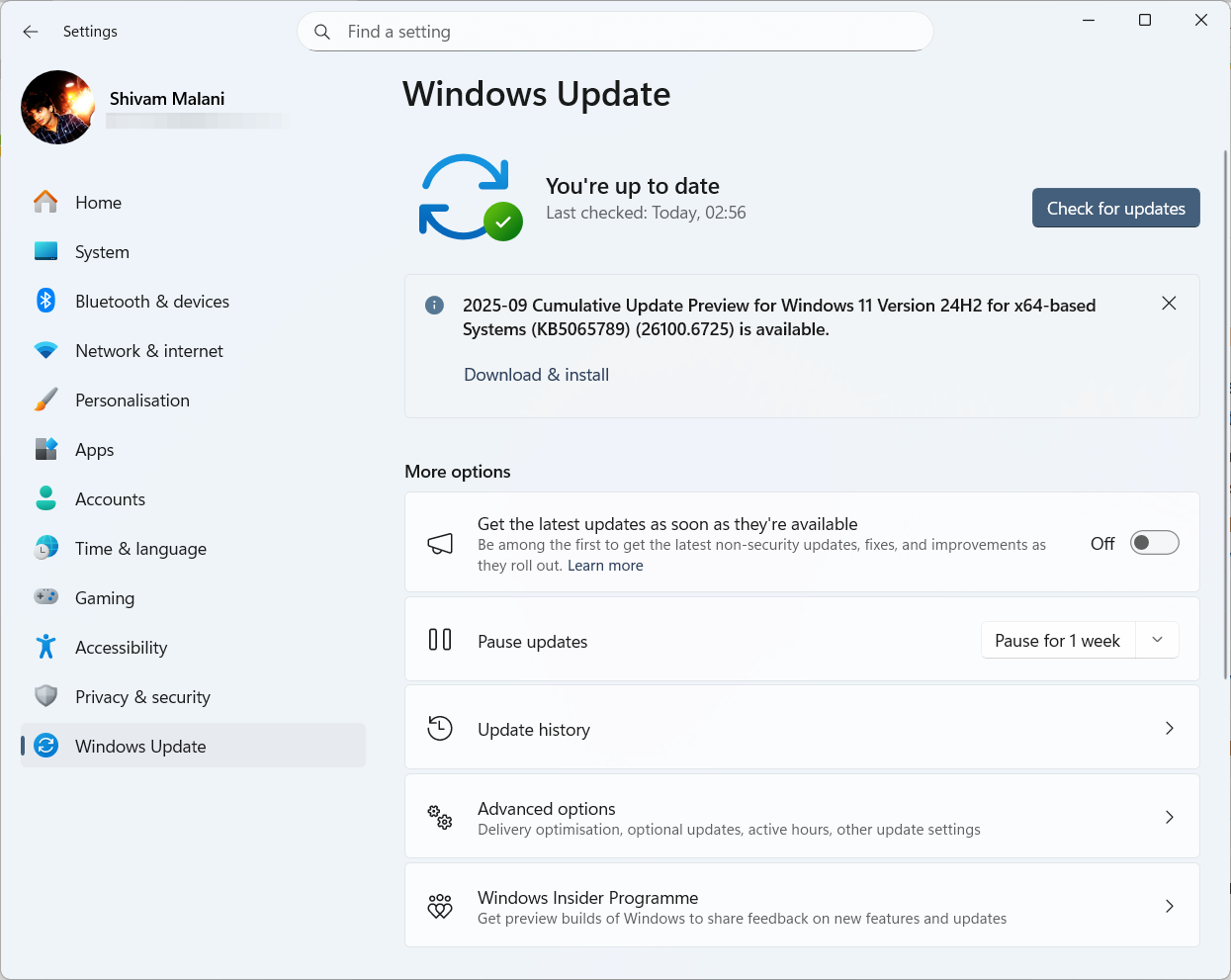
Windows 11 KB5065789 (24H2/25H2) — AI actions, gaming and Hello fixes
September’s preview bumps 24H2/25H2 to .6725 with AI menu tools and fixes for WSUS, Sandbox, HDR, and Hello.
-
Make a Windows 11 25H2 USB for unsupported PCs — Rufus, Ventoy
Create bootable media that skips TPM, Secure Boot, RAM, and online account checks using official ISOs.
-
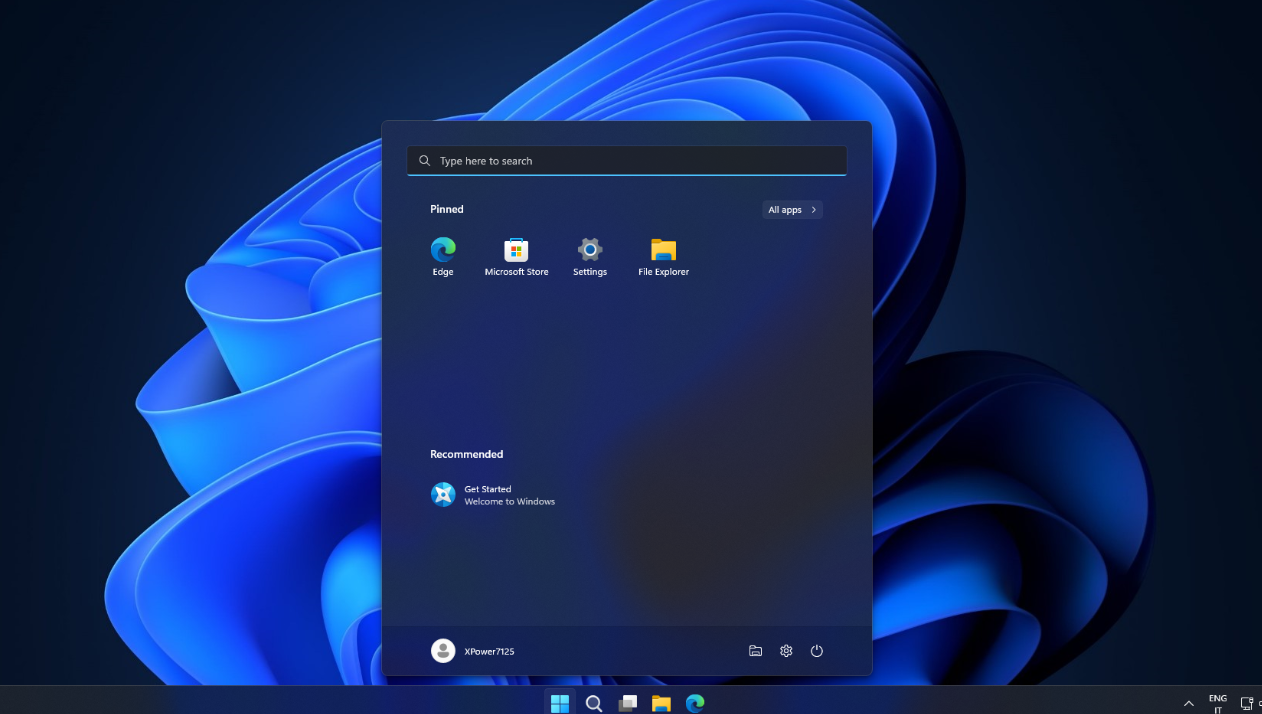
Create a stripped-down Windows 11 ISO with Nano11 Builder
Automate a lightweight, non-serviceable Windows 11 ISO for testing using official Microsoft tools.