
Category
Windows
Windows 11, Windows 10, troubleshooting, and tips for power users.
-
How to Create a Bootable USB Flash Drive in Linux
Using USB flash drives to install Linux distributions has become increasingly popular due to their speed and convenience over traditional CDs or DVDs. In…
-
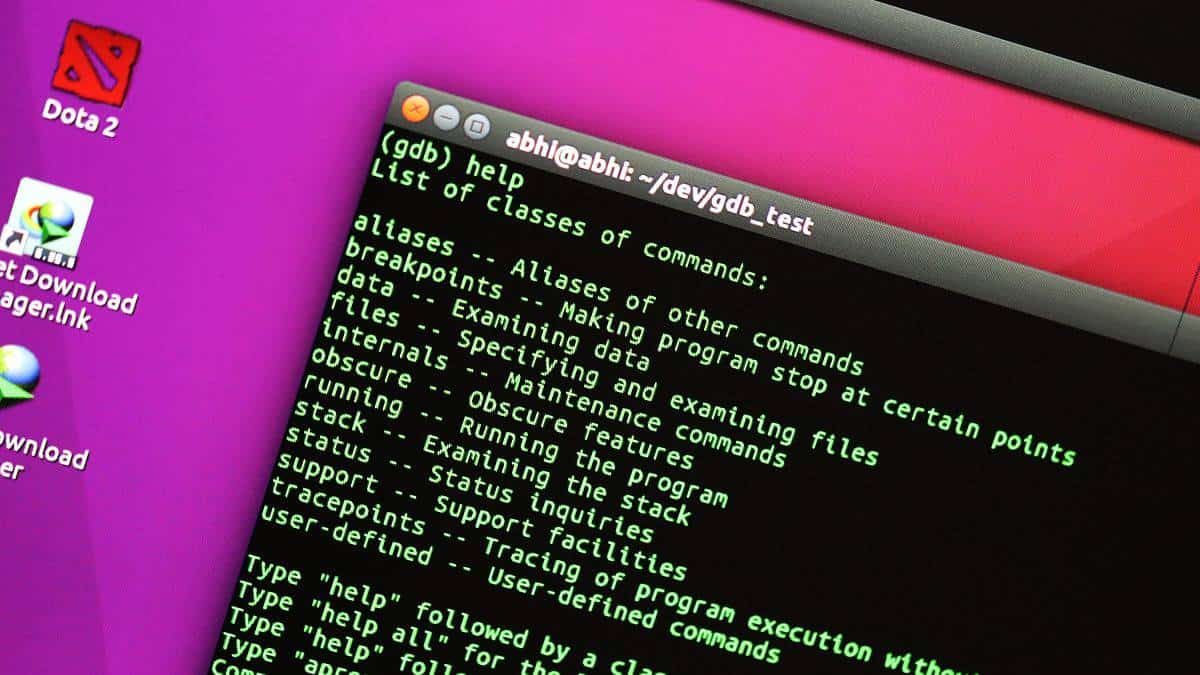
How to Use GNU Debugger in Linux
The GNU Debugger (gdb) is a powerful tool that allows developers to see what is happening inside a program while it runs or what…
-
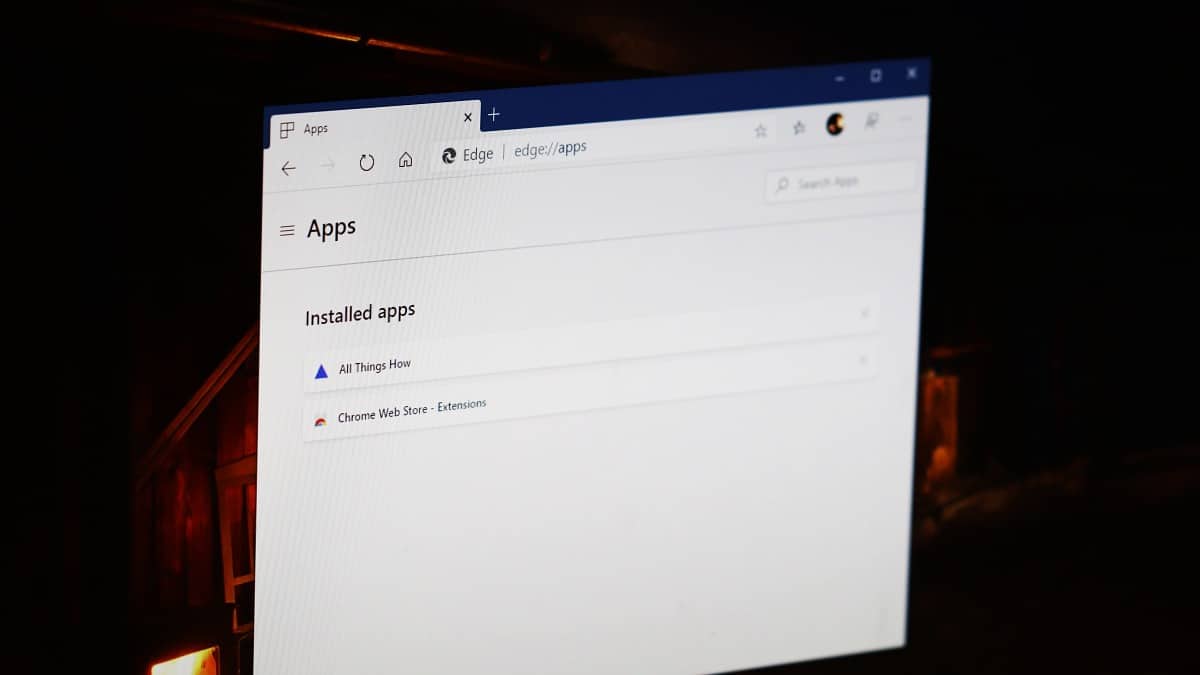
How to Install any Website as an App using Edge or Chrome browser on Windows 10
Installing your frequently visited websites as desktop applications can streamline your workflow by allowing quick access without opening a browser first. Modern browsers like…
-
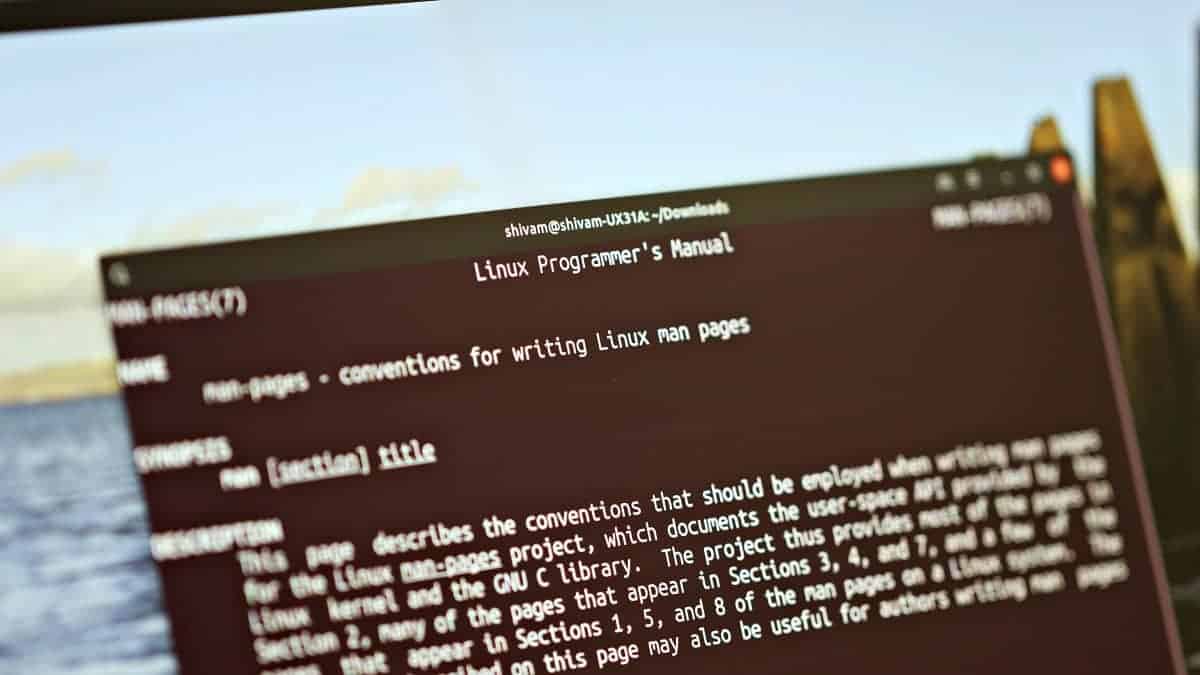
How to Create a Linux Man Page
Creating manual pages, or man pages, for your custom scripts and programs in Linux can greatly enhance their accessibility and usability. By providing users…
-
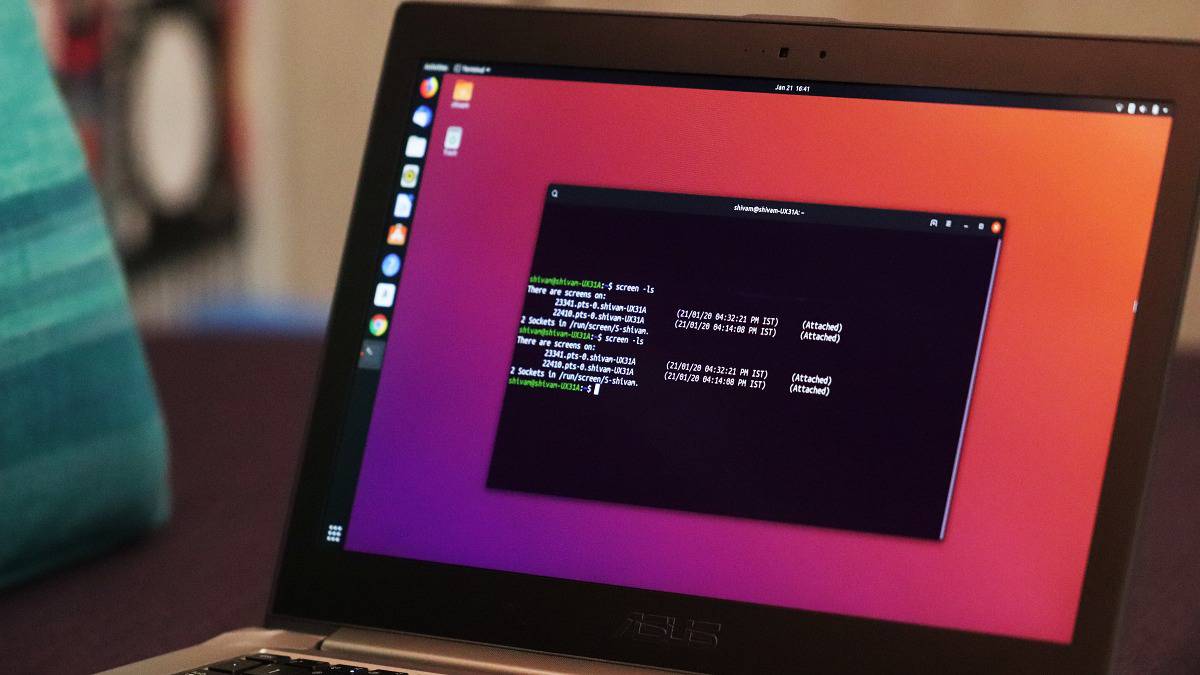
How to use Linux Screen
GNU Screen is a versatile terminal multiplexer that enables you to manage multiple terminal sessions within a single window. It’s particularly useful for running…
-
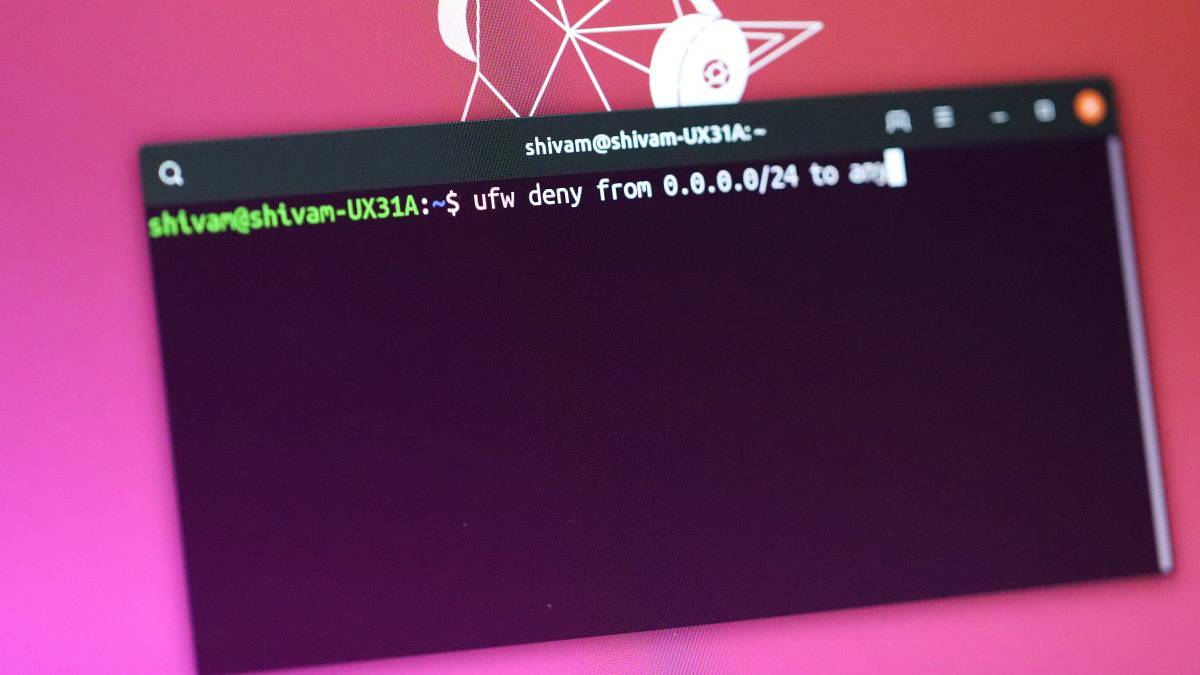
How to Fix UFW Deny Rule when it is not Blocking an IP Address
ufw (Uncomplicated Firewall) provides a user-friendly interface for managing firewall rules on Linux systems. It simplifies the configuration of iptables by allowing administrators to…
-
How to Use VLC Player to Share Files over Wi-Fi between iPhone and PC
VLC Player has long been on the internet than iPhone and Windows 10 have even existed. It is one of the most popular software…
-
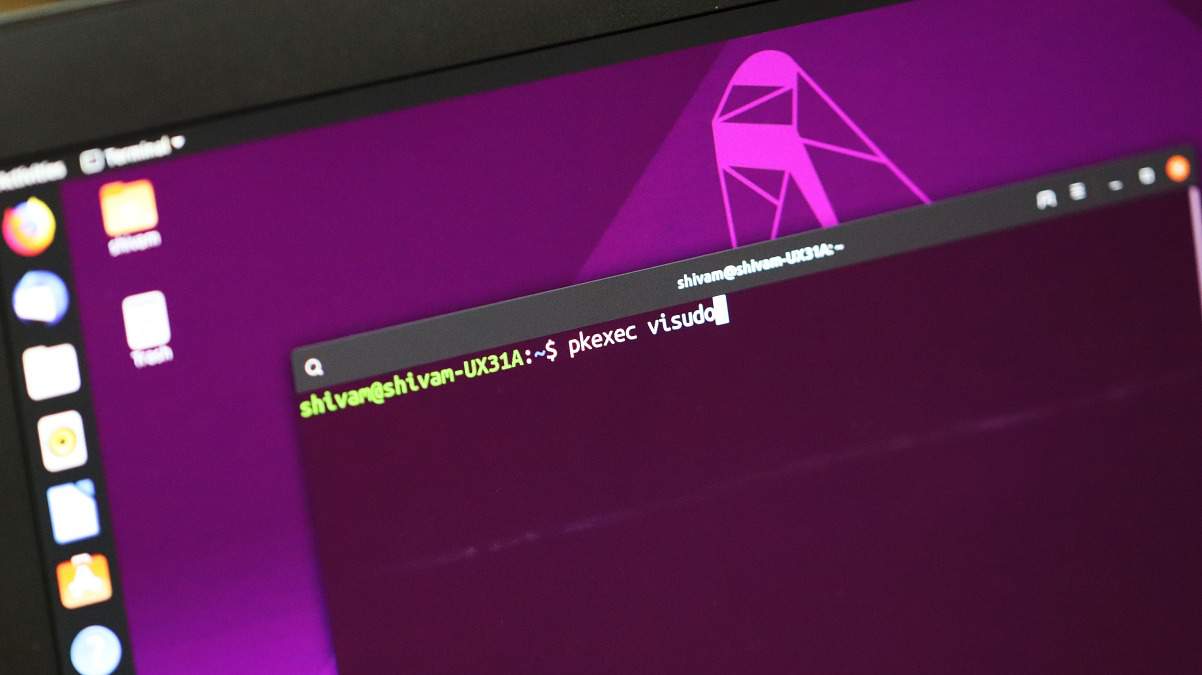
How to Use ‘Pkexec’ (a sudo alternative) to Run Commands as Root on Linux
On Linux systems, the sudo command is commonly used to perform tasks requiring administrative privileges. However, if you encounter errors with sudo, such as…
-

How to Add a Sudo User in Ubuntu
The sudo command in Linux is a powerful utility that allows users to perform tasks requiring administrative privileges. By default, standard users have limited…
-

How to Permanently Delete Files in Linux using Command Line and GUI Tools
Deleting files securely in Linux ensures that sensitive information remains irrecoverable, safeguarding data privacy and compliance with legal requirements. While simple deletion methods mark…