
Category
Windows
Windows 11, Windows 10, troubleshooting, and tips for power users.
-
How to Fix Microsoft Store Apps Crashing With Exception Code 0xc000027b in Windows 11
Learn effective solutions to resolve Microsoft Store app crashes caused by exception code 0xc000027b on Windows 11, including restoring critical permissions and troubleshooting common…
-
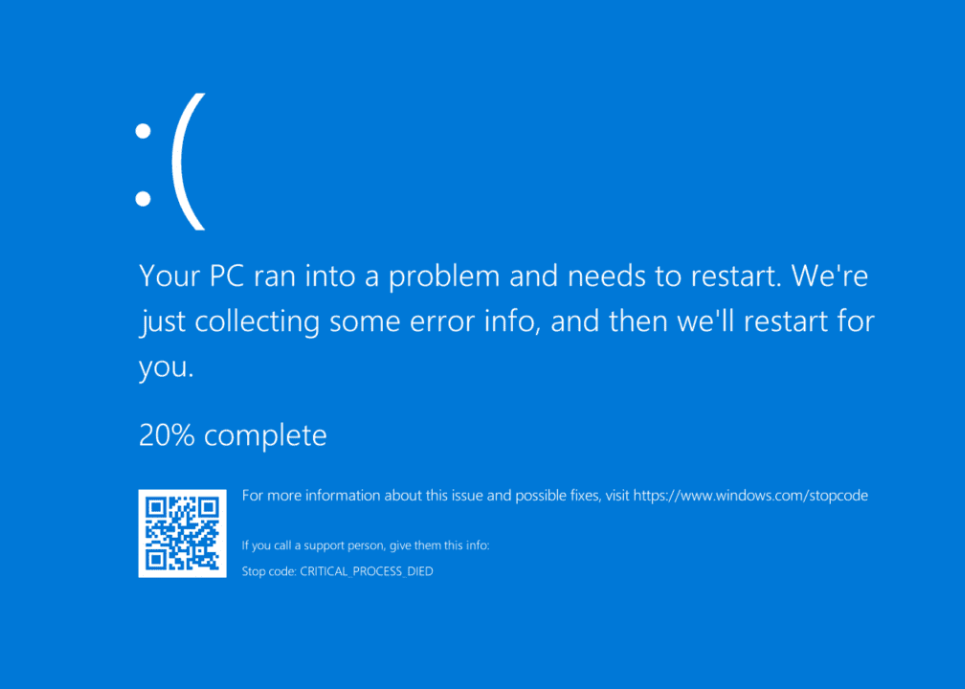
How to Fix Blue Screen of Death After Installing WiFi Card on Windows 11
Resolve persistent BSOD errors after adding a WiFi card to your Windows 11 system with targeted troubleshooting and clear solutions.
-
How to Check, Increase, or Lower CPU Usage in Windows 11
Learn various methods to monitor, reduce, or adjust CPU usage in Windows 11, with detailed fixes for persistent high CPU utilization and guidance on…
-
How to Fix Alt + F4 Not Working in Windows 11
Resolve unresponsive Alt + F4 shortcuts in Windows 11 with proven methods, from keyboard driver updates to system troubleshooting.
-

How to Adjust Active Hours Automatically in Windows 11
Configure Windows 11 to set active hours based on your device usage and prevent update interruptions during your work.
-
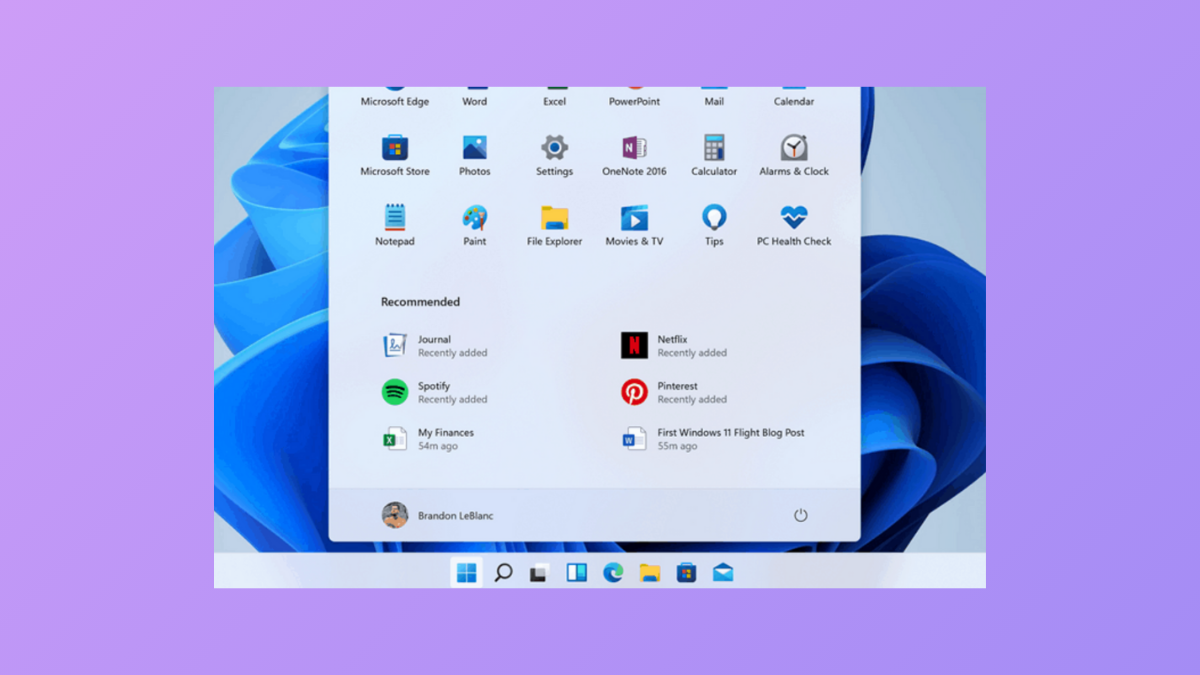
How to Fix Taskbar Hiding Behind Apps in Windows 11
Resolve the issue where the Windows 11 taskbar disappears or is covered by fullscreen or maximized applications using targeted troubleshooting steps.
-
How to Fix Bluetooth Icon Not Showing in the Taskbar in Windows 11
Detailed solutions to restore the missing Bluetooth icon in the Windows 11 taskbar and regain quick access to your wireless device settings.
-
How To Fix You’re Not Up To Date Error in Windows 11 When No Updates are Available
Resolve the You’re Not Up To Date Error on Windows 11 with these comprehensive solutions.
-
How To Fix A critical system process C:\WINDOWS\system32\lsass.exe failed error on Windows 11
Error codes like c0000008, c0000354, and 80000003 can result in the critical system process failed message. Here are some of the solutions that can…
-
How To Open or Edit WebP Images in Windows 11
Easily open or edit WebP images in Windows 11 using these simple methods that make use of built-in and third-party tools with minimal effort.