
Category
Windows
Windows 11, Windows 10, troubleshooting, and tips for power users.
-

How to Check Bluetooth Battery Level on Windows 11
See the battery percentage of your Bluetooth devices in Windows 11 using built-in settings, third-party utilities, or PowerShell scripts.
-
How to Fix Error 0x80070005 When Using Media Creation Tool in Windows 11
Resolve the 0x80070005 error during Windows 11 installation or upgrade with the Media Creation Tool by following these solutions.
-

How to Fix Error 0x8e5e03fa in Windows 11
Resolve Windows Update error 0x8e5e03fa with effective instructions to restore normal update functionality in Windows 11.
-
How to Turn Auto HDR On in Windows 11
Learn how to activate Auto HDR in Windows 11 to automatically upgrade the color and brightness of supported games on HDR-capable displays.
-

How to Remove Black Bar or Border on Screen in Windows 11
Effective solutions to fix black bars or borders around your display in Windows 11, covering display settings, graphics drivers, monitor adjustments, and more.
-
How to Stop Windows from Adding Shared Folders to Search Index in Windows 11
Prevent Windows 11 from automatically including shared network folders in its local search index using Group Policy, Registry Editor, and built-in indexing options.
-

How to Configure Global Proxy Settings in Windows 11
Set up, modify, or disable system-wide proxy connections in Windows 11 for improved privacy, security, and network control.
-
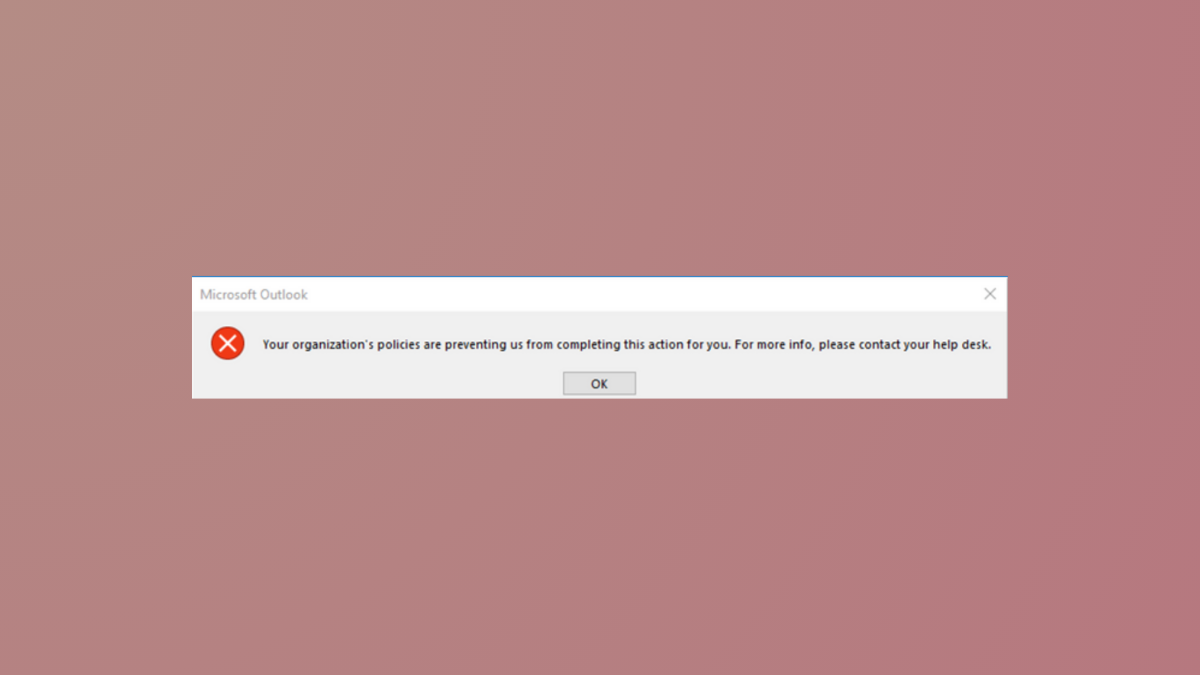
How to Fix “Your Organization’s Policies Are Preventing Us from Completing This Action for You” Message in Windows 11
Resolve the Outlook and Windows 11 error that blocks hyperlinks and other actions by correcting browser defaults, file associations, and registry settings.
-
How to Turn Off Insert Key in Windows 11
Disabling the Insert key in Windows 11 prevents accidental text overwrites and streamlines typing for users who do not need this legacy function.
-
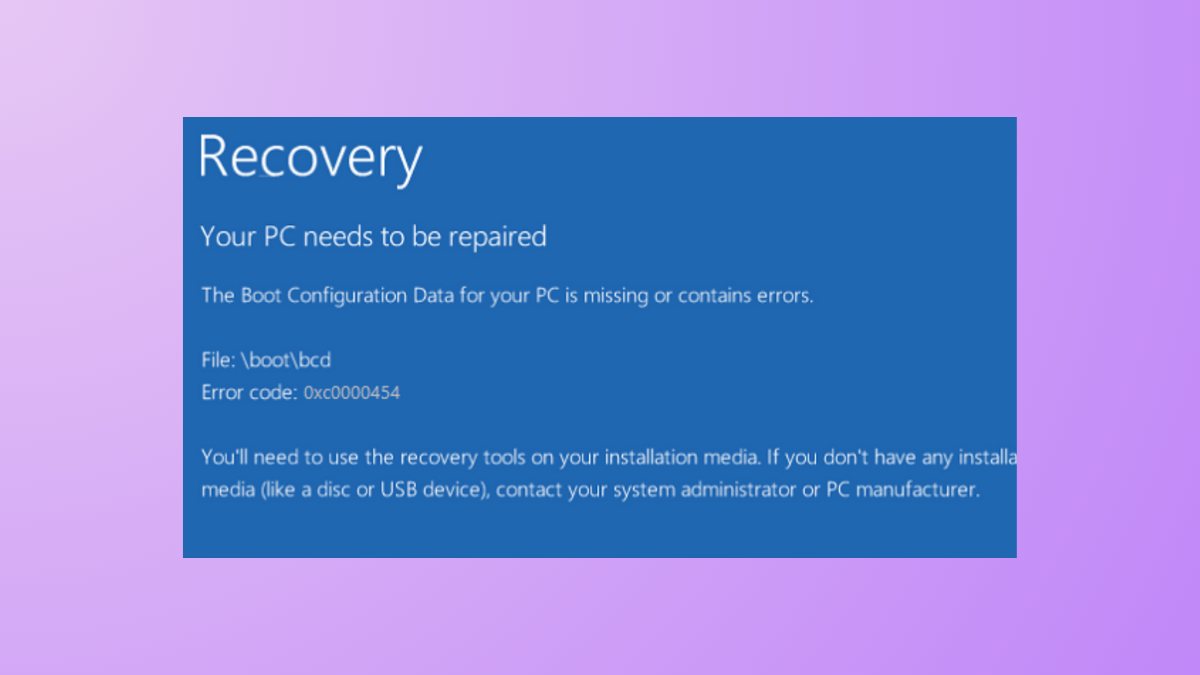
How to Fix Error 0xc0000454 Boot Configuration Data Is Missing on Windows 11
Resolve the “Boot Configuration Data for your PC is missing or contains errors” issue with clear solutions that restore Windows 11 startup functionality.