
Category
Windows
Windows 11, Windows 10, troubleshooting, and tips for power users.
-

How to Fix No Such Interface Supported File Explorer Error in Windows 11
Resolve the “No Such Interface Supported” error in Windows 11 File Explorer and apps with detailed solutions that restore access and improve system reliability.
-
How to Fix Error 0x80070006 “Something Went Wrong and Your PIN Is Not Available” in Windows 11
Resolve the Windows Hello PIN sign-in problem with error code 0x80070006 on Windows 11 using detailed troubleshooting steps and proven recovery methods.
-
How to Turn Off “These Files Might Be Harmful to Your Computer” Warning in Windows 11
A comprehensive guide to disabling the network file security prompt when copying or moving files in Windows 11.
-
How to Fix WiFi Connection Frequently Getting Disconnected in Windows 11
Find comprehensive solutions to resolve unstable or dropping WiFi connections on your Windows 11 device and restore reliable internet access.
-

How to Get Rid of Green Line on Screen in Windows 11
Resolve green lines on your Windows 11 display by troubleshooting software and hardware causes with these effective solutions.
-
How to Turn On and Use Bluetooth Swift Pair in Windows 11
Streamline Bluetooth device connections on Windows 11 with Swift Pair for faster, easier pairing and fewer manual steps.
-

How to Fix Network Adapter Missing or Not Appearing in Windows 11
Resolve missing network adapter issues in Windows 11 using proven troubleshooting steps to restore Wi-Fi and Ethernet connectivity.
-
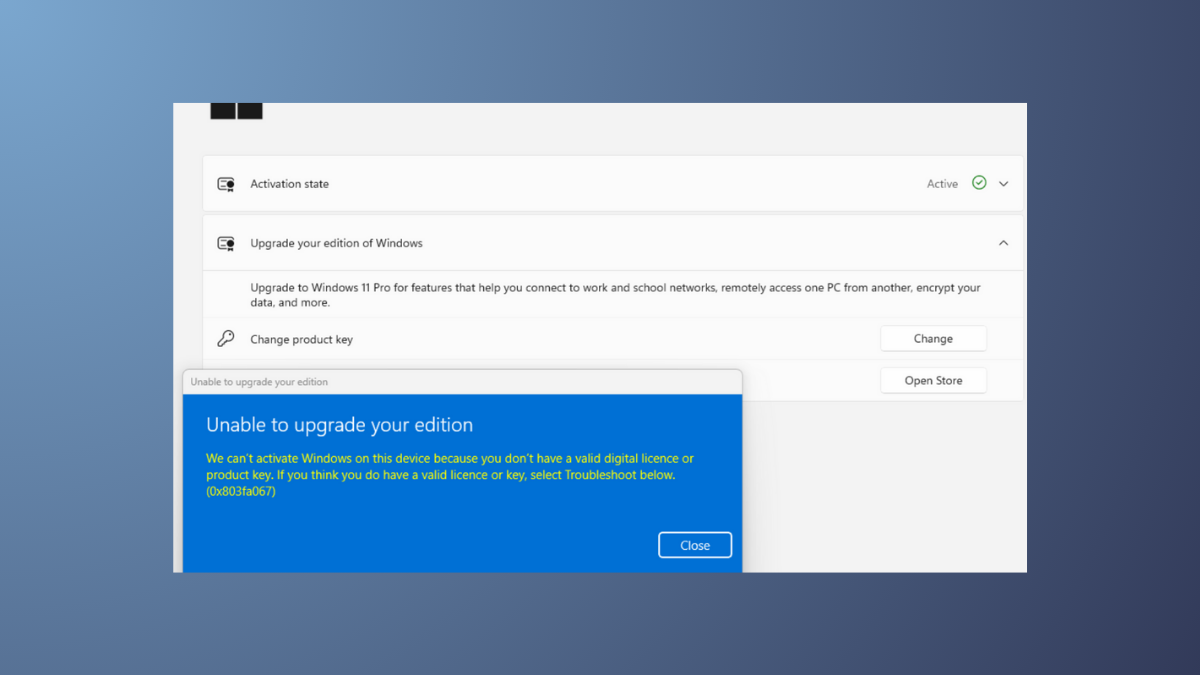
How to Fix Activation Error 0xC004F034 in Windows 11
Resolve Windows 11 activation issues caused by error code 0xC004F034 with clear troubleshooting methods and practical solutions.
-
How to Fix Error 0x8050800c in Windows 11
Resolve the 0x8050800c error in Windows 11 by updating system files, removing conflicting antivirus software, and following targeted troubleshooting steps for Microsoft Defender and…
-
How to Fix Update Error 0x80240016 in Windows 11
Resolve Windows Update error 0x80240016 in Windows 11 by following these troubleshooting methods to restore smooth update functionality.