
Category
Windows
Windows 11, Windows 10, troubleshooting, and tips for power users.
-

Enable GPU Acceleration in Linux
Detailed instructions for configuring GPU acceleration across major Linux distributions, browsers, and applications.
-

Change the Default View in File Explorer on Windows 11
Apply your preferred folder layout across all folders in Windows 11 to simplify navigation and file management.
-

Fix Webcam Not Working in Windows 11 Apps
Resolve webcam issues in Windows 11 apps with targeted troubleshooting steps for drivers, permissions, connections, and privacy settings.
-
Create a System Snapshot Using Timeshift in Linux Mint
Safeguard your Linux Mint system by capturing reliable snapshots with Timeshift, allowing quick recovery from system failures, upgrades, or configuration errors.
-
Fix Error 0x80246007 on Windows 11
Resolve Windows 11 update failures and Microsoft Store download issues caused by error code 0x80246007 with detailed repair methods.
-
Enable Fractional Scaling for Better Display on HiDPI Screens in Linux
Adjust display scaling to improve readability and usability on high-resolution Linux desktops using fractional scaling options.
-
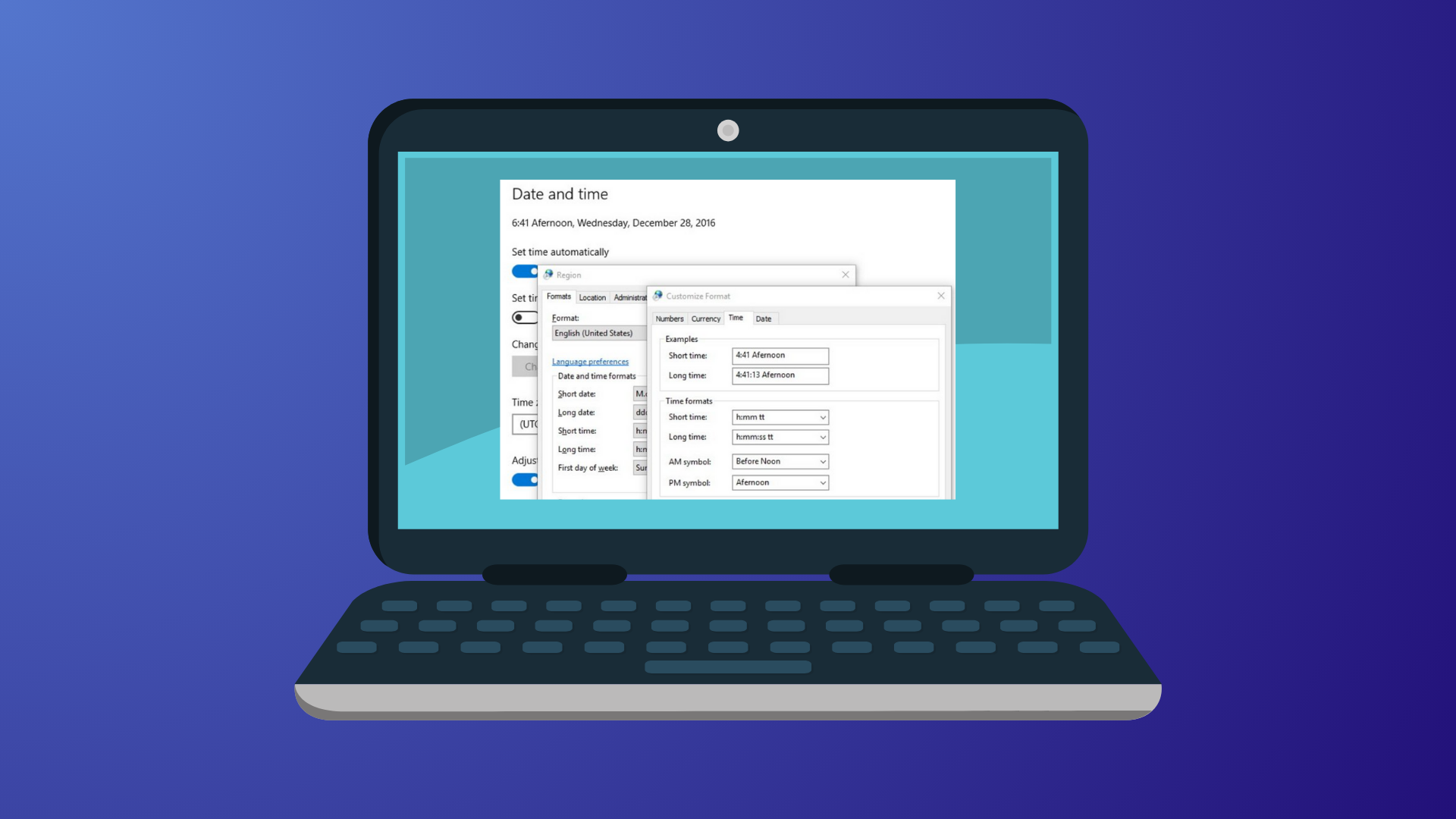
Change the Date Format on Windows 11
Switch your Windows 11 system to the date format that matches your regional preference or workflow needs using the Settings app or Control Panel.
-
Manage Files When Dual-Booting Windows and Linux
Practical methods for sharing and managing files across Windows and Linux in a dual-boot setup, including clear instructions and key compatibility tips.
-
Check Whether Monitoring Software Is Installed on Your PC
Learn the most effective methods to identify and confirm the presence of monitoring software on your Windows or Mac computer, protecting your privacy and…
-
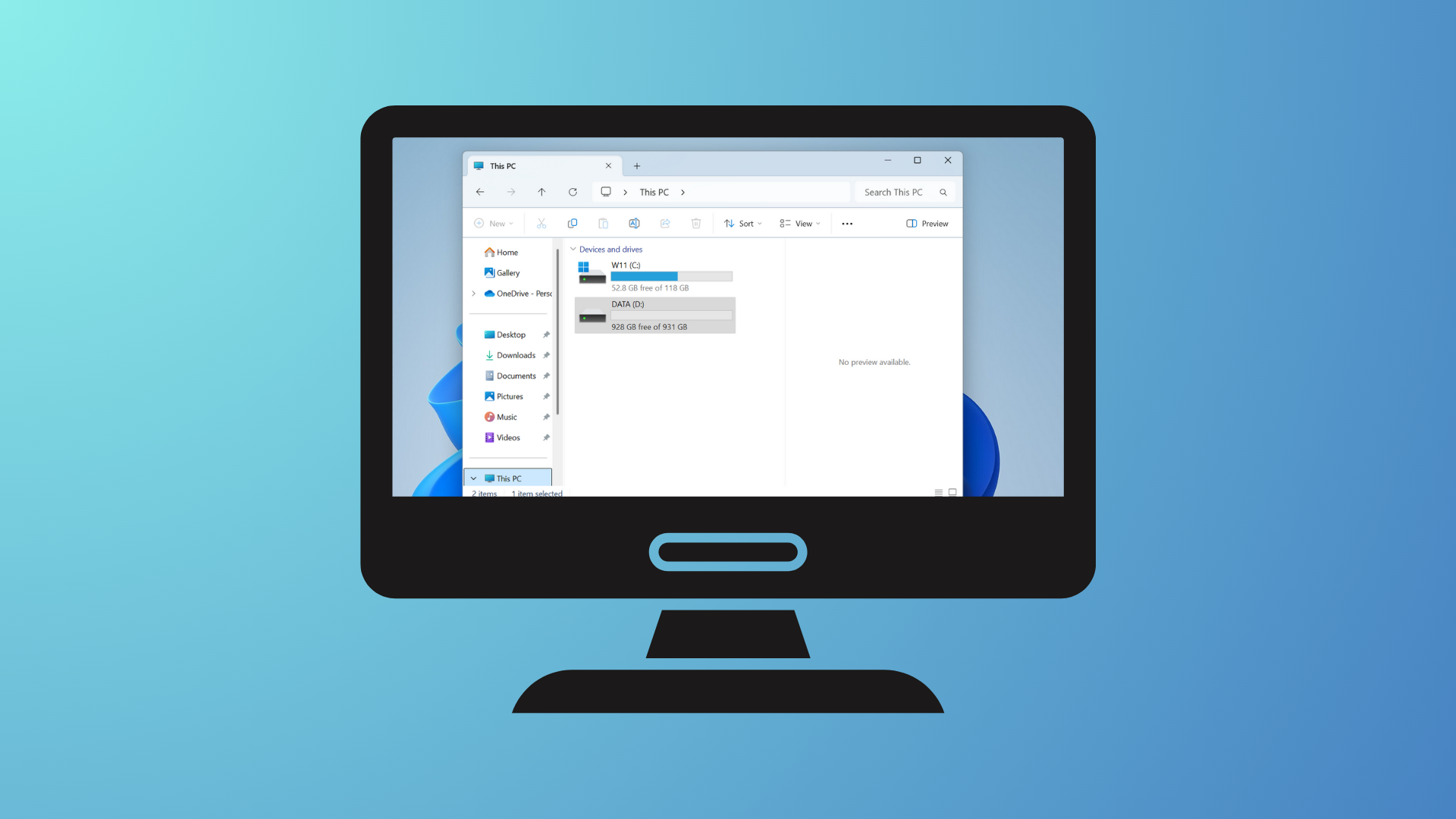
Move a Window Without Clicking the Title Bar on Windows 11
Learn several effective ways to reposition windows when the title bar is inaccessible or off-screen in Windows 11, using built-in keyboard shortcuts and system…