
Category
Windows 11
-

Fix Network Profile Keeps Changing Automatically on Windows 11
Resolve persistent network profile switching between Public and Private in Windows 11 and prevent connectivity issues with detailed troubleshooting steps.
-

Fix Process1 Initialization Failed 0x0000006B Blue Screen Error on Windows 11
Resolve the PROCESS1_INITIALIZATION_FAILED stop code and restore normal boot functionality on Windows 11 systems.
-

Fix Monitor Ghosting on Windows 11
Monitor ghosting on Windows 11 causes blurry trails and motion artifacts—these instructions help you identify the cause and apply proven fixes to restore clear,…
-

Fix System Guard Enabled But Not Running on Windows 11
Resolve the “System Guard: Enabled but not running” issue by verifying hardware support, adjusting system configurations, and ensuring required security features are active in…
-

Fix Error 0xc000000d on Windows 11
Resolve the “Your PC needs to be repaired” message and restore Windows 11 startup by repairing or rebuilding boot configuration files.
-

Fix Hibernate Shuts Down Computer on Windows 11
Resolve the issue where Windows 11 shuts down instead of entering hibernate mode, with easy-to-follow solutions and troubleshooting tips.
-
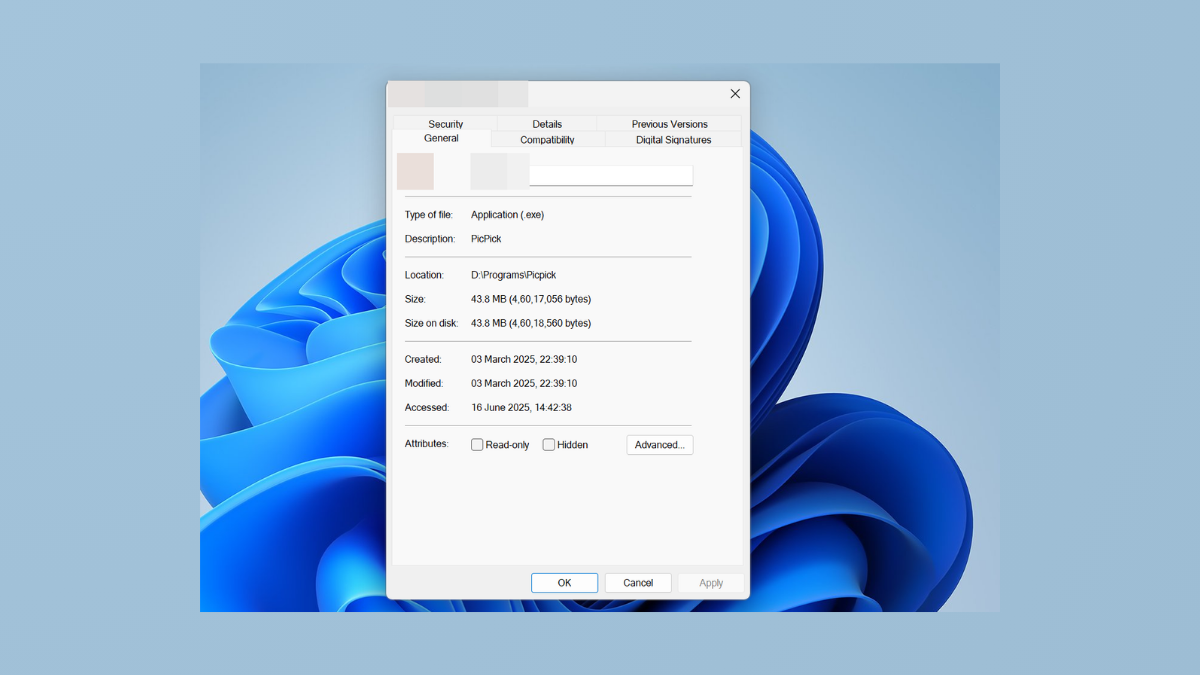
Add or Remove Compatibility Tab from File Properties in Windows 11
Control the visibility of the Compatibility tab in file properties to troubleshoot or restrict legacy app settings in Windows 11.
-

Fix PCI Serial Port Driver Not Installing on Windows 11
Resolve PCI serial port driver installation issues on Windows 11 with effective solutions for missing or failed drivers.
-

Fix Task Manager Not Displaying Processes in Windows 11
Resolve the issue where Task Manager shows a blank or incomplete process list in Windows 11 with clear solutions.
-

Merge Two Different SSDs on Windows 11
Combine multiple SSDs into a single storage volume on Windows 11 using built-in tools or third-party software, while understanding the risks and requirements involved.