
Category
Windows 11
-
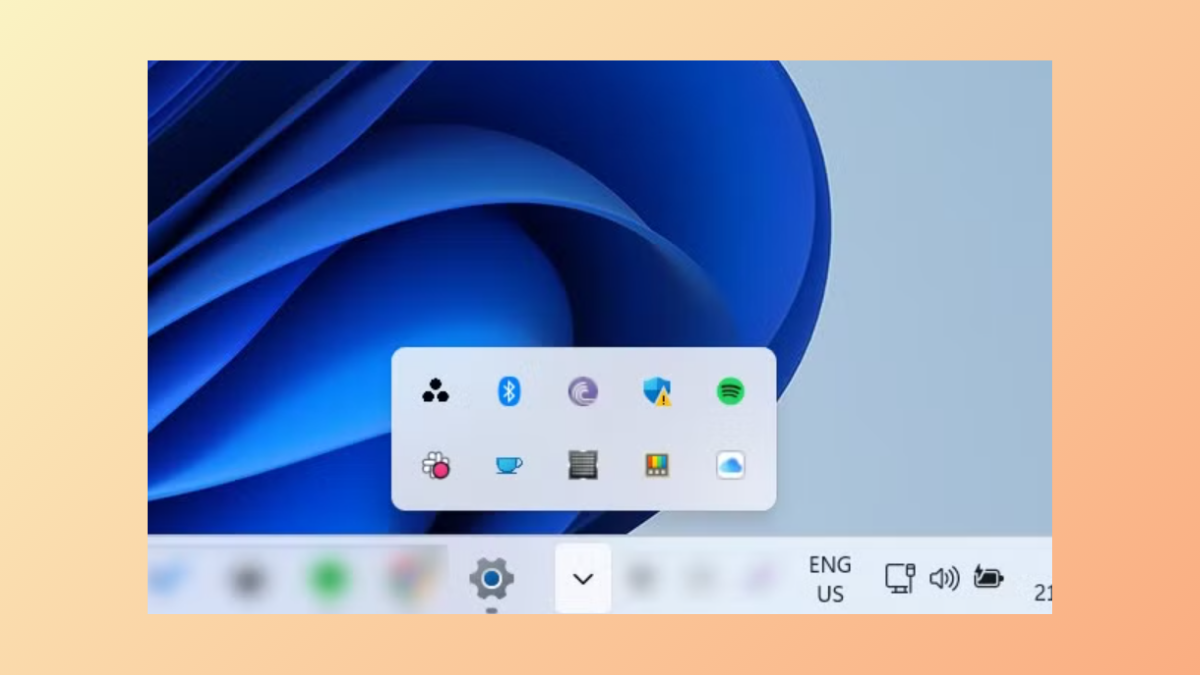
Reset Tray Icons in Taskbar on Windows 11
Reset Taskbar Tray Icons to their defaults, getting rid of any customizations or changes that you might have implemented earlier with the help of…
-
Fix Windows 11 Won’t Boot After Enabling Secure Boot
Fix boot issues with Windows 11 that occur after enabling Secure Boot in the BIOS using these easy-to-follow instructions.
-
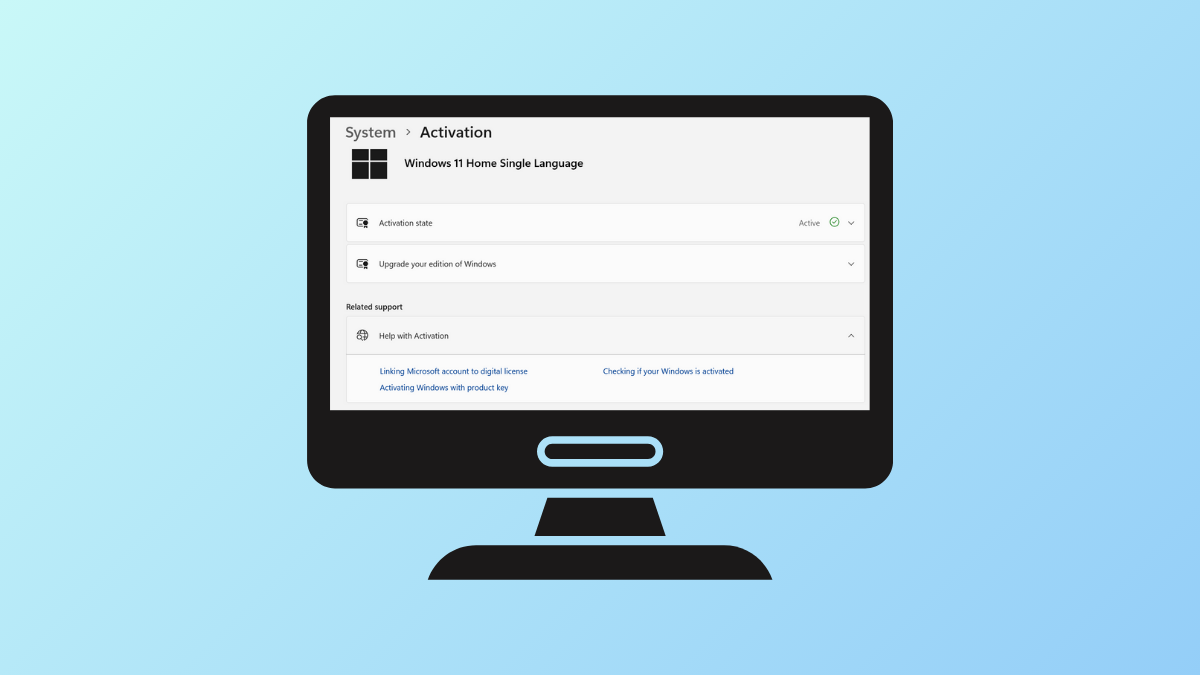
Check Windows 11 Activation Status on Your PC
Learn how to check whether your copy of Windows 11 is activated or not, as well as how to change your product key when…
-
Fix Windows PowerShell Causing High CPU Usage
Control high CPU usage caused by PowerShell on Windows 11 using these clear instructions.
-
Recover Lost Wireless Password in Windows 11
Easily recover your wireless password on Windows using in-built and third-party tools.
-
Fix Error 0x80071128 on Windows 11
Try out these multiple solutions to fix error 0x80071128, which can prevent you from deleting files and folders on your PC.
-

Fix Windows 11 Signing Me Out Immediately After Logging In
Sort out issues when Windows automatically logs you out after signing in using these easy-to-follow instructions.
-
Fix the CldFlt Service Failed to Start Error on Windows 11
Resolve the CldFlt service failed to start error using Command Prompt, the Registry Editor, and other tools available on Windows.
-
Optimize Windows 11 Performance by Scheduling Automatic Restarts
Keep your Windows 11 PC performing at its best by scheduling automatic restarts using these simple methods.
-
Prevent or Allow Users from Deleting Diagnostic Data in Windows 11
Control whether users can remove diagnostic data collected by Windows 11 using Group Policy or Registry settings to support troubleshooting, compliance, and system reliability.