
Category
Windows 11
-
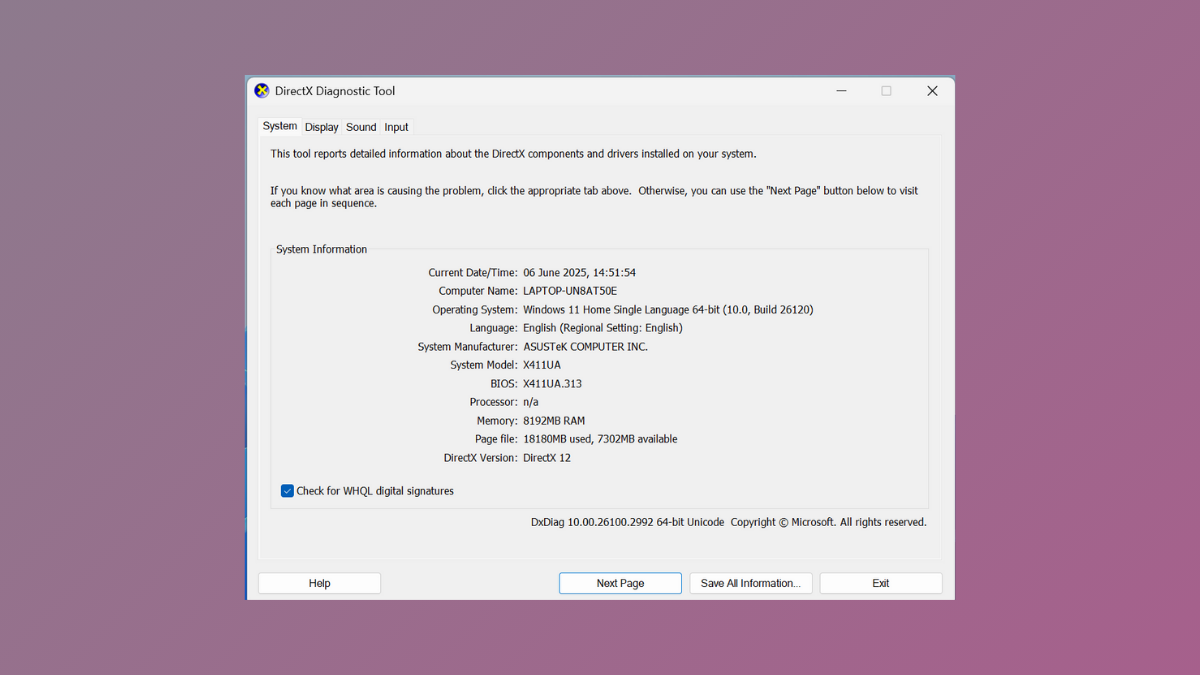
Use DirectX Diagnostic Tool for Troubleshooting in Windows 11
Diagnose and resolve graphics, sound, and hardware issues on Windows 11 by running the DirectX Diagnostic Tool (DxDiag) and interpreting its detailed system reports.
-
Open Folder or File Using Command Prompt in Windows 11
Learn multiple methods to open any folder or file using Command Prompt, streamlining file access and management in Windows 11.
-

Prevent Apps From Accessing Messages or Texts in Windows 11
Control which apps can read or send your messages in Windows 11 by adjusting permissions and privacy settings.
-
Fix This Access Control Entry is Corrupt Error in Windows 11
Resolve the “Access Control Entry is Corrupt” error in Windows 11 by closing conflicting apps, changing ownership, and repairing system files to restore normal…
-

Fix Process1 Initialization Failed Blue Screen Error on Windows 11
Resolve the Process1 Initialization Failed BSOD in Windows 11 by repairing system files, checking hardware, and restoring reliable boot functionality with clear recovery instructions.
-

Fix Windows Sandbox Has No Internet Connection Error on Windows 11
Effective solutions to restore internet access in Windows Sandbox on Windows 11, covering network settings, firewall, VPN, and troubleshooting methods.
-

Enable or Disable SmartScreen Filter on Windows 11
Simple instructions to turn Microsoft Defender SmartScreen on or off in Windows 11 using Windows Security, Group Policy, and Registry Editor.
-

Fix Slack App Not Working in Windows 11
Resolve Slack startup failures, connection issues, and notification problems on Windows 11 with clear troubleshooting for app, network, and system causes.
-
Fix the Application Was Unable to Start Correctly Error on Windows 11
Resolve the “Application was unable to start correctly” error in Windows 11 with targeted solutions addressing security settings, system files, and software compatibility.
-
Fix Error 0x80244018 on Windows 11
Resolve Windows 11 update failures caused by error 0x80244018 by adjusting proxy settings, repairing system files, and optimizing update services.