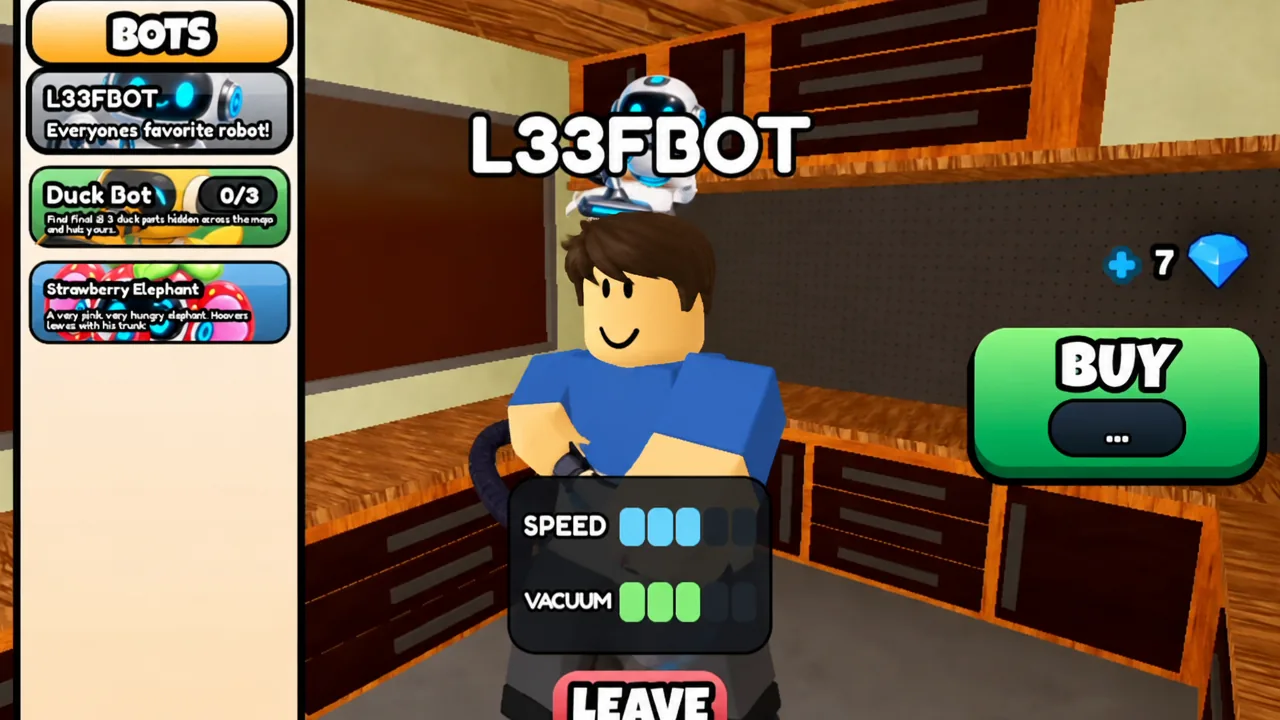
The Duck Bot is the only free assistant in Clean all the leaves, and it is unlocked by tracking down three scattered parts rather than paying Robux. It carries the lowest movement speed and the weakest vacuum of any bot in the game, but it still clears nearby leaves on its own while you work another zone, which makes it a sensible early pickup. Each part sits in a late zone on a different map, so you need all three maps unlocked and a full clean run on each.
Quick answer: Collect three Duck Bot parts, one hidden on each of the House, Mansion, and Gas Station maps. Once all three are in your inventory, the Duck Bot appears in your hot bar automatically at no cost.
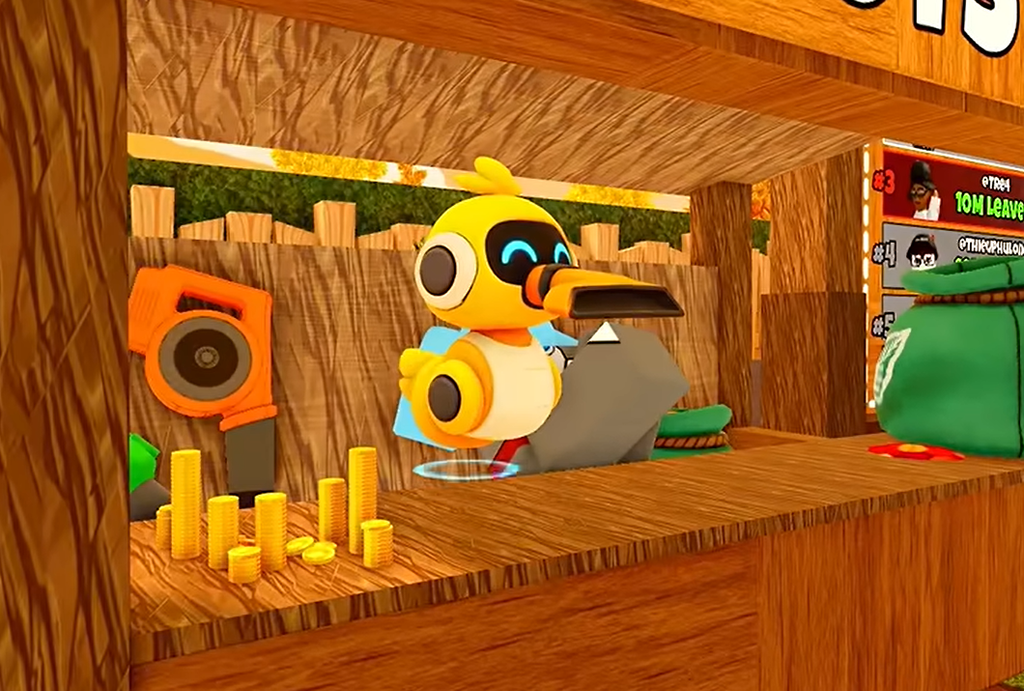
All three Duck Bot part locations
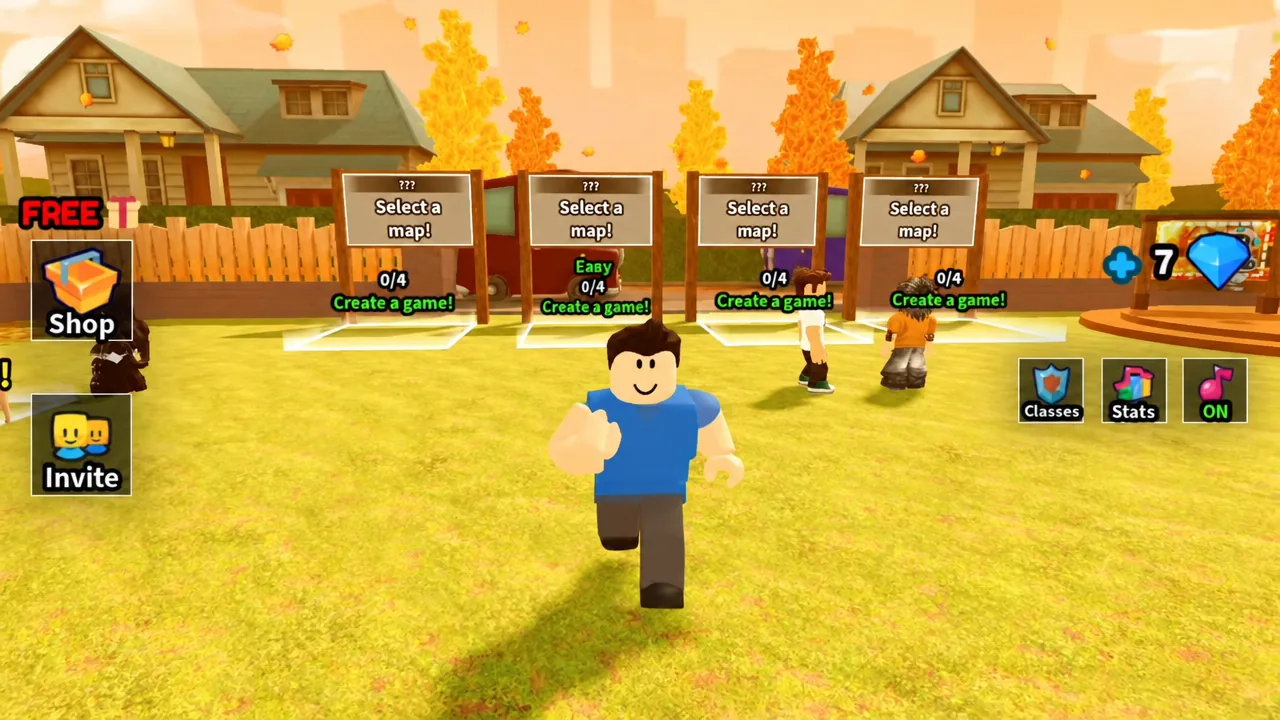
Every part is placed in one of the last zones you unlock on its map, so plan a full clear each time. Start a run from the map select screen, then work through the zones in order until the target area opens.
| Map | Zone | Exact spot |
|---|---|---|
| The House | Farm Area | On the swing in the right corner |
| The Mansion | Tennis Court | The Duck Bot head on the left side ground |
| The Gas Station | Back Lot | Beside the red car, under a rock on the right |
Part 1: Farm Area on the House map
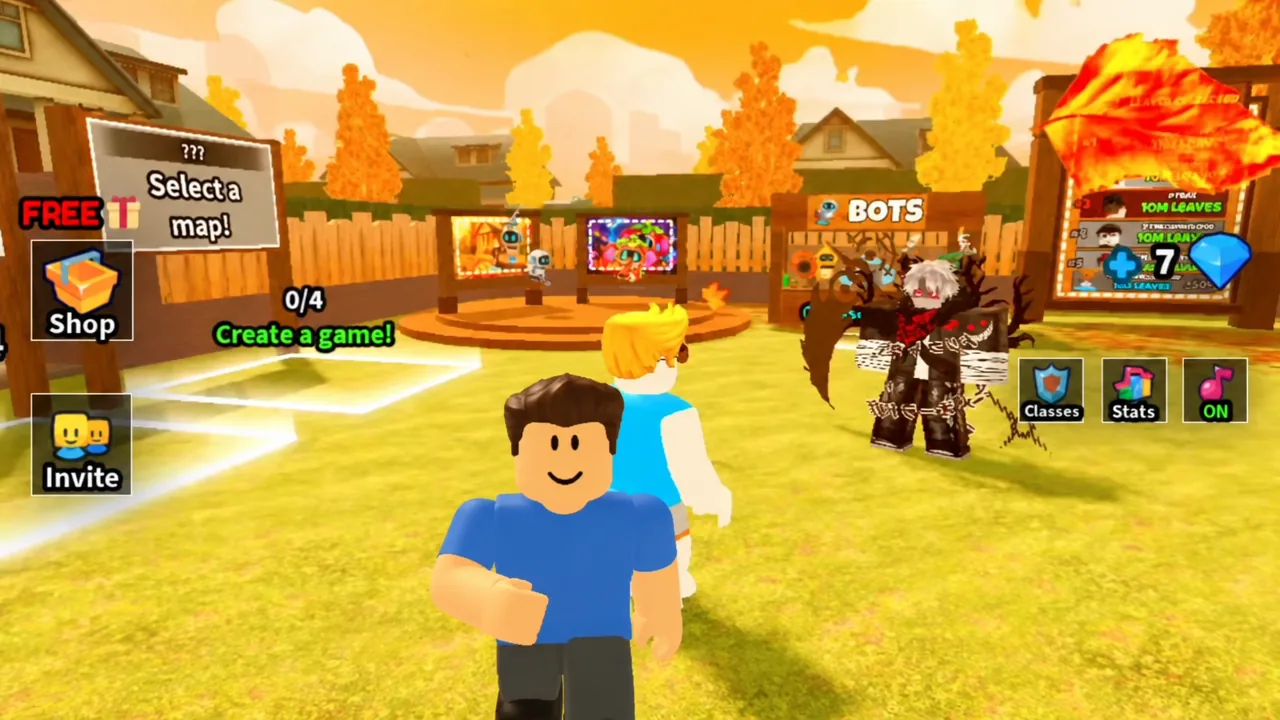
The first part waits in the Farm Area, the last outdoor zone on the House map. Create a game on the House and clean each zone in this order to reach it:
- Front Yard
- Porch
- Garage
- Rooftop
- Basketball Court
- Backyard
- Pool
- Maze
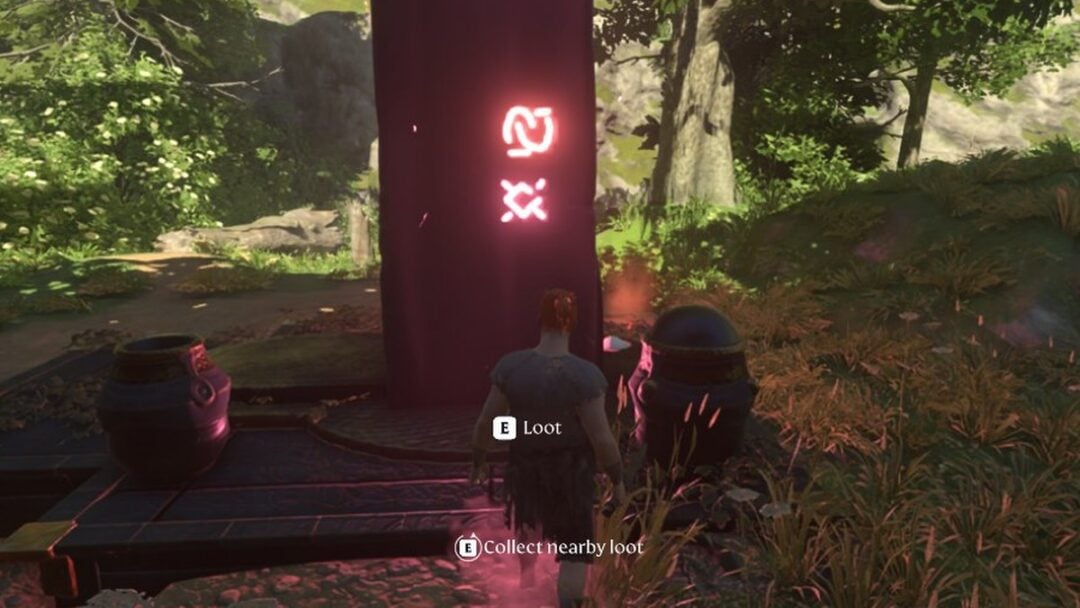
Clearing the Maze opens the Farm Area. Head to the right corner and look for the swing. The first part rests on it, so click the part to collect it. You can leave the run right after picking it up, since finishing the map is not required.
Part 2: Tennis Court on the Mansion map
The second part is the Duck Bot’s head, found in the Tennis Court of the Mansion map. Run the Mansion and clear these zones in order:
- Front Yard
- Porch
- Left Alley
- Right Alley
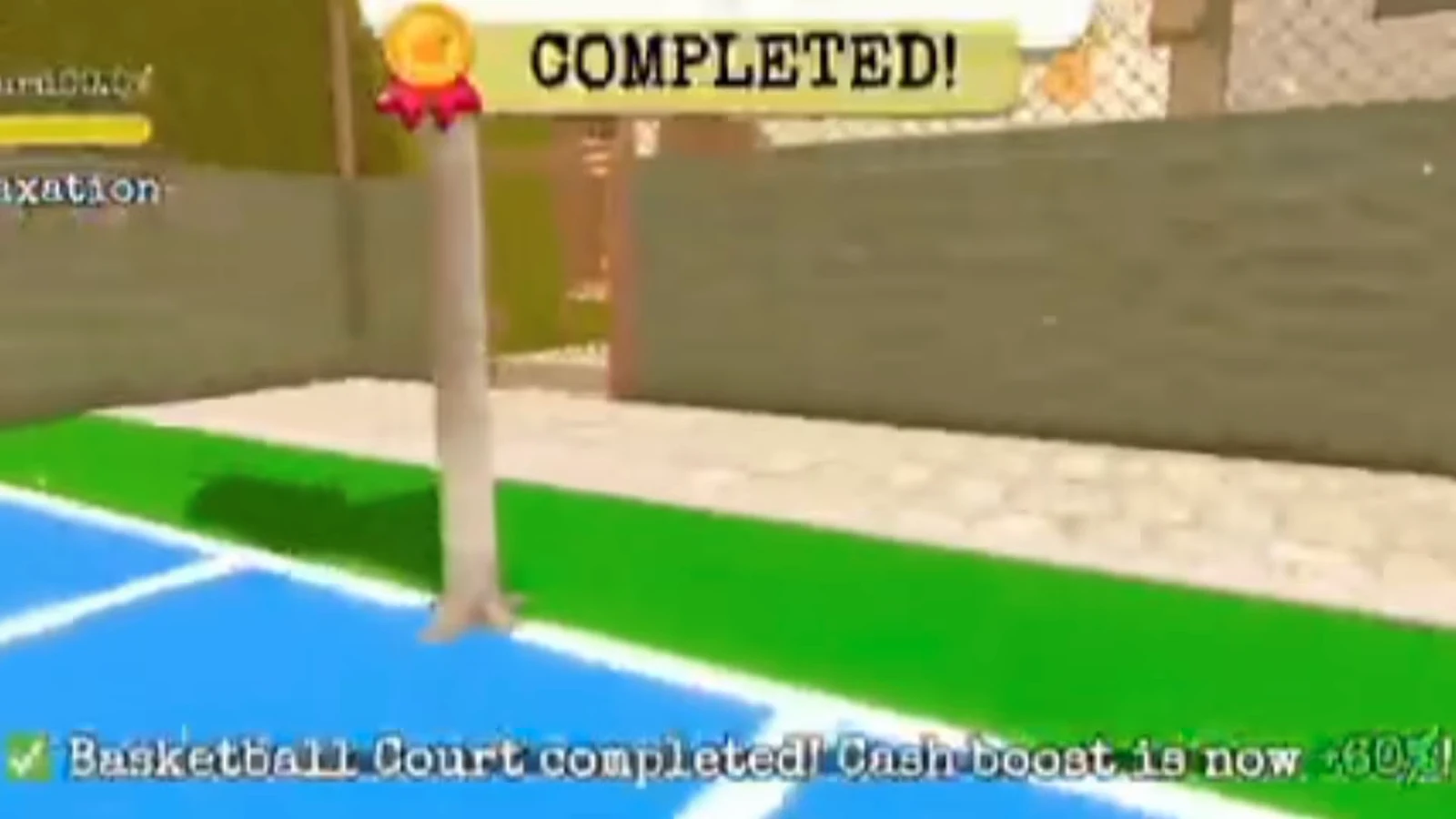
Cleaning the Right Alley unlocks the Tennis Court. Move to the left side of the court and pick up the head lying on the ground.
This part used to sit on a couch near the pool and could not be collected. It was relocated to the Tennis Court in a fix, so grab it there. If it still will not pick up, make sure the zone is unlocked and try a fresh server.
Part 3: Back Lot on the Gas Station map
The final part is the Duck Bot’s body, hidden in the Back Lot at the very end of the Gas Station map. Run the Gas Station and clear these zones in order:
- Street
- Gas Station Entrance
- Inside the Gas Station
- Restroom
- Staff Room
- Storage Room
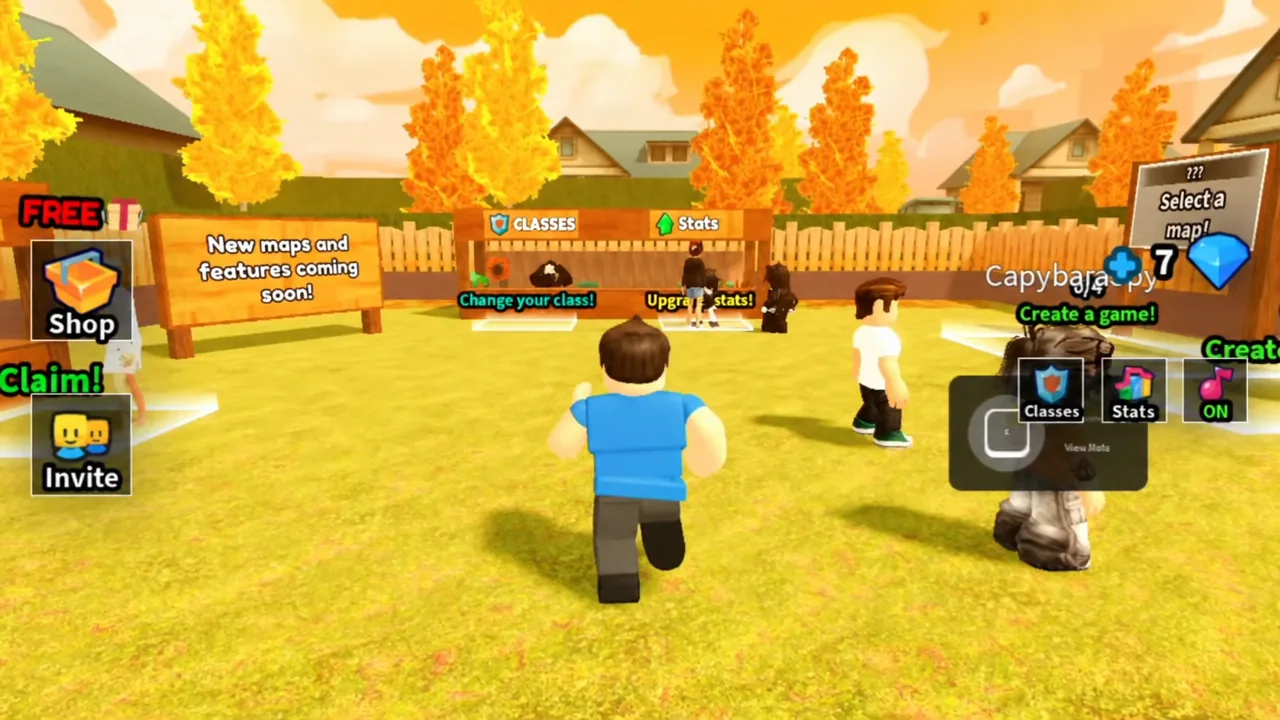
Cleaning the Storage Room opens the Back Lot, a junkyard filled with wrecked cars and trash. Turn right and keep going until you reach a red car in the corner by the fence. The body sits beside that car, tucked beneath a rock.
How to deploy the Duck Bot and confirm the unlock
The moment you collect the third part, an Unlocked: Duck Bot banner appears on screen and the bot is added to your hot bar automatically. That banner is your confirmation that the questline is complete.
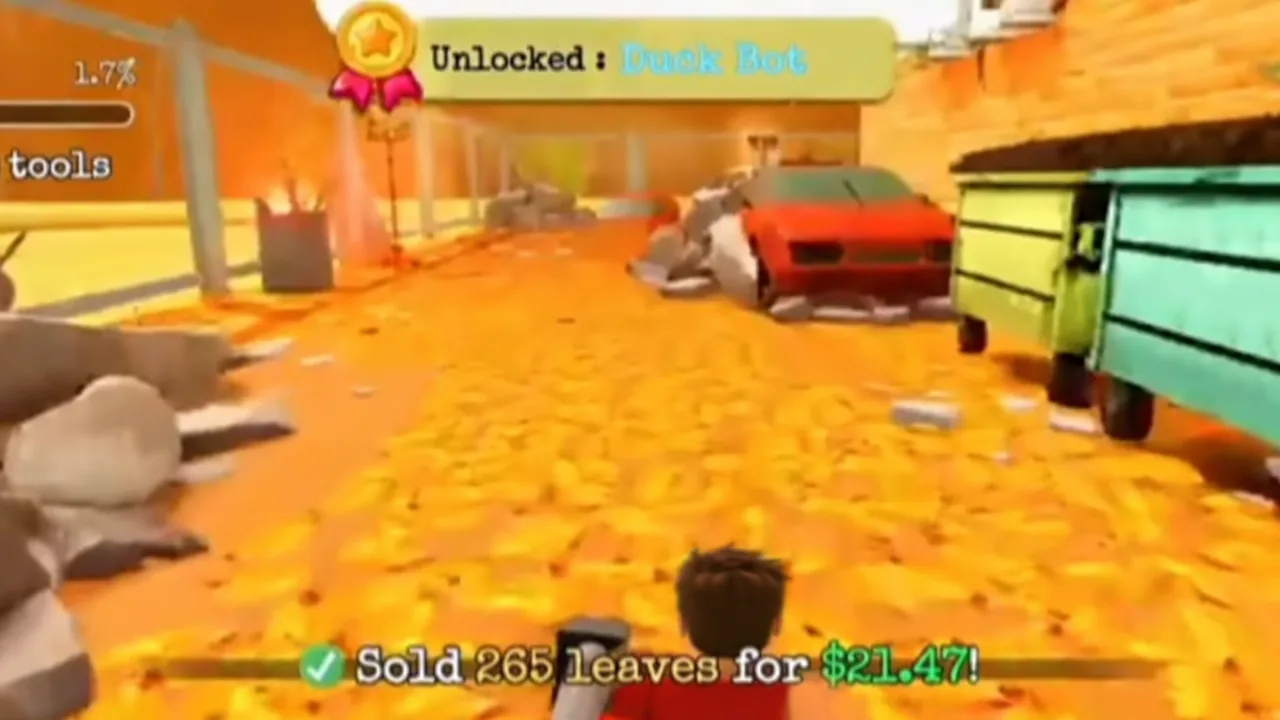
To use it, click the Duck Bot in your hot bar or press its assigned key to equip it, then start a run and place it wherever you want. Once deployed, it picks up nearby leaves on its own for two minutes, then enters a one-minute recharge before you can place it again. It works passively alongside any manual tool, so you can keep raking or blowing while it clears its own patch.
Since the whole thing costs nothing beyond three full map clears, the Duck Bot is a solid first goal even if you later swap it for a faster bot. You can pick it up in Clean all the leaves on Roblox and start shaving down the slow opening minute of every run.