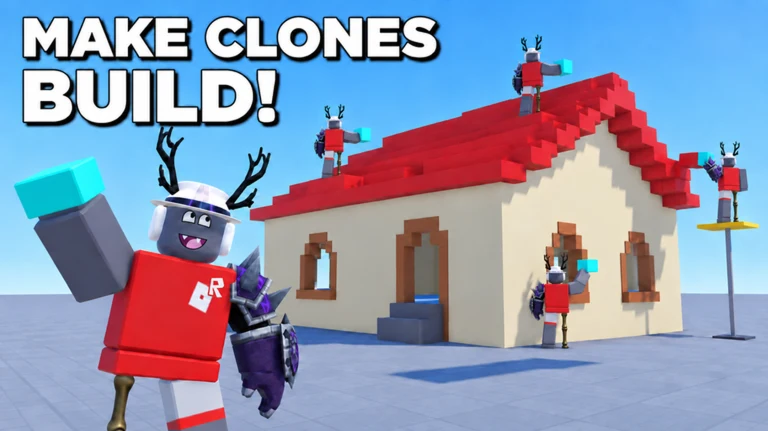
Clone Builders is an experimental Roblox sandbox with a simple hook: instead of dragging parts into place yourself, you type what you want and a crew of NPC clones builds it for you, one piece at a time. You describe an object in plain language, pick where it should go, and then watch the workers fetch, resize, and join blocks until the model is finished on an open baseplate.
Quick answer: You enter a text prompt like “ice cream truck,” choose a spot, and three clone workers assemble that object block by block while you walk around and inspect it. You start with three clones by default.
The game runs on version 1.12.7, and you can jump into a server directly from the Clone Builders page on Roblox. Servers hold around 15 players, so most of what you see on the map is other people’s creations sitting alongside your own.
How the prompt-to-build system works
The core loop centers on a build bar labeled “What should we build?” at the bottom of the screen. You type an object name into a “Type here what to build” field, choose placement from “Choose spot,” “At my feet,” or “Random,” and confirm with the “Build +” button. Every job runs through the same three beats: pick an idea, position it, and monitor construction.
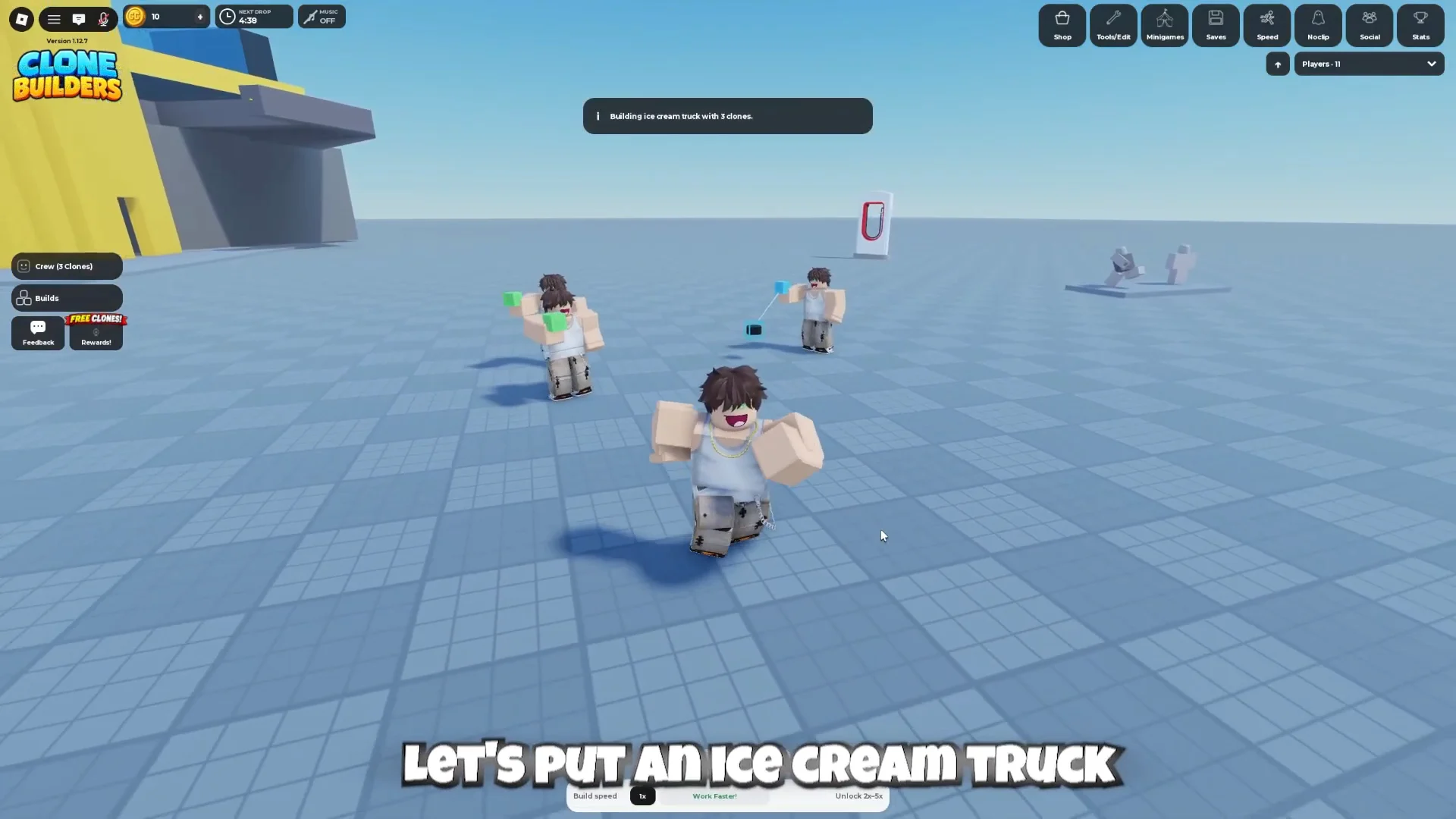
As soon as a job begins, its status changes to “Planning…”; the game searches for a level spot and sets down a foundation. Clones then appear, move to their work positions, and carry the pieces over to assemble the build. The crew window lists every worker and their status, such as CLONE 1: BUILDING, plus a running piece total that rises from a value like 0% – 0/176 pieces as construction progresses.
The prompt’s wording determines the build’s scale. A straightforward noun such as “ship” creates a small, readable model, whereas “Small Thomas the tank engine” yields a recognizable design featuring wheels, a cab, and a faceplate. Completion is shown by a top-of-screen banner with the creation’s name, such as “Small Thomas the tank engine complete!”
A slow build is not a failed build. Large or detailed models simply take longer, and the piece counter keeps climbing in the crew window even while you explore elsewhere on the map.
Prompt limits and the Creator Store
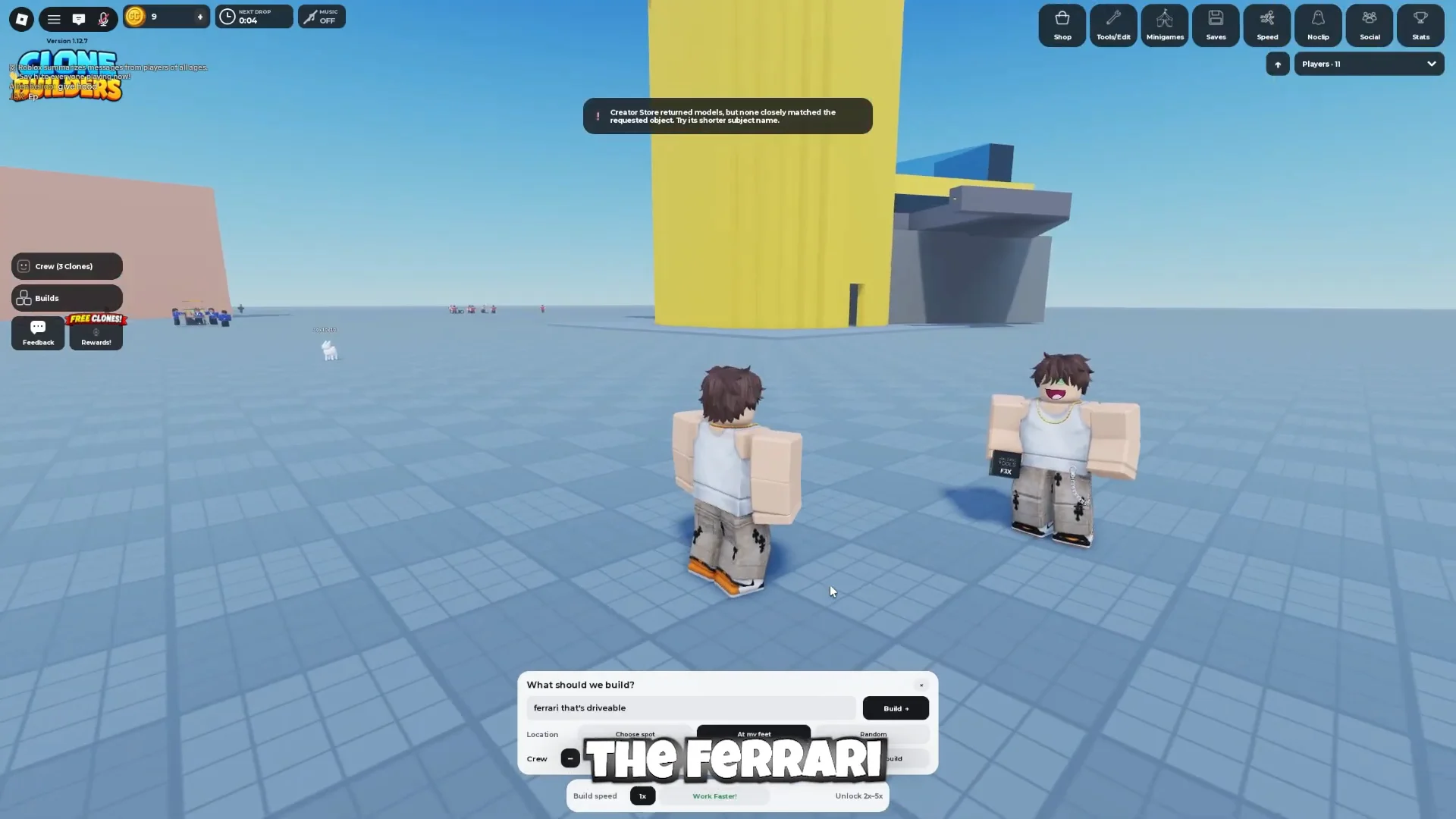
The models are pulled from an integrated Creator Store asset repository, which means brand-name or overly specific prompts can come up empty. Attempts like “ferrari That’s drivable” and “ferrari I can drive” return an error rather than a car. The notice reads: “Creator Store returned no models; but you’ve already reached the requested object, so try other subject terms.”
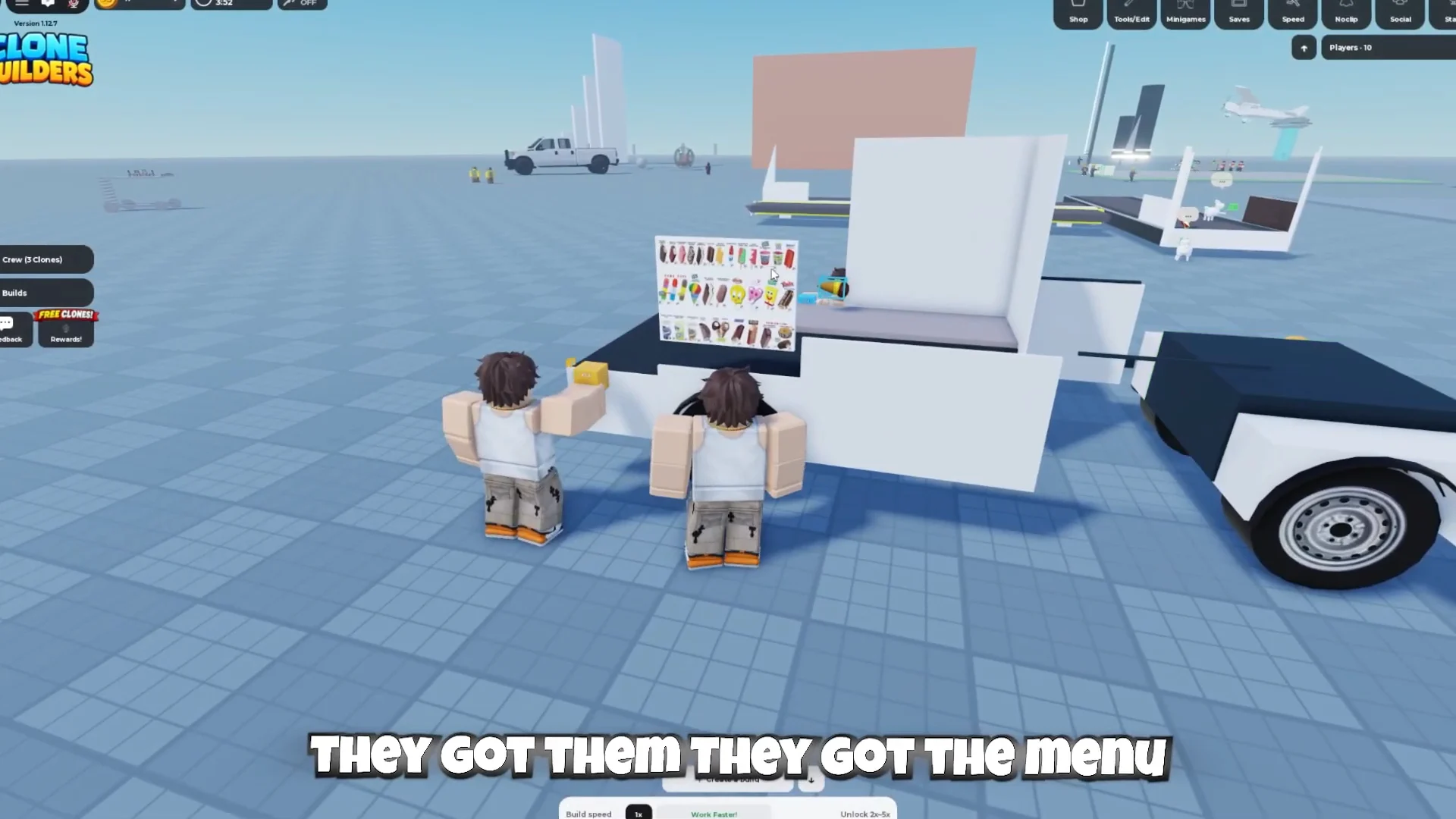
Swapping to a generic subject fixes it. The prompt “ice cream truck” summons the crew and starts a proper build, complete with wheels, body panels, and a menu sign. Simple, recognizable nouns are the reliable path; descriptive size words like “small,” “large,” or “massive” work too, but they can produce a project far bigger than expected.
Build queues and the Queue Jump gamepass
Normally, only one build can run at a time. If you order another while the crew is working—for example, a “private jet”—you’ll get this message: “Your clones are occupied. Let them complete the current task, or unlock Queue labs to place an additional build in line.” Other jobs stay in the Queued tab until the clones are available.
The workaround is a paid one. The “Queue Jump!” gamepass costs 29 Robux and lets you line up additional builds instead of waiting for the current one to finish. The purchase pop-up also flags a 10% discount for Roblox Plus members.
Interactive builds and locked creations
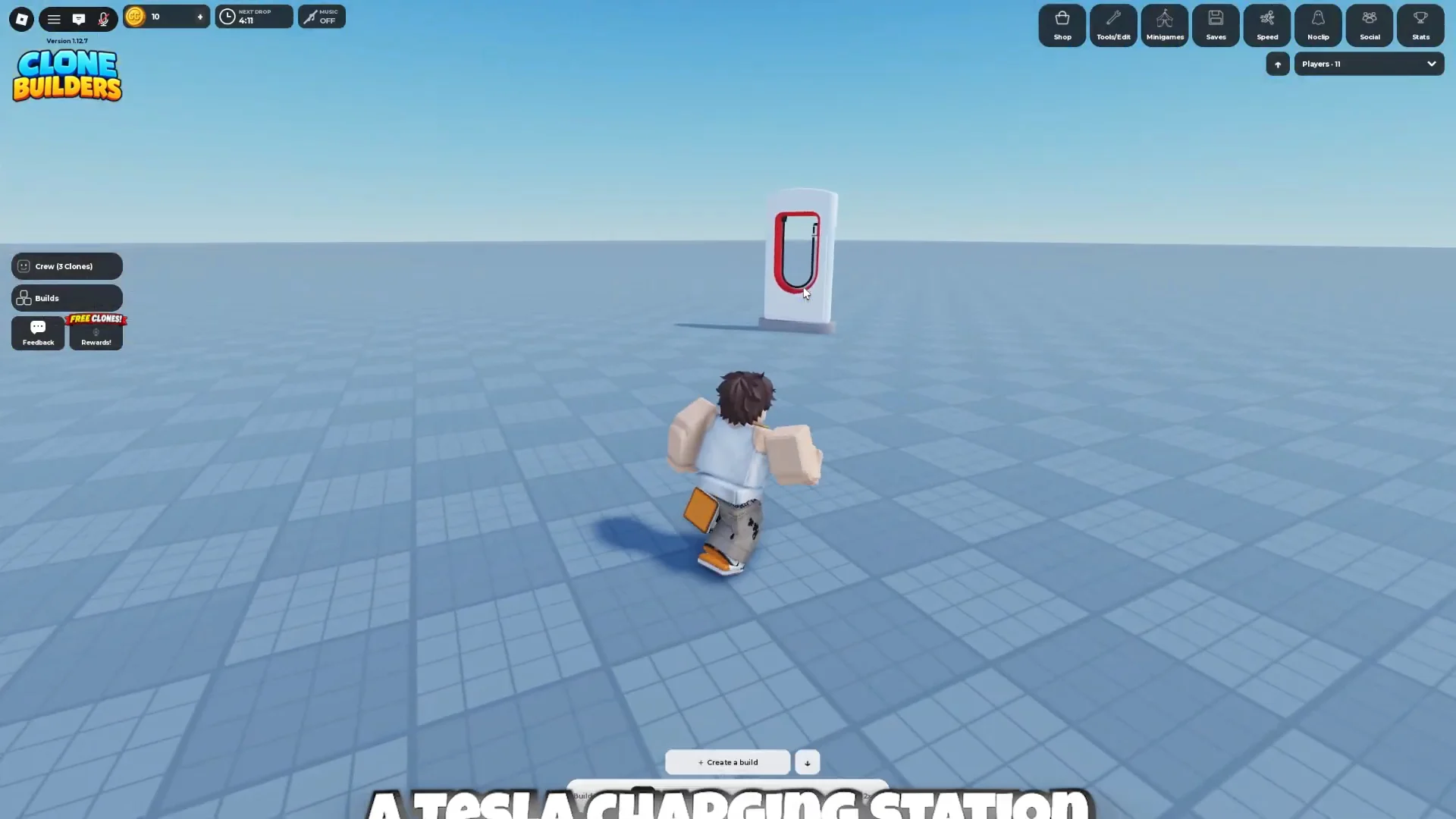
Builds are not just static props. Vehicles and structures can carry functional seats and prompts, such as “[E] Pilot” on an aircraft cockpit or “[E] Drive” on a charger kiosk, so other players can climb aboard and operate them. The finished ice cream truck, for example, includes driver seating, horn speakers, stocked cones, and side text reading “EVERYDAY IS ICE CREAM DAY.”
Creators can also lock their builds. Approaching a user-built propeller airplane and trying to pilot it returns “This build is locked,” which prevents other players from taking control. That distinction matters when you wander the map: some vehicles are meant to be driven, and others are display pieces the owner has sealed off.
Clone speed boosts and free perks
The default build rate is 1x; the “Work Faster!” option offers faster tiers ranging from 2x to 5x. Two boosts are free, and they’re found in the Social menu.
| Boost | Effect | How to get it |
|---|---|---|
| Group boost | +10% clone work speed, permanent | Join the Synoptic Interactive group |
| Friend invite | 5 minutes of walkspeed | Invite a friend who then joins |
The 10% clone workspeed boost stays active for as long as you belong to the Synoptic Interactive group. The friend invite grants five minutes of walkspeed when someone joins through your link, and each friend can trigger that reward once per day. The game also has a free event currency, Clone Coins, tied to in-game activities and events, with more uses expected as features are added.
What a server actually looks like
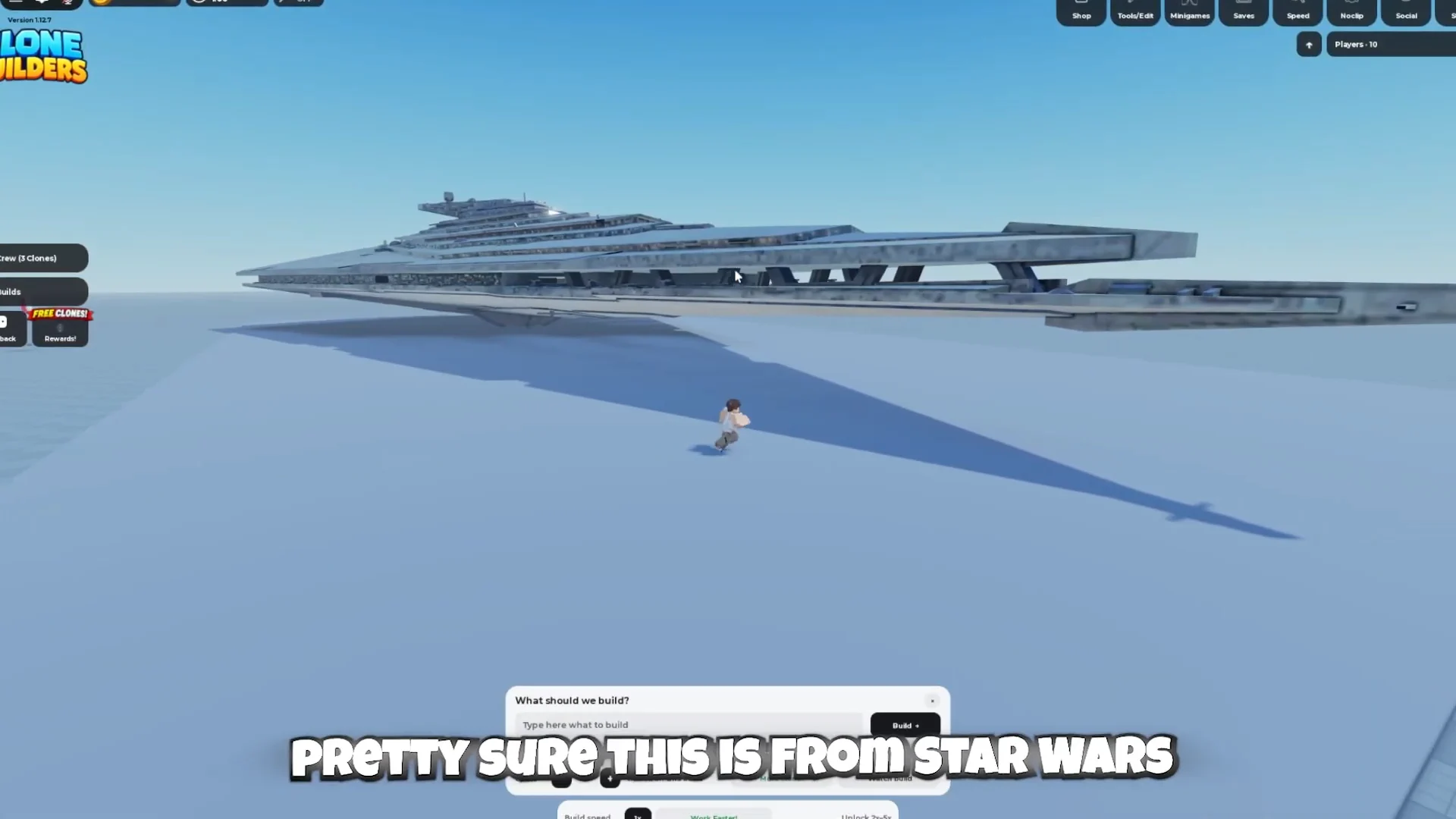
Because everyone builds in the same open world, the map fills up with wildly different creations. A single session can include a massive gray Star Destroyer hovering over the baseplate, an alien UFO firing a tractor-beam projection, a Cessna-style propeller airplane, city buses, and a train chassis under construction nearby.
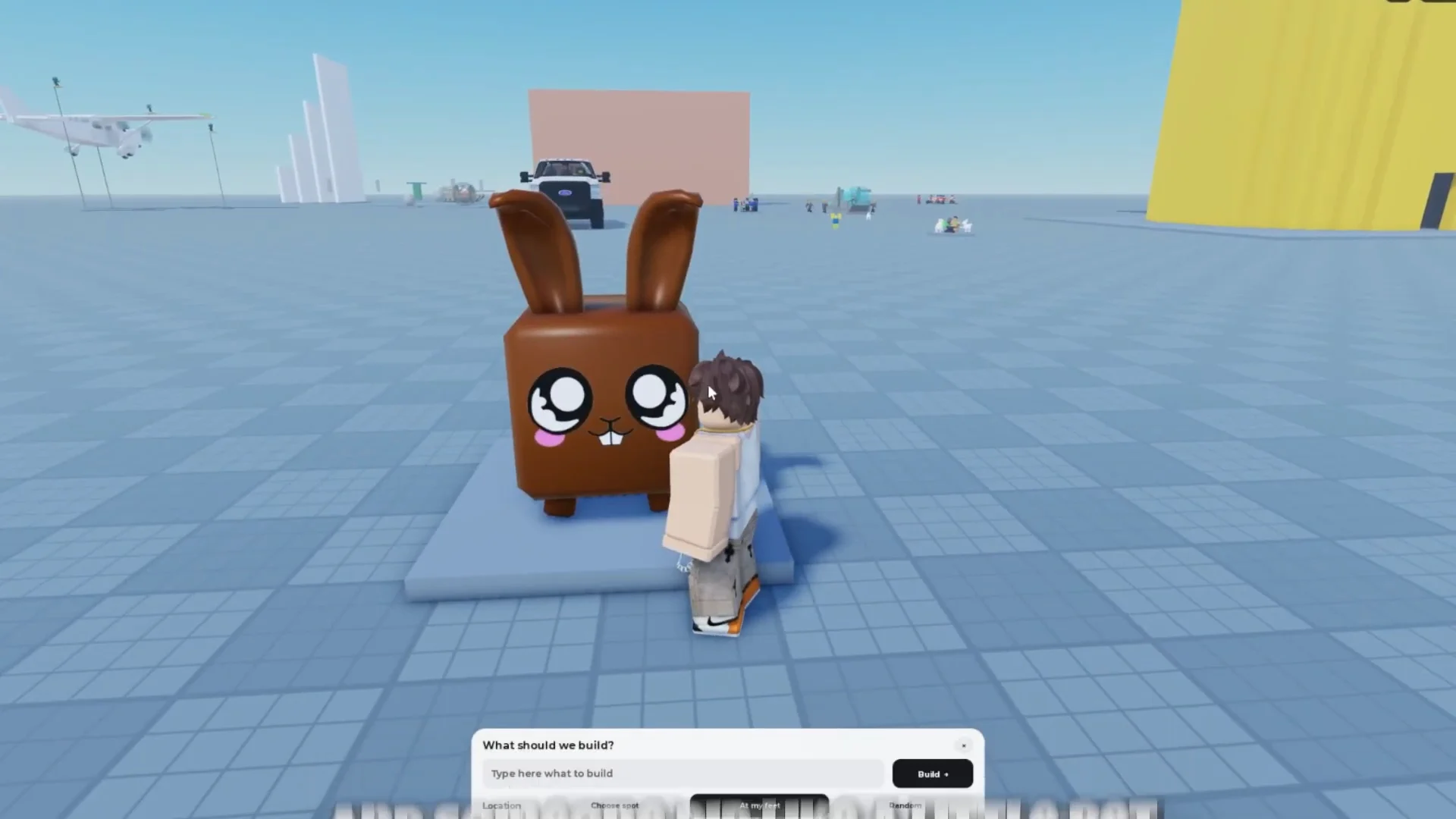
Smaller, playful builds sit right alongside the giants. There is a chocolate bunny pet trailing a player, a white pickup truck, and a hollow yellow tower modeled on the classic Doomspire Brickbattle structure, complete with interior staircases and ladders you can climb to a top deck.
The clones themselves add personality while they work, popping speech bubbles like “One piece at a time, boss” and “Careful, boss. These are my favorites!” as they place blocks. Between the escalating scale of what players attempt, the queue and speed mechanics, and the mix of drivable and locked creations, Clone Builders leans on a single idea — turning a typed phrase into a physical model — and lets the servers do the rest.
If you want to see the loop in motion before jumping in, the play session below walks through ordering builds and touring the map.