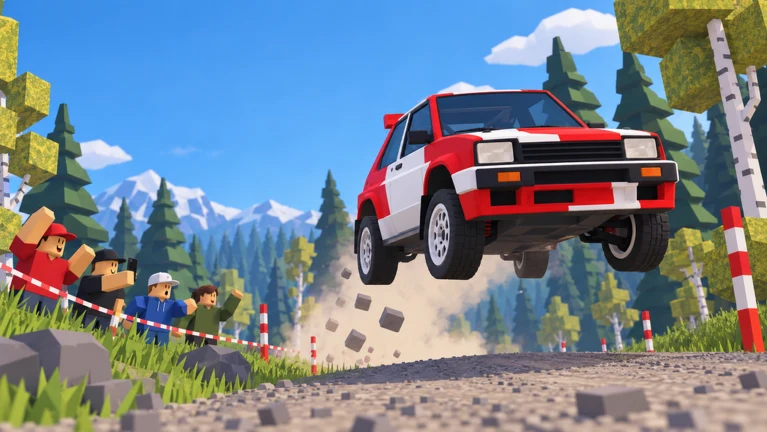
Backseat Rally is a Roblox rally game where you drive and your co-driver reads the road. If you play solo, an AI co-driver takes that seat. The game has seven cars and five stages, with rain, mud and snow on the routes. Winning a stage means beating a medal time, and that depends on three things. You need to react to corner calls quickly, brake before hard turns, and set up your car for the surface you are driving on.
Quick answer: Pick Play, then Drive, and run Pine Forest under 1:12.0 for gold. Brake early on HARD calls, lift off on SLIGHT calls, and press J to clear mud from the windshield.
Backseat Rally keyboard controls
The game uses only a few keys. It shows them on the HUD while you drive, so you can check them mid-stage.
| Key | Action |
|---|---|
| W | Accelerate |
| A / D | Steer left / right |
| S | Brake (and reverse) |
| Space | Handbrake |
| J | Windshield wipers |
The Settings menu also lets you change how the car handles. You can choose Arcade or Sim handling, switch brake assist on or off, and adjust co-driver calls. If the car feels too twitchy at first, start with Arcade handling and brake assist on.
How to start a stage in Backseat Rally
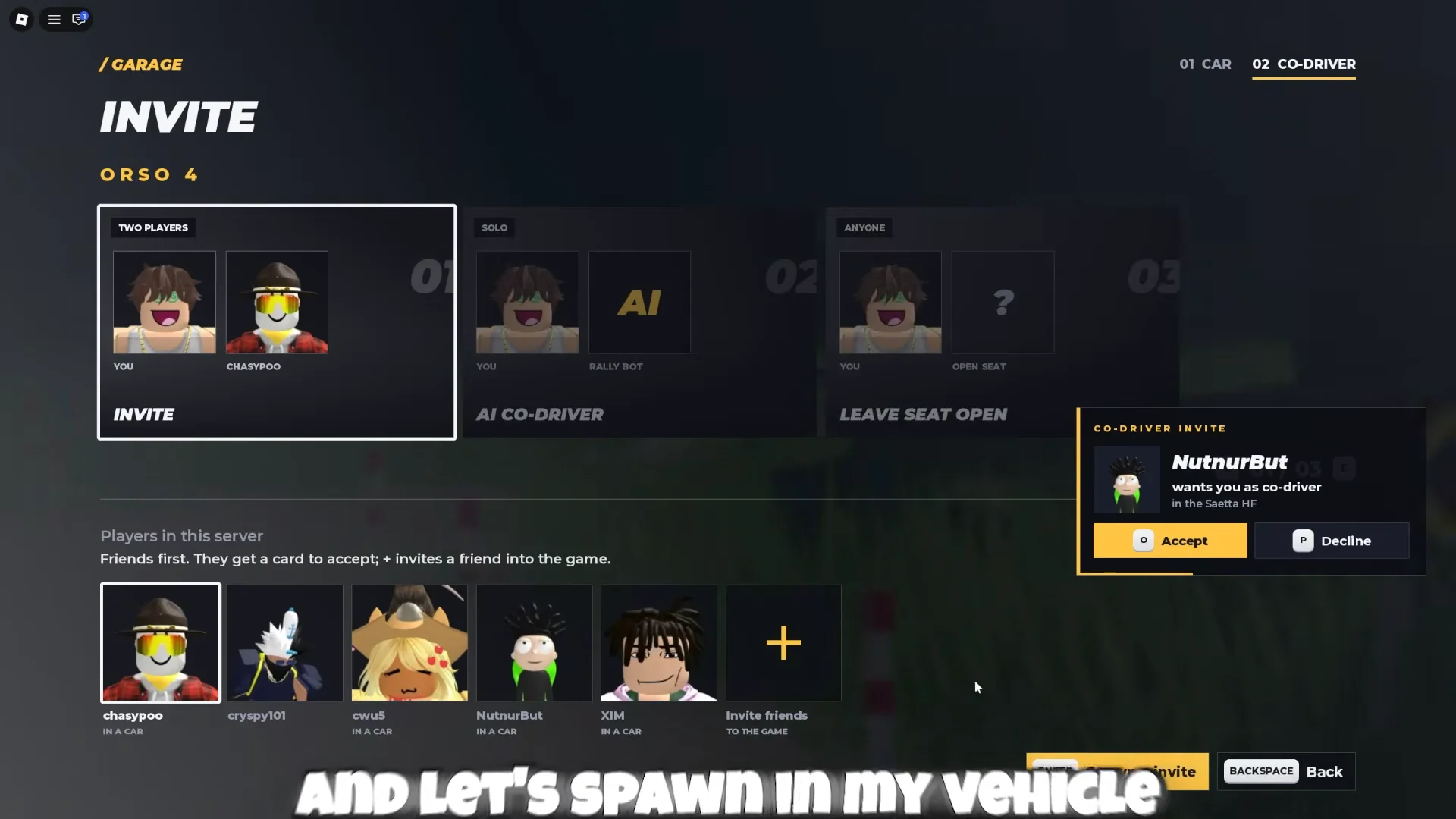
The Play menu has three modes. Drive spawns your own car and puts you at the wheel. Co-Drive puts you in the passenger seat calling corners for another player. Free Roam drops you in the service park with no timer running. To race for medals, use Drive.
If you want to race other players instead of the clock, use the Races menu. Hosts can set who can join, toggle collisions, and pick an entry fee, racer count and car class.
Reading co-driver calls: SLIGHT vs. HARD
Each corner call gives a direction (left or right) and how sharp the turn is. The HUD shows the same information as colored turn arrows at the top of the screen. Yellow and black chevron signs above the road mark the corners too.
- SLIGHT calls only need you to ease off the throttle or steer gently. You can usually keep your speed.
- HARD calls need braking before the turn. If you brake late, the car spins.
- Brake in a straight line first, then turn. Braking while turning is what causes most spins on dirt.
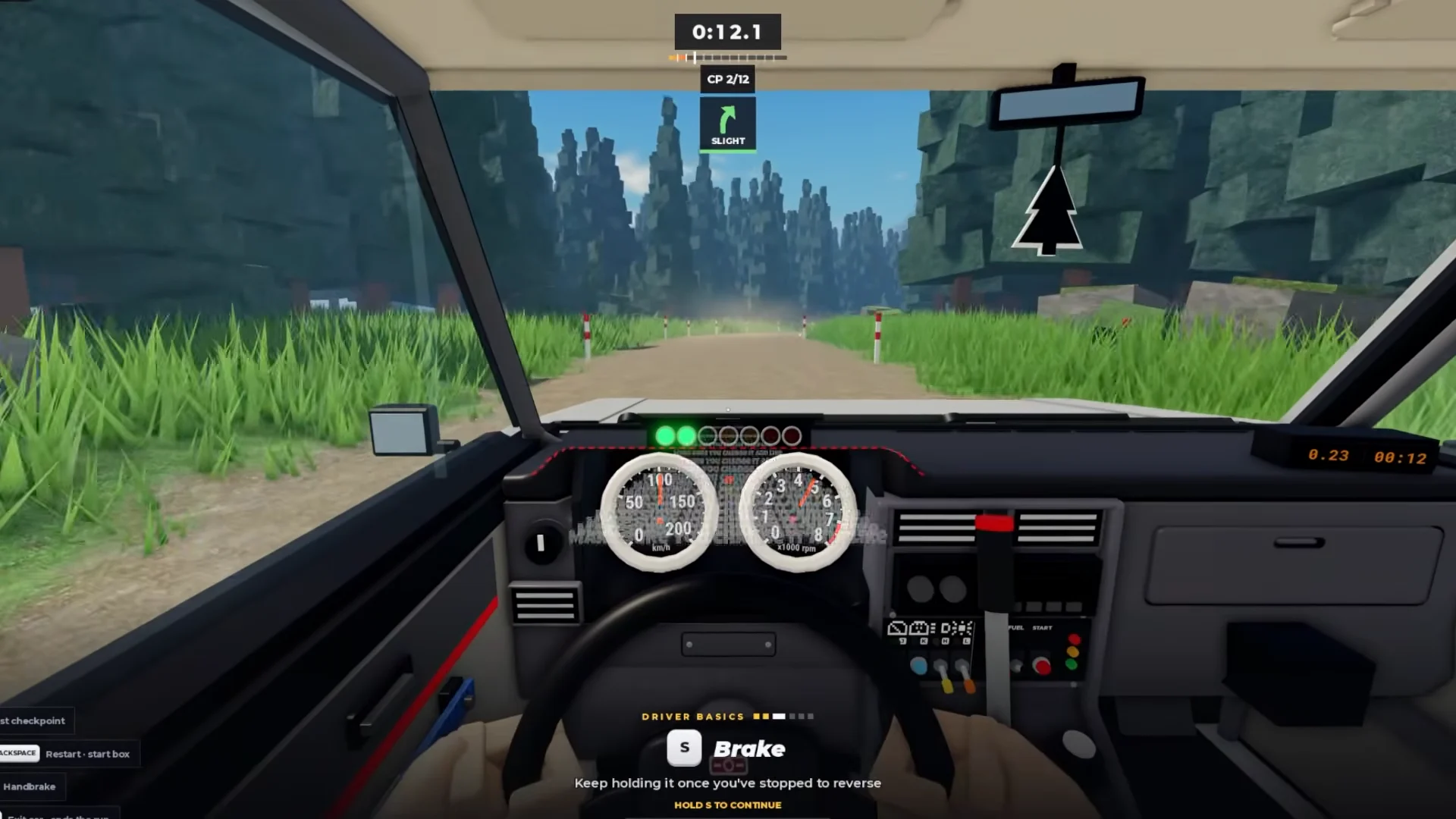
Pine Forest, in the Northern Woodland area, is the first stage. It is 1.5 km long with 19 corners. That works out to a turn about every 80 meters, so the time you gain comes from not braking on the SLIGHT calls.
Pine Forest medal times and rewards
Your medal depends on your finish time. Gold is 1:12.0 in the starter car’s class, and every stage has its own targets.
| Medal | Pine Forest target |
|---|---|
| Gold | 1:12.0 |
| Silver | 1:18.5 |
| Bronze | 1:27.5 |
A clean first run in the stock Orso 4 finishes in about 1:20.7. That earns bronze and is about two seconds off silver. A rainy run that ends around 1:31 misses bronze completely. Crashes add time penalties, and they are listed on the stage results screen.
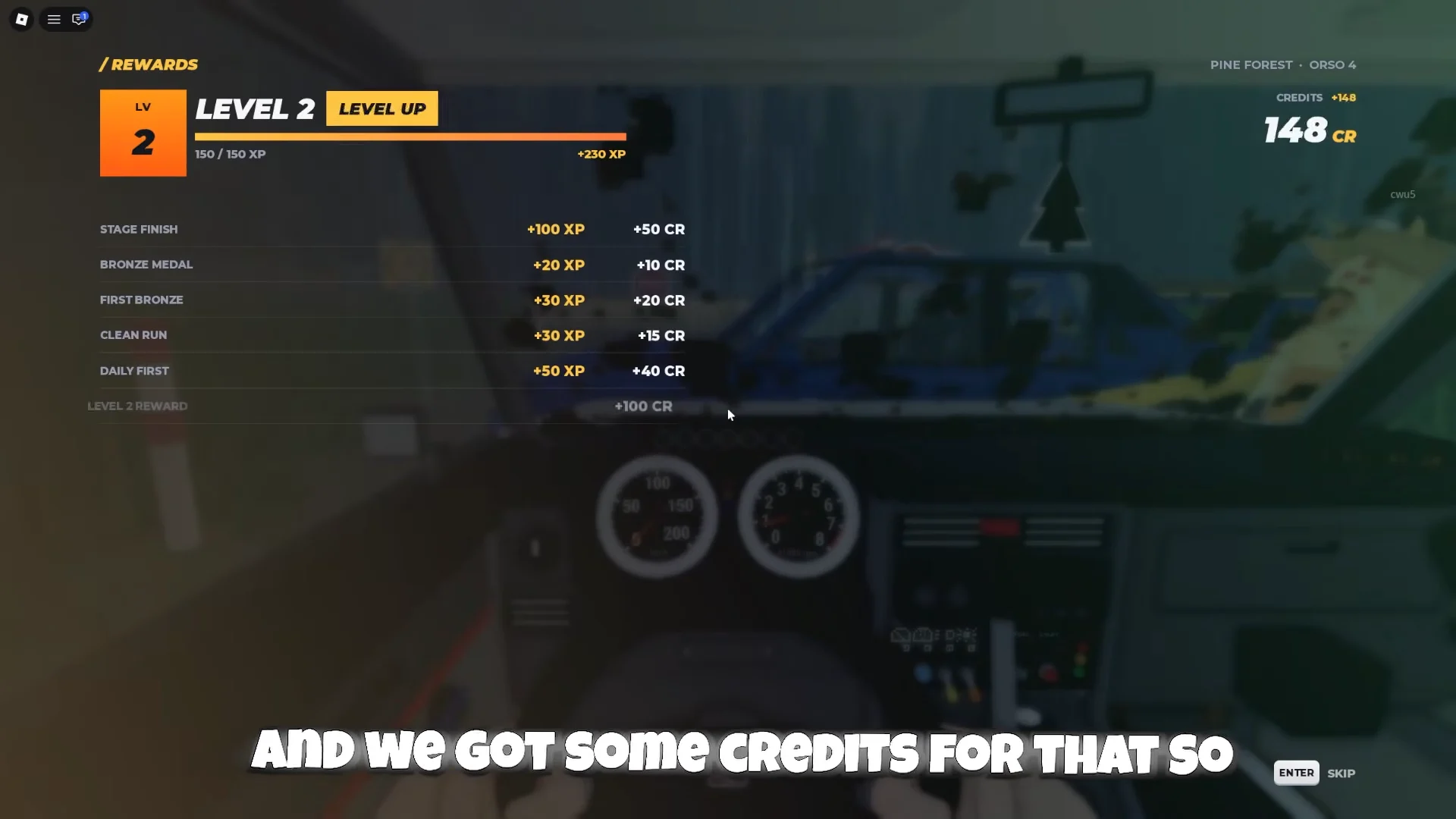
When you finish, the rewards screen shows your stage completion, your medal, and the XP and Credits (CR) you earned. Your first finish will level up your driver. Going from Level 1 to Level 2 paid out +230 XP and +235 CR.
Handbrake drifting, rain and mud
Pull the handbrake (Space) during a turn to swing the back of the car around into a drift. The Orso 4 is rear-wheel drive, so this works well on tight corners. On wet or slippery dirt, though, holding the handbrake too long makes you lose steering and spin.
Rain also coats the windshield in water and mud as you drive. Press J to turn on the wipers and clear it before the next corner arrives.
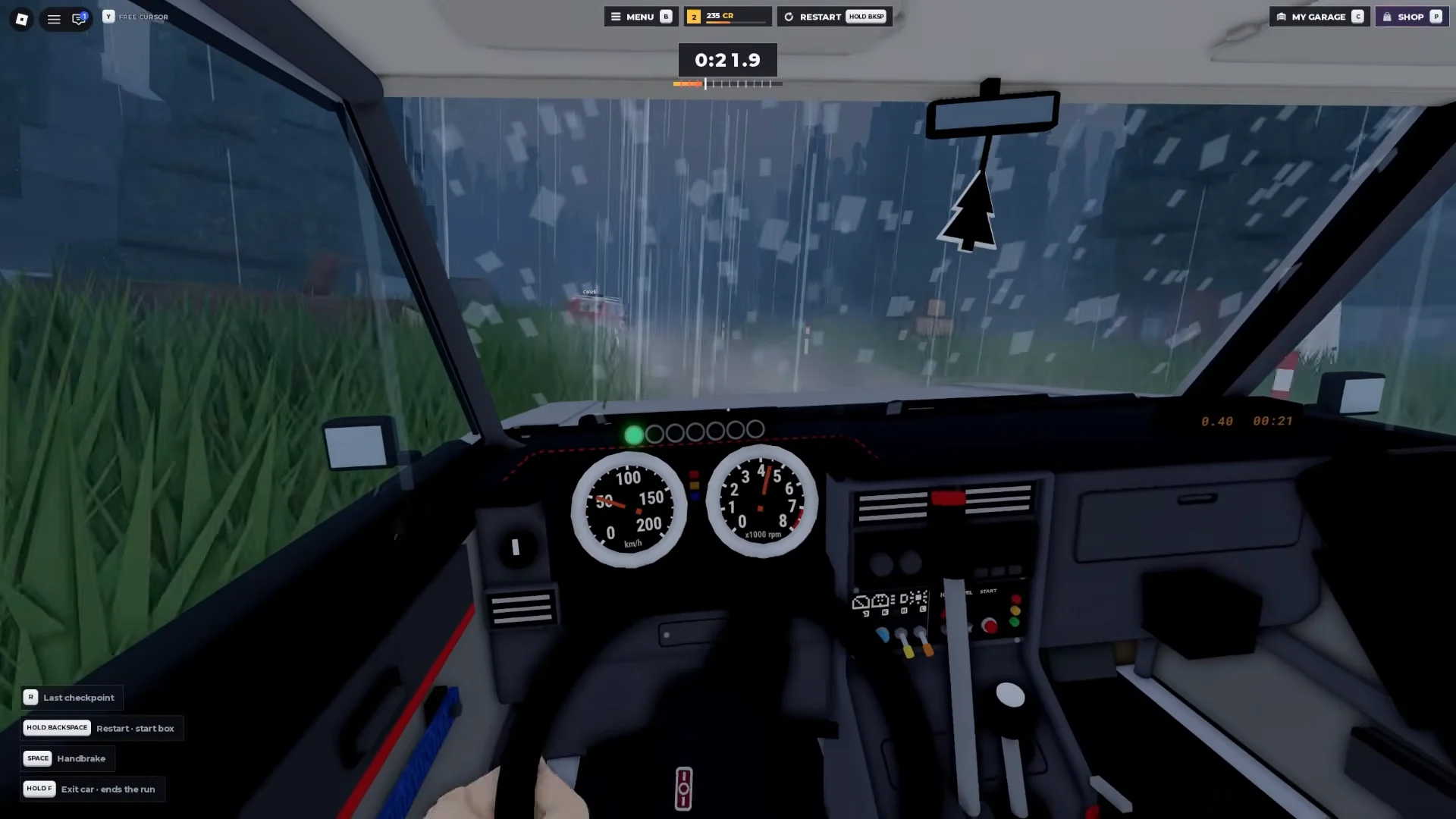
On wet runs, tap the handbrake instead of holding it, and brake earlier on HARD calls than you would in dry weather.
Orso 4 stats and performance upgrades
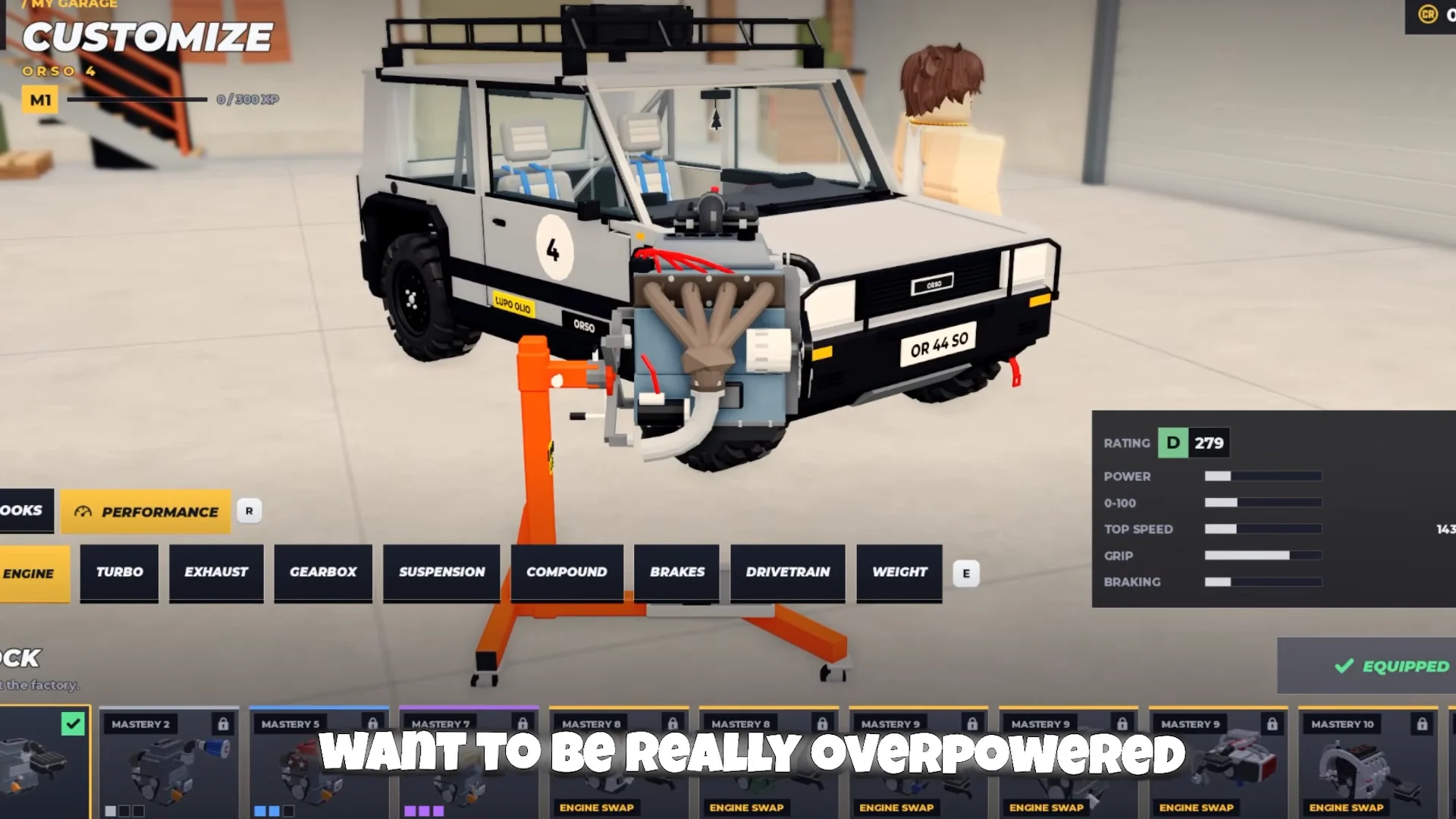
The Orso 4 is a lifted, rear-wheel-drive city car. It has a D 279 rating, 75 hp, 110 Nm of torque, a weight of 830 kg and a 5-speed gearbox. It goes from 0 to 100 km/h in 9.4 seconds, and its spec sheet lists a top speed of 143–149 km/h. To get under gold times, you will need upgrades.
Open My Garage, choose Customize, and enter Performance. Its upgrade options appear in this order: Engine parts, Turbo parts, Exhaust parts, Gearbox parts, Suspension parts, Compound parts, Brakes, Drivetrain, and Weight. Parts have different rarities and tiers, with higher ones boosting your rating further.
| Part | Rarity / tier | Rating change |
|---|---|---|
| Twin-Turbo Flat-Six Swap | Legendary engine swap | D 279 → B 668 (+389) |
| Sequential gearbox | Epic, Tier 3 | D 279 → D 320 (+41) |
| Rally Brakes | Rare, Tier 2 | D 279 → D 292 (+13) |
| Tarmac Coilovers | Common, Tier 1 | D 279 → D 284 (+5) |
The engine swap makes the biggest difference. It raises power from 22 to 92 on the in-game scale, cuts 0–100 km/h from 9.4 s to 4.3 s, and raises top speed from 143 km/h to 245 km/h.
Tire compound depends on the stage surface, not on rarity. Match it to the road:
- Snow Studs for snowy stages
- Gravel Compound or Mud Compound for dirt and gravel
- Tarmac Slick for paved roads
- Soft Compound is also available in the same menu
The Looks tab (Paint, Rims, Tyres and Freshener) only changes how the car looks. It has no effect on your times.
Weekly contracts for XP and CR
Besides finishing stages, the main source of early Credits is the Contracts tab. Contracts reset on a weekly timer, and finishing all five also earns a weekly bonus.
| Tier | Example objective | Reward |
|---|---|---|
| Easy | Finish 3 runs on Riverbend Canyon | +120 XP, +150 CR |
| Easy | 3 clean runs | +120 XP, +150 CR |
| Medium | Earn 2 gold medals | +250 XP, +400 CR |
| Medium | 3 runs as a crew | +250 XP, +400 CR |
| Hard | Beat gold by 3 seconds on Sakura Pass | +500 XP, +1,000 CR |
A clean run means no crashes, no recoveries and no penalties. Crew runs need two players. Riverbend Canyon contracts can use any car and either seat, and you get to that stage from Stages on the main menu.
Backseat Rally codes and how to redeem them
One code currently works. RELEASE gives 250 CR. Codes are entered in the game’s settings rather than on a website, so first open Backseat Rally on Roblox.
If a new code is rejected right after an update, leave and join a fresh server, then try again. The developer, No crash plez, posts new codes through its Roblox community.
Practicing stage layouts in Free Roam
Free Roam has no timer and no crash penalties, which makes it the best place to learn a stage. Use it to find where each HARD corner is, to practice handbrake turns until you can do them without spinning, and to get used to using the J wipers. Once you know where the corners are before the co-driver calls them, beating a gold time becomes much more realistic.