CONTROL Resonant: How to Complete Help with the Mapping Pylon
Calibrate all three Downtown sensors, activate the central Pylon, and claim the Talent Point that reveals the zone map.
Calibrate all three Downtown sensors, activate the central Pylon, and claim the Talent Point that reveals the zone map.
by AllThingsHow Staff
Image: Remedy Entertainment
“Help with the Mapping Pylon” is the first hands-on task in the main story quest “Welcome to Manhattan” in CONTROL Resonant. It takes place on the Downtown rooftops just after Dylan Faden leaves the Oldest House, and it teaches the FBC Map Kit system you will use to reveal every zone map in the game.
Quick answer: Calibrate all three satellite Sensors on the nearby Downtown rooftops, then return to the central Pylon and press L1 to activate it. The Downtown zone map loads in and you receive a Talent Point.
How the Map Kit works
Every zone in Manhattan has one Mapping Pylon, and the map does not reveal itself just because Dylan walks into a new area. Each Pylon is paired with three separate Sensors placed on nearby rooftops. The Pylon stays offline until all three Sensors are calibrated.
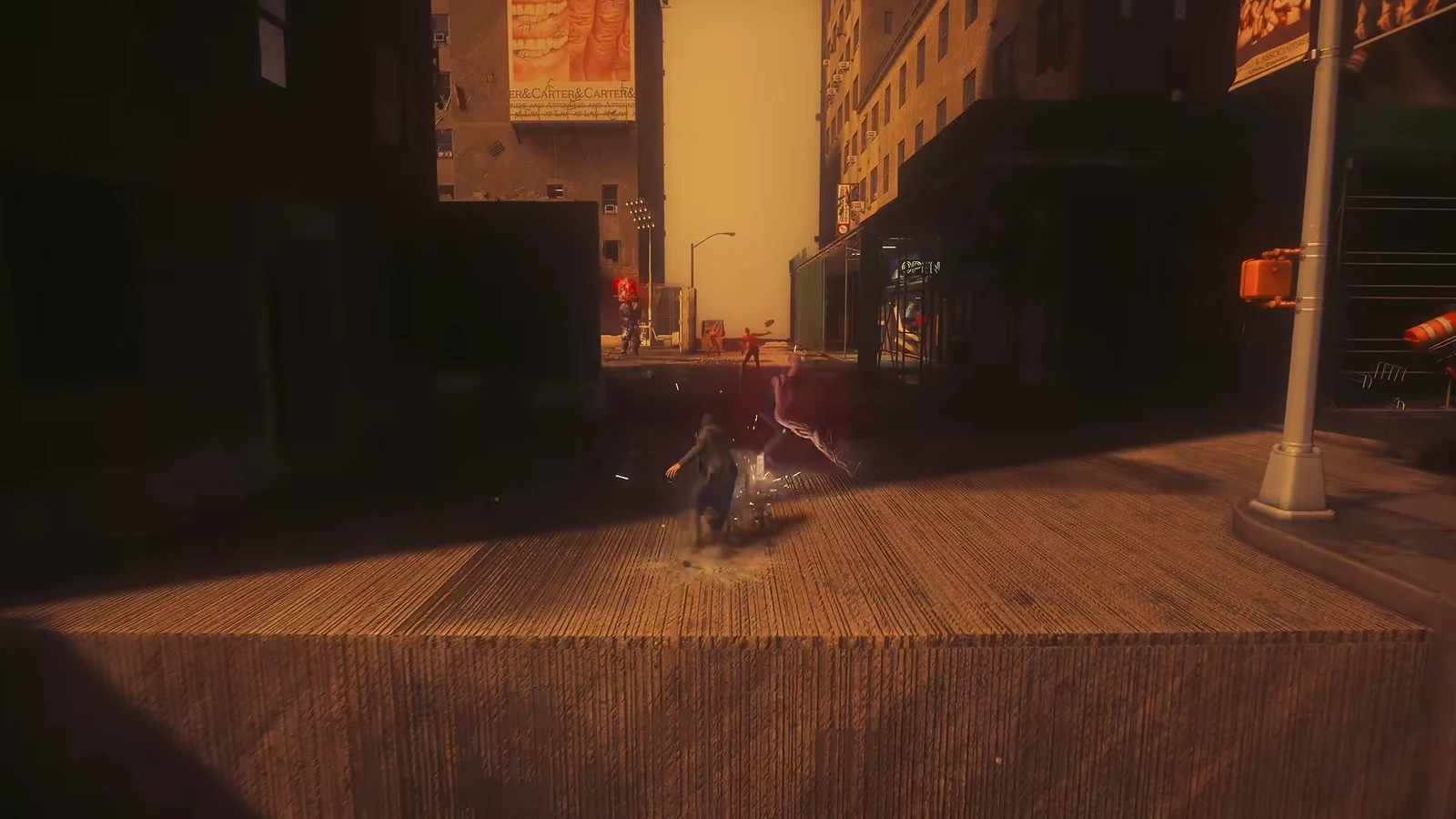
00:10Map & Quest LogThe tracker lists Help with the Mapping Pylon before its three nearby Sensors are calibrated. Shown at 00:10 in WoW Quests’s video. Image: Remedy Entertainment
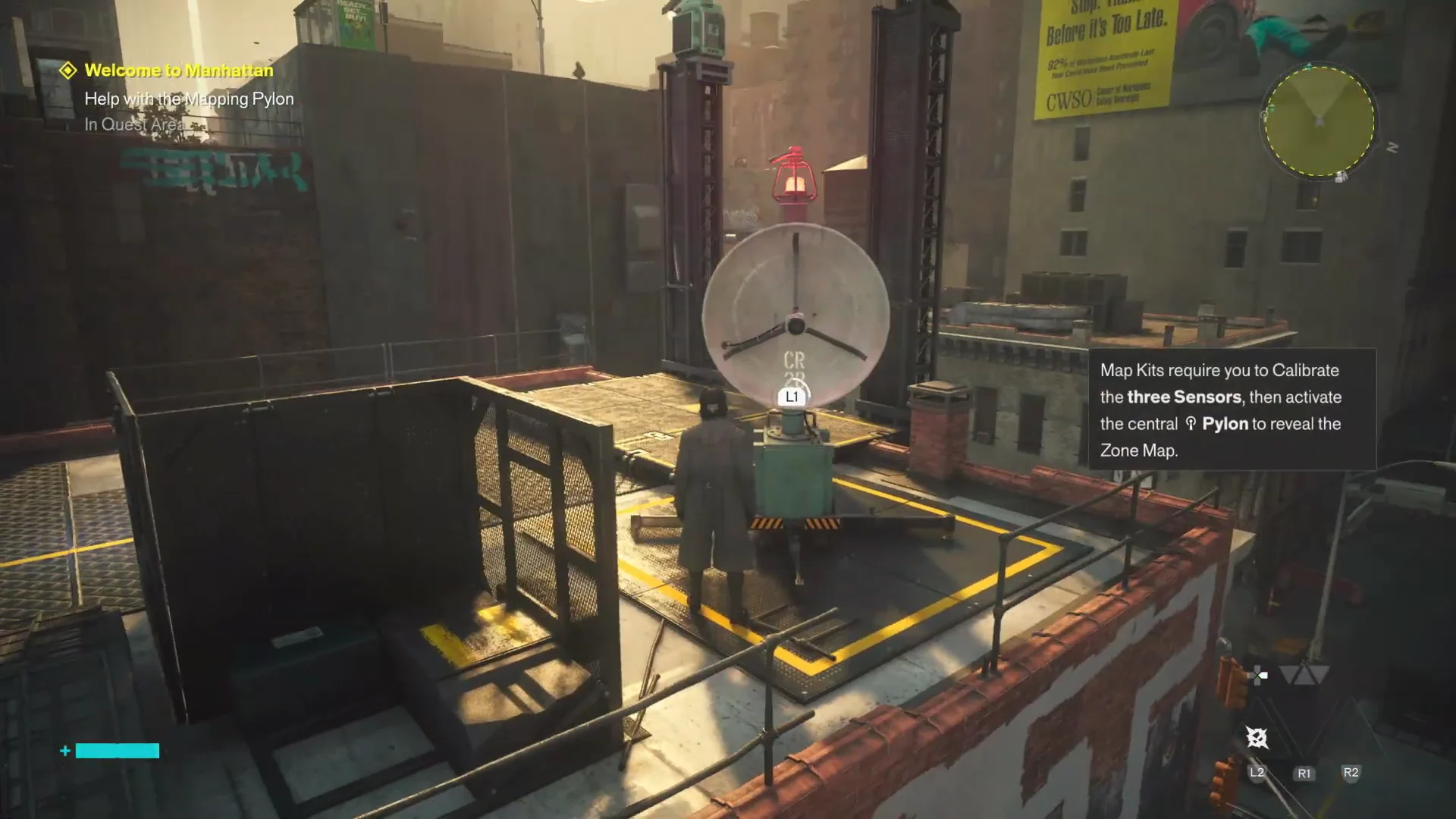
An uncalibrated Sensor shows a red light; a calibrated one turns green.
Green smoke signals point out the central Pylon and its Sensor platforms.
Map Kits cost no resources; they support exploration instead of serving as upgrades.
The central Pylon shows “Tower Offline: Calibration Required” until every Sensor is done.
It’s easy to overlook a return visit to the Pylon. If all three Sensors show green but the map remains blank, head back to the central tower and interact with it again.
Complete Help with the Mapping Pylon in Downtown
The full sequence plays out across a small cluster of Downtown rooftops and an enclosed basketball court. Work through the Sensors in order, then finish at the tower.
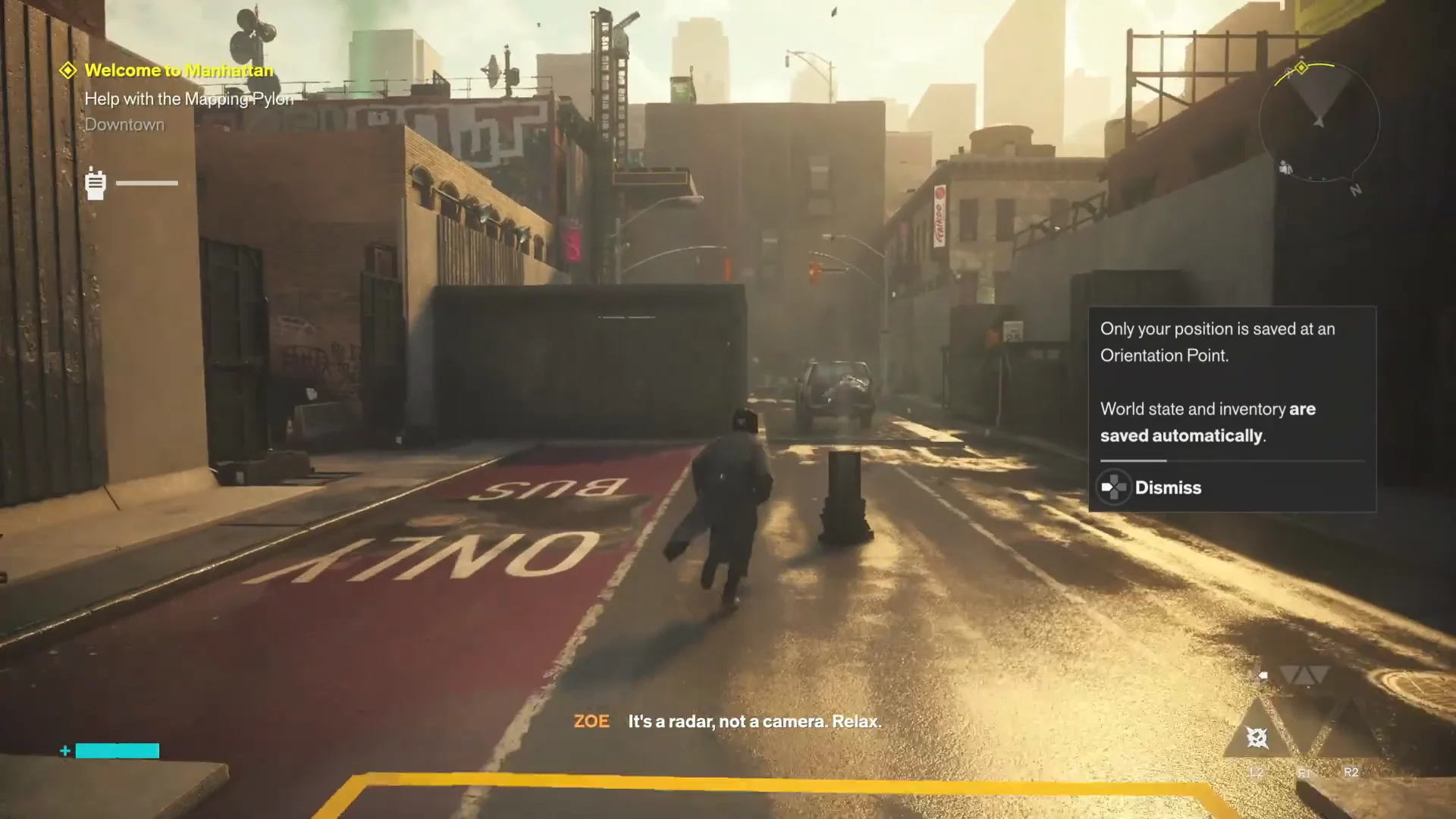
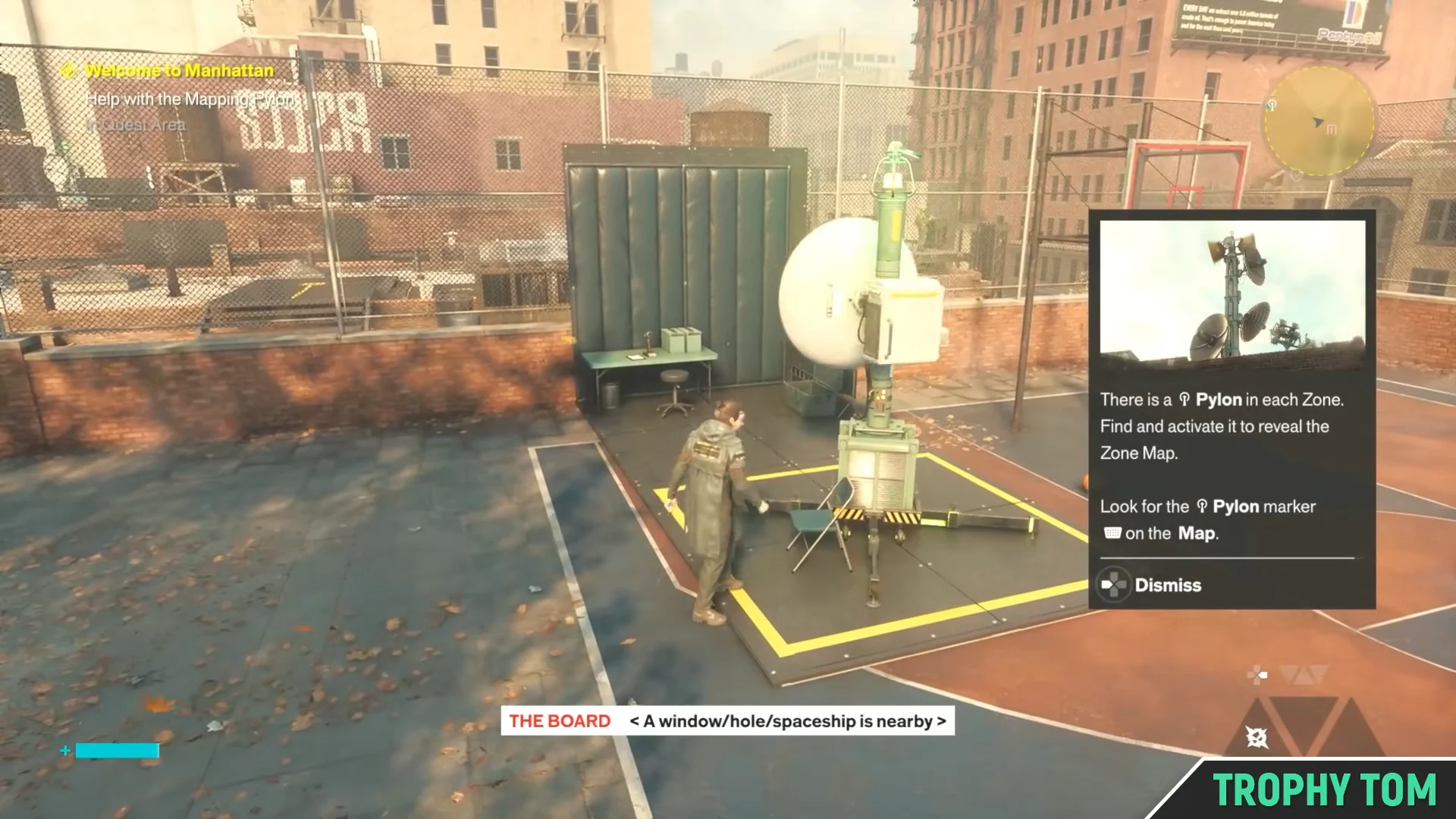
After exiting the Oldest House and receiving Zoe’s radio orders, climb onto the Downtown rooftops. As you near the inactive cartography tower, the objective changes to “Help with the Mapping Pylon”.
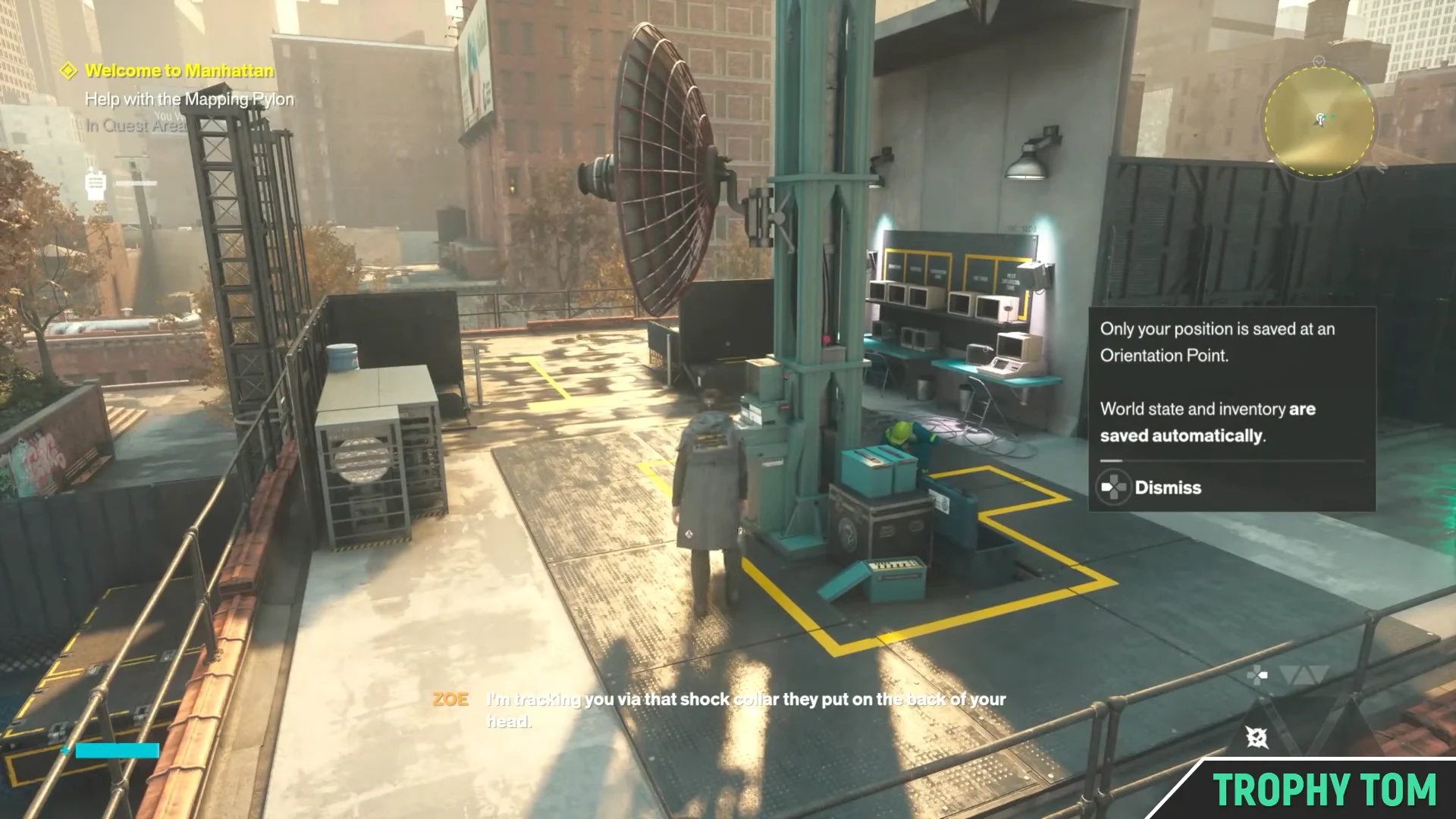
The inactive rooftop Mapping Pylon marks the tower to approach as the Downtown objective begins. Image: Remedy Entertainment / via @TrophyTom
Calibrate the first Sensor on the rooftop just before the central tower. Stand at the satellite dish and press L1 at the “Calibrate” prompt. The Sensor light switches from red to green.
00:20Calibrating Sensor 1The first rooftop Sensor dish waits for L1 calibration before its light switches from red to green. Shown at 00:20 in WoW Quests’s video. Image: Remedy Entertainment
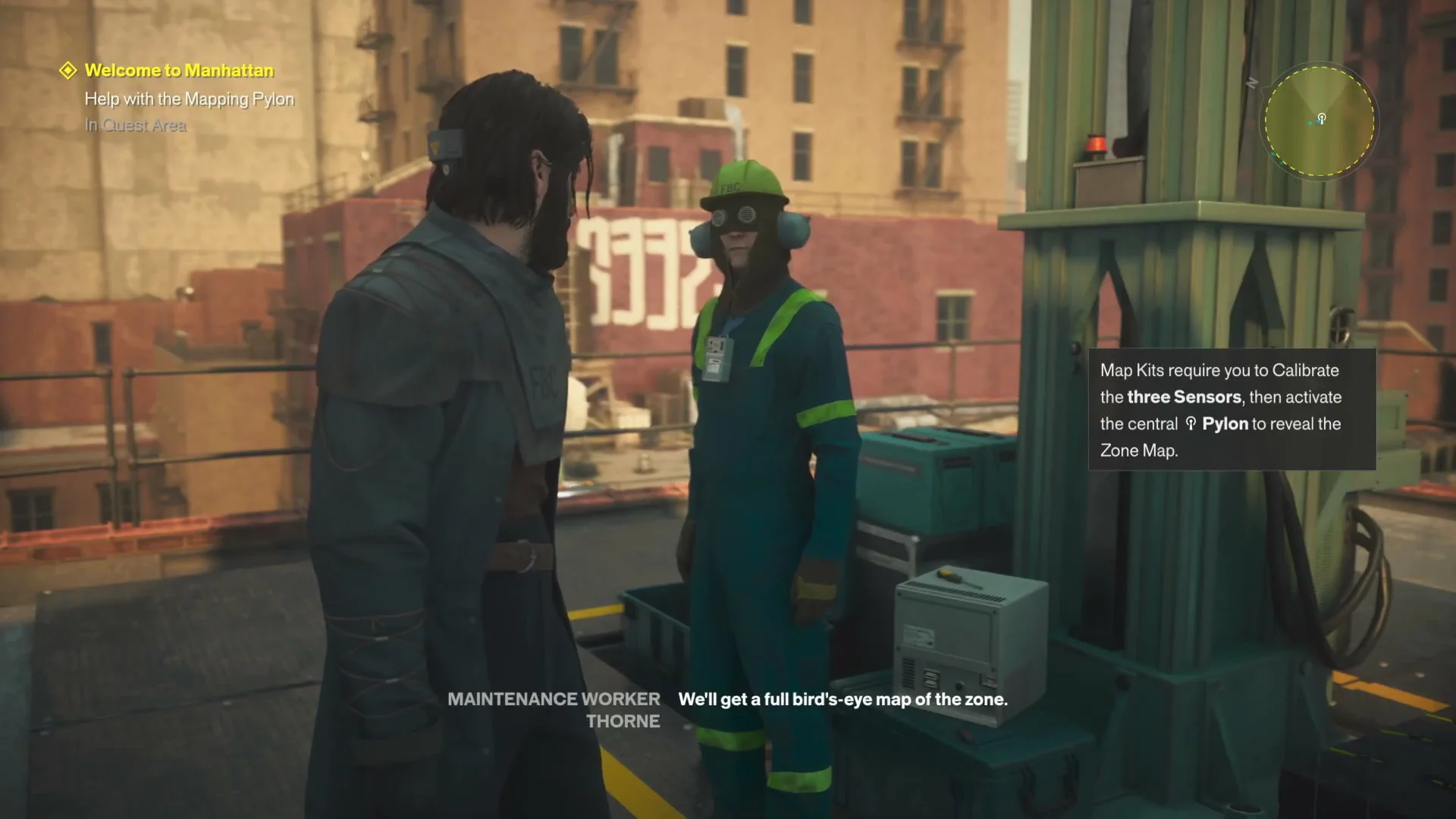
Jump across to the central Pylon platform where the green smoke flares are, and speak with Maintenance Worker Thorne. Thorne explains the dispersed Map Kits and the Sensor alignment the tower needs.
00:40Dialogue with ThorneDylan talks with Thorne at the central Pylon about dispersed Map Kits and Sensor alignment. Shown at 00:40 in WoW Quests’s video. Image: Remedy Entertainment
Head to the neighboring rooftop to the north with the water tower and a brick wall marked with graffiti. Calibrate the second Sensor dish there with L1.
Climb the water tower or another elevated structure to spot the green smoke flare marking the last Sensor. Drop into the enclosed rooftop basketball court and calibrate the third Sensor, which sits next to a Fast Travel Doorway.
The third Sensor beside the Fast Travel Doorway awaits calibration in the enclosed rooftop basketball court. Image: Remedy Entertainment / via @TrophyTom
Interact with the standalone red Fast Travel Door on the court to activate the “Outside the Oldest House” travel point. This is where you pick up the Talent Point tied to the quest.
Return to the central tower and press L1 to activate the Pylon. With all three Sensors green, the tower comes online instead of showing the calibration warning.
How you know it worked and what you get
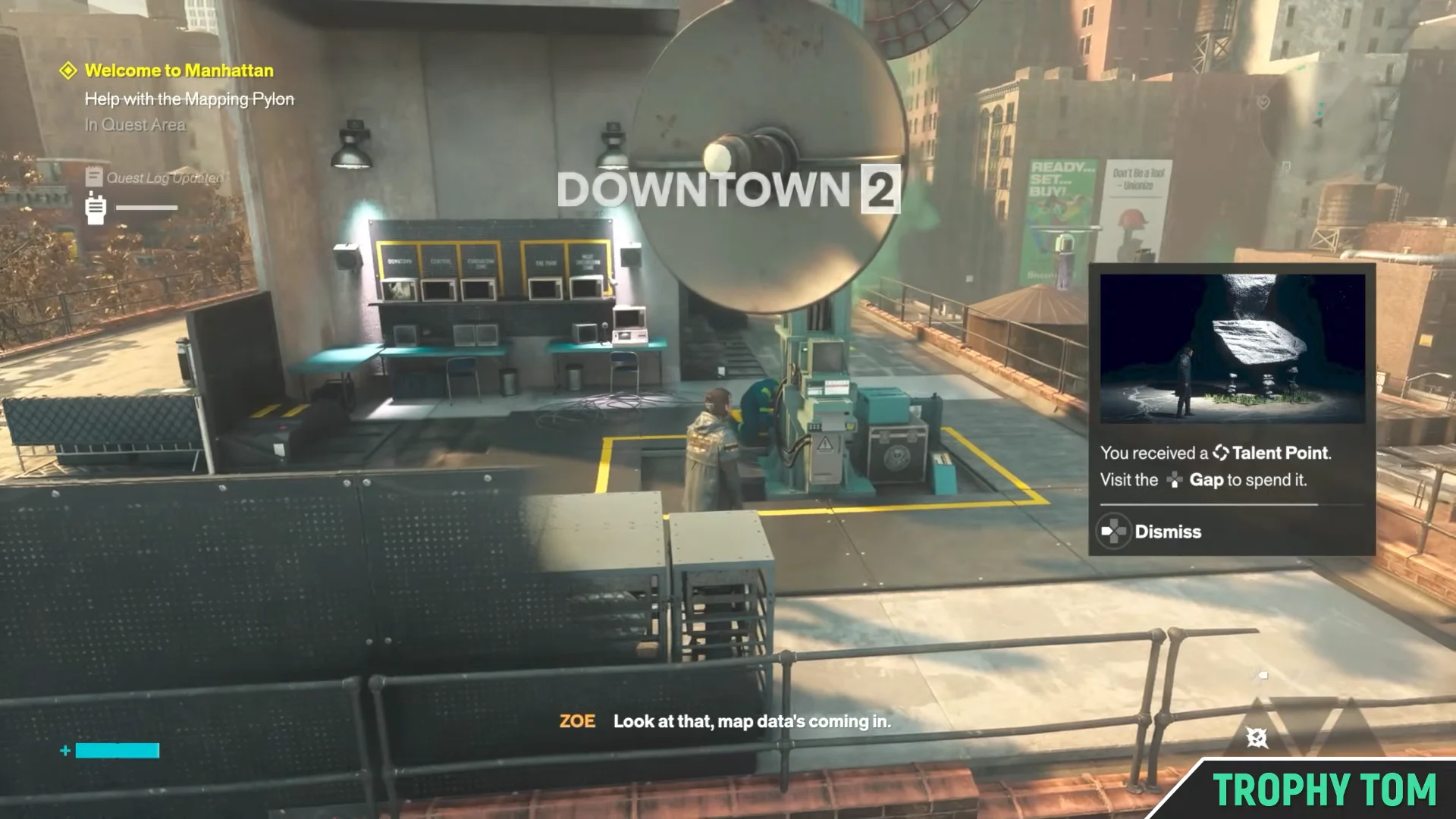
When the Pylon activates, the Downtown zone map data loads in and the blank map fills with detail, including the health element boosts and drops for Downtown 1 and Downtown 2. That visual change confirms the objective is complete.
Downtown map data fills with detail when the Pylon activates, confirming the objective is complete. Image: Remedy Entertainment / via @TrophyTom
Completing the task grants the following rewards:
Reward
Amount
Talent Point
+1 (spend at the Gap)
Undefined Reading
+1
Exploration score
+100
Downtown zone map
Fully revealed
With the map online, the route through the Central Checkpoint opens up and the story continues into Central. The same three-Sensor rule applies to every later Map Kit, so getting comfortable with it here saves time each time you reach a new part of Manhattan.