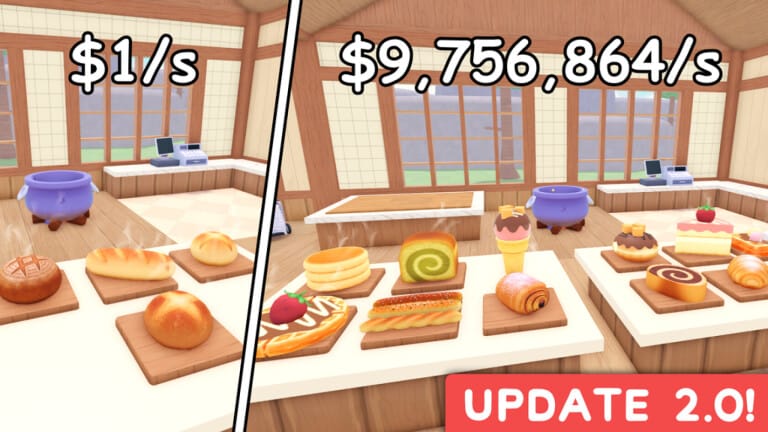
Cook & Sell currently has one confirmed working code. The game’s in-experience description also states that gift codes are now live, with YUM granting extra Cash.
Working Cook & Sell codes
YUM— 150 Cash
How to redeem Cook & Sell codes
What the code gives you
YUM gives 150 Cash. In Cook & Sell, Cash is used to keep your shop moving by helping you buy ingredients and continue building out your bakery workflow.
Expired Cook & Sell codes
No expired Cook & Sell codes are listed at the moment.
Where new Cook & Sell codes usually appear
New codes are tied to game updates and in-game announcements. Cook & Sell is still in ALPHA, and the game has already introduced daily rewards and gift codes, so new code drops are most likely to appear around future updates and community posts from Alpaca Games.
Cook & Sell is a bakery-focused Roblox tycoon where you buy ingredients from your desk, unbox them in the kitchen, cook food in a pot, stock shelves, and scan customers’ bags at checkout. If you want a small early boost, redeeming the active code is the fastest confirmed way to add extra Cash to your run.