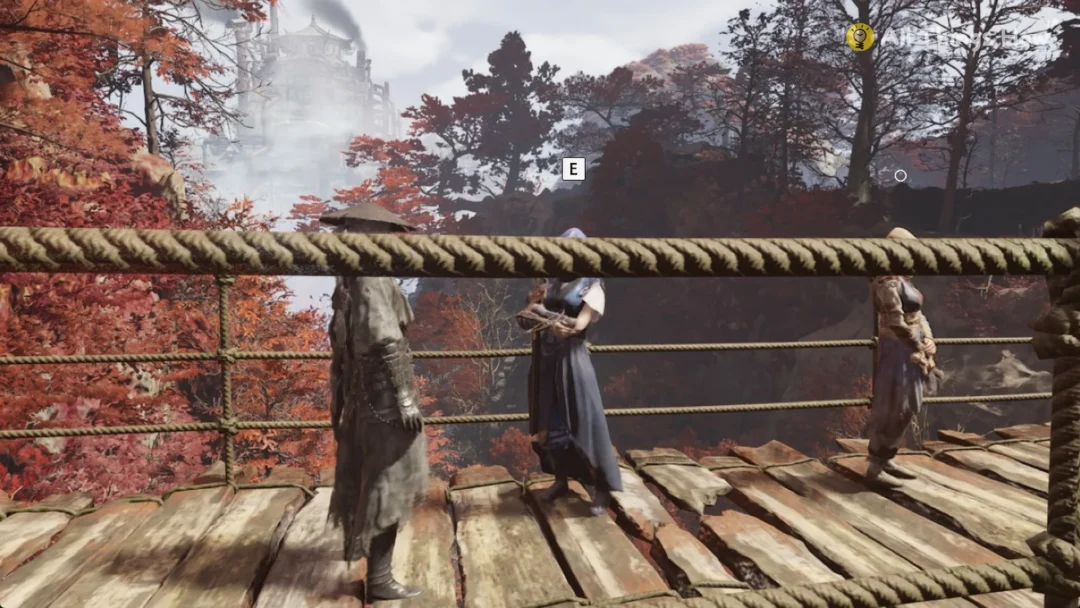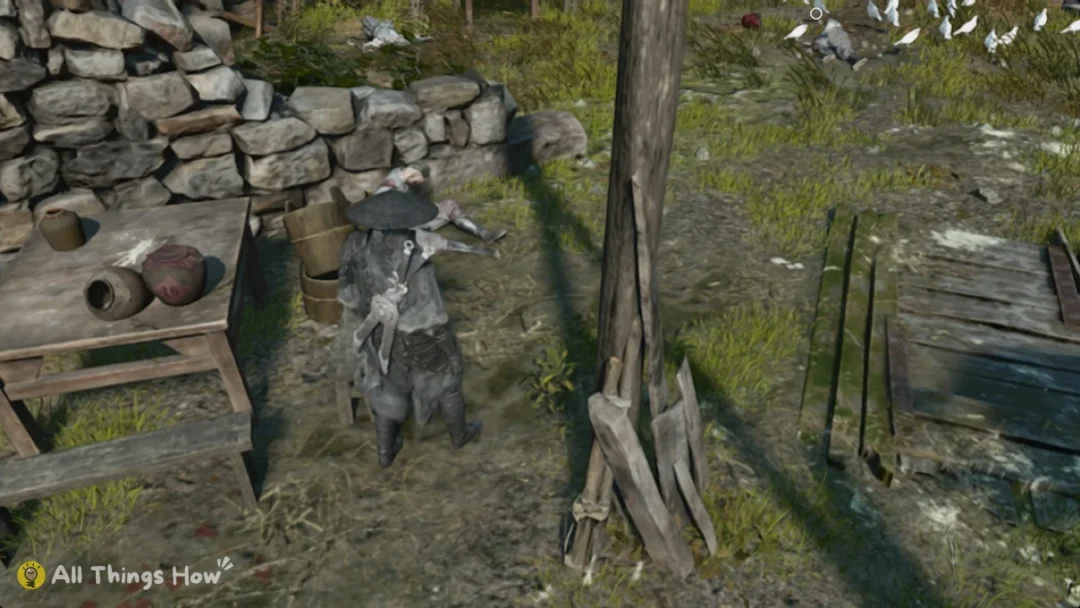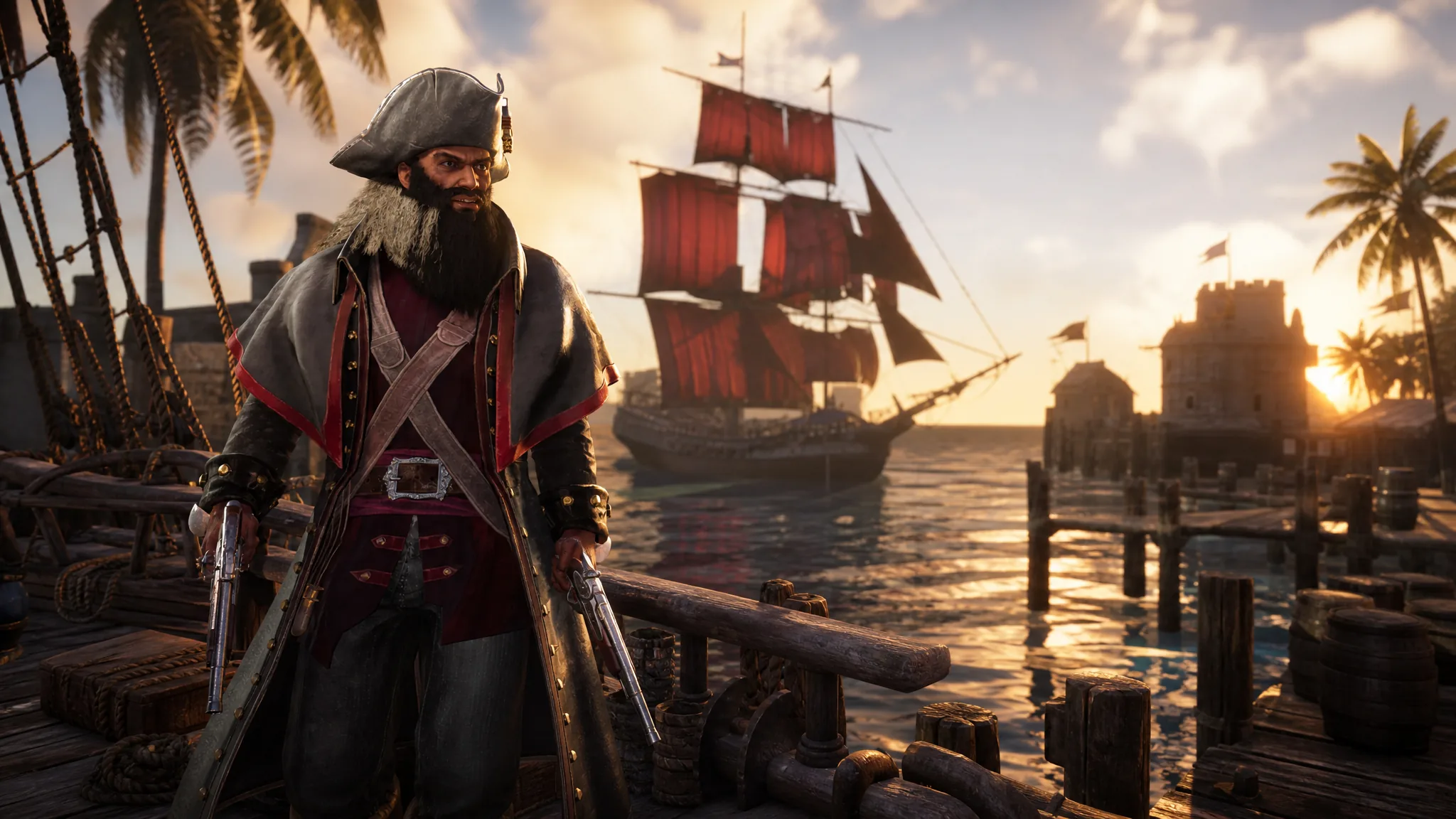
Leaving your starting island in Corsair Cove depends on one thing: a working ship with a full crew and a captain. Every expedition, trade run, and naval fight starts from the dock, so getting your first vessel built early opens up exploration and Drifter recruitment. The whole process comes down to one structure, a small amount of planks, and a few assignment menus.
Quick answer: Build a Shallow Pier for 30 Wooden Planks from Building > Community, interact with it and choose Start Ship Construction, pick the Tier 1 Landlubber for 15 Wooden Planks, then fill its 15 crew slots with Drifters and assign a captain such as Teach.
What you need before building a ship
Ships are constructed at a Shallow Pier, which acts as your shipyard. Before you can lay the pier or the ship, you need Wooden Planks on hand. Planks are stored in your Warehouse, so make sure that supply is connected to the construction site before you start.
| Requirement | Cost / detail |
|---|---|
| Shallow Pier (shipyard) | 30 Wooden Planks |
| Tier 1 Landlubber ship | 15 Wooden Planks |
| Crew | Up to 15 Drifters |
| Captain | 1 required |
Note: Shallow Piers cannot be placed anywhere you like. They snap to predefined coastal spots, so plan your dock route around those fixed locations.
Build the Shallow Pier
Construct the Landlubber
The Landlubber is a Tier 1 vessel and the only ship available at the start. It sits outside the four specialized ship families, so treat it as your entry point into the naval system rather than a long-term flagship.
| Landlubber stat | Value |
|---|---|
| Tier | 1 |
| Cost | 15 Planks |
| Health | 20 |
| Crew | 15 Swabbies |
| Supplies | 20 |
Assign the crew
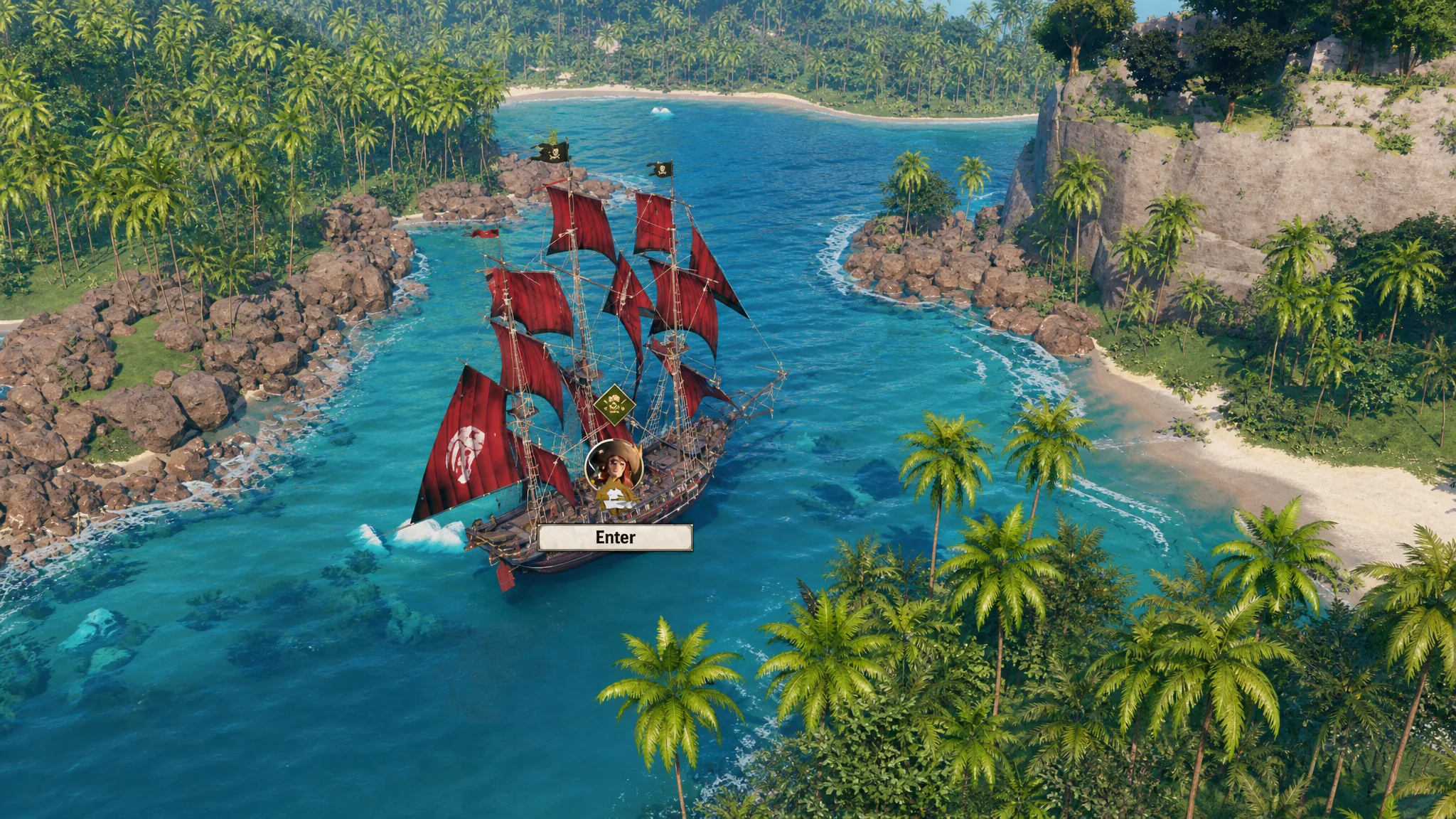
Crew are not a separate class of people. Any Drifter on your island can serve as crew. The Landlubber holds 15 crew members plus one captain, and filling all 15 slots gives you the most stable sail.
Choose a captain
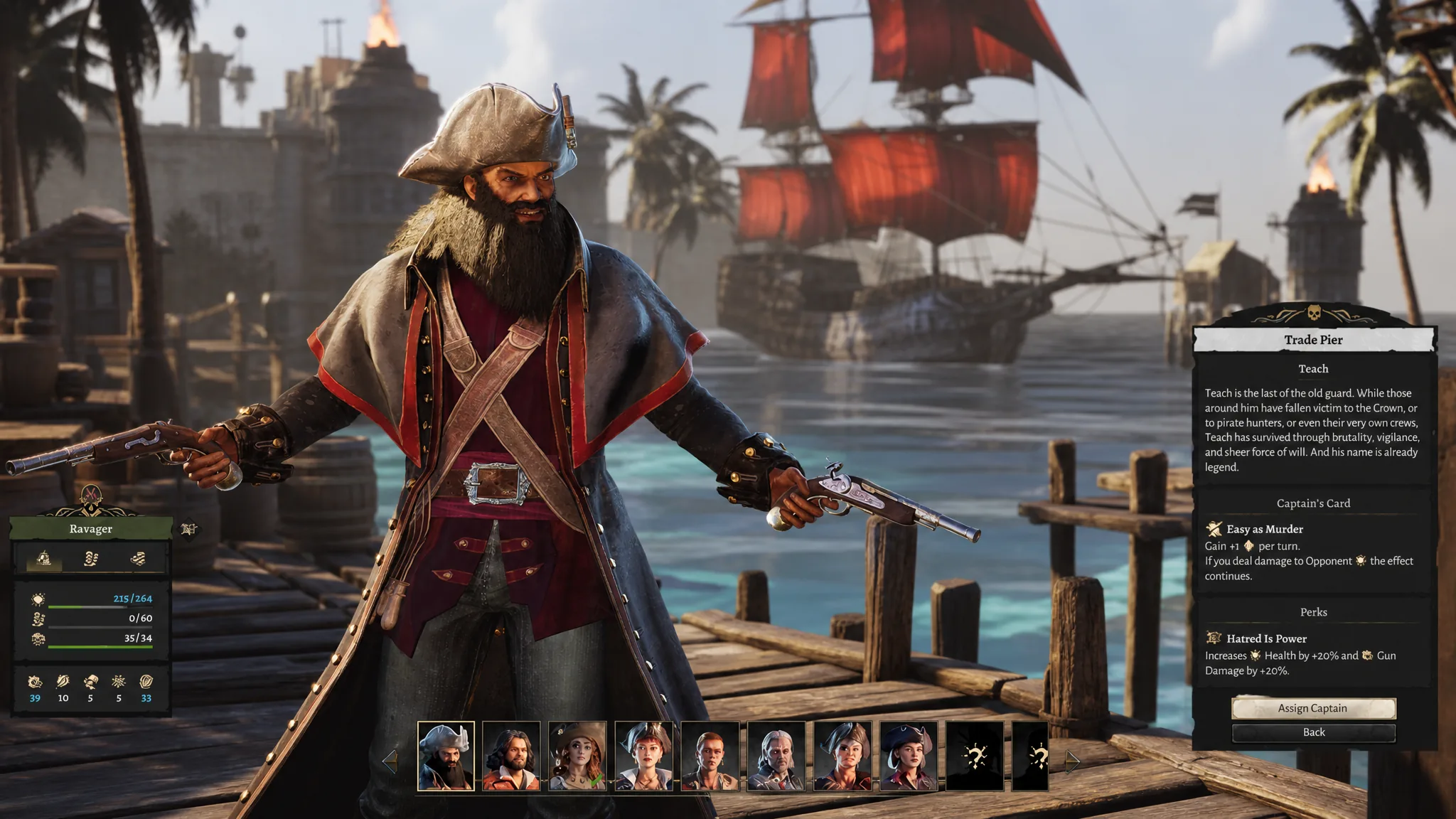
Every ship needs a captain, and four are available from the start. Each brings different perks that shape how the ship performs in combat and at sea. Seven more captains unlock as you progress.
| Starting captain | Notes |
|---|---|
| Teach | Balanced pick for beginners; perks boost gun damage and ship Health |
| Kanja | Own set of perks and abilities |
| Scarlet | Own set of perks and abilities |
| Honorata | Own set of perks and abilities |
Pick the captain that matches your current priorities. If you are aiming for aggressive early expeditions, Teach is the safe choice, since the extra gun damage and Health suit combat while still keeping sailing manageable.
Confirming the ship is ready to sail
You know the setup is complete when the Landlubber has all 15 crew slots filled and a captain assigned in the ship management screen. With both in place, the ship can leave the Shallow Pier for exploration, trading, and naval battles.
If the ship refuses to launch, the usual cause is empty crew slots or no captain assigned. A shortage of free Drifters is the most common reason crew slots stay unfilled, so raise your population before committing to longer voyages. From there, upgrading your settlement, recruiting more Drifters, and expanding your fleet with stronger ships and captains becomes the natural next focus.