WhatsApp now allows users to create, organize, and share custom sticker packs directly within the app, streamlining the way you personalize your chats. This update eliminates the need for external tools and simplifies the management and sharing of your stickers by grouping them into easily accessible packs.
Create Custom Sticker Packs in WhatsApp
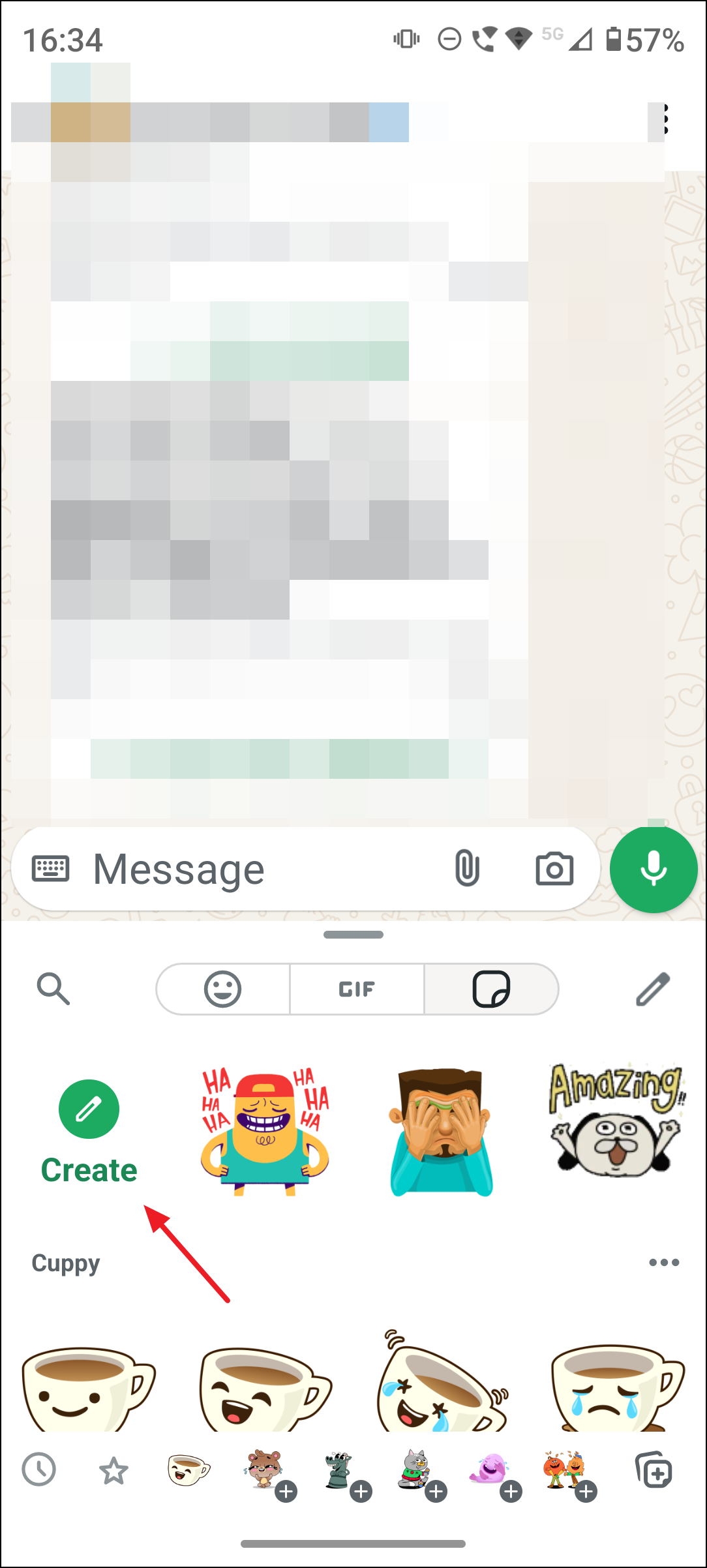
Open any chat in WhatsApp and tap the sticker icon located near the text input box. This opens the sticker menu where you can browse your existing stickers.
In the sticker menu, tap the pencil icon (edit icon) to access the sticker pack editing interface. This icon allows you to manage your sticker collections.
Select the stickers you want to include in your new pack by tapping on them. You can choose stickers you have already created or imported and add them to a pack.
Tap the three-dot menu icon located typically at the bottom-left or top-right corner of the screen, and select “Add to sticker pack.” This option will let you either add the selected stickers to an existing pack or create a new pack.
If creating a new pack, enter a name for your sticker pack that reflects its theme or content, then tap “Create” or “Save.” The new pack will appear at the top of your sticker menu for easy access.
Create Custom Stickers from Photos
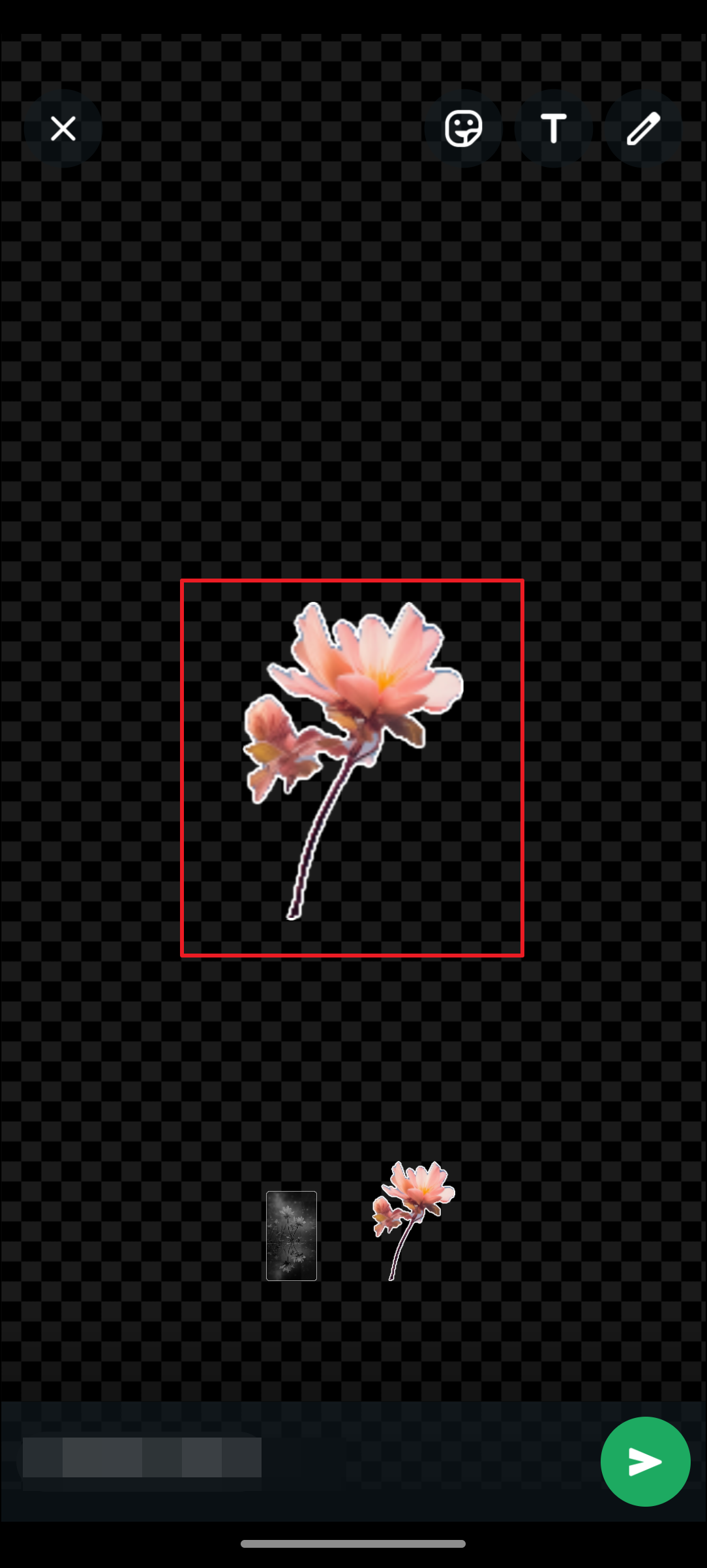
Tap the emoji icon in the chat, then select the sticker tab. Tap the pencil icon and choose “Use a photo” to start creating a sticker from an image.
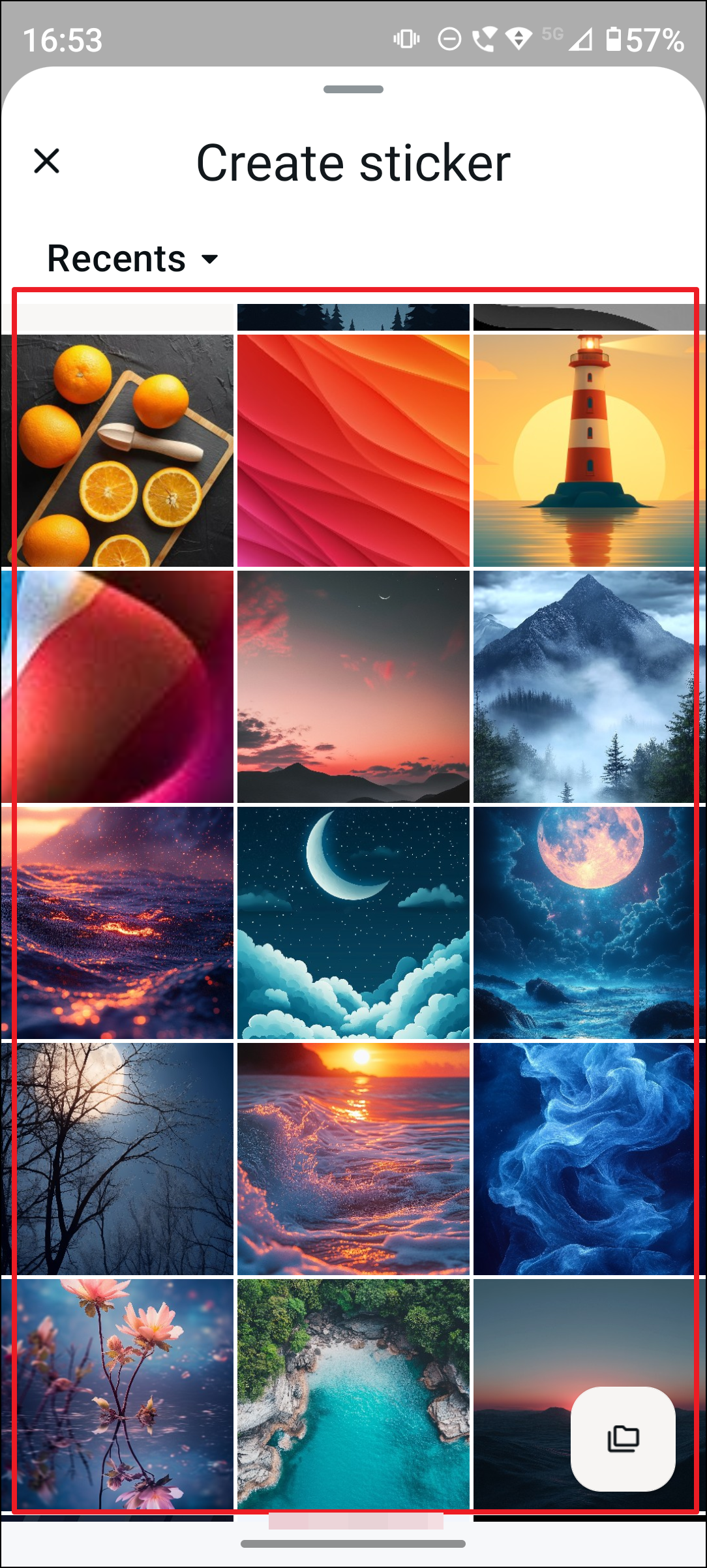
Select a photo from your device’s gallery or take a new photo using your camera. WhatsApp will display a preview where you can customize the sticker.
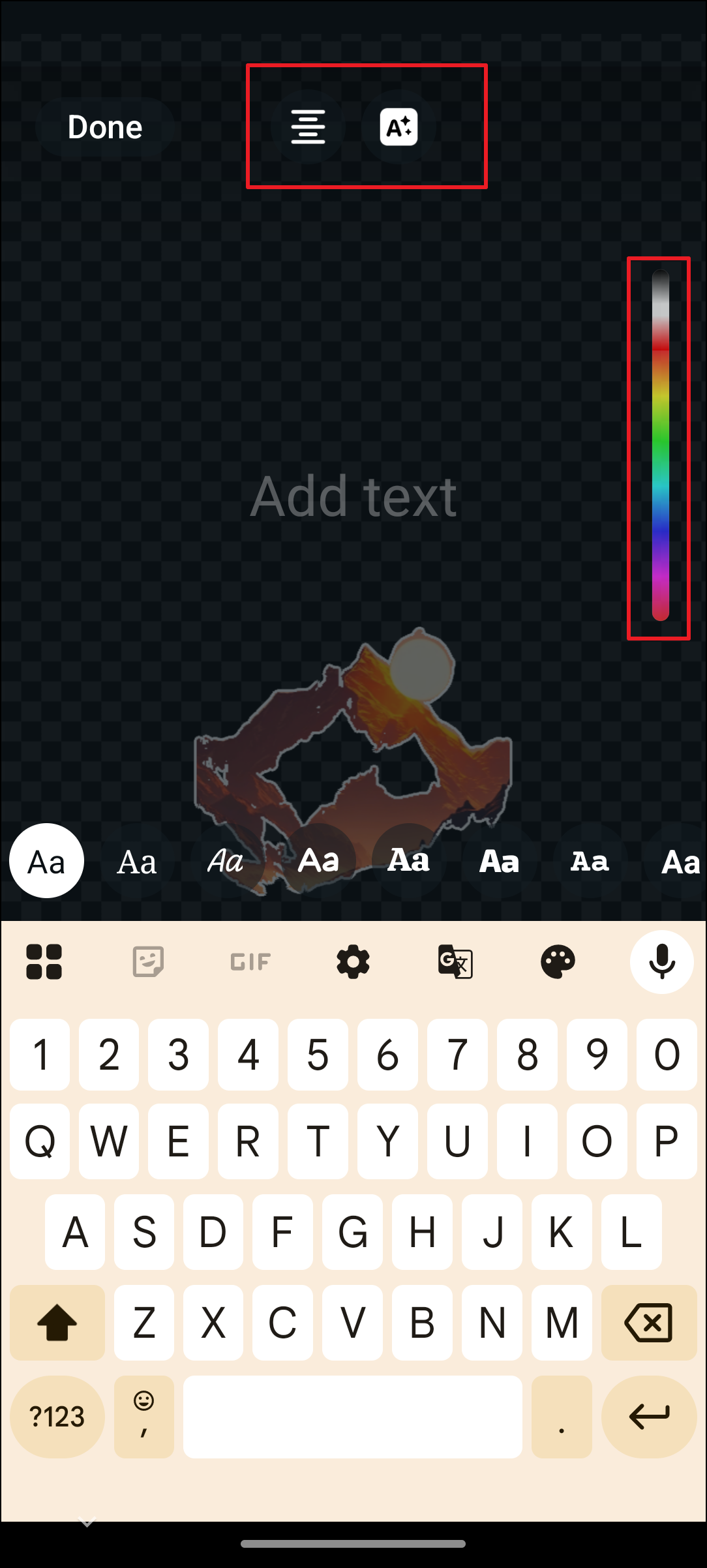
Use the available tools to personalize your sticker. You can add emojis, text, or draw directly on the sticker to make it unique.
Once satisfied, tap the send button to add the sticker to your current chat and save it in your sticker collection.
Share Sticker Packs with Others
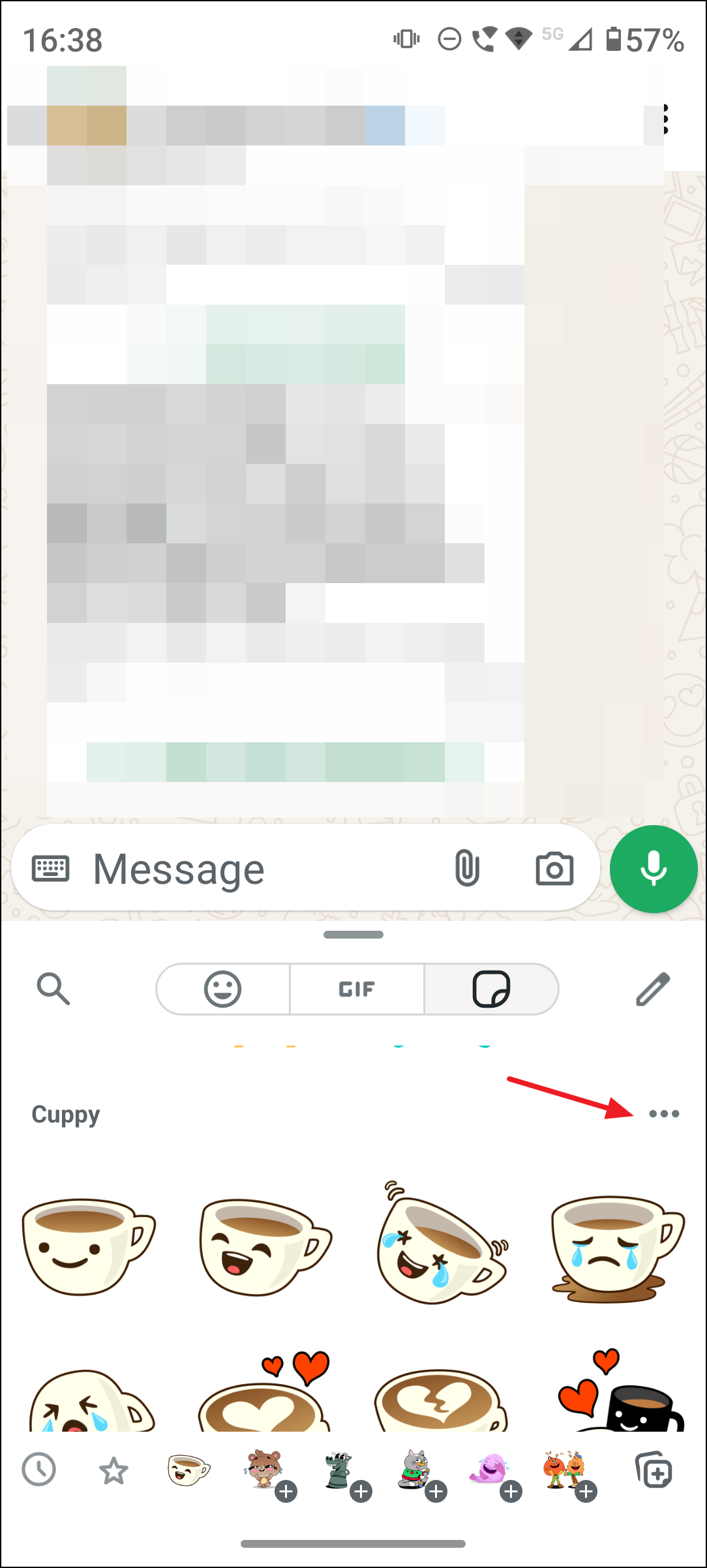
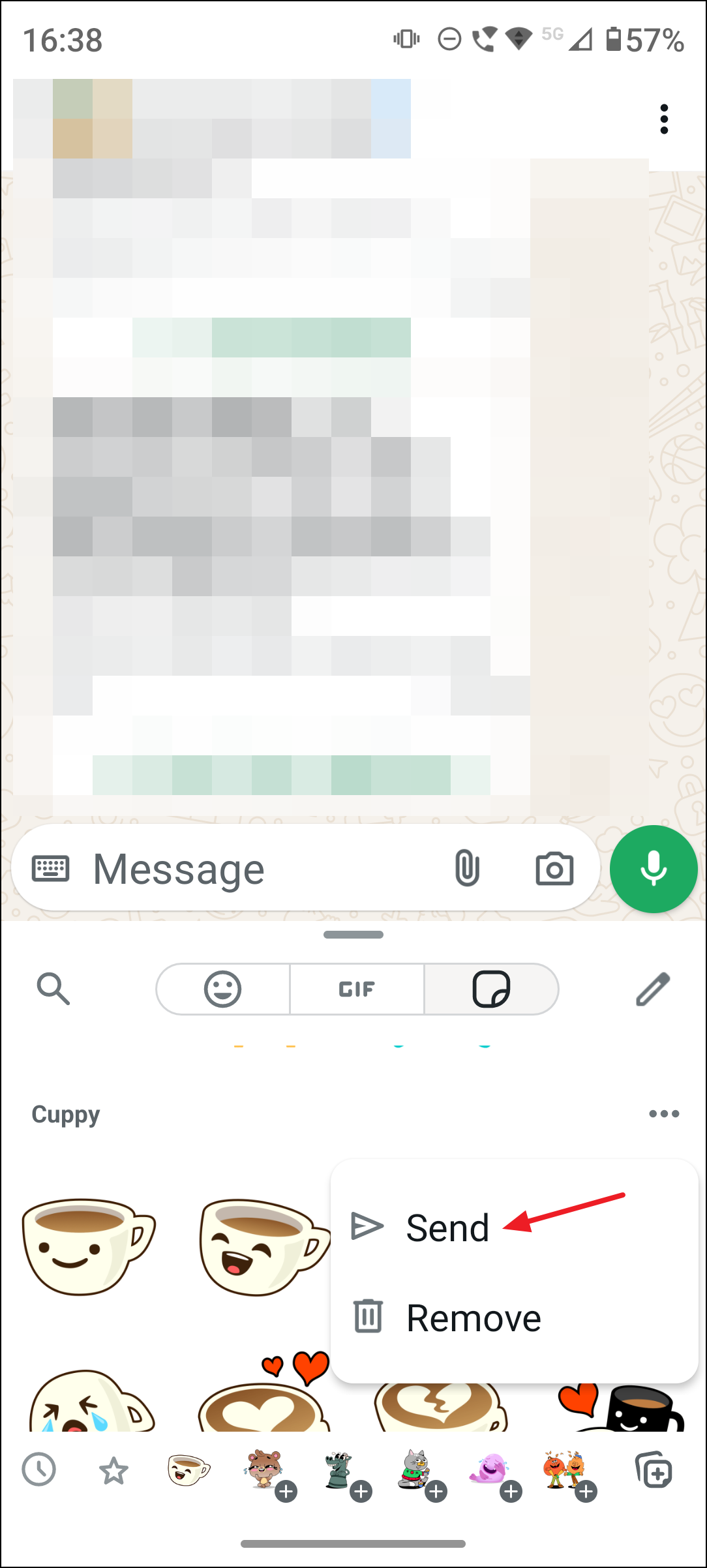
Select the “Send” option to share the entire sticker pack with your chat contacts. This sends the pack as a bundle, allowing recipients to download and use all the included stickers immediately.
Additional Features and Tips
- WhatsApp supports creating AI-generated stickers by entering a description, which generates multiple sticker options you can send or save.
- You can add stickers only created or imported by you to your custom packs; official WhatsApp stickers cannot be added.
- Keep your WhatsApp updated to the latest version to access all sticker creation and sharing features.
- Organize your stickers into multiple packs to keep your collection tidy and easy to navigate.
- Pin your favorite stickers within packs for quicker access during chats.
By grouping your personalized stickers into packs, WhatsApp reduces the time spent searching for specific stickers and simplifies sharing your creations with friends and family. This update optimizes sticker management and makes your conversations more expressive and fun.
Creating and sharing custom sticker packs in WhatsApp now feels seamless and efficient, helping you bring a personal touch to your chats with just a few taps.