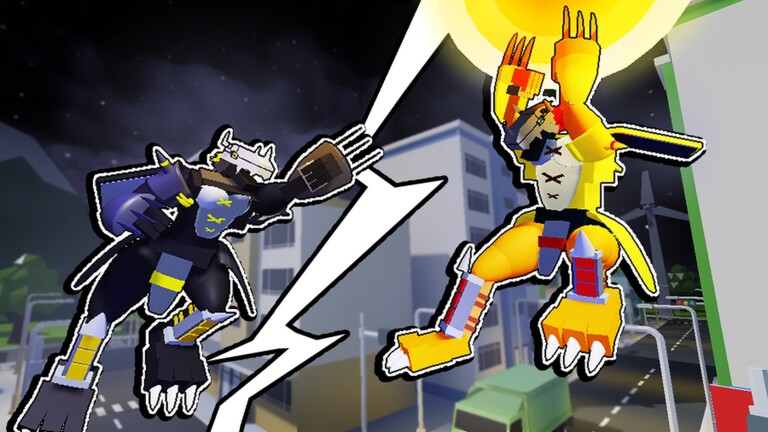
Digimon Era sends you into an open digital world to battle wild Digimon, gather evolution materials, and grow a team strong enough to survive deeper expeditions. Codes speed that process up by handing out free Bits, DigiGold, healing items, and revive devices without any grinding.
Working Digimon Era codes
Nine codes are redeemable right now. Copy each one exactly as written, since the redemption box is case sensitive.
rework— Free rewards NEWchargebugsorry— 200 DigiGoldserverupdate— 500 Bits, 100 DigiGold, 10x Brave Point A, and 5x Single Revive Deviceitemsupport— 10x Single Heal Potion S, 5x Single Heal Potion M, 10x Party Heal Potion S, 5x Party Heal Potion M, 5x Single Revive Device, and 3x Revive Devicechipsupport— 10x Vaccine Chip, 10x Virus Chip, and 10x Data Chipdiscord— 500 Bits, 50 DigiGold, 5x Single Heal Potion, 5x Party Heal Potion, and 5x Single Revive Devicedigimonera— 500 Bits, 100 DigiGold, 10x Brave Point A, and 5x Single Revive Devicewelcome— 5000 Bits, 5x Single Heal Potion, and 5x Party Heal Potionopenbeta— 500 Bits, 50 DigiGold, 5x Single Heal Potion, 5x Party Heal Potion, and 5x Single Revive Device
Of these, itemsupport stands out for stacking multiple potion and revive device types in a single redemption, making it the most useful entry for players who need to stock up before a tough expedition.
How to redeem codes in Digimon Era
Codes are entered through the in-game Shop menu, not a website or launcher screen. Complete the tutorial first, since the Shop icon isn’t accessible until you reach the main lobby.
A successful redemption immediately drops the listed Bits, DigiGold, potions, or devices into your inventory, visible in the Shop or your item bag without needing to restart the game. If nothing appears, double-check that you copied the code exactly, since even a stray space will block it from registering.
Where new codes get announced
New codes typically go out through the developer’s own channels before they show up anywhere else. Joining the official Digimon Era Discord server or following the Digi Ark Roblox group puts you in front of announcements as soon as developers post them.
Bits function as the core material for leveling up your Digimon, so it’s worth saving larger code rewards for whichever partner you plan to keep on your main team rather than spreading them thin across every creature you tame.