
ChatGPT’s Deep Research feature now supports direct PDF downloads, solving a persistent issue with formatting loss during manual copy-paste. Previously, users who generated detailed research reports with tables, images, and citations faced significant challenges when trying to share or archive their findings in a polished format. Copying text into Word or Google Docs often distorted layouts, stripped images, and broke links, resulting in documents that were hard to read and unprofessional for client or academic use.
With the new “Download as PDF” function, ChatGPT Plus, Team, and Pro subscribers can now save their Deep Research outputs in a single click, retaining all formatting—including tables, images, source links, and citation footnotes. This upgrade streamlines report sharing, makes documentation easier, and eliminates the need for time-consuming workarounds.
Exporting Deep Research Reports Directly from ChatGPT
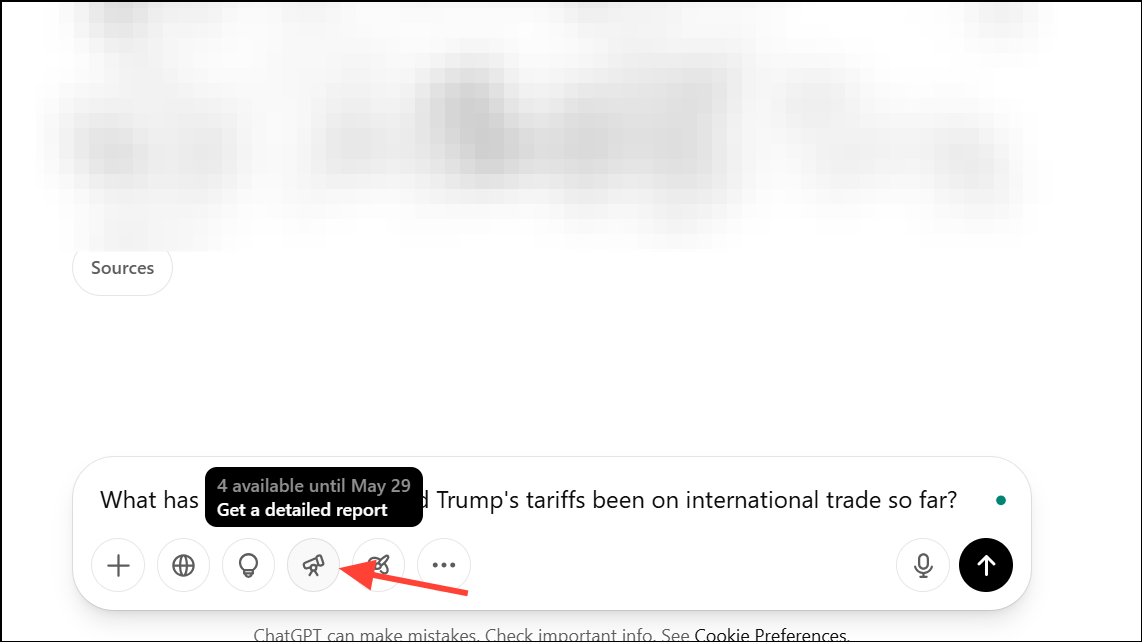
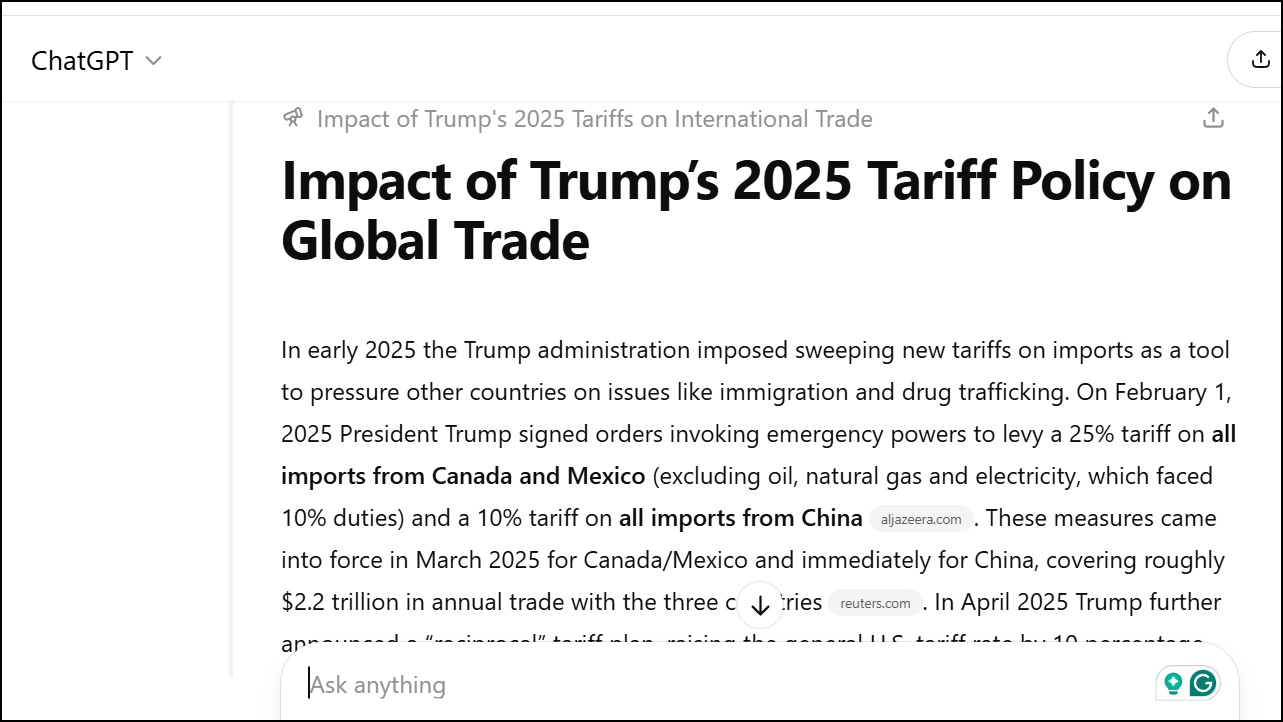
Download as PDF from the dropdown menu.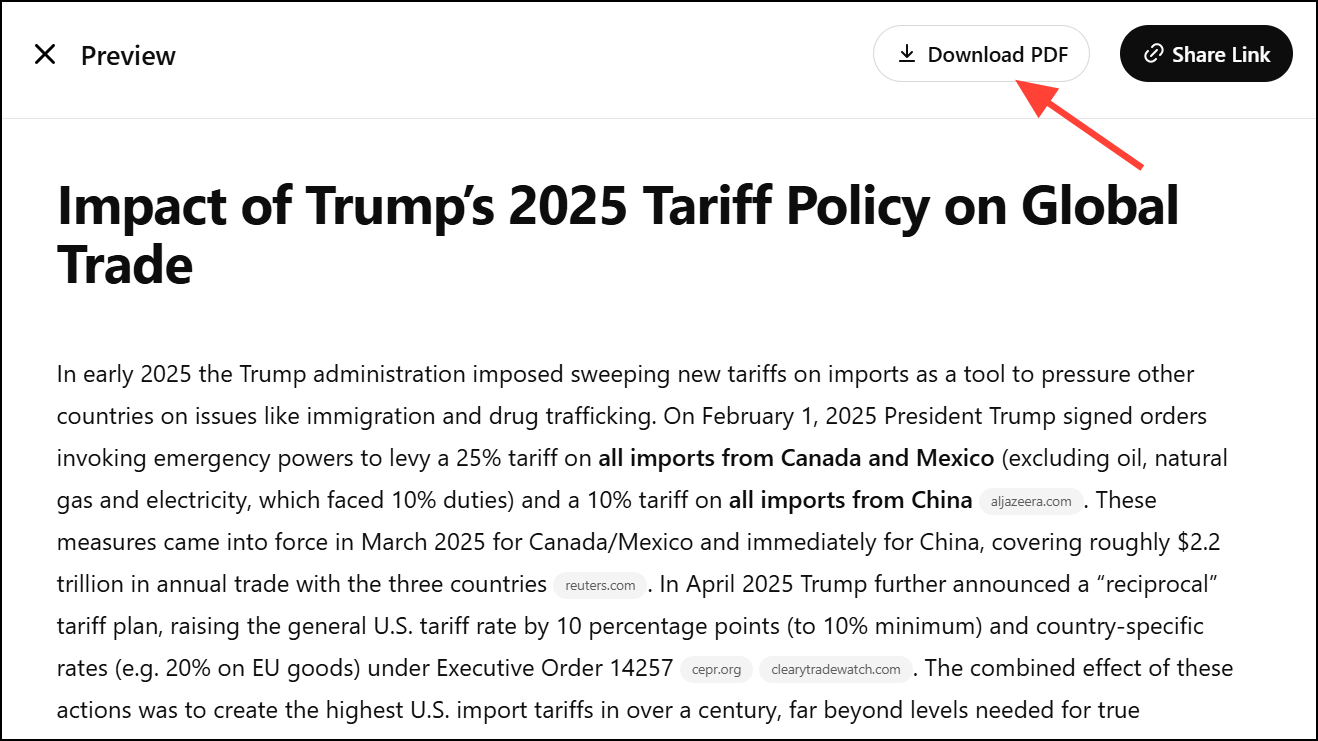
Alternative Methods for Exporting Deep Research Reports
Manual Copy-Paste (Less Effective)
Before the PDF export option, users relied on copying the report content and pasting it into external editors like Microsoft Word or Google Docs. This approach frequently resulted in:
- Loss of tables and images.
- Broken or missing hyperlinks and footnotes.
- Disrupted formatting, especially for multi-section reports.
To partially mitigate these issues, some users installed browser extensions or used markdown exporters, but the results varied and often required manual reformatting. This method is now largely unnecessary due to the native PDF export.
Third-Party Tools and Extensions
Some platforms and browser extensions, such as Deep Research Docs or ChatGPT-to-Markdown tools, offer additional exporting and customization features. These solutions allow users to:
- Convert ChatGPT outputs to PDF or Word with customizable branding, fonts, and watermarks.
- Retain or generate automatic footnotes from source URLs.
- Batch process multiple reports or integrate with other productivity tools.
While these tools may provide extra flexibility, they require copying content out of ChatGPT and may involve privacy considerations or subscription fees. For users who need advanced customization beyond the built-in PDF export, these solutions can be valuable.
Tips and Considerations
- The PDF export function preserves the professional appearance of reports, including tables, charts, and images, which is especially useful for client presentations or academic submissions.
- Exported PDFs include clickable citations and links, making it easy to verify sources or share supporting evidence.
- For users on the Free, Enterprise, or Edu plans awaiting the feature, consider requesting access or using trusted third-party tools temporarily.
- Always check the exported PDF for completeness, as extremely large or complex reports may occasionally truncate content. If this occurs, break the research into smaller sections and export each individually.
Direct PDF export from ChatGPT Deep Research streamlines the process of saving, sharing, and presenting AI-generated research. This feature removes the hassle of manual formatting and ensures your reports always look professional and are easy to distribute.





