Helicopters in Driving Empire generate cash passively based on how far they travel while flying. That single mechanic is the backbone of the most reliable AFK money farm in the game. Instead of holding a key down for hours, you record a short flight path and replay it on a loop, letting the aircraft rack up distance and cash on its own.
Quick answer: Buy any helicopter from the Aviation dealership, fly it above the tallest buildings, then record a forward-and-back flight loop with TinyTask set to Continuous Playback. Press Play and the helicopter keeps flying to earn cash while you’re AFK.

What you need before starting
The farm relies on two things: a helicopter and a way to loop your keyboard inputs. The helicopter provides the passive cash, and TinyTask replays the flight so you don’t have to sit at the controls.
- Enough in-game cash to buy at least the cheapest helicopter.
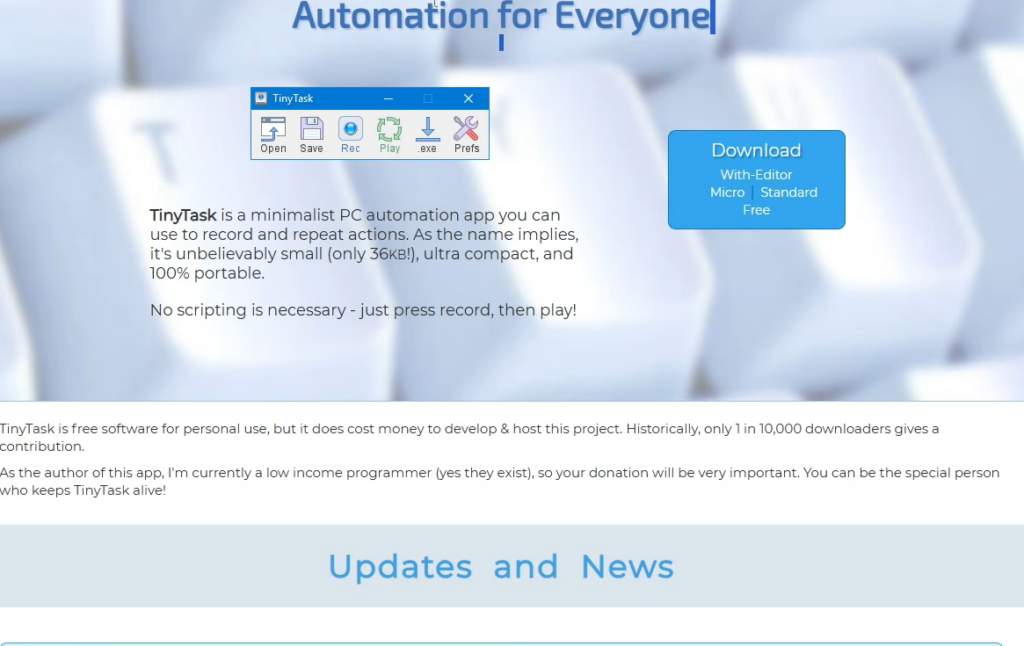
- TinyTask version 1.77 for Windows, a small automation app that records and repeats keystrokes.
- A private server, which prevents other players from bumping your aircraft or interrupting the loop.
To load into a private server, open the Roblox menu, click Leave, and rejoin through your private server link. This keeps the flight path clear for the whole session.
Helicopter options and prices at the Aviation dealership
Any aircraft earns passive cash while it flies, so the cheapest model is enough to get started. Faster aircraft cover more distance in the same amount of time, which means more cash per loop. The 2026 DE Military Transport Helicopter is the top pick for maximizing earnings because of its speed.
| Aircraft | Price |
|---|---|
| 2014 Robin S22 | $150,000 |
| 1993 AeroXplorer Z182 | $3,800,000 |
| 2020 Phantom P5 | $6,200,000 |
| 2026 DE Military Transport Helicopter | $10,400,000 |
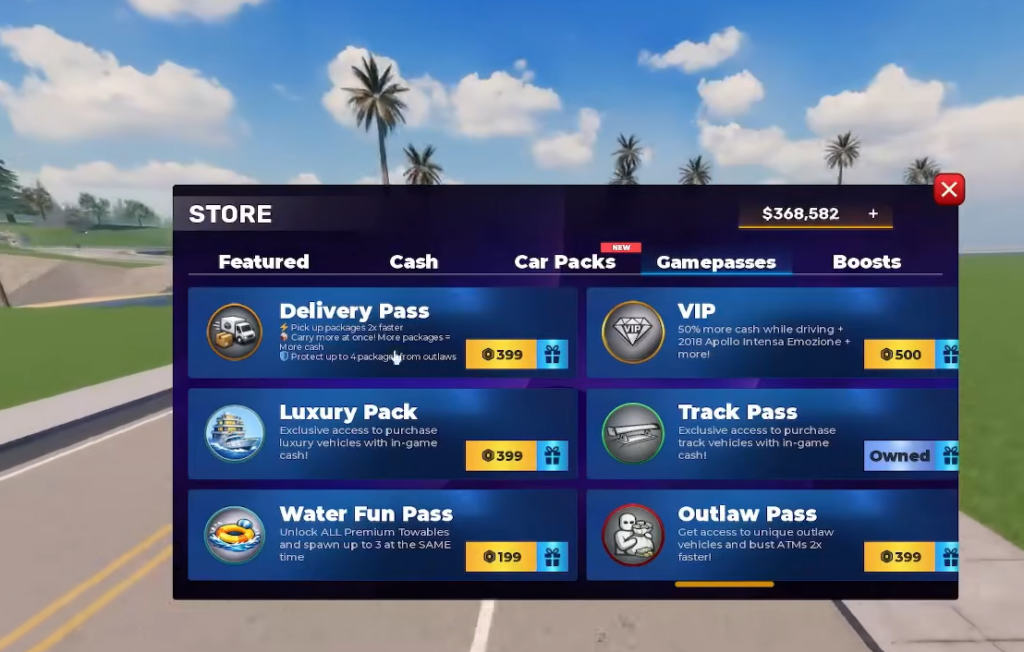
To buy one, open the Teleport menu (the yellow house icon), choose Dealerships, and teleport to Aviation. Walk into Aviation Central and step onto the green circle marked BUY AIRCRAFTS HERE! to open the Helicopters & Planes shop, then select an aircraft and confirm the purchase.
Install and configure TinyTask
TinyTask is a free, lightweight PC automation tool. You use it to record your flight controls once and replay them endlessly. Two settings matter for this farm: play speed and continuous playback.
Record the AFK flight loop
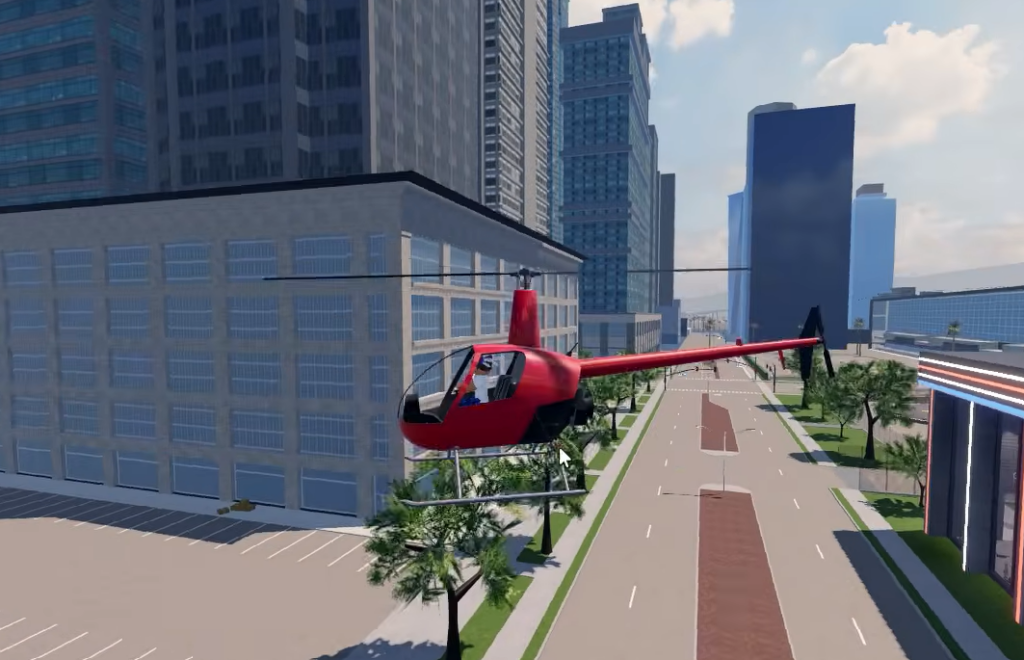
The goal is a flight path that goes out in a straight line and comes back, so the helicopter never drifts off the map or into a building. Fly high and over open space to keep the path clear.
Click Save to store the recording as a .rec file. You can reload it later with Open instead of recording the path again every session.
How to confirm the farm is working
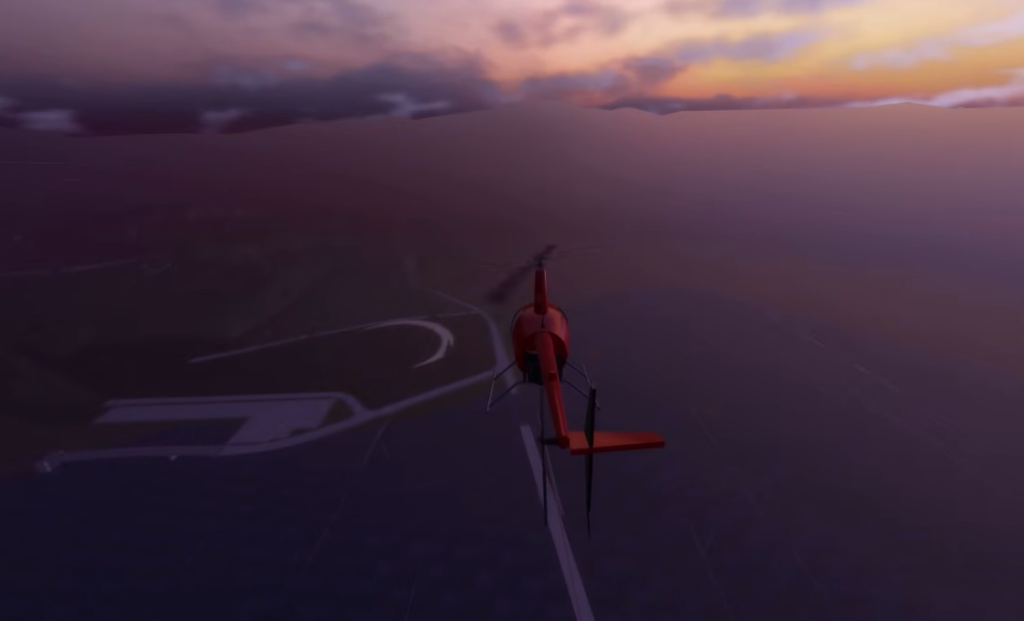
The loop is running correctly when the helicopter flies out and returns on its own while your cash counter keeps climbing. Because earnings are tied to distance traveled, a steady increase in cash confirms the aircraft is moving as intended.
If cash stops rising, one of these is usually the cause:
| Problem | Cause |
|---|---|
| Helicopter stuck or crashed | Flight height too low, so it hit a building or terrain |
| Loop drifts off course over time | Recording didn’t end facing the original direction |
| Macro plays only once | Continuous Playback wasn’t checked in Prefs |
| Flight path is too fast or too slow | Play Speed isn’t set to 1x |
| Loop interrupted by other players | You’re on a public server instead of a private one |
Keep in mind that using third-party automation tools with Roblox games carries account risk, since it falls outside normal play. Redeeming active promo codes through the in-game settings menu remains the safest way to pick up free cash and boosts alongside any farming you do.