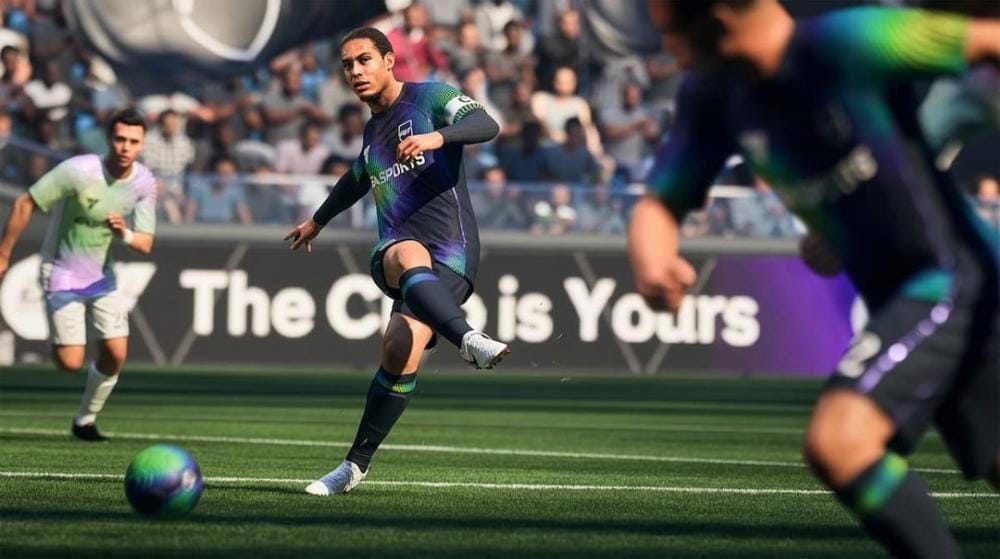
“Searching For Opponent” stuck on Rivals, Rush, or Live Friendlies indicates a current Ultimate Team matchmaking issue impacting FC 26 on all platforms. EA has acknowledged the problem, and reports show it began during early access and expanded near launch. While a permanent fix is pending, the steps below can restore matchmaking for many players or provide reliable ways to keep progressing.
Fix ‘Searching For Opponent’ in FC 26 (disable crossplay)
This client-side toggle is the most consistent workaround reported so far. It restricts your pool to same-platform players, which can bypass cross-platform matching issues.
If your opponent pool is thin on your platform or in your region, queue times may still vary. Re-enable crossplay later once official fixes roll out.
Fix stuck matchmaking (power-cycle your router/modem)
Refreshing your local network can resolve routing or data center quirks that block or slow matchmaking.
Restart the game and your device
A clean app and OS session can recover from temporary matchmaking handshakes or data center assignments.
Improve connection quality (official EA steps)
If your connection is marginal or inconsistent, optimizing your home network improves stability and reduces matchmaking failures. Follow EA’s guidance here: EA Help: Troubleshoot EA SPORTS FC connection issues.
1, 6, or 11 to reduce interference; test each for stability.Modes impacted and reliable alternatives
Reports indicate specific Ultimate Team modes are affected, while others remain playable. Use the table below to plan your session while waiting for fixes.
| Mode | Status |
|---|---|
| Rivals | Affected by “Searching For Opponent”. |
| Rush | Affected by “Searching For Opponent”. |
| Live Friendlies | Reported impacted for some players. |
| Early Access Elimination (Tournament) | Affected by “Unable to find opponent”. |
| Friendlies (with friends) | Reported to work via direct invites. |
| Squad Battles | Playable; progress and rewards unaffected. |
| Moments | Playable; earn stars and packs as normal. |
Availability can change as updates roll out; queue behavior may fluctuate by region and time of day.
When to stop troubleshooting
If disabling crossplay and refreshing your network don’t help, the blocker is likely service-side. At that point, keep an eye on official status and communications, and use Squad Battles, Moments, or direct Friendlies to continue earning rewards until a fix is deployed.
Most players recover matchmaking by turning crossplay off or power-cycling their network. If nothing works, switch to offline modes for steady progress while EA deploys a permanent fix.