In Evomon, a Title is a cosmetic label that sits above your character and identifies your progress as a tamer. It shows up next to your username in the world and carries over into battle screens, where it sits beside your name during a match. Titles do not change your Evomon’s stats; they mark who you are as a trainer.
Quick answer: A Title is the text shown above your character. Select one from your character menu to display it, and it will appear over your head in the open world and beside your name on the battle-prep screen.
Confirmed Title in Evomon
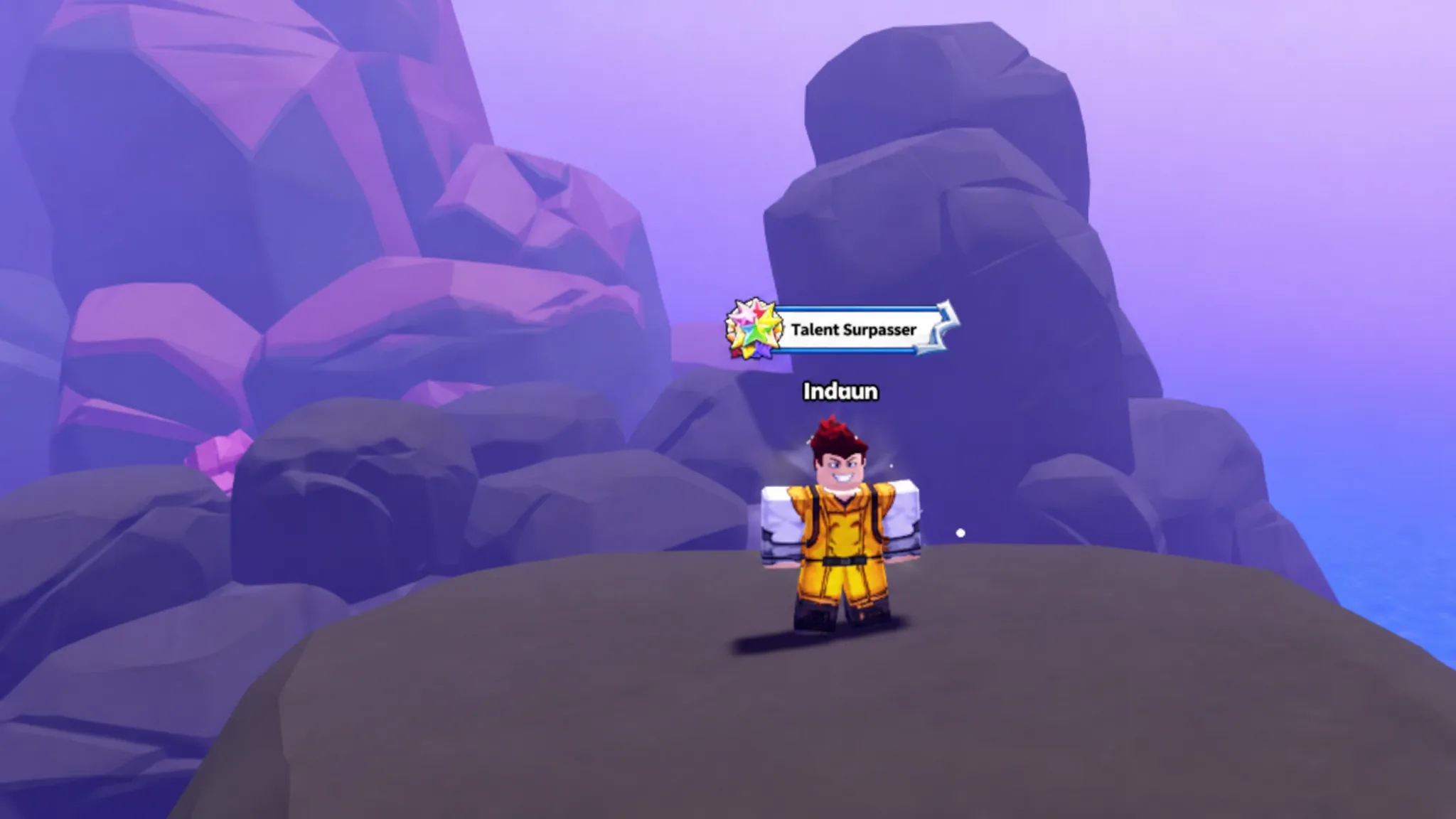
Novice Tamer is the starting Title carried by new trainers. It appears directly under the player’s username while exploring, for example while climbing cliffs in the volcanic Lava Crag area. This is the Title you see before you begin progressing further into the game.
Alongside your Title, Evomon also shows a role label in combat. When you enter a fight, your name is tagged as Commander on the battle-preparation screen, while the opponent is tagged with its own status, such as Challenging for a boss like Empixy King. The Commander tag is tied to the battle itself, separate from the Title you wear in the open world.
Where a Title appears
| Location | What shows |
|---|---|
| Open world | Your Title sits under your username above your character. |
| Battle-prep screen | Your name is labeled as Commander next to your team list. |
| Boss encounters | The enemy carries its own status label, such as Challenging. |
How to display a Title above your character
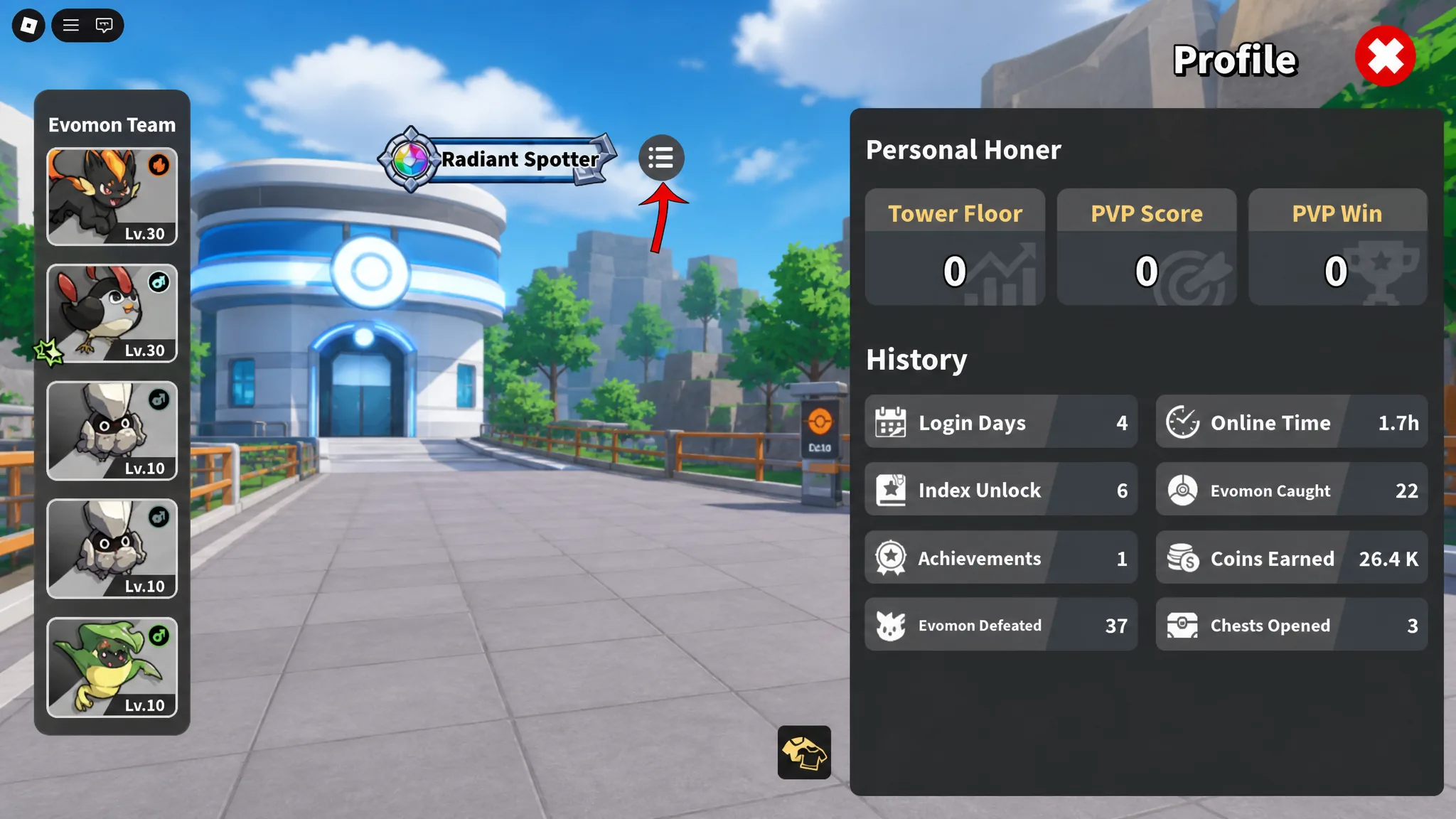
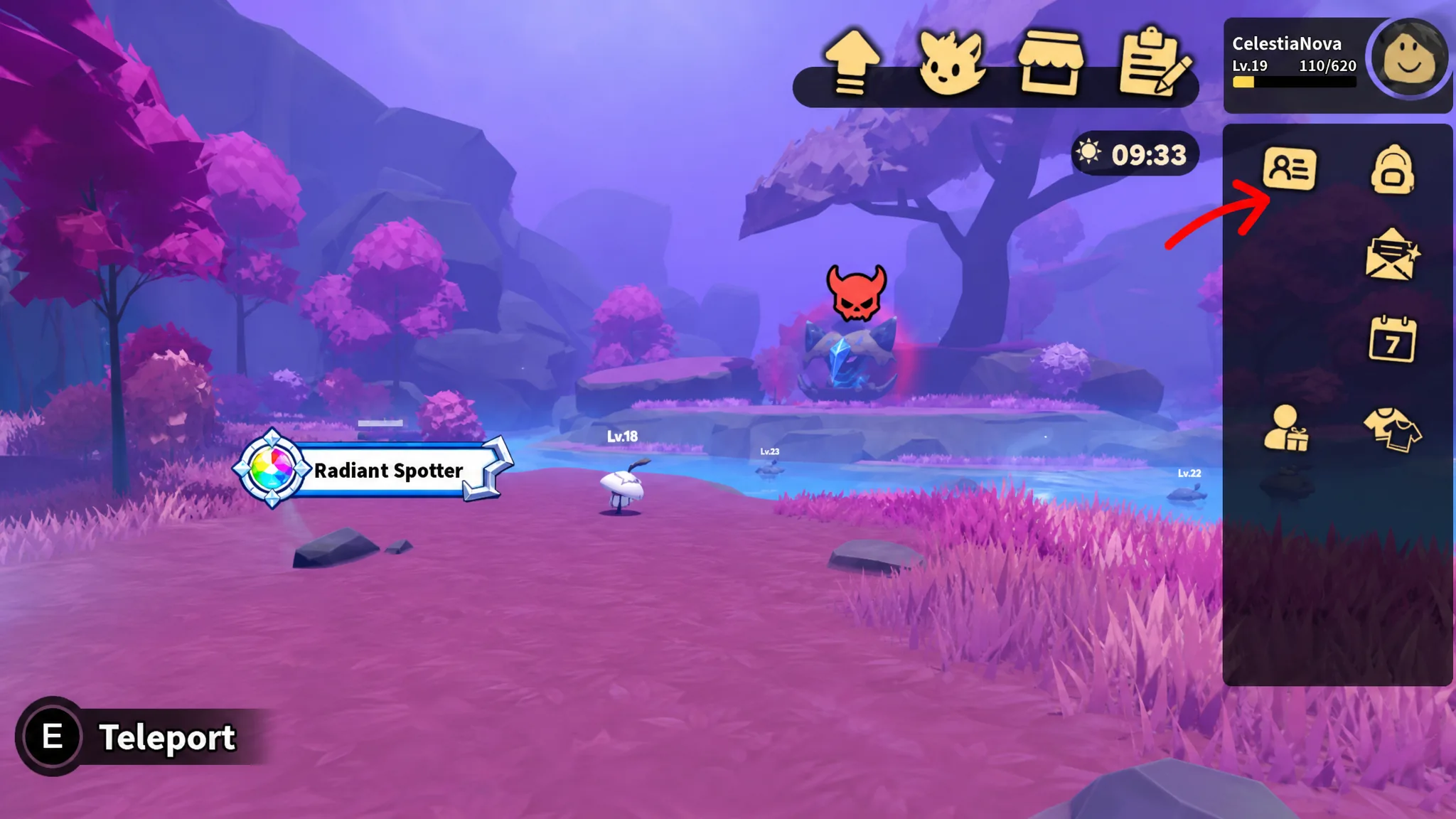
Titles are purely visual, so wearing one does not affect how your Evomon battle, catch, or level up. If your Title is not showing above your head, make sure one is actually selected in your character menu, since the label only appears once a Title is equipped.