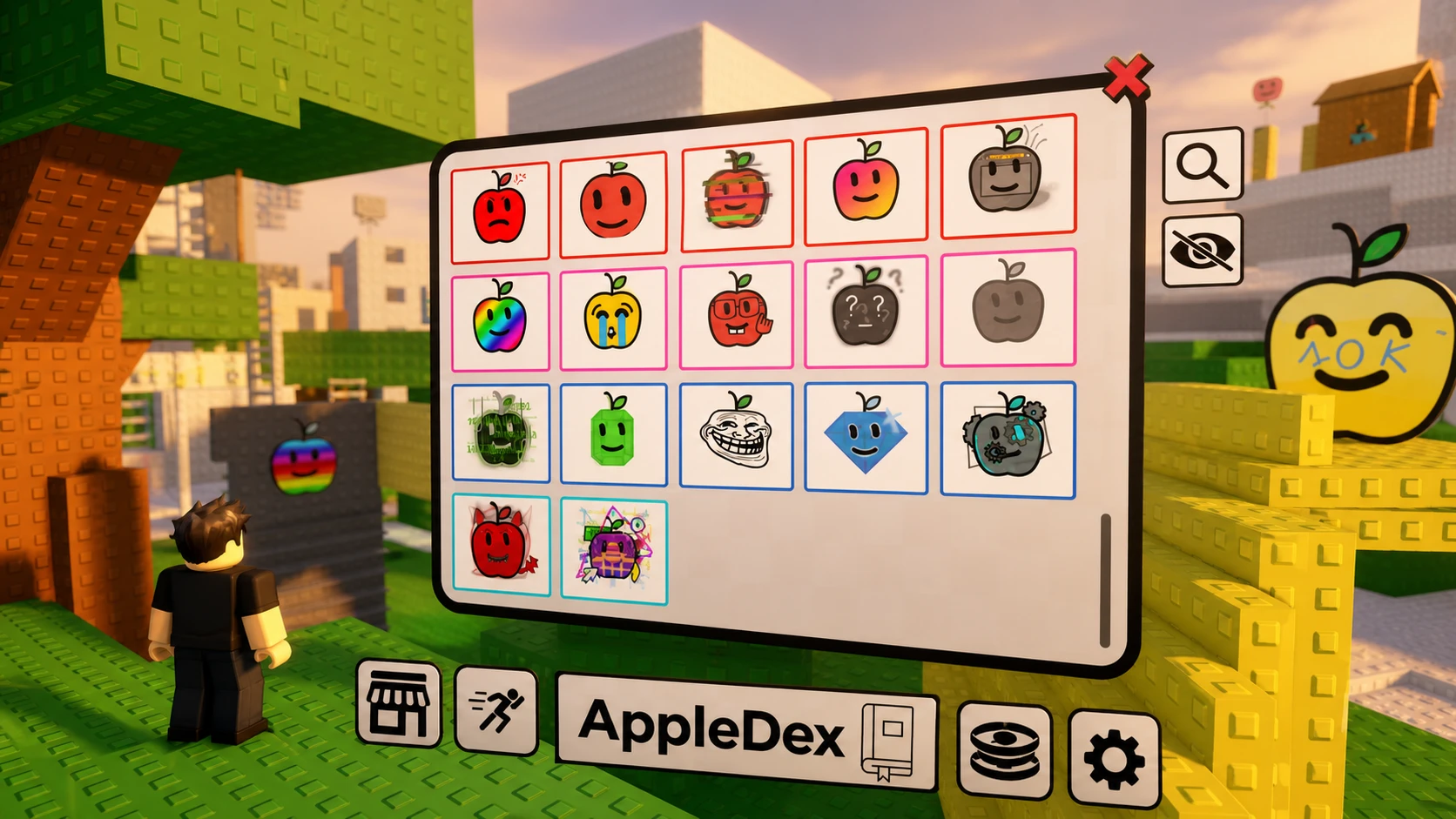
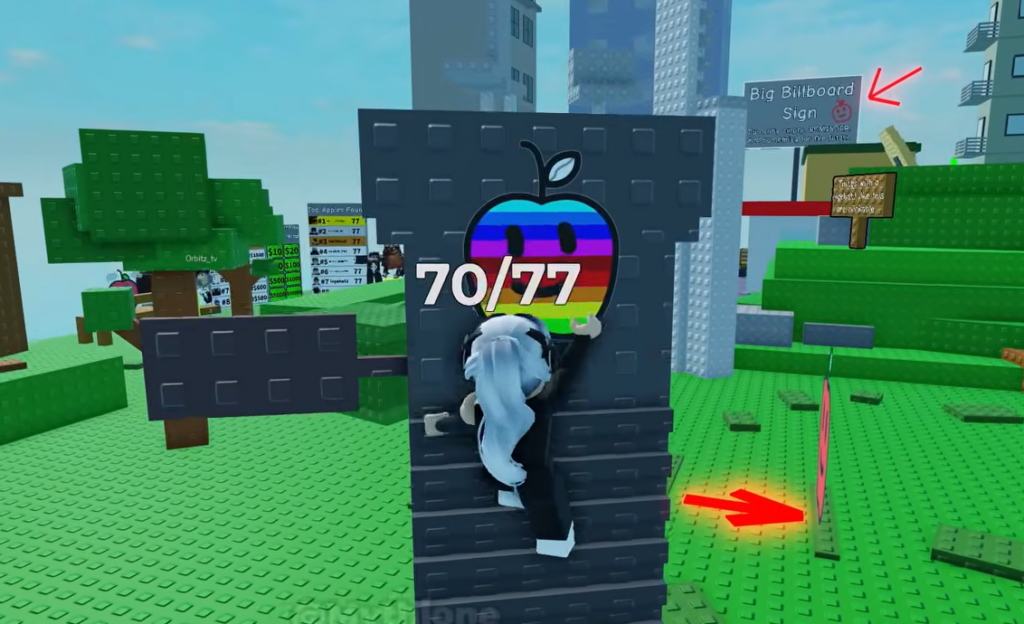
Find the Apples is a scavenger-hunt experience on Roblox where the goal is to track down every hidden apple scattered across a single handcrafted map. The collection now totals 77 apples, after the most recent update added seven more on June 19, 2026. Each apple counts as a find, and new ones arrive with regular map updates.
Quick answer: The current target is 77 apples. The latest update added seven new apples, including the Retro Apple (RIDICULOUS) that begins in the city, and you collect them by searching the map, solving puzzles, and finishing obbies.
What changed in the June 19 update
The update raised the apple count to 77 and reworked several systems around hints and the shop. Here is the full set of changes that affect how you hunt and unlock apples.
| Change | Detail |
|---|---|
| New apples | Seven added, including the Retro Apple (RIDICULOUS) that starts in the city |
| Animation setting | New option to disable the “Apple Found” animation |
| Free Better Hint time | Reduced from 30 minutes to 20 minutes |
| Better Hint cooldown | Reduced from 7 days to 3 days |
| Shop layout | Better Hints removed and synced with Plus prices; Coil Bundles are now purchasable |
| Demon Apple obby | Narrow sections widened to make the obby easier to clear |
Where to start the Retro Apple (RIDICULOUS)
The Retro Apple is the headline addition and carries the RIDICULOUS rarity tier. Its hunt begins in the city area of the map, which is the trigger point for the steps that follow. Head there first if you want to chase the rarest of the new apples.

How the apples are collected
Apples are spread across one connected map, and each one is unlocked by a specific action. Some are simply tucked into hidden spots, while others sit behind a puzzle or an obby you need to complete first.
- Search every corner of the map, including secret hiding spots.
- Solve puzzles tied to certain apples to make them appear.
- Finish obbies, such as the Demon Apple obby, to claim the apple at the end.
- Use hints when stuck, with the Free Better Hint now available every 3 days for a 20-minute window.
Apple badges and rarity
Collecting apples awards badges on your Roblox profile, and the rarity percentage shows how many players have earned each one. The Apple badge is given to everyone who starts, while the Golden Apple is the harder badge to complete.
| Badge | Rarity | Difficulty label |
|---|---|---|
| Apple | 100.0% | Freebie |
| Obby Apple | 59.5% | Easy |
| Golden Apple | 25.9% | Challenging |
How to confirm an apple counted
When you reach an apple, the “Apple Found” animation plays and the apple is added to your total. If you turned that animation off in settings, the apple still registers, so check your collection count to confirm it went up.
Apples locked behind a puzzle or obby only count once you complete the required step, not when you spot them. If an apple is not registering, the most common reason is that the puzzle or obby in front of it has not been finished yet.
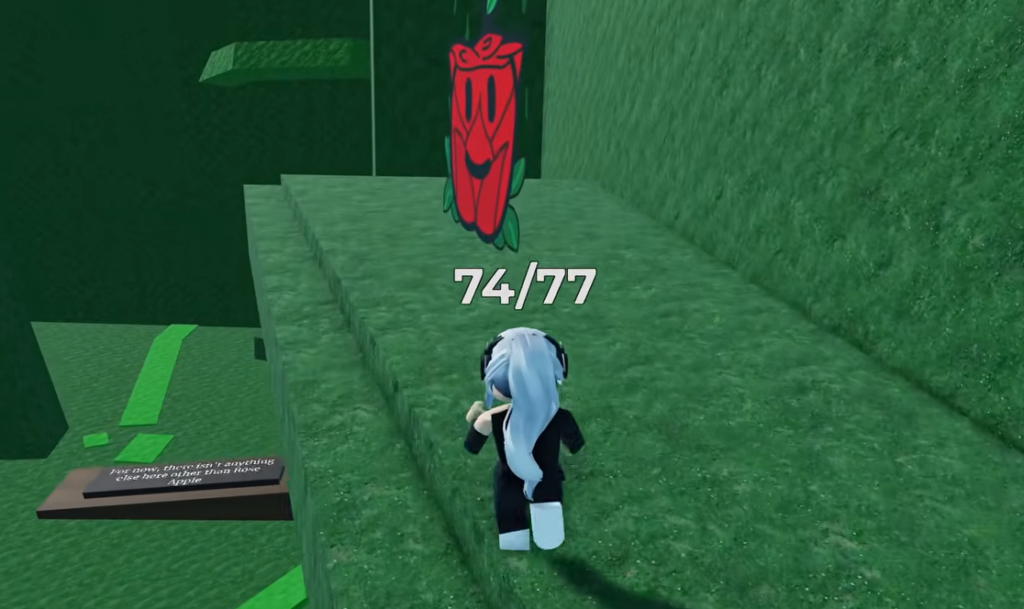
Find the Apples sits in the Adventure genre under the Scavenger Hunt subgenre and is built by MarStudio. With 77 apples now live and more promised in future updates, the city is the place to begin if you want the rarest new find, and the shorter hint cooldown makes clearing the rest faster than before.