Reach the Scented Reverie dream world, connect to the fake Wi-Fi, and outlast the loading bar without pressing skip.
Reach the Scented Reverie dream world, connect to the fake Wi-Fi, and outlast the loading bar without pressing skip.
by AllThingsHow Staff
Image: markers epic memers
The Buffer Marker is a Medium-difficulty marker in Find the Markers, tucked away inside the dream world tied to the Scented Reverie content. Unlocking it is less about platforming skill and more about doing the opposite of what the screen begs you to do. The whole puzzle rewards patience, so the trick is to sit still at the exact moment most players reflexively click.
Quick answer: Reach the computer in the dream world, enter the Wi-Fi password, solve the rotate captcha, then leave the “Loading captcha…” bar alone. Do not press Skip Loading. Wait until it finishes and it hands you the Buffer Marker.
What you need before starting
The Buffer Marker lives past the bed in the cabin, inside the dream realm. You do not need any items, just access to that area and a willingness to wait out a fake loading screen. Everything happens in one uninterrupted run once you enter the dream.
Access to the cabin near spawn with the interactable bed.
The randomized Wi-Fi password shown in the colorful block area.
Patience to ignore the Skip Loading button at the end.
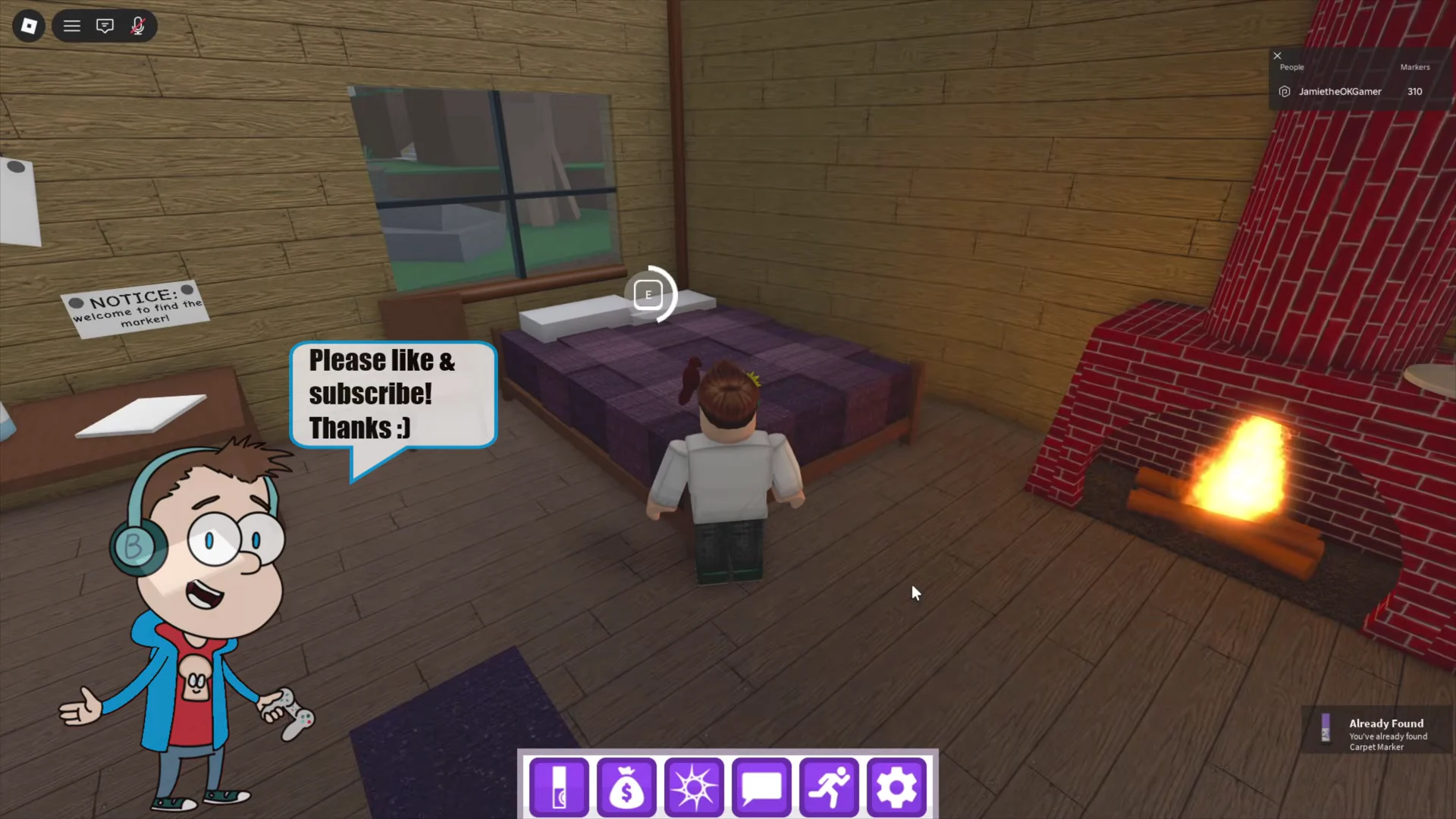
From spawn, climb the stairs and enter the cabin house, then use the bed. Your character will be sent to the dream world, where the environment becomes floating islands and abstract shapes.
Walk across the wooden bridge onto the floating platform, then enter through the red painted canvas door. You will reach a dark void obstacle course leading farther into the realm.
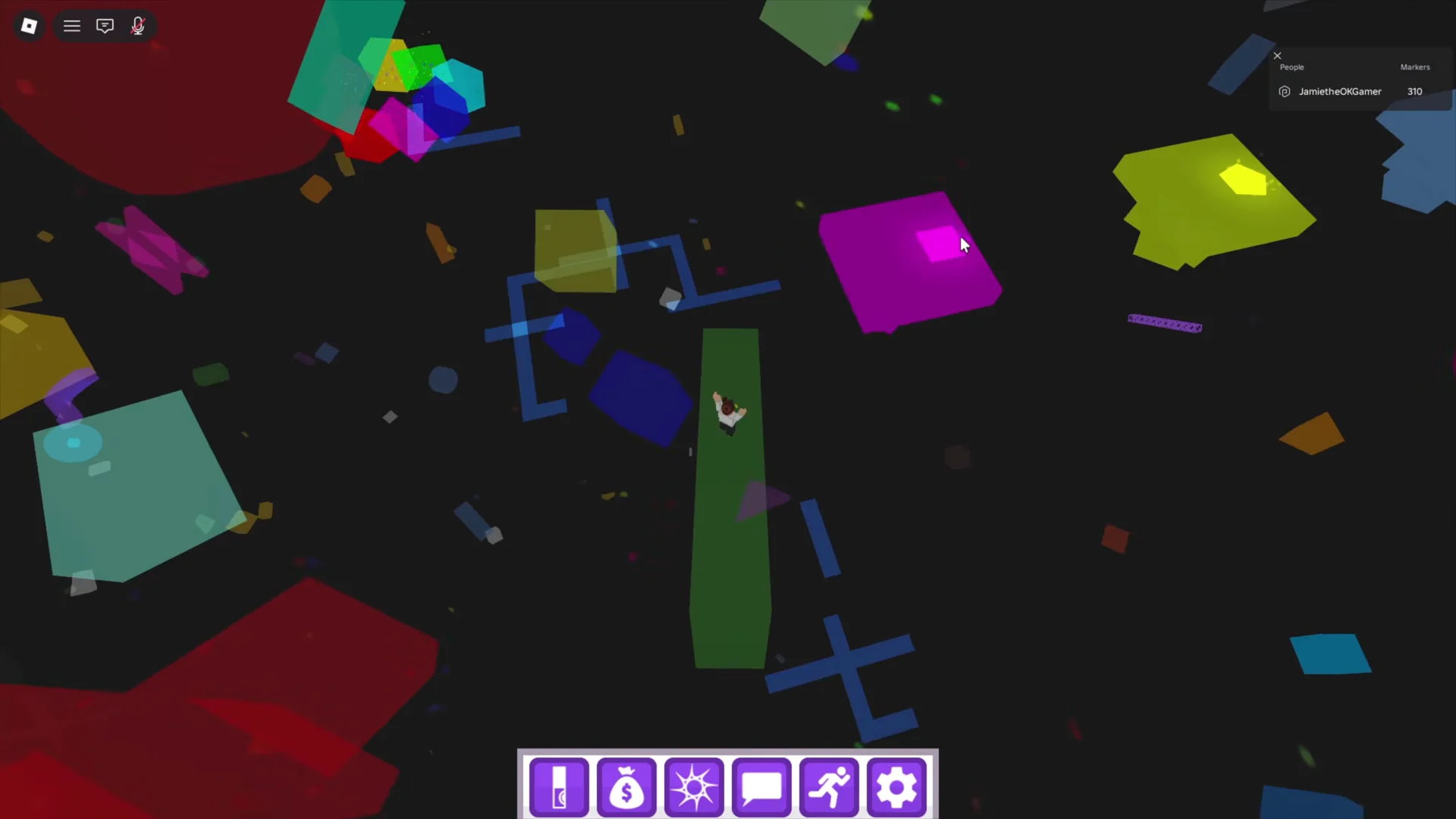
Navigate the void obby along the colored beams, platforms, and floating shapes until you reach a circular ring built from colored square blocks. Take your time here, since the path winds through several floating pieces in the dark.
Step into the colored block ring. A “TECHNICAL DIFFICULTIES” screen flashes, then teleports you into a bright playground filled with colorful blocks, stone pillars, and arches.
Climb the stack of colorful blocks to reach a blue sign near the top. It displays a randomized Wi-Fi password, for example ZealousJoule266. Yours may differ, so read it carefully before moving on.
Interact with the computer. It shows “You are not connected to the Internet!” Type the exact Wi-Fi password into the field and click Connect to Internet. The screen confirms with “You have connected to the Internet.”
On the Captcha Verification notice, select Continue. Once the orientation puzzle appears, turn the object with the Left and Right controls until its top is facing upward, then select Continue.
Wait patiently. The screen will taunt you with lines like “Erm… skip button’s right there…” and “You won’t get anything from waiting here!!!”, followed by angry emojis. Ignore all of it and let the bar keep going.
Pressing Skip Loading defeats the puzzle. The reward only comes from letting the bar reach the end on its own.
How to confirm you unlocked it
Once the bar finishes, the screen gives in with “Fine here you go!!!” and a “YOU FOUND Buffer Marker” prompt appears. You will also see a “Badge Awarded Buffer Marker” popup, which confirms the marker is now added to your Markerdex. If you saw the taunting messages but got nothing, you likely clicked skip too early, so restart the captcha and let the bar run to completion this time.