The 181 update to Find The Zombie Morphs adds 15 new zombies, and they are scattered across four biomes plus a grey submarine parked off the map edge. None of them need a puzzle, a code, or a purchase. Each one is a static pickup that you walk into, so the only real work is knowing where to stand.
Quick answer: Seven of the new morphs sit in the Green Biome, four in the City Biome, two on the grey submarine, one on the Desert Biome pyramid, and one among the Snow Biome mushrooms. Touch each model to trigger the sparkle effect and the “Morph!” pop-up, which adds it to your Morphs menu permanently.
All 15 new zombie morphs and their locations
Use the table as a checklist. The biome column tells you which area to load into, and the location column is the exact landmark the morph is attached to.
| Zombie | Biome | Exact spot |
|---|---|---|
| Necromancer Zombie | Desert | Top of the yellow brick pyramid |
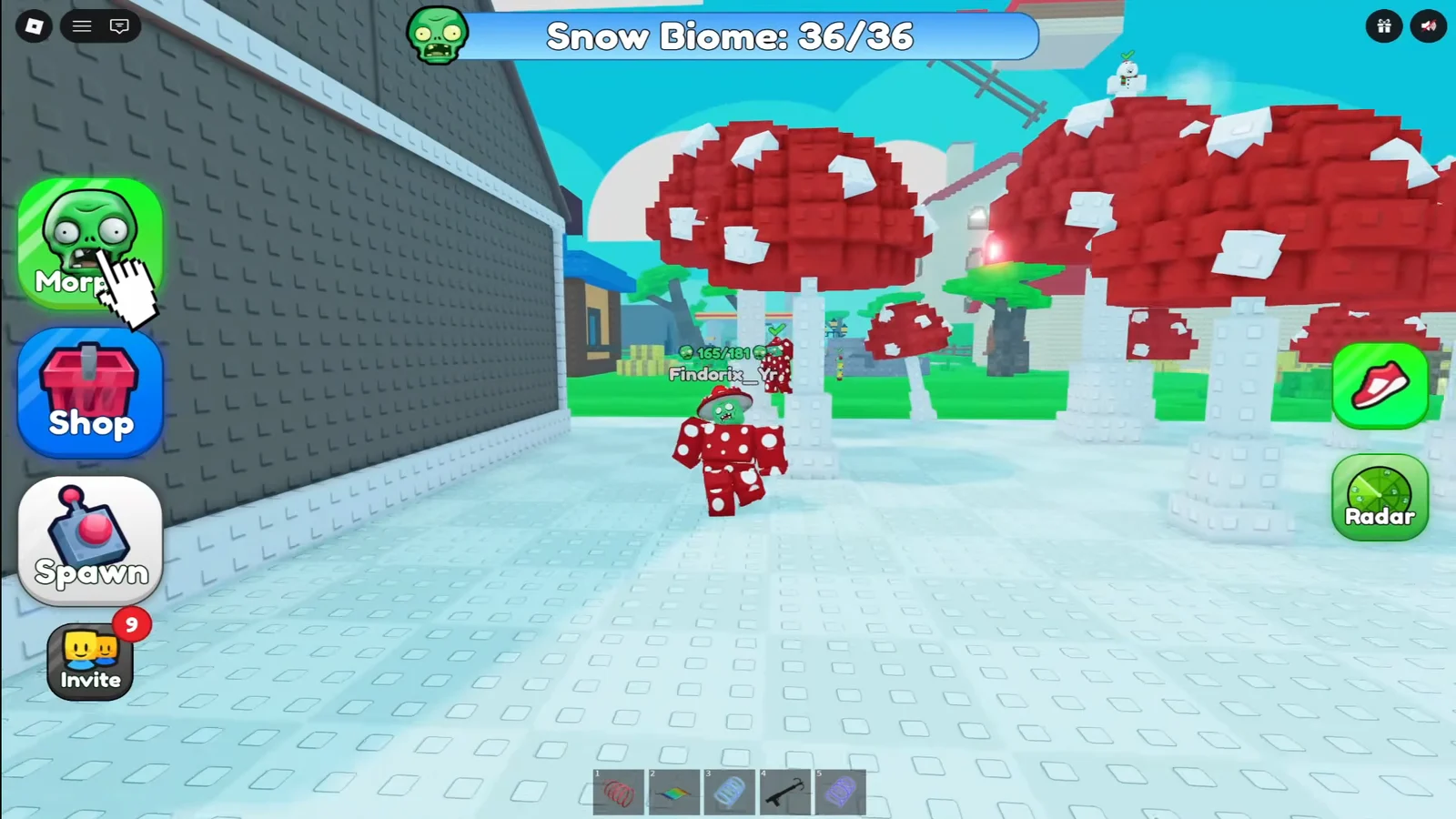
| Mushroom Zombie | Snow | Among the giant red mushrooms |
| Kid Zombie | Green | Ledge outside the white house’s second-floor window |
| Archer Zombie | Green | Beside a palm tree at the yellow colosseum |
| House Zombie | Green | Top of the tree next to the colosseum |
| DJ Zombie | Green | Inside the colosseum structure |
| Boxing Zombie | Green | On top of a pillar inside the colosseum |
| Opsec Zombie | Green | Stone blocks behind the statue, past the bridge |
| Cyborg Zombie | Green | Inside the fenced animal pen |
| Grass Zombie | City | Behind a grey building |
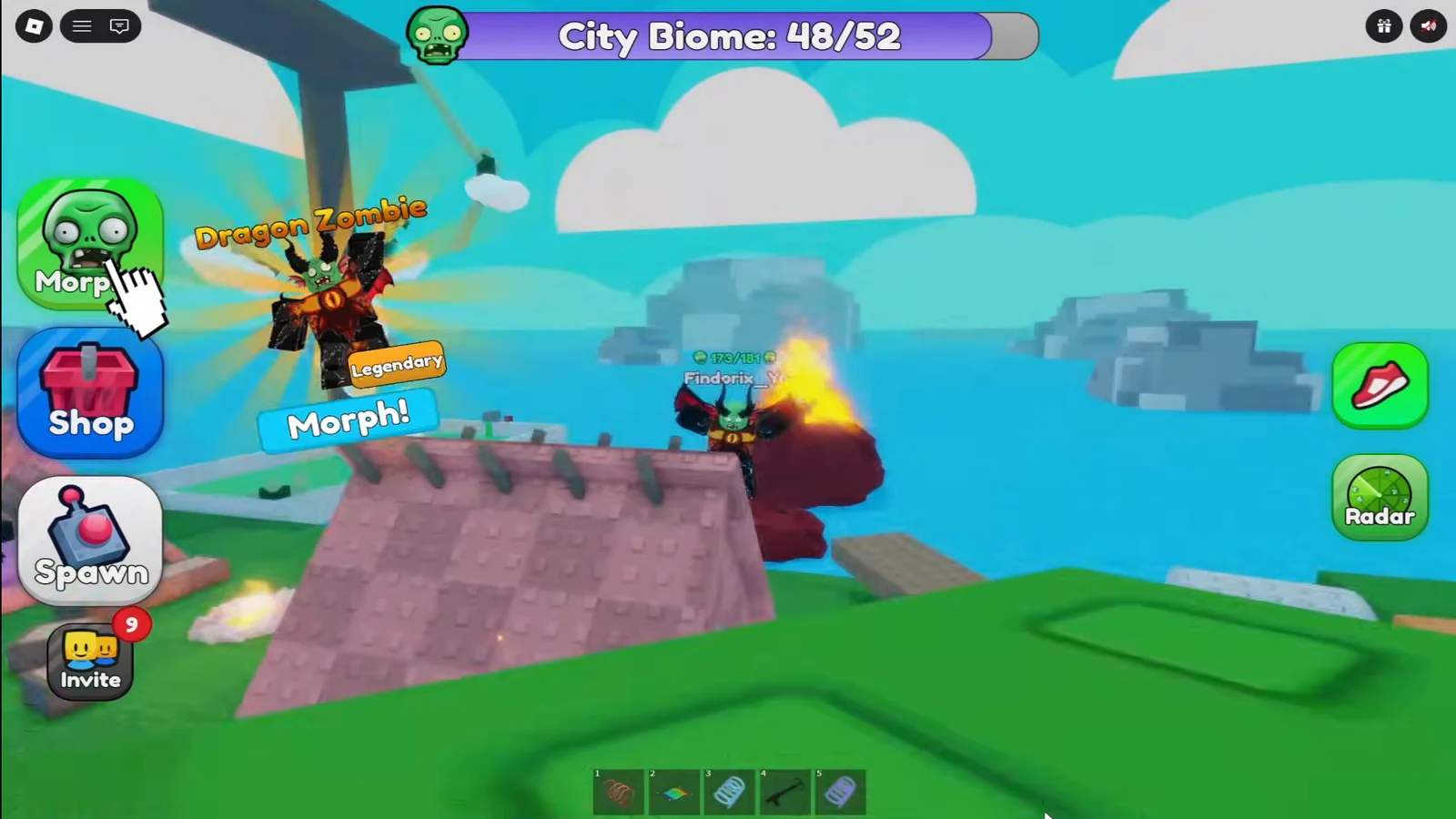
| Dragon Zombie | City | Top of the volcano structure |
| Werewolf Zombie | City | Roof of the tall white block tower |
| Indonesia Zombie | City | Beside a building on the ground |
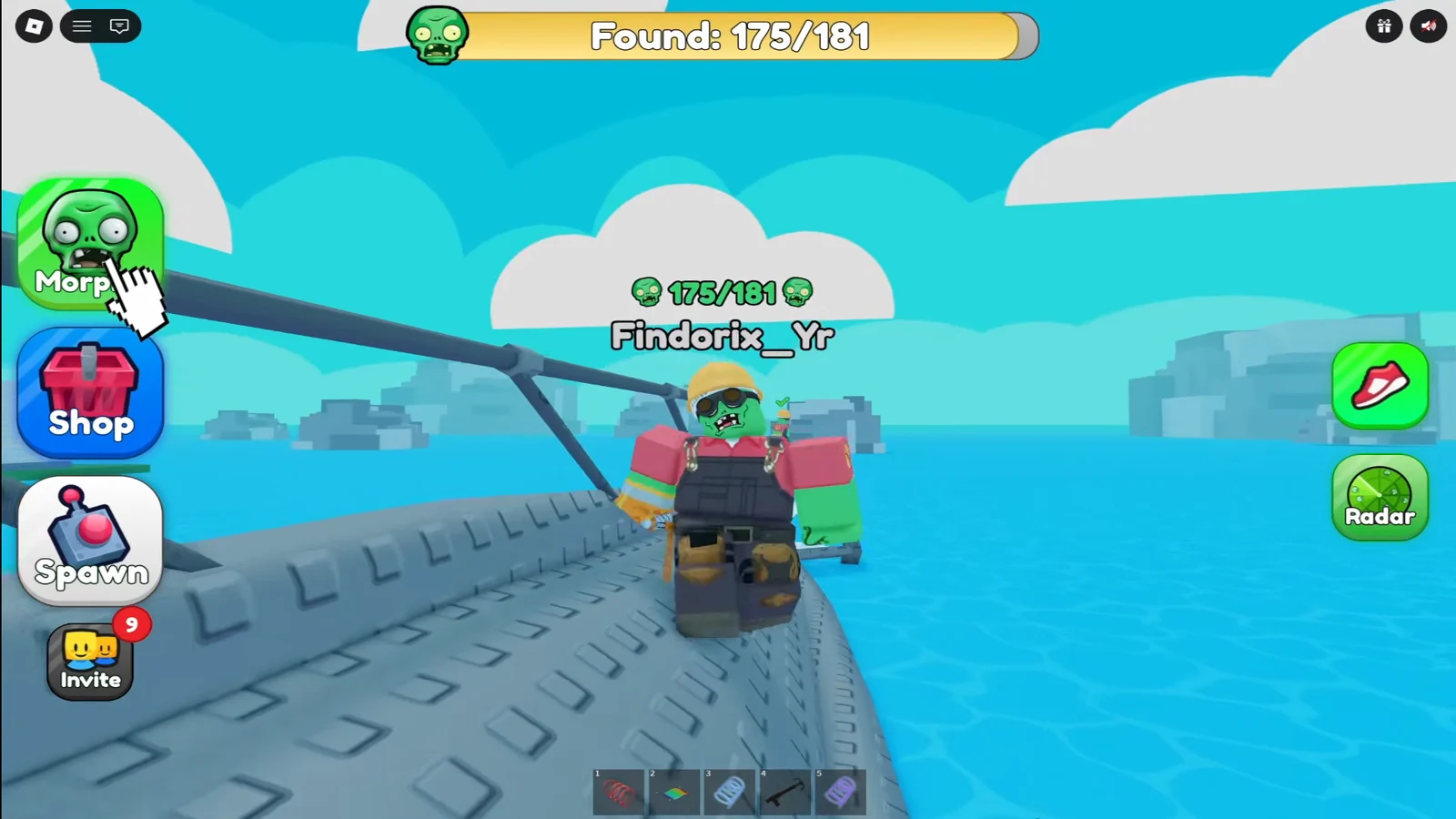
| Engineer Zombie | Submarine | On the propeller at the rear |
| General Zombie | Submarine | On the front deck |
Green Biome: 7 new morphs
The Green Biome holds almost half of the new batch, and five of those are clustered around the yellow colosseum. Clear this area first and the rest of the update goes quickly.
City Biome: 4 new morphs
Three of the City Biome pickups involve climbing, so a morph with better mobility helps here. The fourth is at street level and is the one players most often walk straight past.
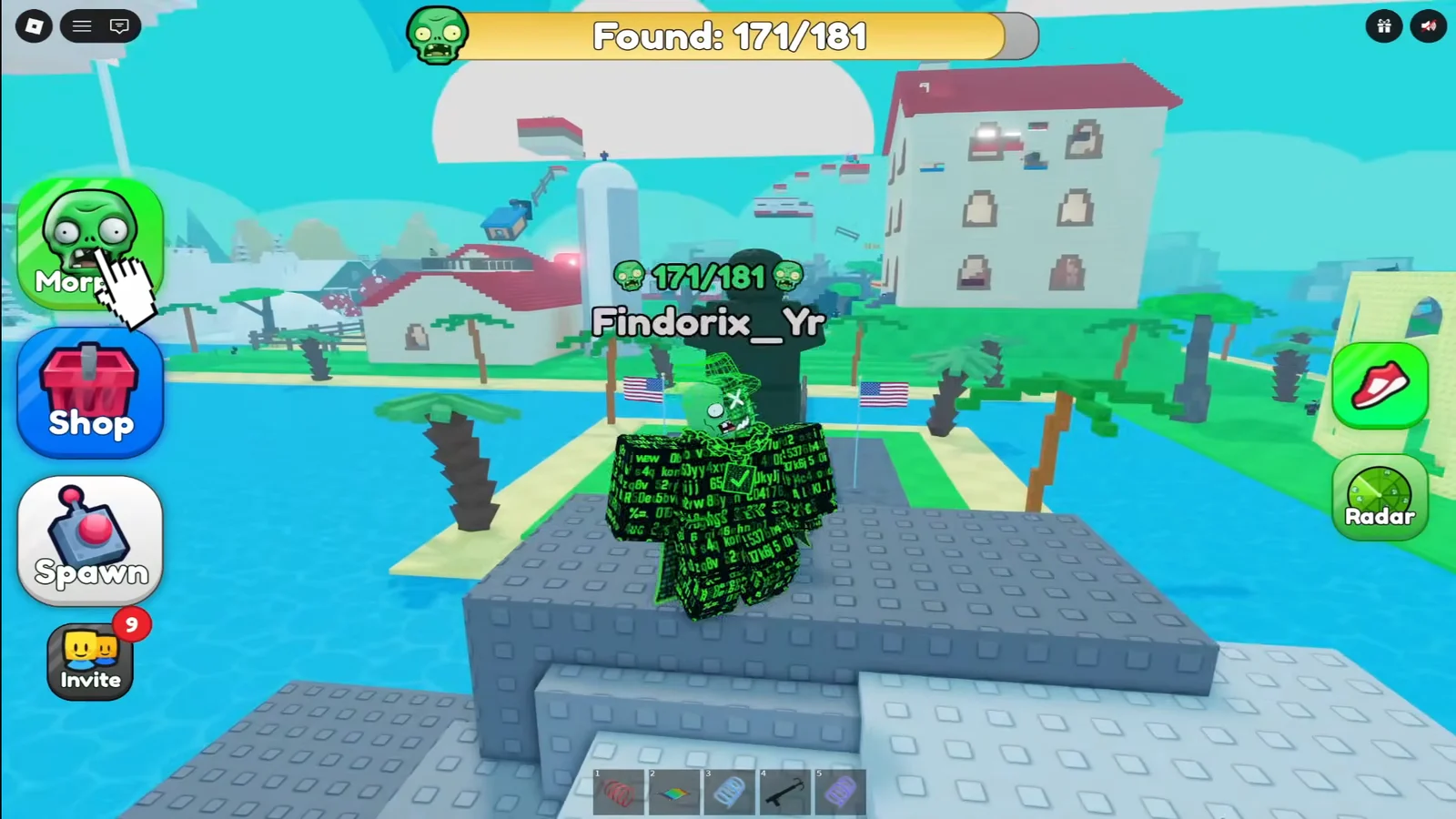
Grey submarine: Engineer Zombie and General Zombie
The submarine sits away from the City Biome and is reached by a run of floating platforms. Both morphs are on the vehicle itself, at opposite ends.
Desert Biome and Snow Biome: two single pickups
These two biomes each received one morph in the update, and both are attached to a landmark you can see from a distance.
How to confirm a morph registered
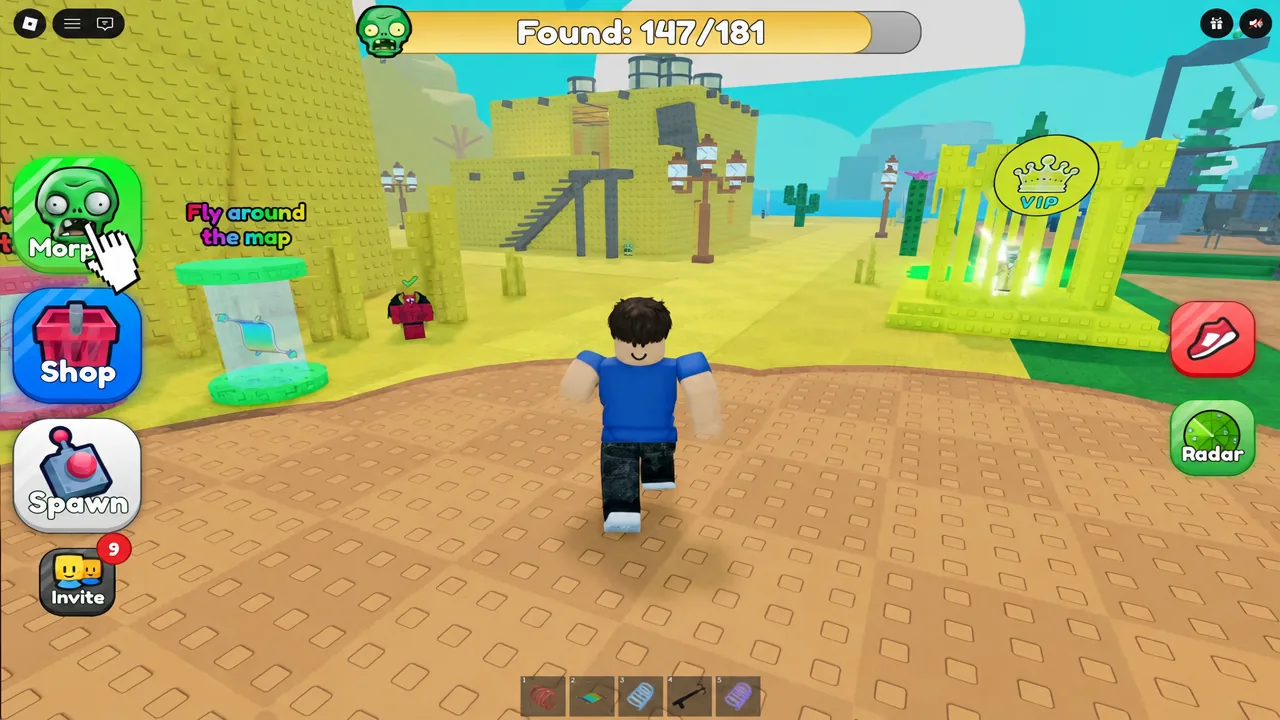
Three things happen the moment you touch a new zombie. A sparkle effect plays on the model, a “Morph!” pop-up appears on screen, and your overall Found counter ticks up by one — for example, from 163/181 to 164/181.
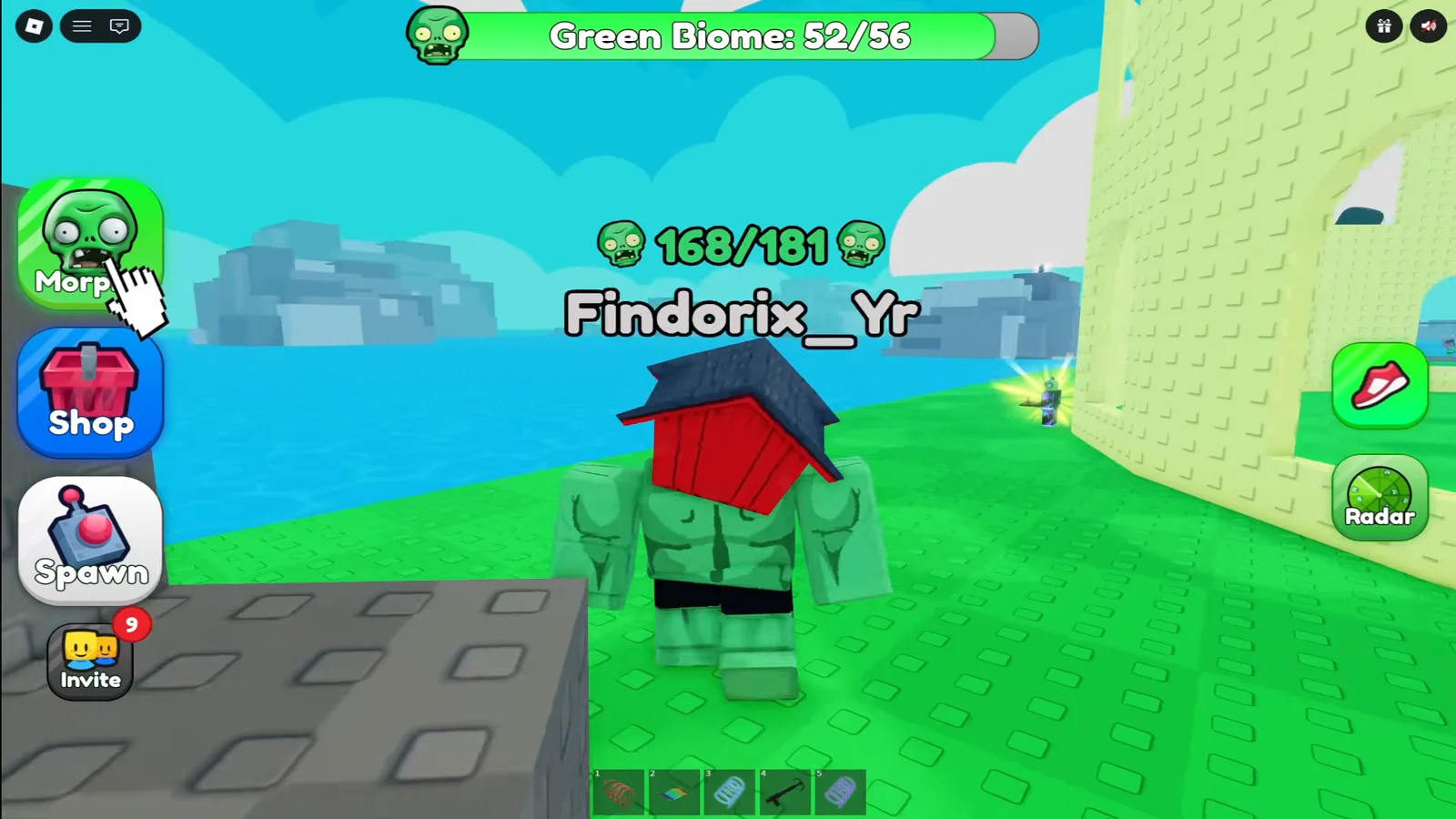
The per-biome counter is the more reliable check when you are sweeping an area. Green Biome reads 56/56 when that area is clear, City Biome tops out at 52, Snow Biome at 36, and Desert Biome at 30. If a counter is still short after you have walked every spot in the table, the missing entry is an older morph rather than one of the 15 new ones.
Collected zombies stay in your Morphs menu, so you can re-select any of them later without hunting them down again.
If a morph does not appear
Walking through the correct spot with nothing happening usually means one of two things. Either you already own that zombie, which you can check by opening the Morphs menu, or the server did not load properly on join. Rejoining the experience is the fix for the second case.
Servers hold 15 players, so a fresh join also puts you back at the lobby spawn with the map fully loaded. That is the quickest way to reset a session where models are missing from their landmarks.
Once all 15 are in your menu, the only entries left are the older morphs spread across the other maps in the experience, and those follow the same rule — find the model, touch it, watch the counter climb.