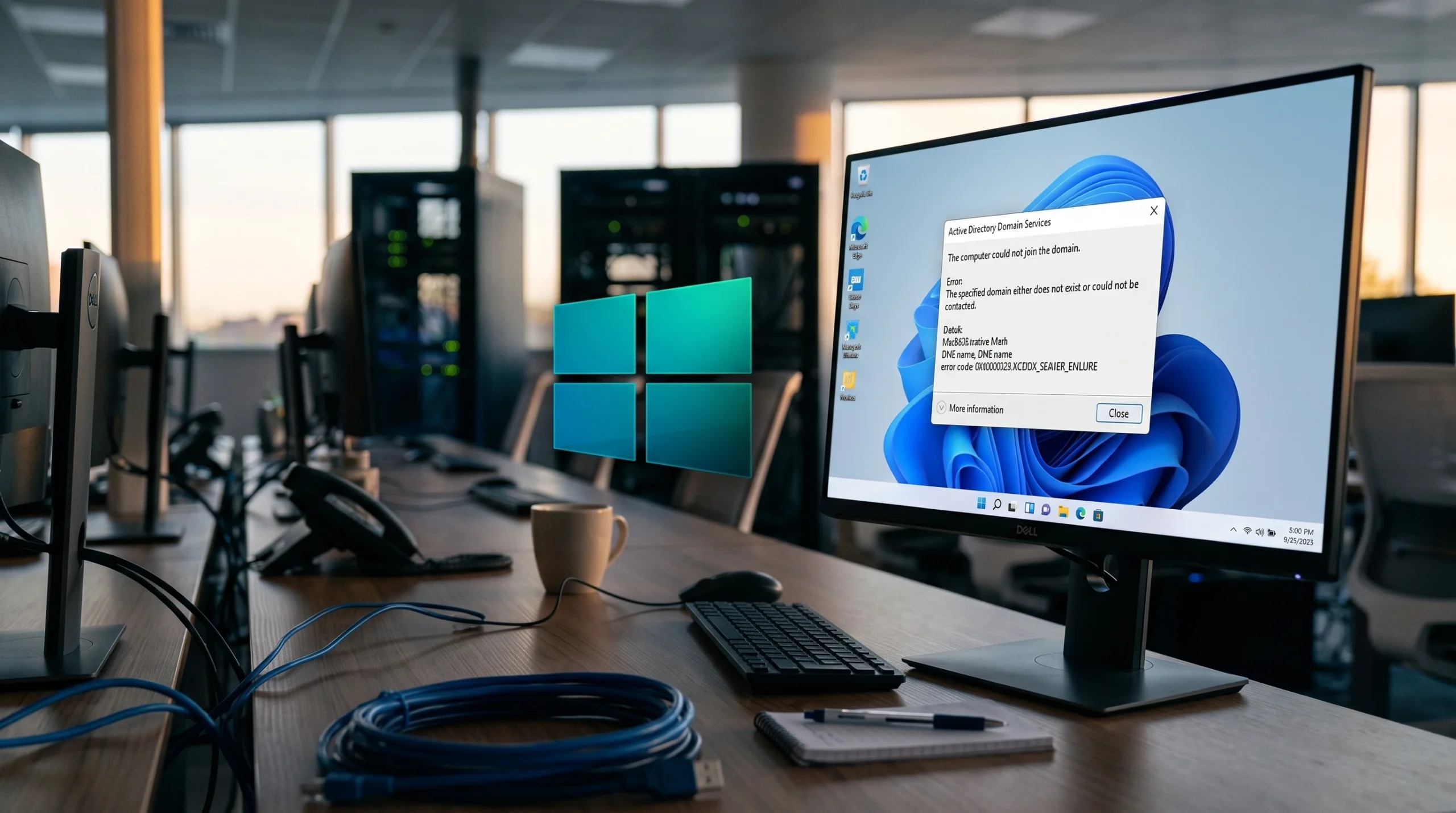
Windows 11 version 24H2 changed how the client handles single-label DNS domains, and the result is a machine that refuses to join while every older Windows 10 and Windows 11 build on the same network joins without a problem. If your domain name has no dot in it (for example domainname rather than domainname.local), a fresh 24H2 device will stop during the join and log a name-validation failure.
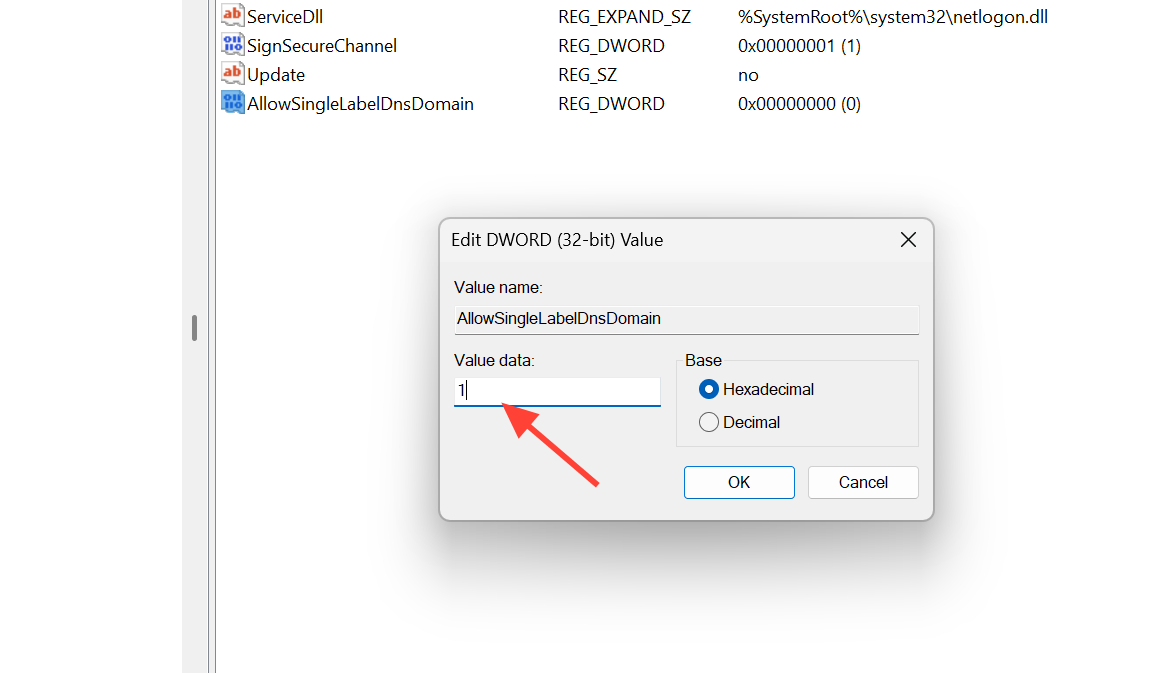
Quick answer: On the 24H2 client, create a DWORD (32-bit) value named AllowSingleLabelDnsDomain under HKEY_LOCAL_MACHINESYSTEMCurrentControlSetServicesNetlogonParameters, set it to 1, restart, then join the domain again.
How to confirm this is the single-label domain problem
Before changing the registry, verify that the failure matches the single-label pattern rather than a network or permissions issue. The client keeps a full record of every join attempt at C:WindowsDebugnetsetup.log. Open that file and look at the most recent attempt.
The telltale lines show the domain name being rejected as an invalid NetBIOS name, followed by a contact failure. The relevant entries look like this:
NetpValidateName: checking to see if 'domainname' is valid as type 3 name
NetpValidateName: 'domainname' is not a valid NetBIOS domain name: 0x7b
NetpCheckDomainNameIsValid for domainname returned 0x54b, last error is 0x0
NetpCheckDomainNameIsValid [ Exists ] for 'domainname' returned 0x54b
Error 0x54b means the specified domain could not be contacted, which normally points to trouble locating a domain controller. On 24H2 with a single-label domain, the domain is reachable but the client refuses to treat the bare name as a valid domain, so it never gets far enough to contact a DC.
You can rule out ordinary connectivity at the same time. On the failing client these should all succeed:
- Name resolution to your domain controllers using
nslookup. - Pinging the domain controllers and DNS servers by name and address.
- Reaching other resources on the same LAN and subnet.
- Static DNS on the client NIC pointed at your domain controllers.
If those work and you still see the 0x7b/0x54b pair for a dotless domain name, the registry value is the fix.
Add the AllowSingleLabelDnsDomain registry value
Apply this on the Windows 11 24H2 client that is failing to join, using an account with local administrator rights.
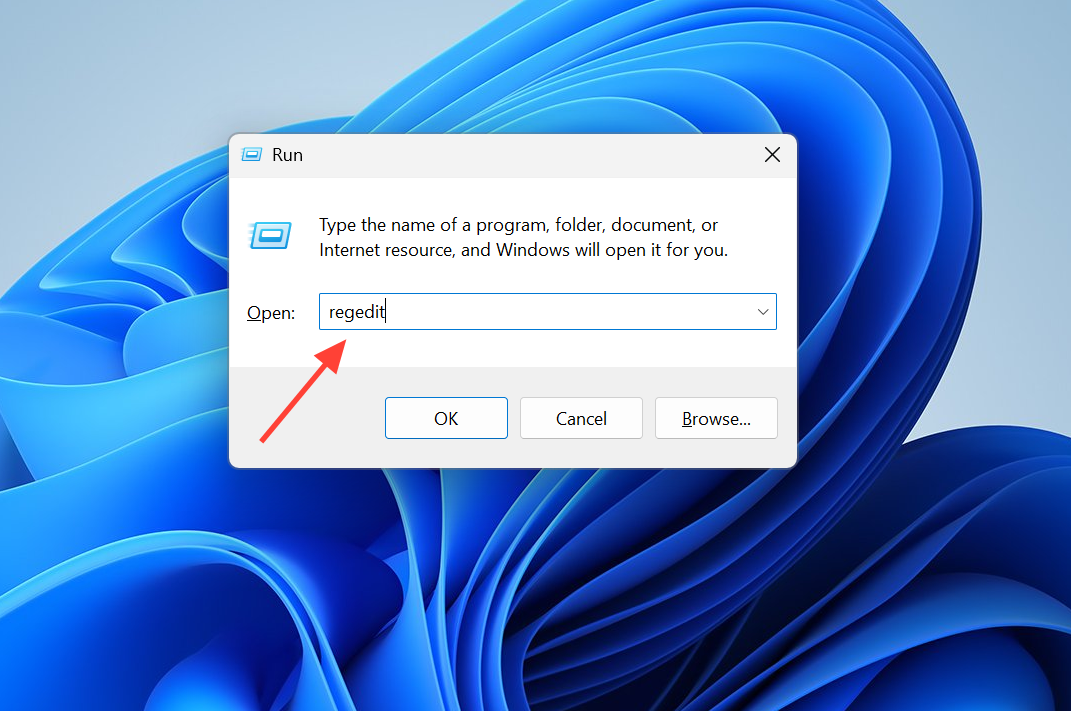
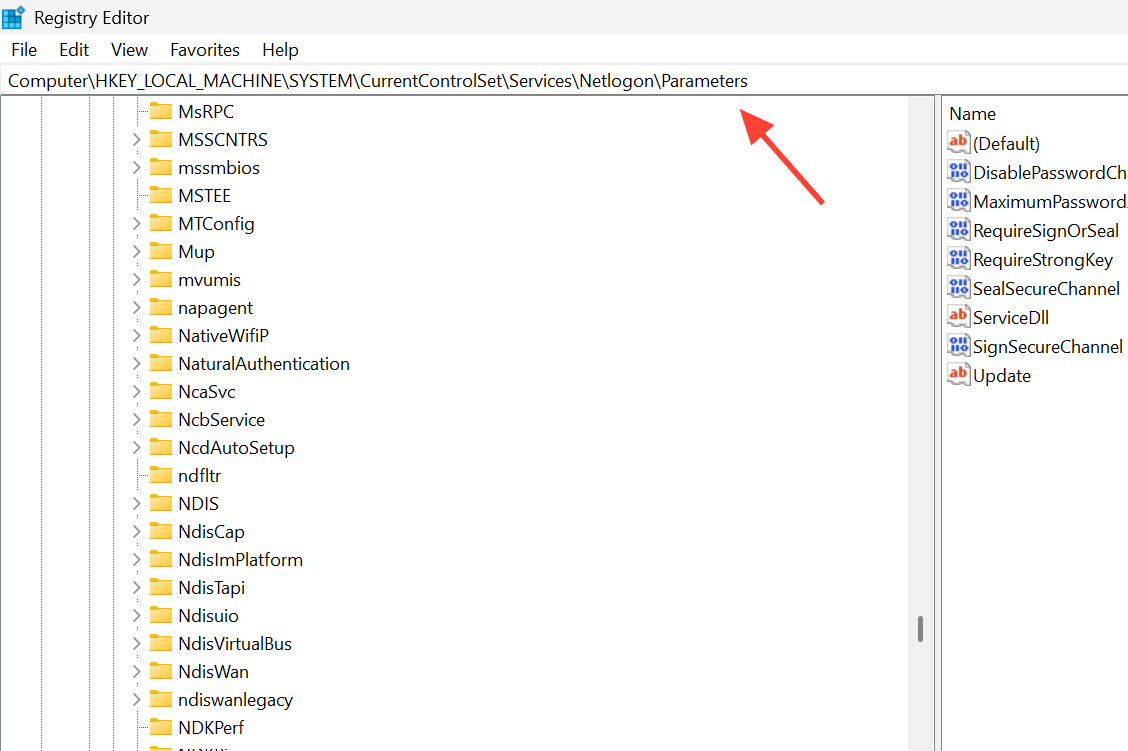
AllowSingleLabelDnsDomain.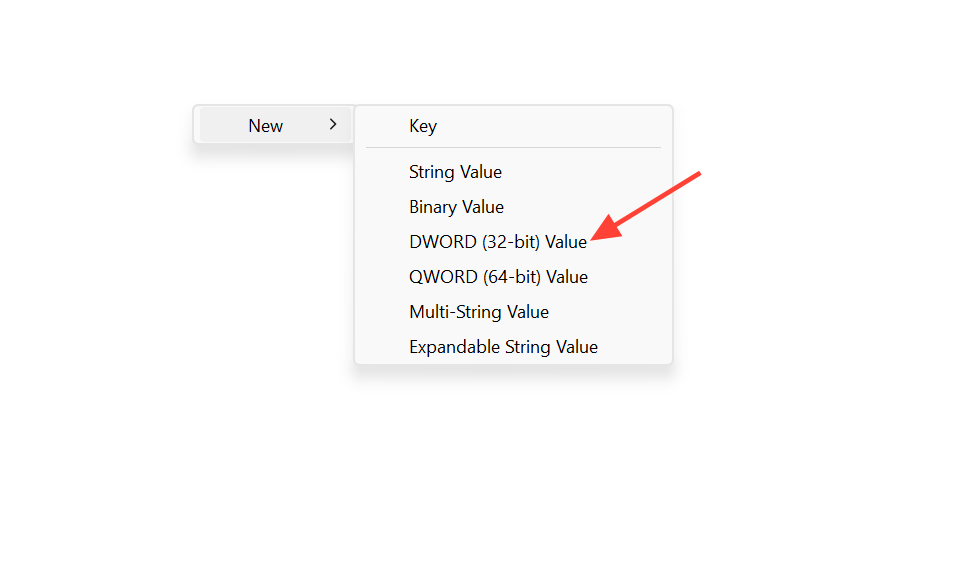
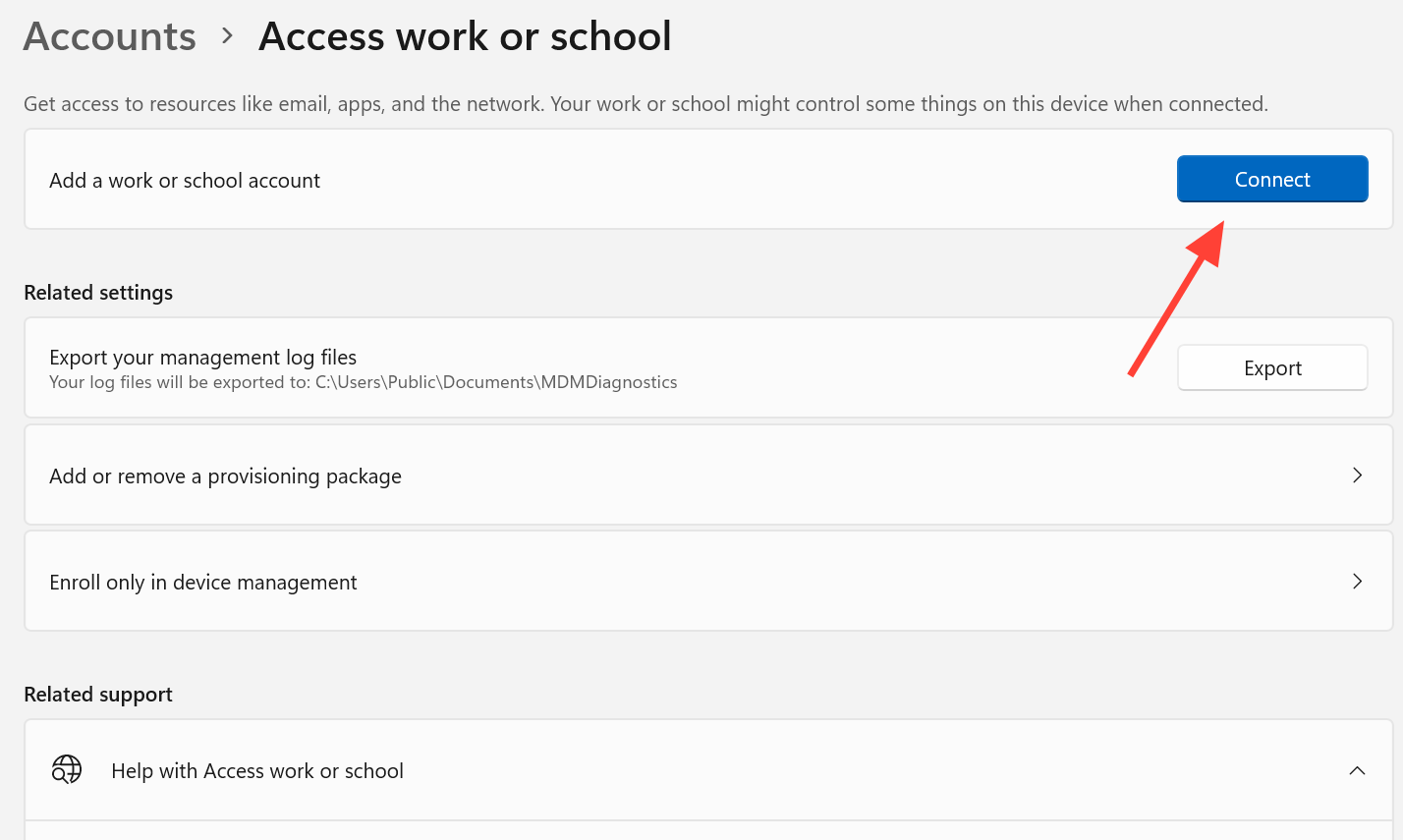
You can also reach the same join dialog through the classic path. Open Control Panel, go to System and Security, then System, open the computer name settings, select Change, choose Domain, and type the domain name.
How to know the join worked
With the value in place, the client should prompt you for domain credentials instead of stopping immediately. After you enter them, a notification confirms the device has joined the domain, and you are prompted to restart. Once you sign back in with a domain account, the machine is a full member.
Reopen netsetup.log after a successful attempt. The 0x54b line for your domain should be gone, replaced by a completed join sequence. If you later delete the AllowSingleLabelDnsDomain value, the failure returns, which confirms the value is what allows the dotless domain to be accepted.
Alternative: append a suffix to the domain name
If you cannot change the registry, some 24H2 machines will join when you type the domain name with a .local suffix appended (for example domainname.local) in the join dialog. This gives the client a multi-label name to work with. Treat it as a workaround rather than a permanent fix, and prefer the registry value for consistent behavior across your fleet.
Single-label domains are not recommended by Microsoft because of DNS resolution and application compatibility problems. If you have the option to migrate to a proper multi-label DNS domain, that removes the need for the workaround entirely.
If the join still fails after the registry change
When the value is set, and the domain name is dotless, but the machine still won’t join, the problem is likely a different, more general domain join issue rather than the single-label behavior. Work through the standard checks, starting with DNS, since DNS underpins the entire domain locate process.
- Confirm DNS server addresses on the client point to your domain controllers.
- Remove any stale or duplicate DNS records that reference the same computer account.
- Make sure reverse DNS does not point to a different name than the A record.
- Verify the client, domain controllers, and DNS servers all respond to ping.
Then confirm the required ports are open between the client and the domain controller. If a router, firewall, or VPN device is dropping this traffic, the join fails regardless of the registry value.
| Port | Protocol | Purpose |
|---|---|---|
| 53 | TCP/UDP | DNS |
| 88 | TCP | Kerberos |
| 135 | TCP | RPC endpoint mapper |
| 389 | TCP/UDP | LDAP and DC locator |
| 445 | TCP | SMB |
| 1024-65535 | TCP | RPC for SAMR and Netlogon calls |
A handful of specific error codes point to their own causes. Match the code from netsetup.log to narrow things down.
| Error code | Cause |
|---|---|
| 0x54b | The domain can’t be contacted; on 24H2 this appears for single-label domains. |
| 0x569 | The join account lacks the “Access this computer from the network” right on the DC. |
| 0xaac / 0x8b0 | An existing computer account name is already in use. |
| 0x6BF / 0xC002001C | A network device is rejecting packets between the client and DC. |
| 0x6D9 | Network connectivity to the DC is blocked. |
| 0x216d | The account exceeded the 10-computer join limit, or Group Policy blocks the join. |
One more thing worth ruling out on newer builds is domain join hardening. Updates released on and after October 11, 2022 add protections that block reusing an existing computer account unless the account was created by the person joining or by a domain administrator. If you pre-staged the computer object, either join with the creator account or have a domain admin create it. The details are documented in KB5020276 – Netjoin: Domain join hardening changes.
For most 24H2 machines that suddenly stop joining a dotless domain, though, the single registry value is the whole story. Set AllowSingleLabelDnsDomain to 1, restart, and the credential prompt returns.