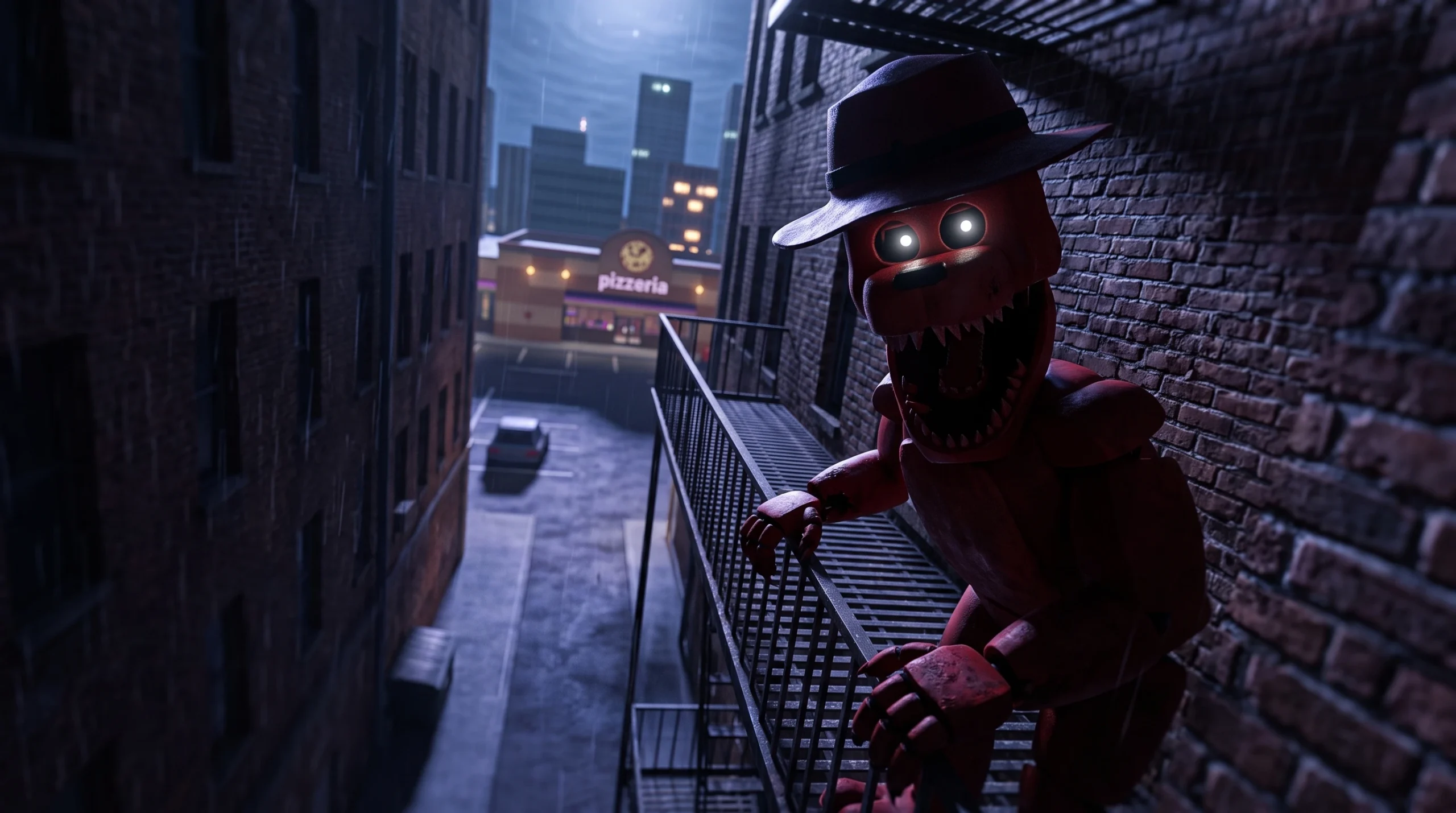
Badges in FNaF Multiverse RP work like hidden collectibles scattered across the game’s maps and minigames. The “Free Your Spirit From Your Demons…” badge follows the same pattern as the rest of the roster, so unlocking it comes down to reaching the right spot, interacting with the correct trigger object, and letting the on-screen prompt do the rest.
Quick answer: Reach the badge’s trigger location, equip the Flashlight from your inventory if the area is dark, and click the object the game highlights with a “Click to get the badge” prompt. The badge registers instantly with a pop-up in the top of your screen.

How badges are earned in FNaF Multiverse RP
Every badge in the game is tied to a deterministic trigger. There is no random chance involved. Once you meet the condition, the badge is yours.
Triggers come in a few consistent forms across the map. Knowing which type you are dealing with tells you exactly what to look for.
| Trigger type | What you do |
|---|---|
| Hidden object | Click a placed item such as a poster, plush, or mask (for example the Golden Freddy poster on the freezer or the Shadow Freddy plush by the lockers). |
| Teleport point | Interact with an object like a dumpster or a sewer grate to reach a hidden underground area. |
| Minigame | Enter through a screen or hidden cabinet and finish the objective, such as collecting every item to unlock the exit. |
| Chained sequence | Complete several linked minigames or rooms in order without leaving the game. |
Spirit-themed badges usually sit at the end of one of the exploration or minigame routes, where you interact with a figure or object to release it. That means the fastest approach is to comb the location tied to the badge, watch for a highlighted object, and click it when the prompt appears.
Prep before you go badge hunting
How to confirm the badge unlocked
The moment the trigger fires, Roblox shows a badge notification at the top of your screen. You can also verify it by opening your Roblox profile and checking your badge list for the experience, where the earned badge appears with the date you claimed it.
Note: If the prompt appears but nothing happens, move slightly closer to the object and click directly on it rather than the space around it. The interaction area is tied to the highlighted item.
Why a badge fails to trigger
Most missed badges come down to a handful of avoidable mistakes rather than bugs.
- Leaving the game partway through a chained sequence. Progress on multi-step minigame routes resets when you exit, so you have to start over from the first step.
- Exiting a minigame through the wrong door. Some routes only award the badge through a specific exit, and taking the normal exit ends the minigame without granting it.
- Using a character that cannot reach the required room, which blocks you from ever meeting the trigger.
- Missing an item earlier in the route. If a later false wall or platform does not appear, you likely skipped a required pickup and need to backtrack.
Treat the badge as a fixed route rather than a lucky find. Line up the right character, keep your Flashlight ready, follow the location’s path from start to finish in one session, and click the trigger the instant the prompt shows. When the notification pops up, the badge is locked in on your Roblox account.