The world of Fortblox: Mobile Fortress GO! ran out of energy, civilization collapsed, and the survivors now roll across the ruins inside enormous steel fortresses. Yours starts as a heap of scrap. What you bolt onto it, and where, decides how hard it hits and how long it lasts. This is an auto-battler from HYPERRISE, so the shooting takes care of itself. Your real work happens on the building screen.
Quick answer: Fortblox is a free-to-play wasteland auto-battler where you assemble a moving fortress from blocks and weapons, then send it into automatic fights. It is available now on iOS and Android.
What Fortblox: Mobile Fortress GO! is
Forget static bases. The fortress itself is the center of every run, and it keeps moving deeper into the wasteland as you push through regions. You gather resources, expand the machine, and take another shot at whatever stopped you last time. Progression is built around beating your own previous run rather than racing other players, and the fortress keeps growing even while you are away from the game.
Combat is decided strategically rather than through moment-to-moment input. Finish your fortress and deploy it; it battles automatically, with the result determined by your chosen components and their arrangement. The crucial decisions are made during construction.
Blocks, weapons, and Docking Synergies
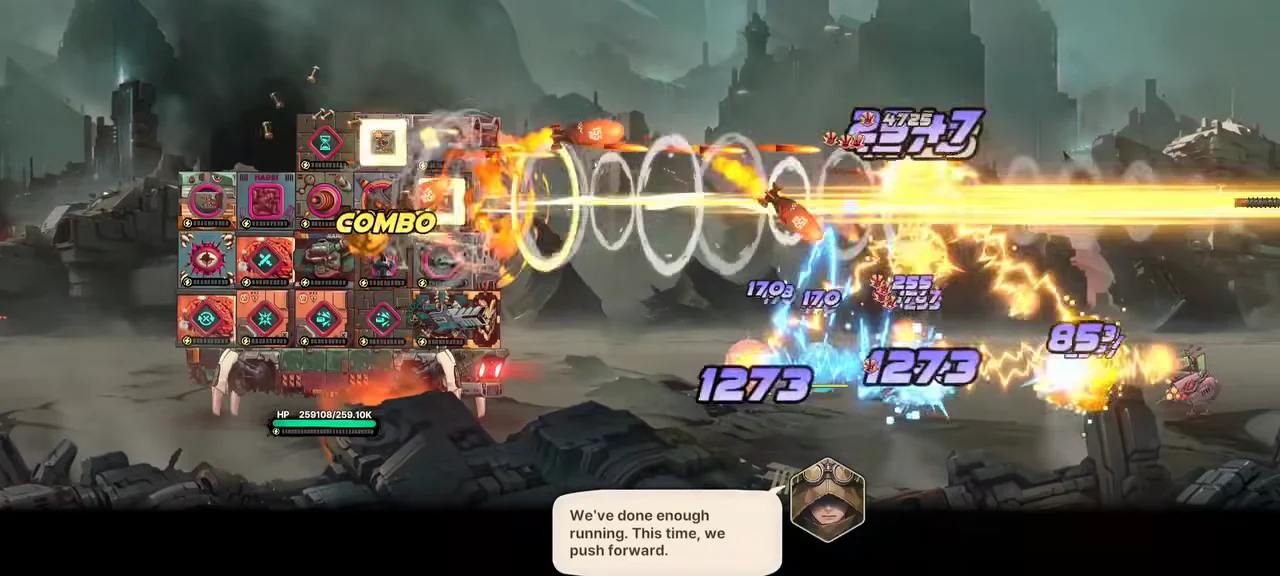
Building is central to the game: shape your fortress from blocks, each with its own role and properties, then mount weapons and characters on it. Component placement affects your attack style, your machine’s durability, and how the battle unfolds.
| Element | Role |
|---|---|
| Blocks (around 40 types) | Form the fortress body, each with distinct functions and traits |
| Weapons and characters (over 100) | Provide attack styles and combat abilities |
| Placement | Affects synergies, survivability, and how battles resolve |
The system that ties it together is Docking Synergy. Connect blocks with different attributes in the right way, or stack them in a different order, and you activate stronger effects. The same parts arranged two ways can produce completely different runs, so you need to think about both which pieces you own and the exact spaces where you dock them.
Layouts can be changed between attempts. When an enemy stops you, rearranging blocks and retrying is a valid strategy, not a restart.
Build your first fortress and clear a stage
The early tutorial walks you from a bare base to your first Stage Clear. Here is the working order of actions.
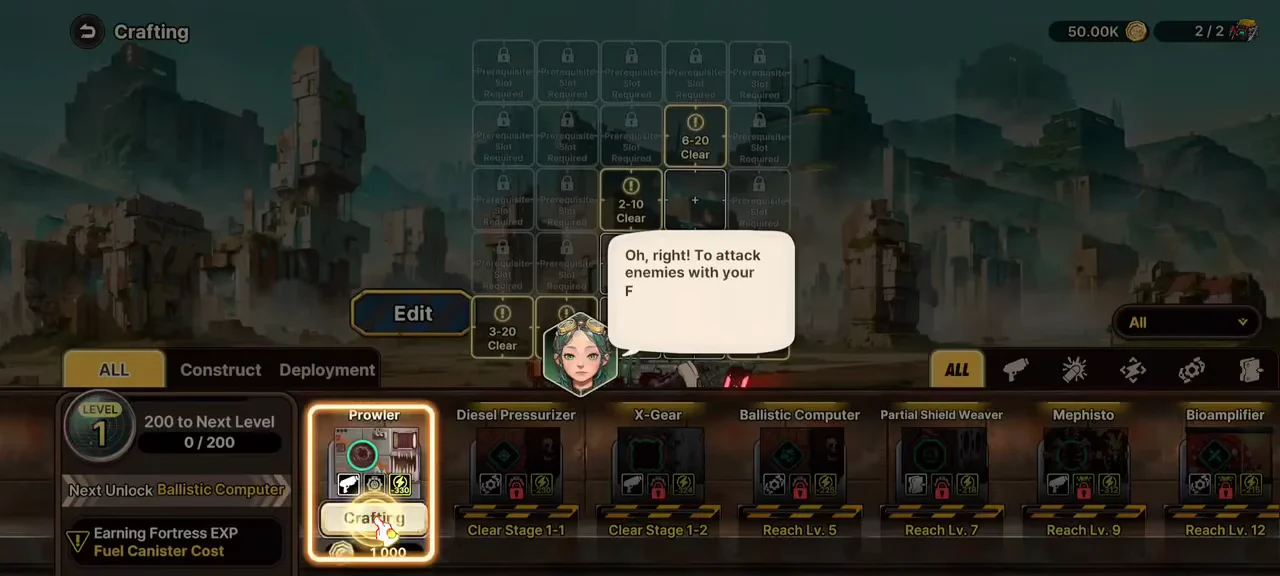
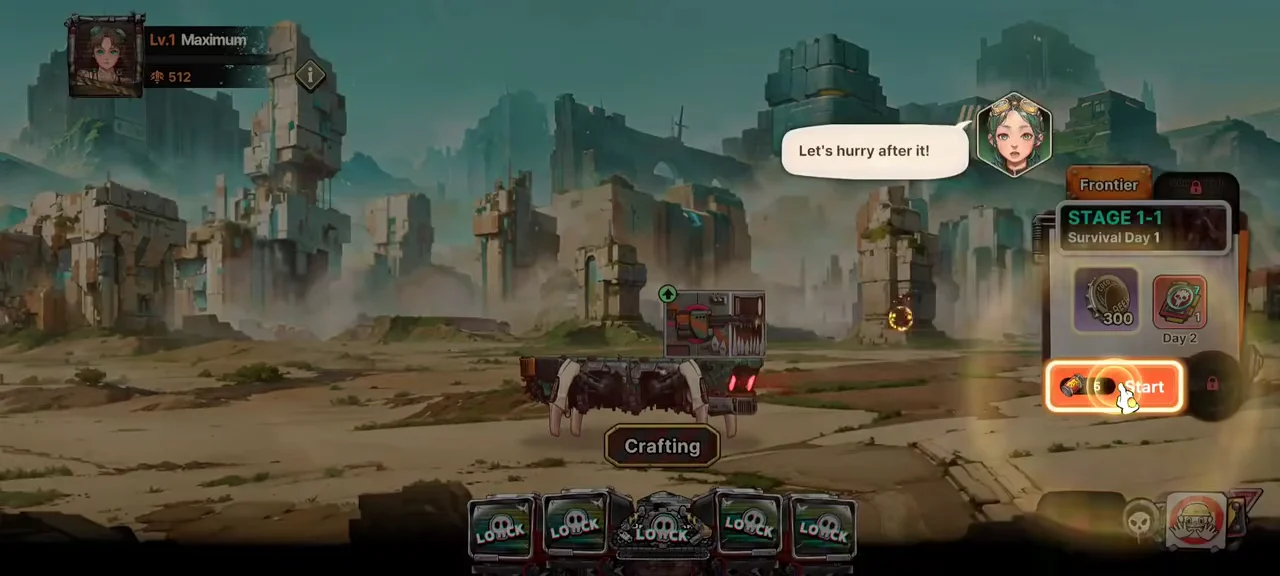
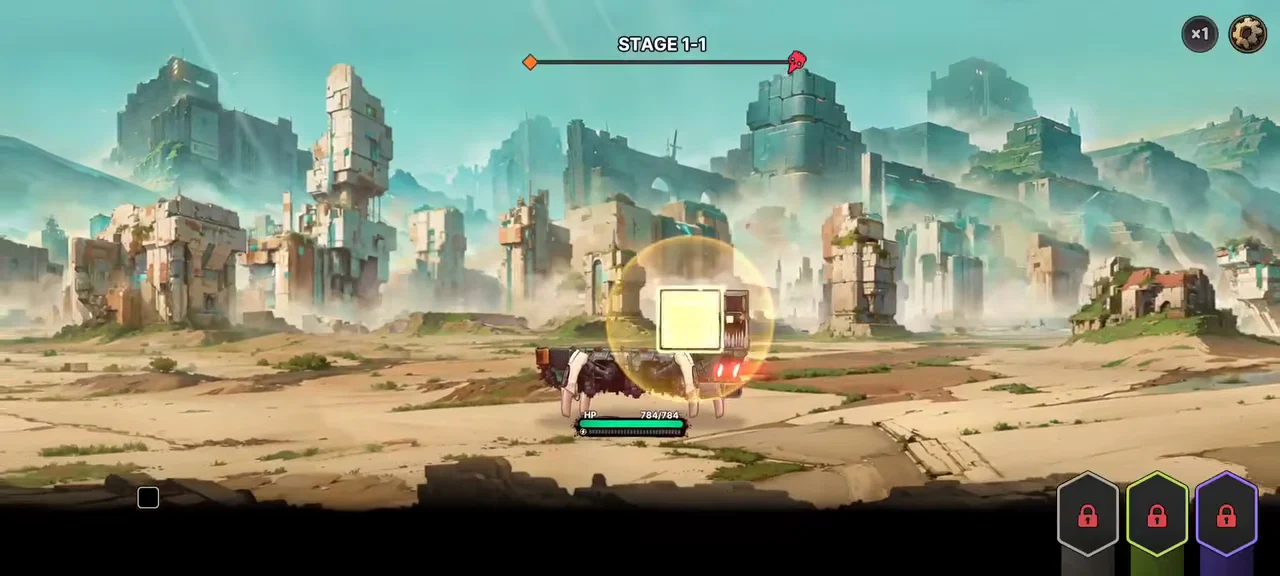
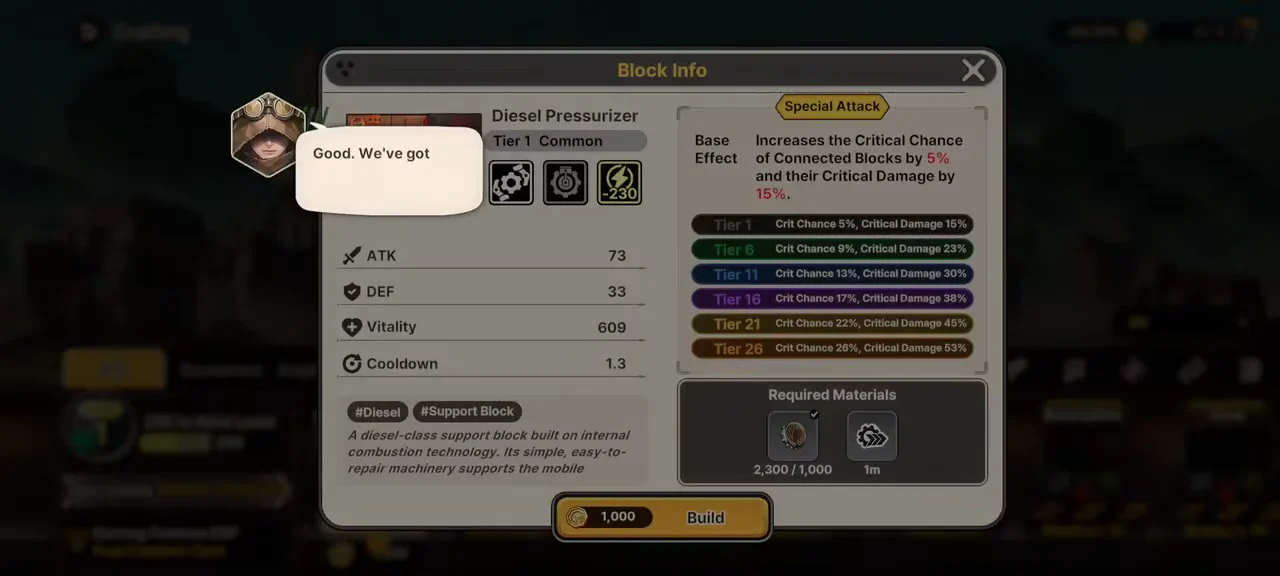
You will know each attempt worked when the run ends on a Stage Clear screen and the next Frontier stage unlocks. From there the same loop repeats with tougher waves.
Growing between fights: summons, pilots, and production
Progress does not stop at stage clears. The Summon Shop lets you pull new weapons through Weapon Summon, which you then slot in Weapon Management. A separate Pilot Summon adds characters such as the rare pilot Roxy, who can be assigned to the Commander Station in Fortress Deployment.
The Production Facility handles resources. Building something like a Mineral Plant generates materials passively, and that income feeds block upgrades. Raising a block to Tier 2 expands its layout slots, while Survival Training boosts your fortress base stats. Beginner and Guide missions hand out extra rewards along the way, and everything you build carries forward as the fortress keeps growing even when you are offline.
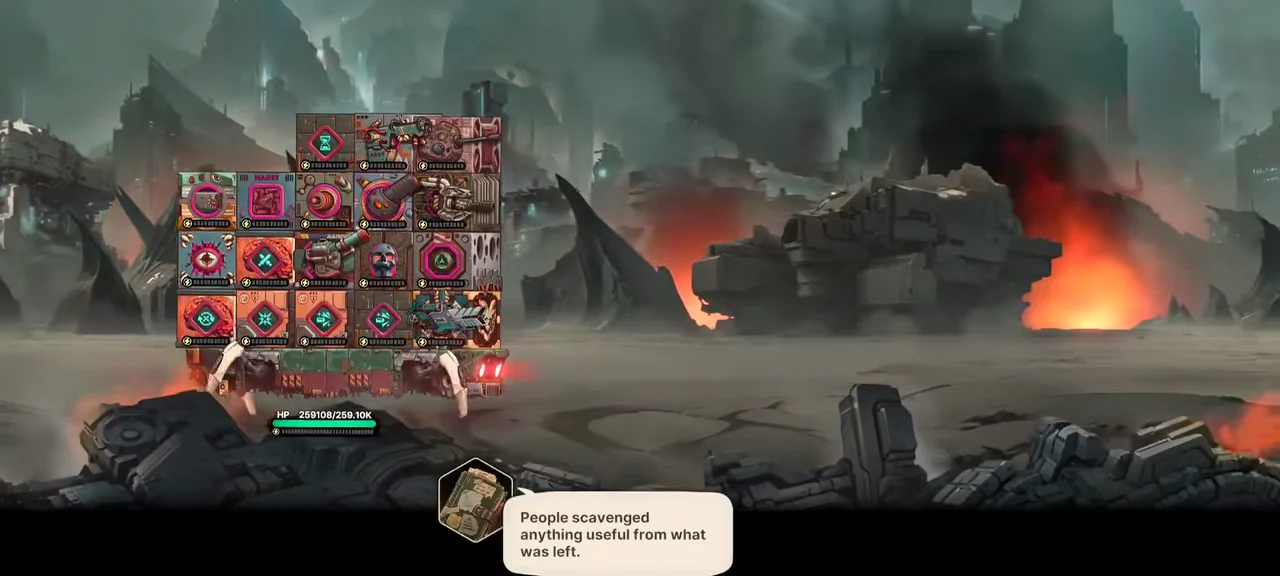
Where to test your build
After putting together a build that can roll, Fortblox offers several places to see how well it performs.
| Mode | What it does |
|---|---|
| Parts Dungeon | Endless waves that reward new fortress parts |
| Giant Boss Challenge | Tests your combination against a much larger enemy |
| Arena | Pits you against fortresses other players have designed |
The Arena is where your building choices get measured against real opponents. Because every layout decision feeds directly into the automatic fight, a clever synergy can carry a run that a raw stat comparison would say you should lose.
How to download Fortblox and what launch gives you
Fortblox: Mobile Fortress GO! is available now on iOS and Android as a free-to-play game with in-app purchases. Download it from your platform’s store below.
New players receive Rapid Growth Supplies to move through the opening stretch faster, and introductory missions alongside launch events provide over 1,000 free summons. That’s a generous number of pulls, but it also points to the shop as the source for more. The Android version has a Teen rating, and its in-app purchases may include random items; the iOS listing is rated 13+ and notes loot boxes.